New models available
When Ingot adds models, the IDE tells you once, instead of leaving them to be found in the model picker. A New models available card appears above the chat box with one row per new model.
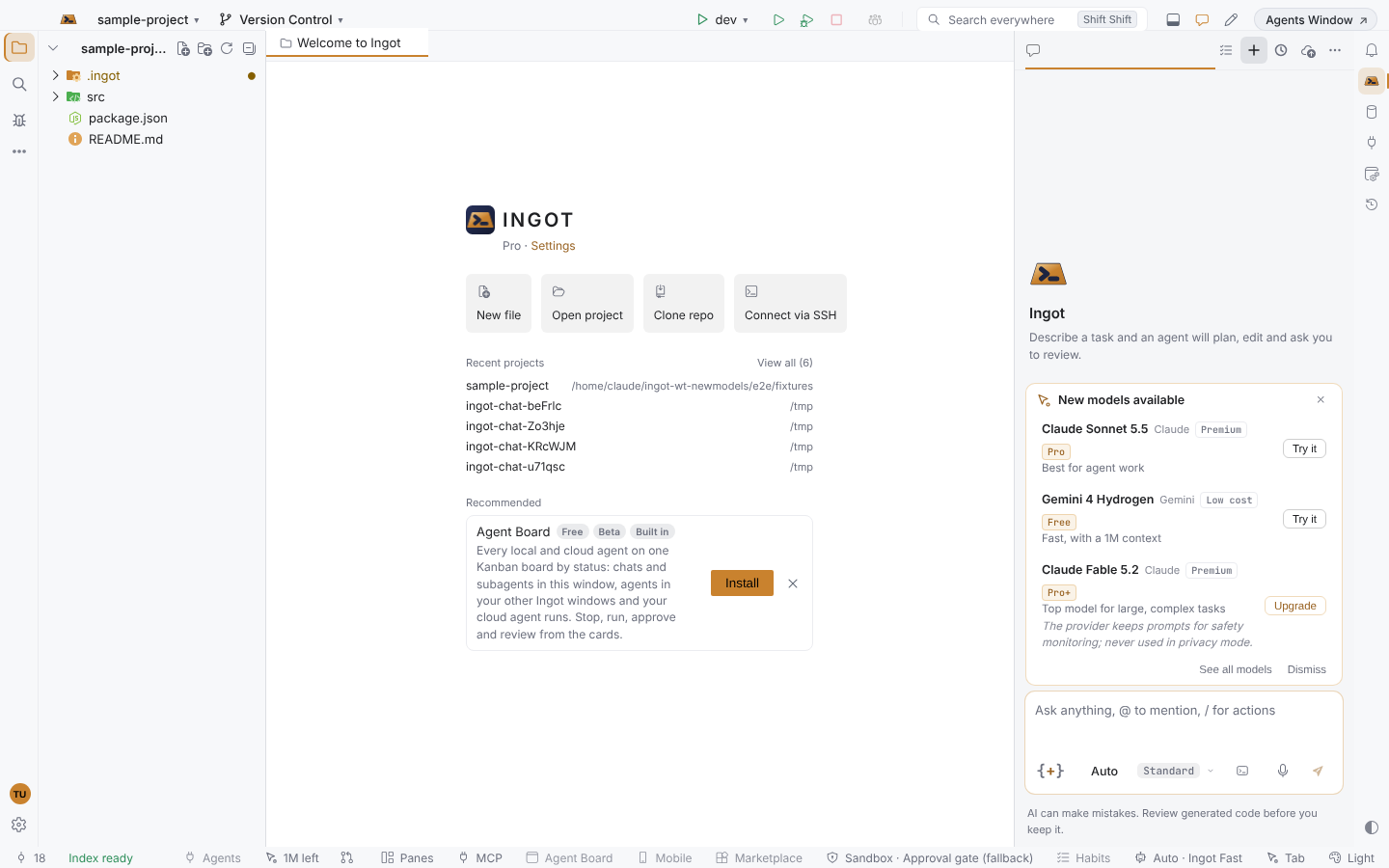
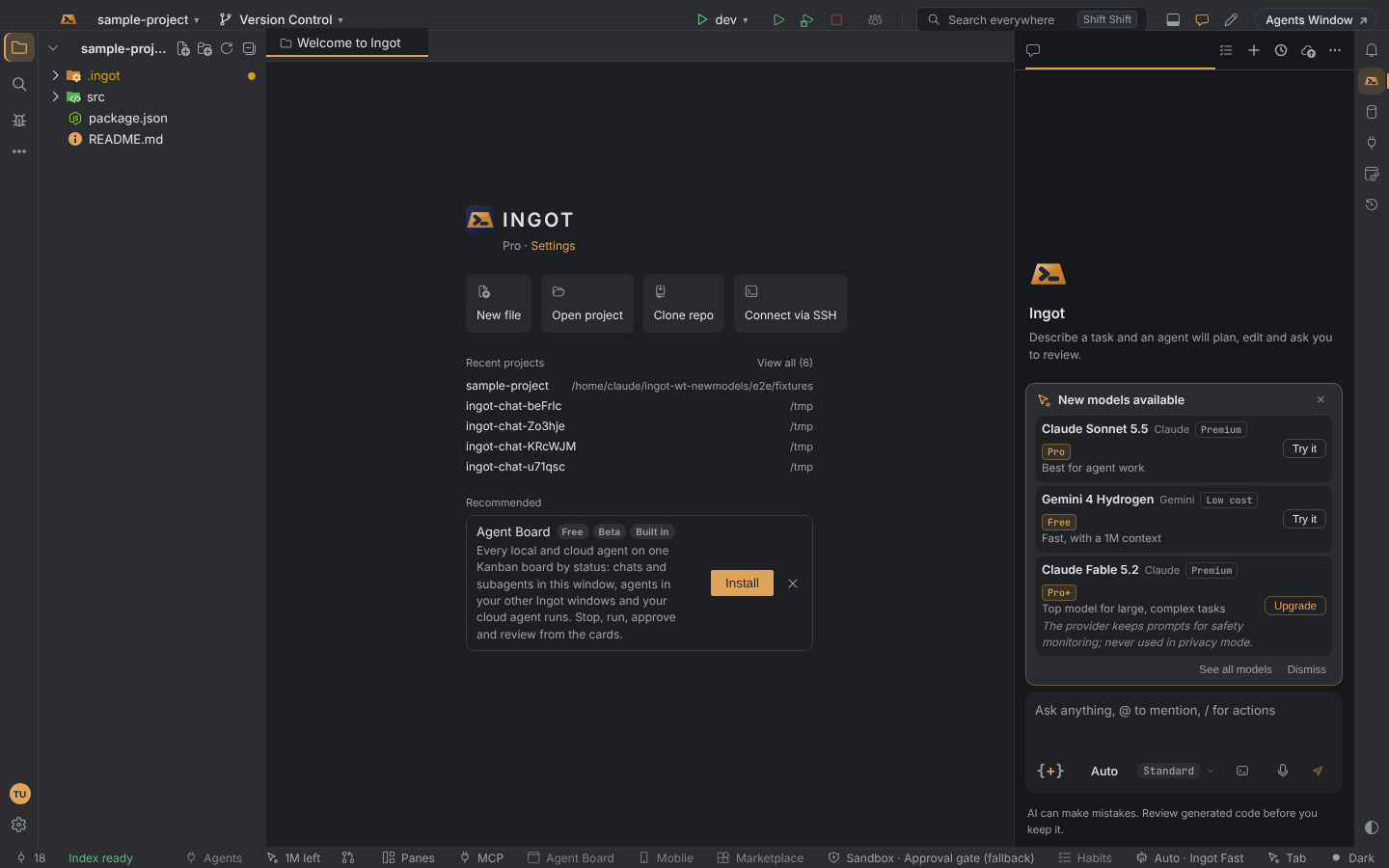
What a row shows
- The model name and its line.
- A short line about what it is best for, such as "Best for agent work".
- The price tier: Low cost or Premium.
- A badge with the lowest plan that includes it: Free, Pro or Pro+.
Claude Fable 5.2 also shows its note: the provider keeps prompts for safety monitoring, and it is never used in privacy mode.
Actions
| Button | What it does |
|---|---|
| Try it | Picks the model in the chat box. |
| Upgrade | Shown instead of Try it when the model is outside your plan; opens billing. |
| See all models | Opens Models. |
| Dismiss | Closes the card. |
When it shows
- Once per batch of new models, in one window. Other windows and a reload stay quiet. A later batch shows again, with only the new rows.
- Never while an agent turn is running; it waits until the turn ends.
- Only when you are signed in.
Turn it off
| Setting | Default | Where |
|---|---|---|
ingot.models.announceNew | on | Settings › AI Models › Show new model announcements, Settings › Features |
See also Models and Plans & AI access.