Rex automations
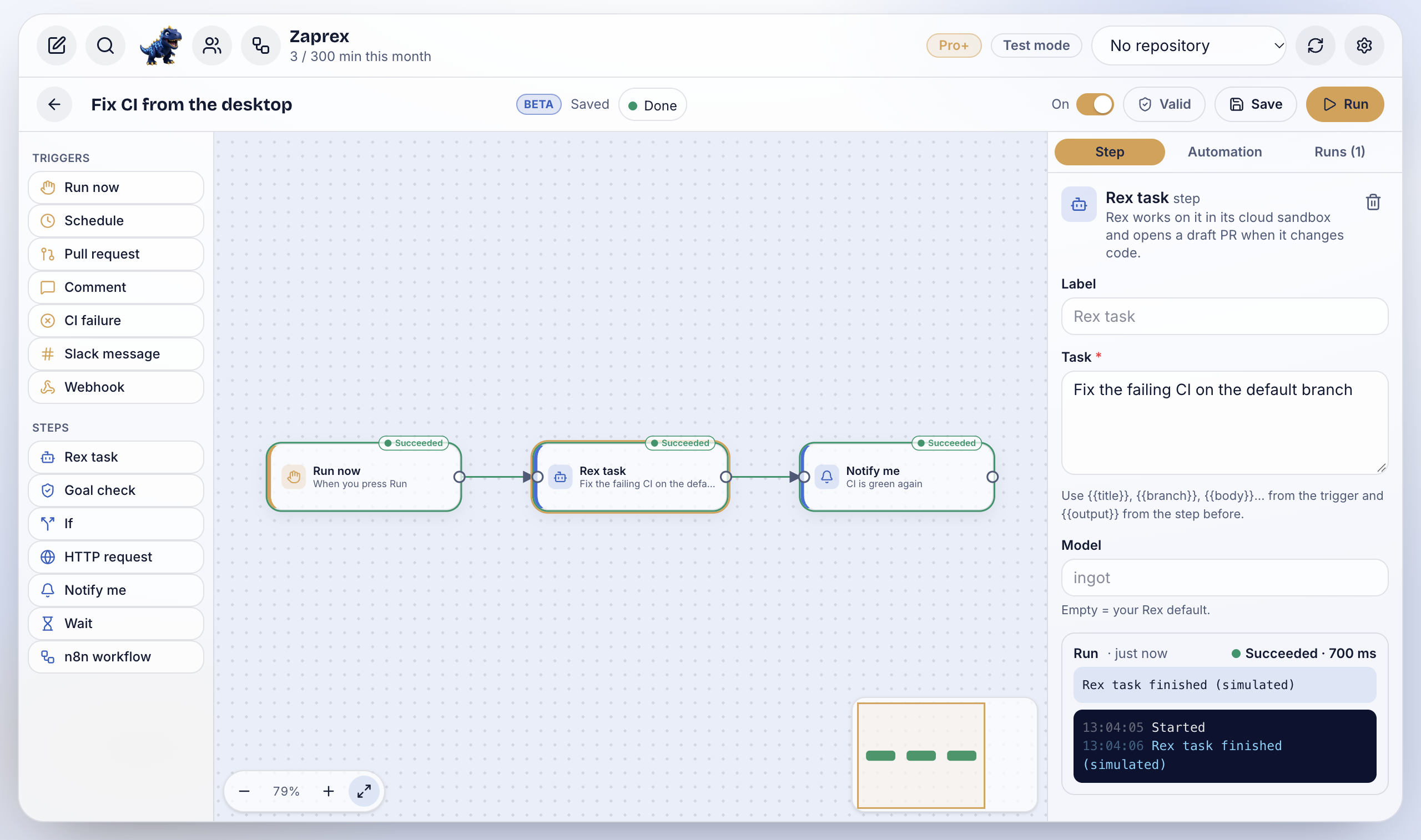
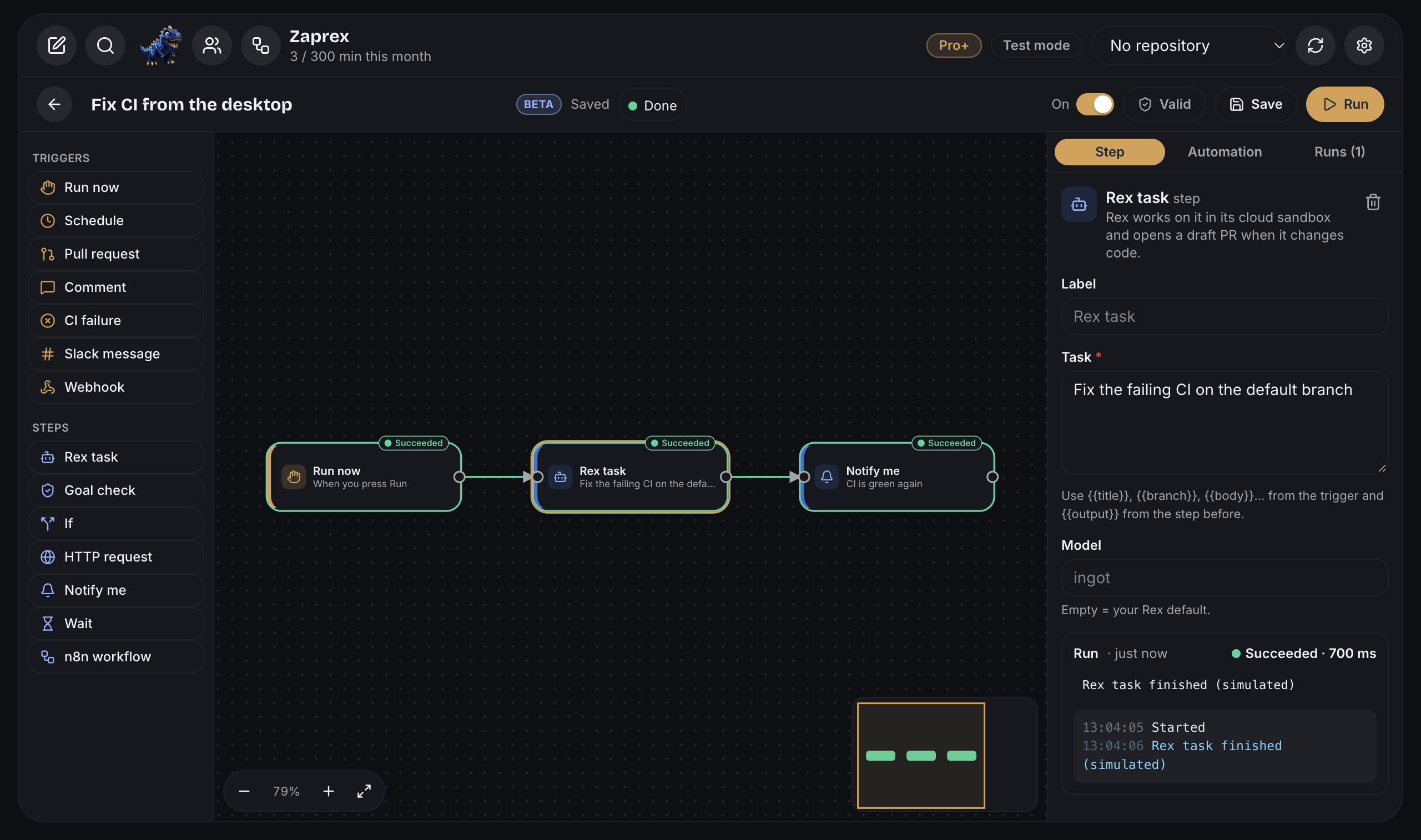
Rex automations turn something you ask Rex, the Zaprex agent, into something that runs on its own. You build each one on a visual canvas: a trigger (a schedule, a pull request, a failing CI run, a Slack message, a webhook or Run now) and steps (Rex tasks, goal checks, If branches, HTTP requests, notifications, waits and n8n workflows), connected left to right. Every step shows its own status and logs while it runs. Automations run in the cloud, so they keep going while your apps are closed.
Turn it on
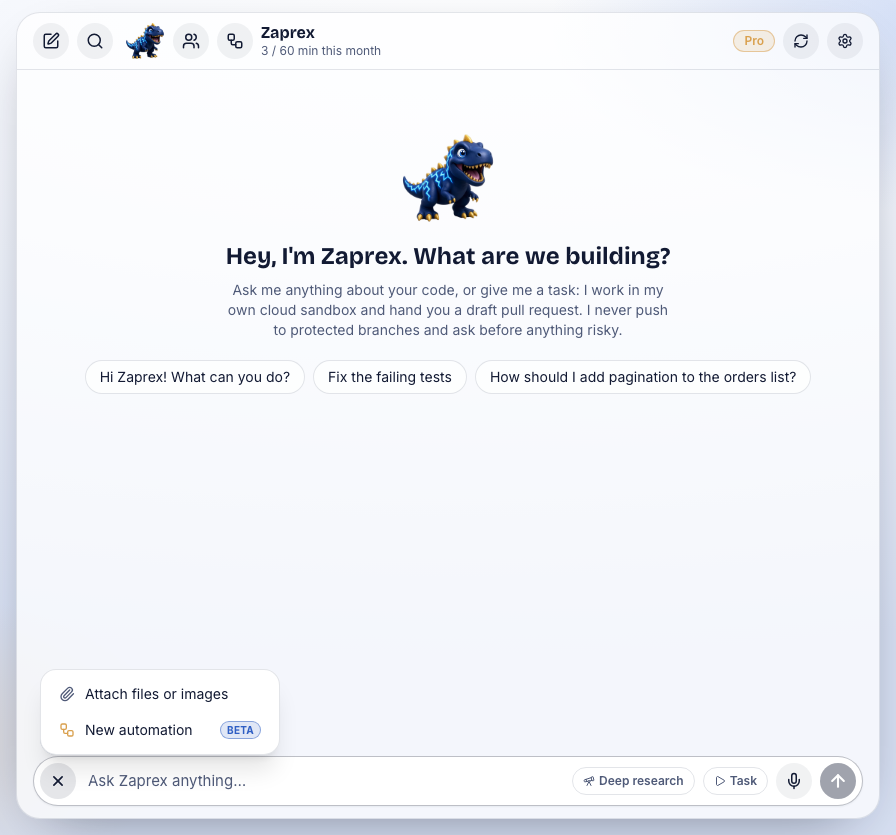
Automations are off until you turn them on. Any of these does it in one click, in the Zaprex web, desktop and phone apps:
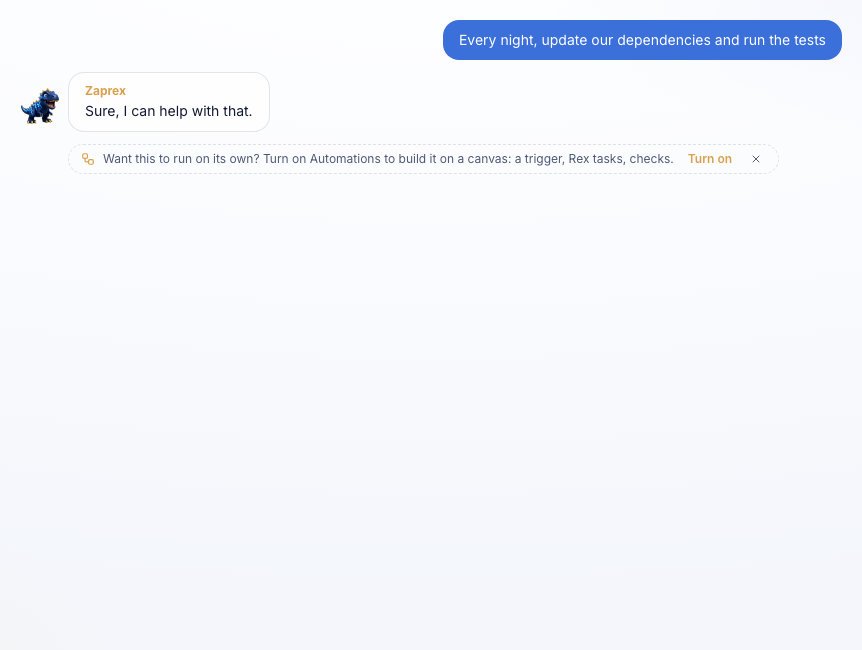
- In the chat: when you ask for something to happen on its own (every night…, whenever CI fails…, automate…), a small line appears under Rex's reply with Turn on and ×. Turn on opens a canvas started from your message. × hides it for good.
- Toolbar: the workflow icon next to Rex's avatar. While Automations are off, one click turns them on and opens them.
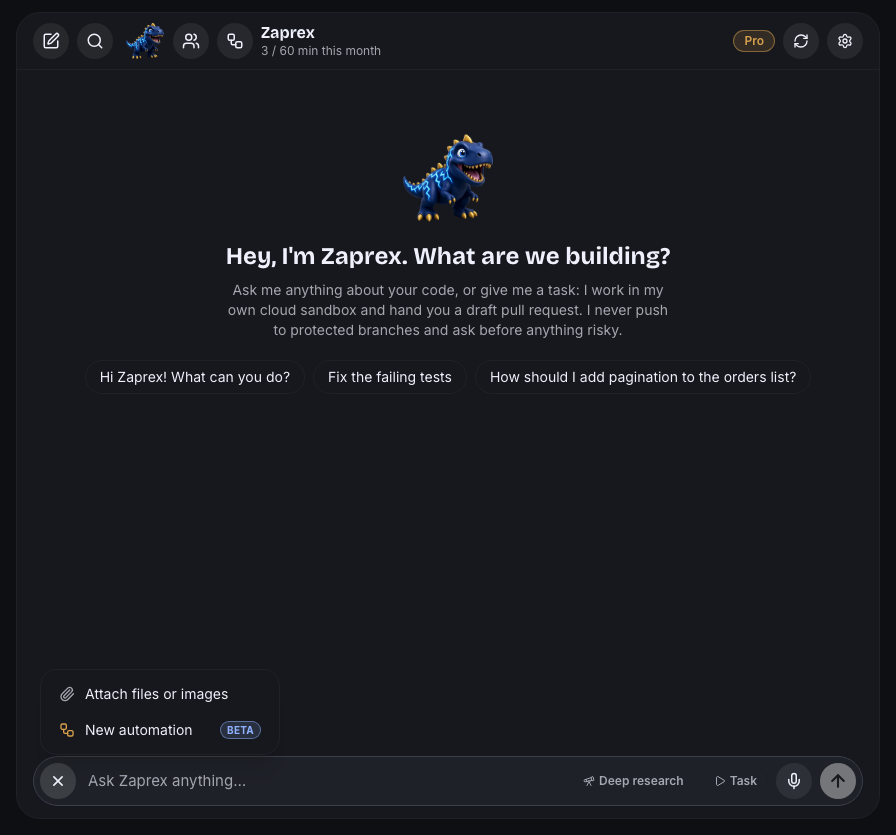
- + menu: the + next to the message box, then New automation.
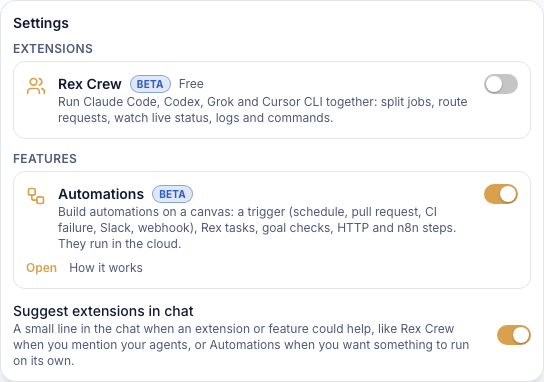
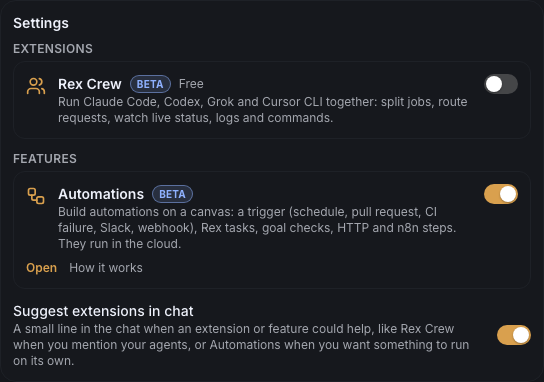
- Settings › Features › Automations: the on/off switch and Open.
- Command palette: ⌘K (Ctrl+K), then Turn on Automations (Open Automations once on) or New automation.
- Desktop app: File › New Automation (⇧⌘A) or View › Automations.
- Phone apps: the same buttons, or the link
zaprex://app?automation=new.
Your automations
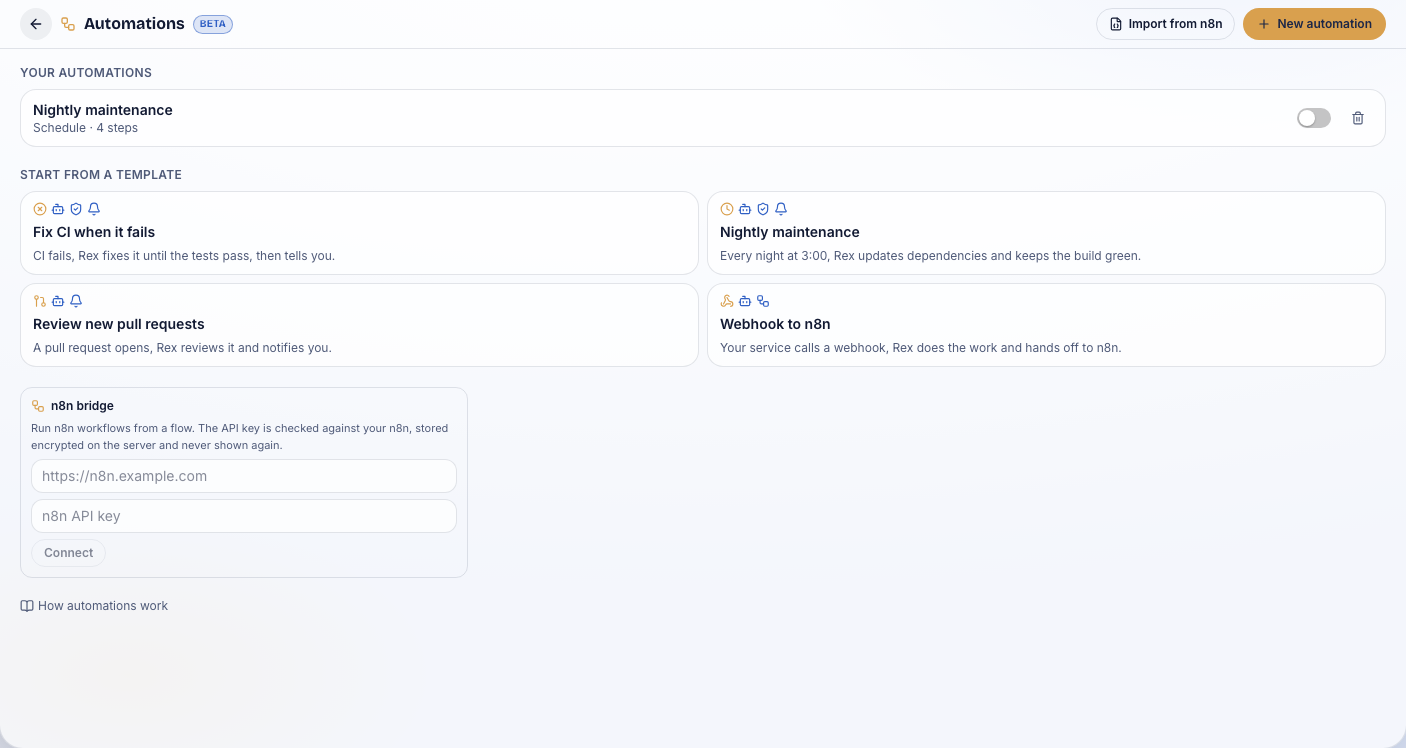
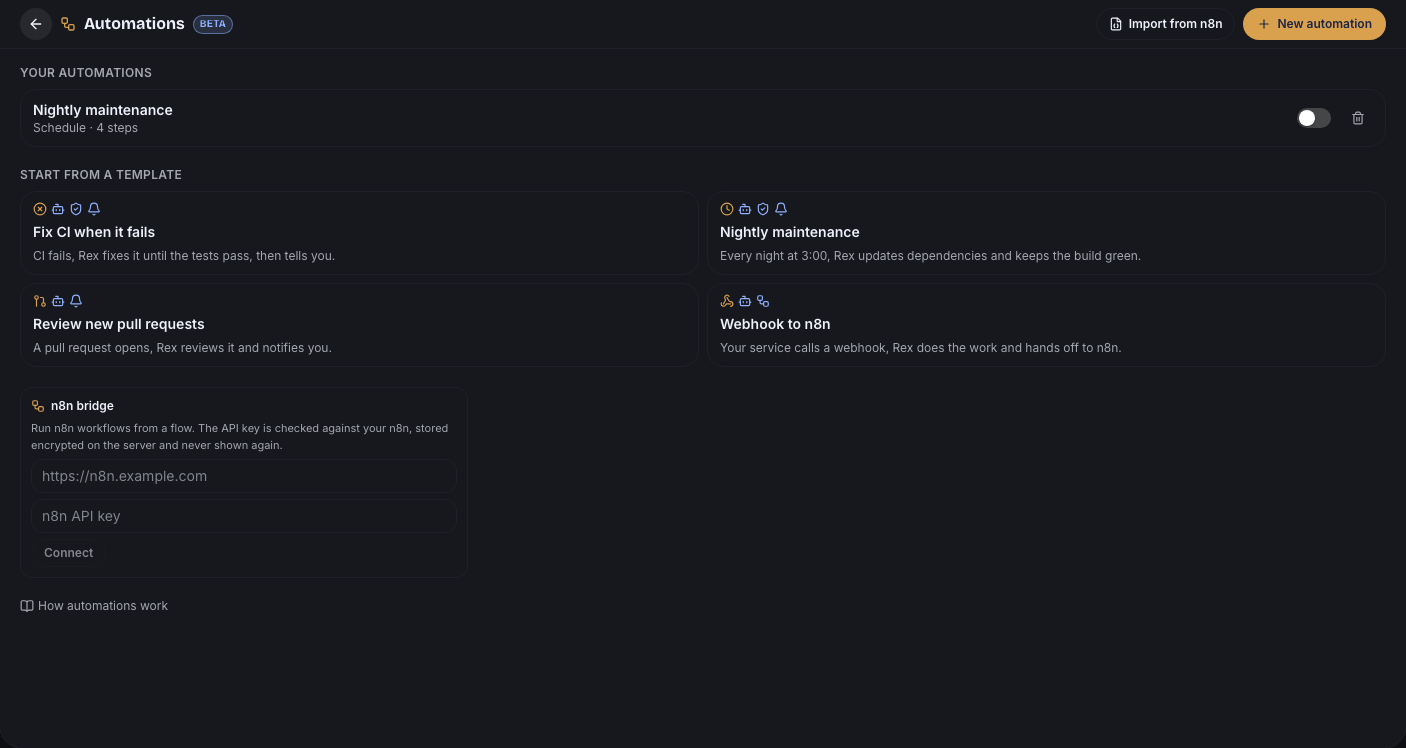
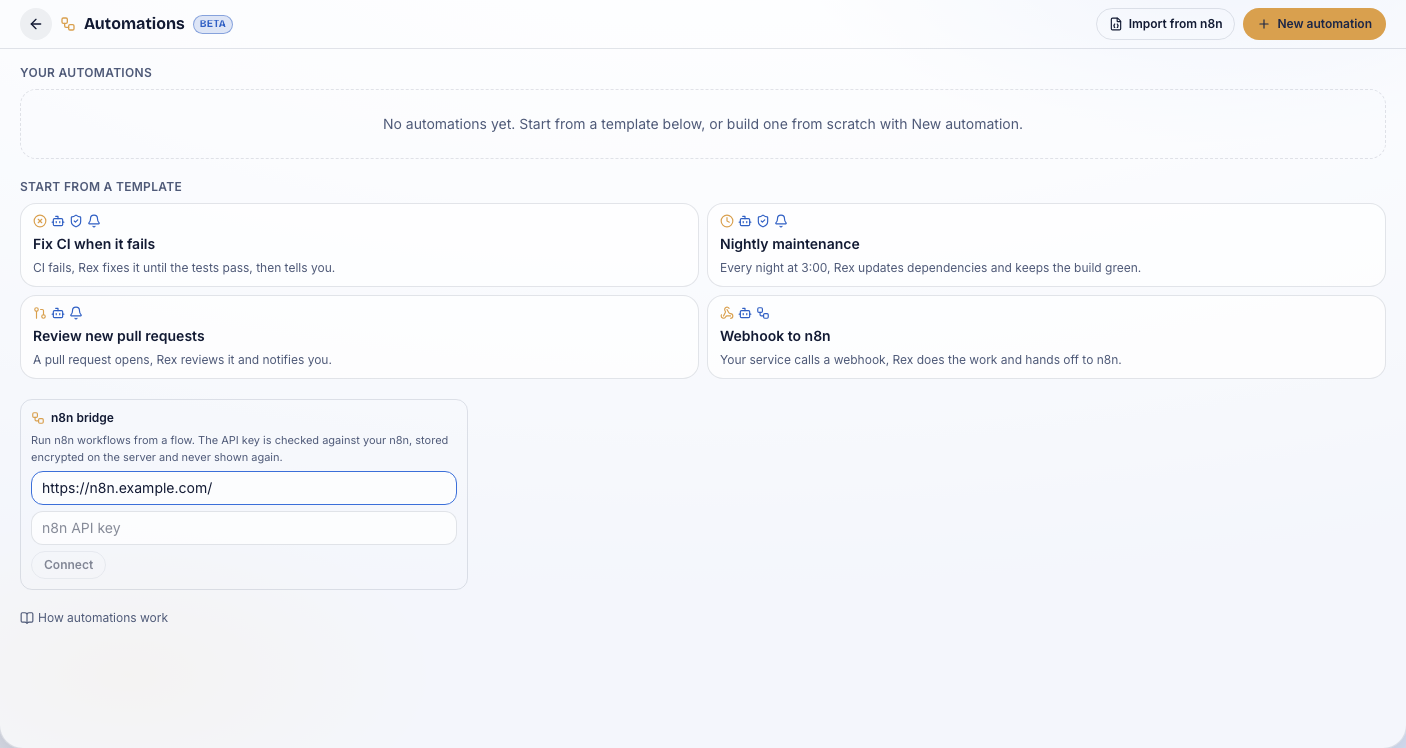
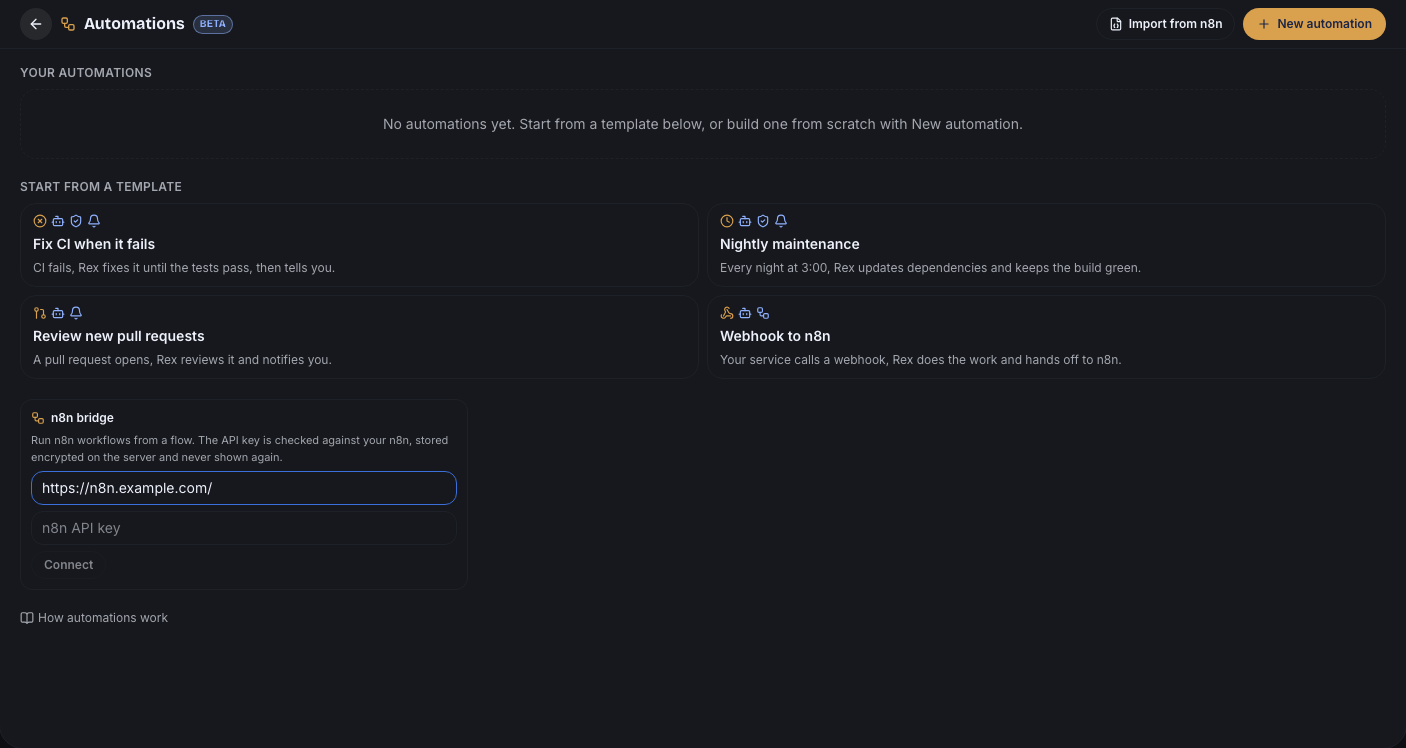
The Automations screen lists your automations with their trigger, last run and an on/off switch, and starts new ones from a template: Fix CI when it fails, Nightly maintenance, Review new pull requests and Webhook to n8n. Import from n8n and the n8n bridge are on the same screen.
Build on the canvas
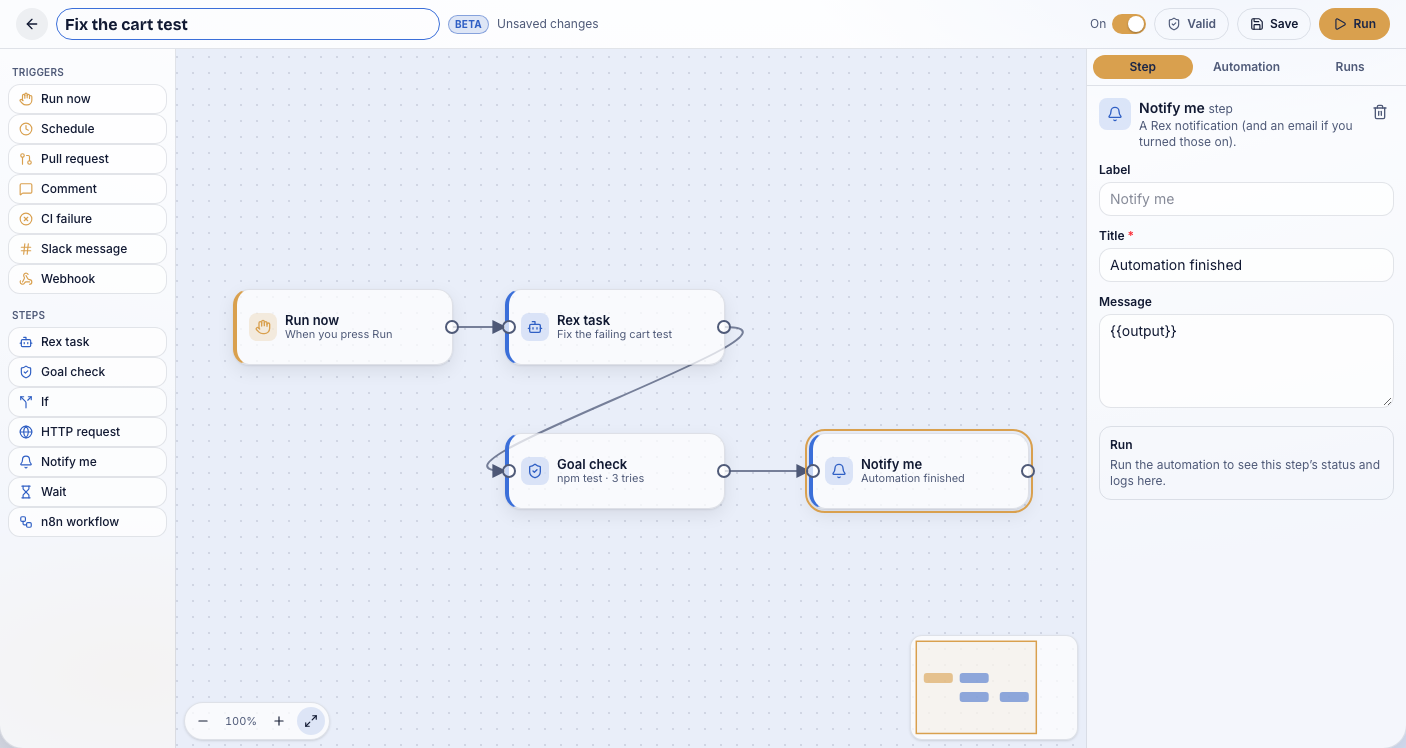
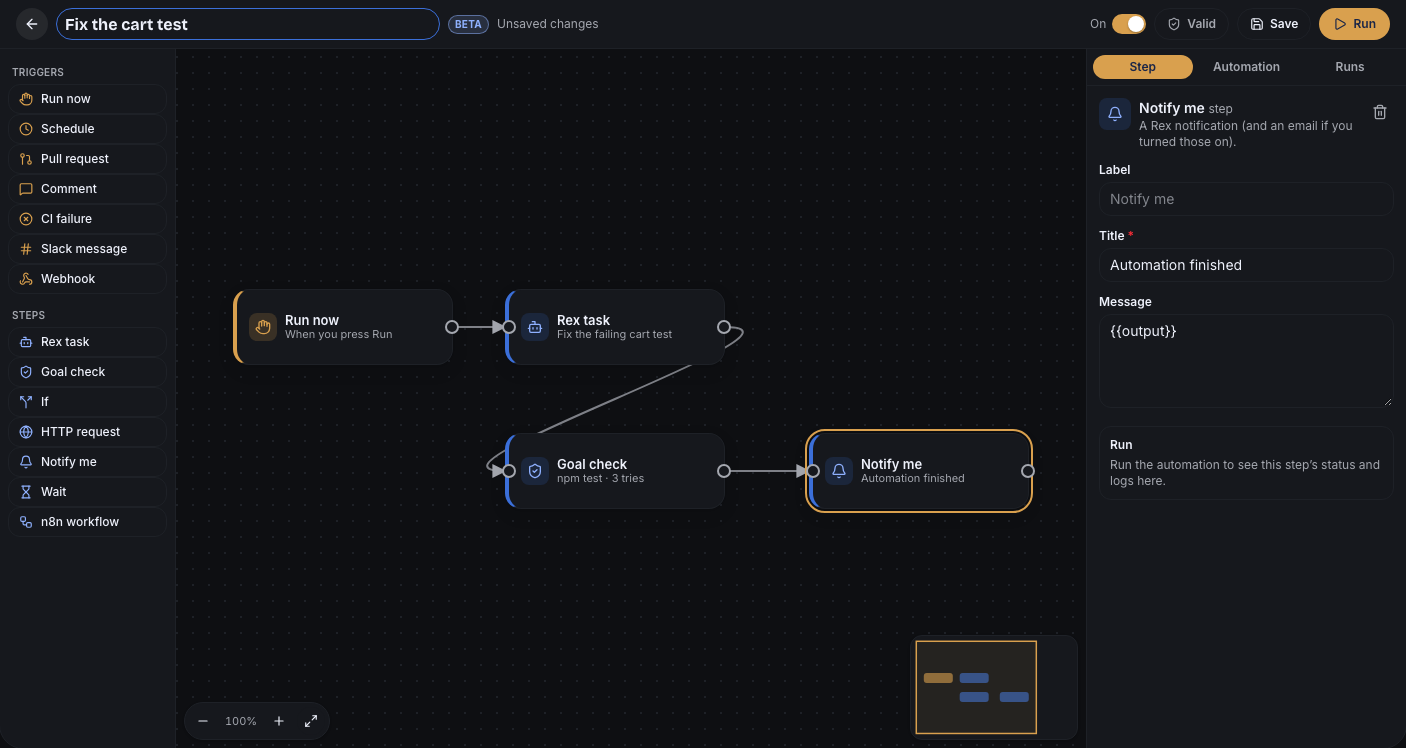
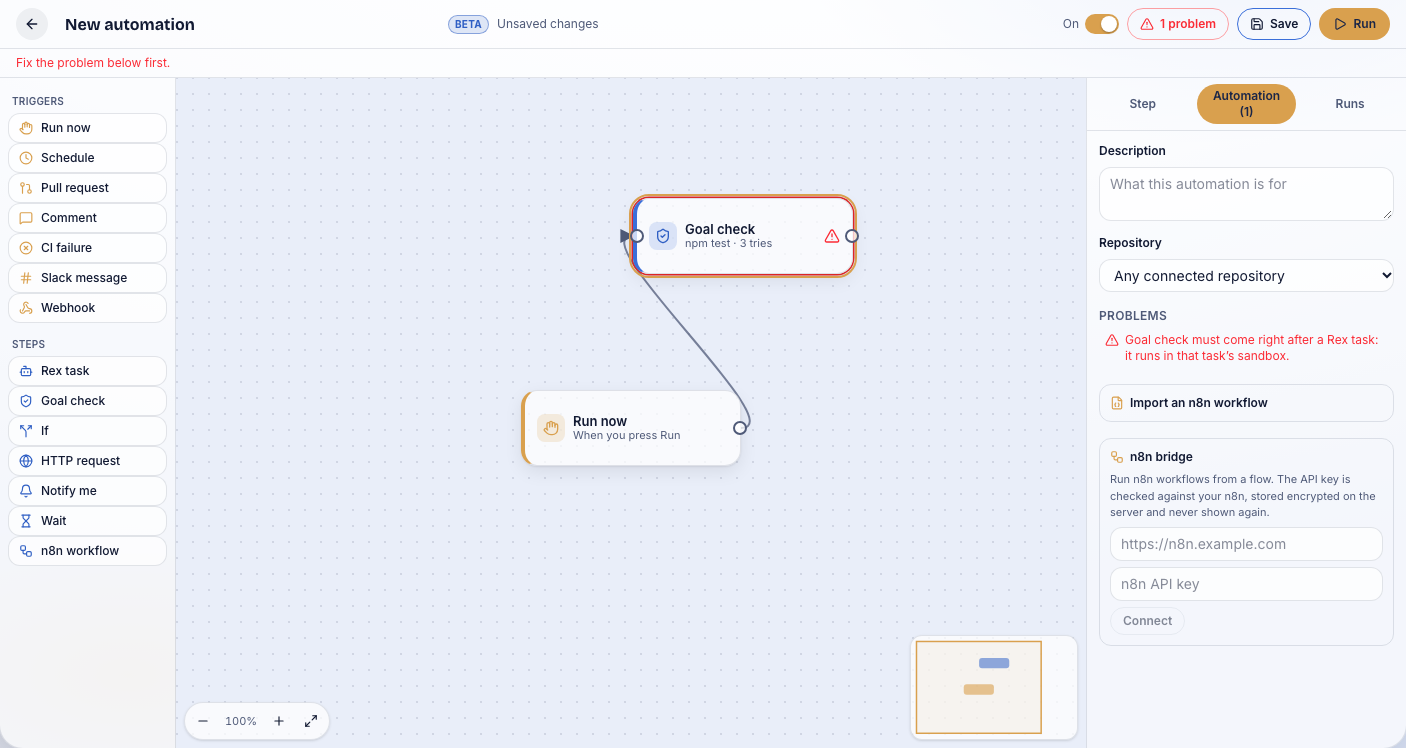
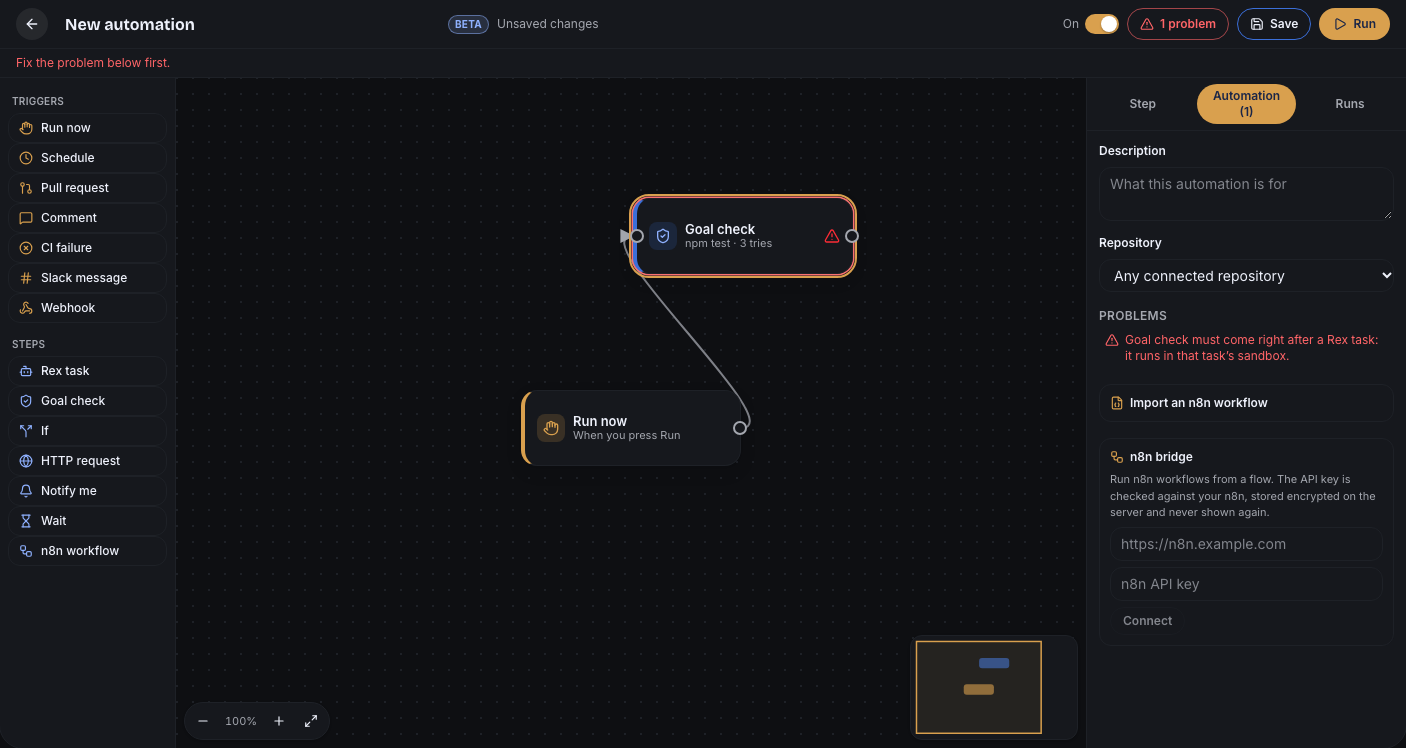
- Add a step: drag it from the palette onto the canvas, or tap it to add it after the selected step, already connected.
- Connect: drag from a step's right edge (its output port) onto another step. On a phone, tap the port, then tap the step. An If has two ports, true and false.
- Edit: select a step to edit its label and settings in the side panel. Required settings are marked *.
- Delete: select a step or a connection and press Delete or Backspace, or use the trash button.
- Move around: drag the background or scroll to pan, ⌘ or Ctrl + scroll (or pinch) to zoom, the −, + and fit buttons, or click the minimap to jump there.
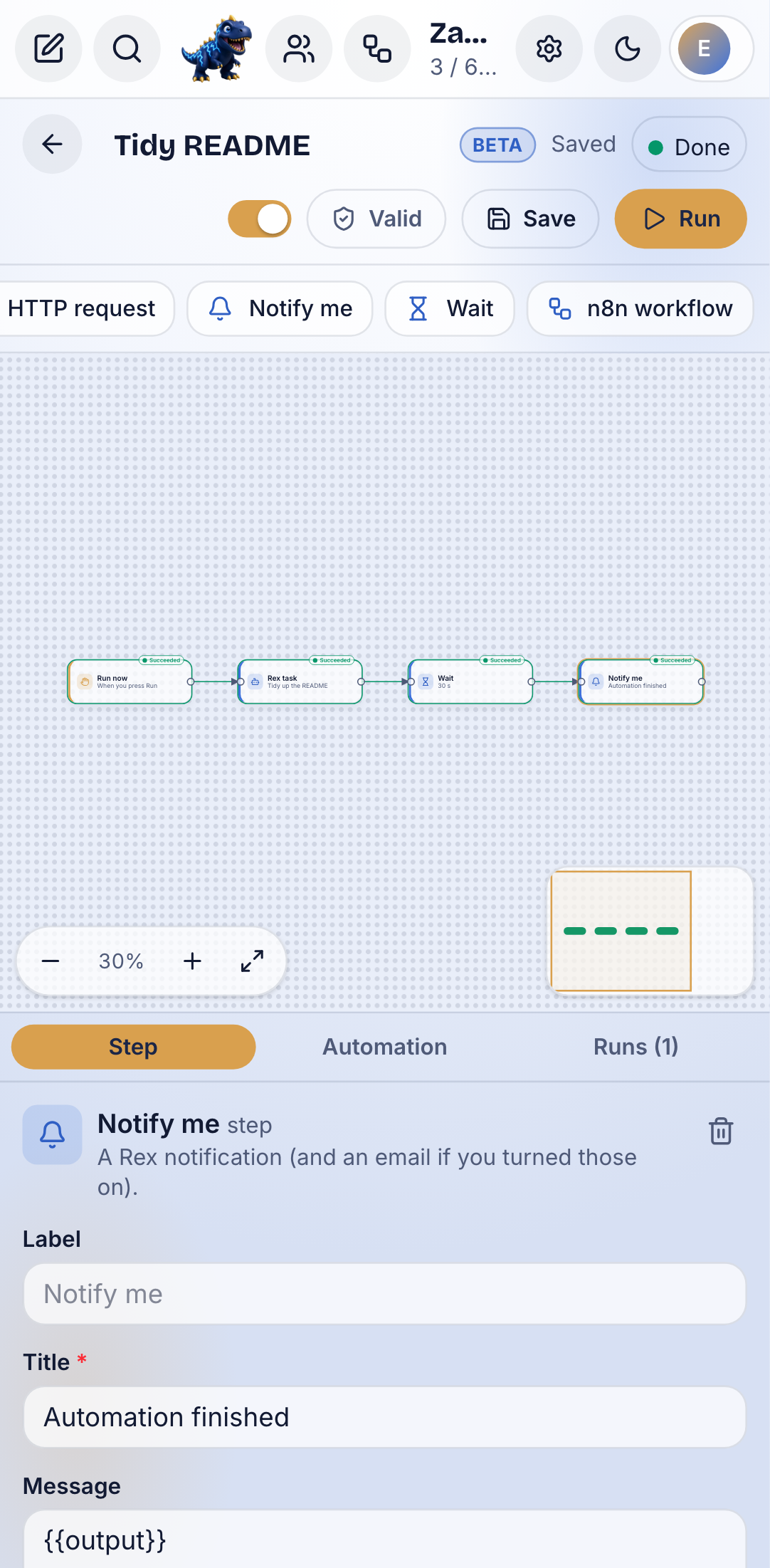
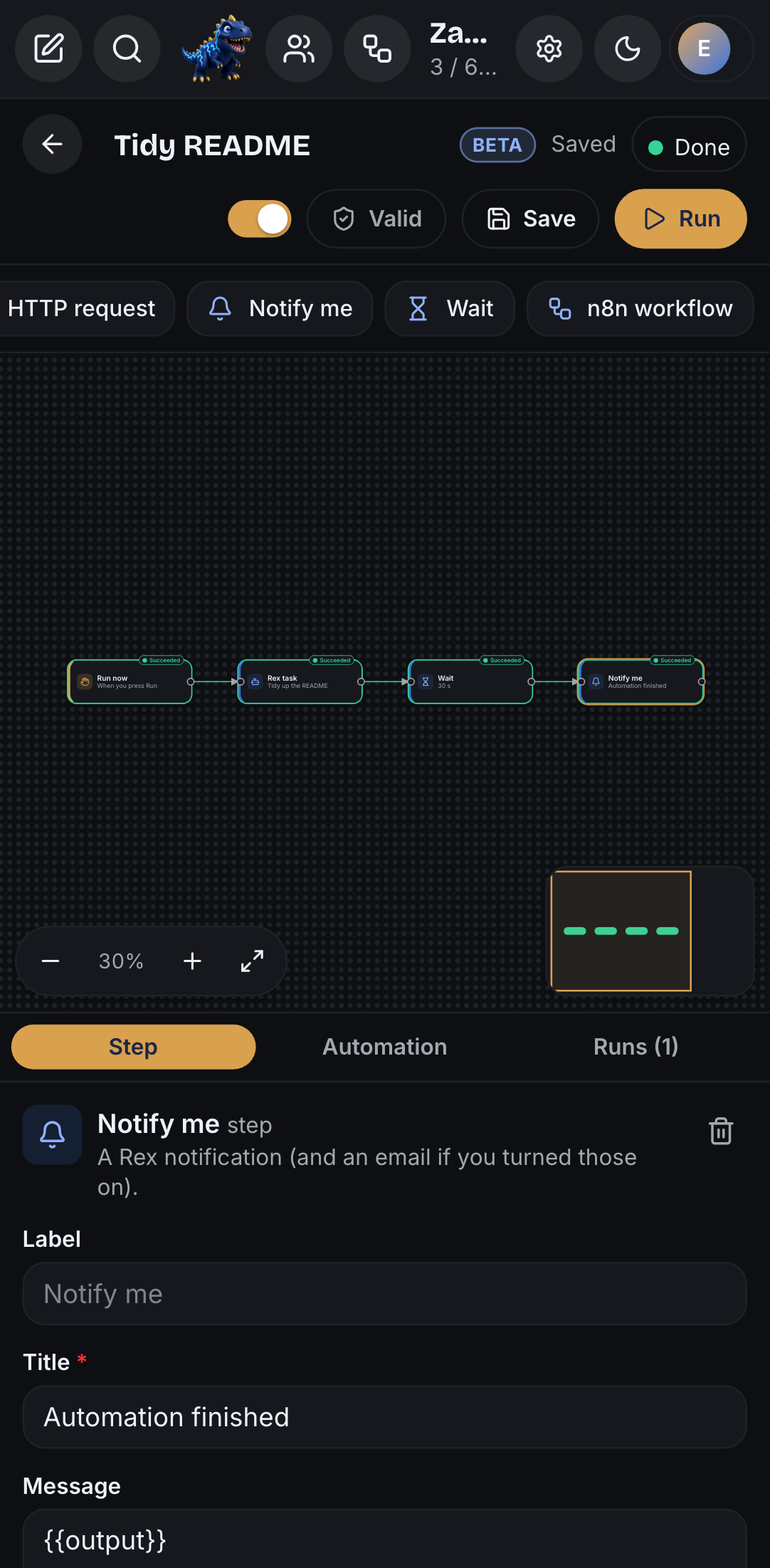
On a phone the palette scrolls above the canvas and the side panel sits below it.
Triggers
| Trigger | Starts the automation when |
|---|---|
| Run now | you press Run |
| Schedule | a cron schedule fires (at most every 5 minutes, in your time zone) |
| Pull request | a pull request is opened, reopened or marked ready for review |
| Comment | someone mentions the bot in a pull request or issue comment |
| CI failure | a GitHub Actions workflow or check fails |
| Slack message | a Slack message or /ingot command reaches your Slack app |
| Webhook | your own service calls the automation's private webhook URL |
Steps
| Step | What it does |
|---|---|
| Rex task | Rex works on it in its cloud sandbox and opens a draft PR when it changes code |
| Goal check | a command that must pass; while it fails, the Rex task before it tries again with the output (3 tries by default, up to 20) |
| If | sends the run down the true or false branch |
| HTTP request | calls a public HTTPS URL (internal addresses are refused) |
| Notify me | a Rex notification, and an email if you turned those on |
| Wait | pauses up to 5 minutes before the next step |
| n8n workflow | runs a workflow in your n8n through the bridge |
Settings can use {{title}}, {{branch}}, {{body}} and the other trigger fields, and {{output}} from the step before.
Check and save
The shield button in the toolbar says Valid, or how many problems there are. Click it to list every problem: a missing trigger, a step that is not connected, a goal check that does not follow a Rex task, a cron that runs too often. Click a problem to select its step. Save stays blocked until there are no errors. The On switch pauses an automation without deleting it.
Run and watch every step
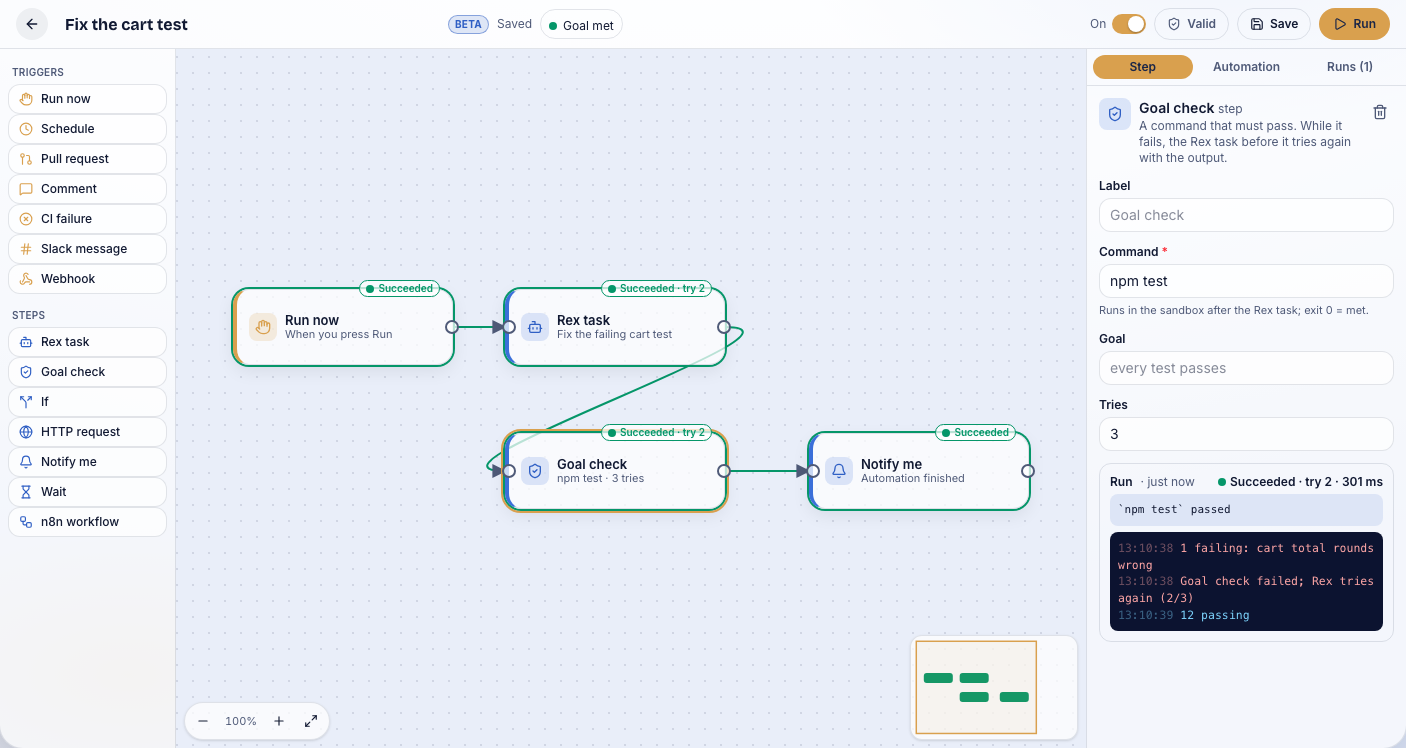
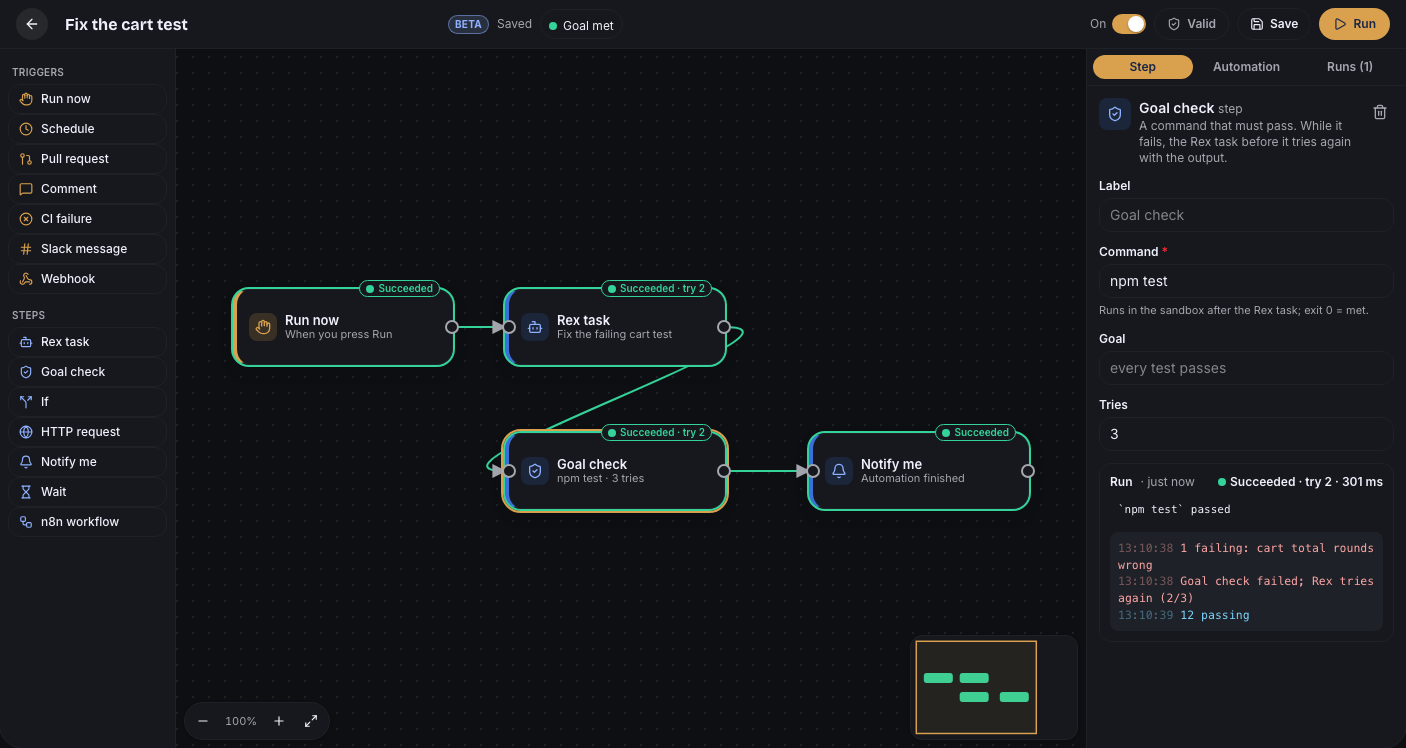
Run saves your changes and starts a run. Every step shows its status on the canvas while it runs:
- Running (blue), Succeeded (green), Failed (red), Skipped (grey, for the branch an If did not take).
- A step that ran more than once shows its try, such as Succeeded · try 2.
- The connections the run took are highlighted, and the minimap shows the same colors.
Select a step to see its last run: status, time, output and logs.
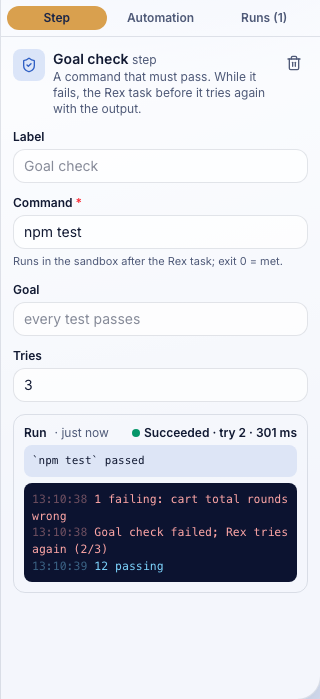
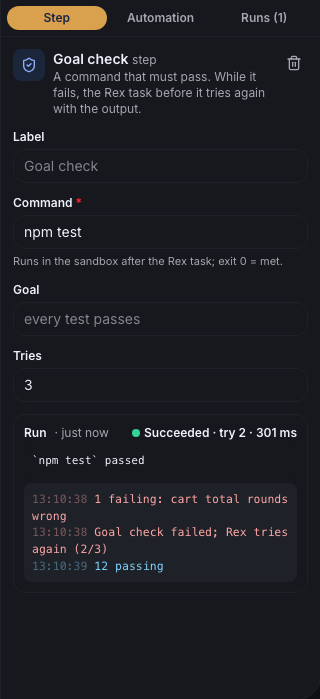
The Runs tab lists past runs. Pick one to see the canvas as it was for that run.
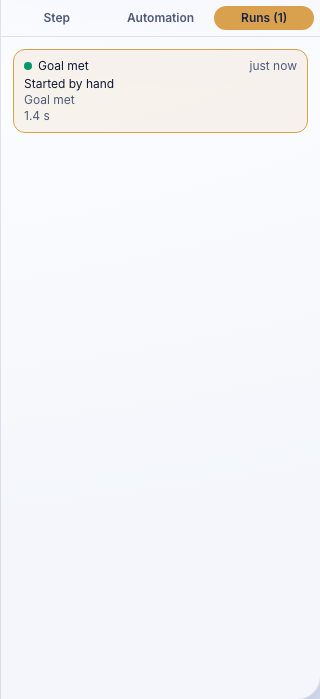
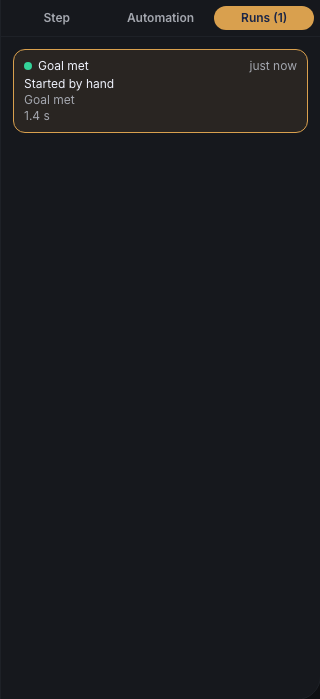
Import from n8n
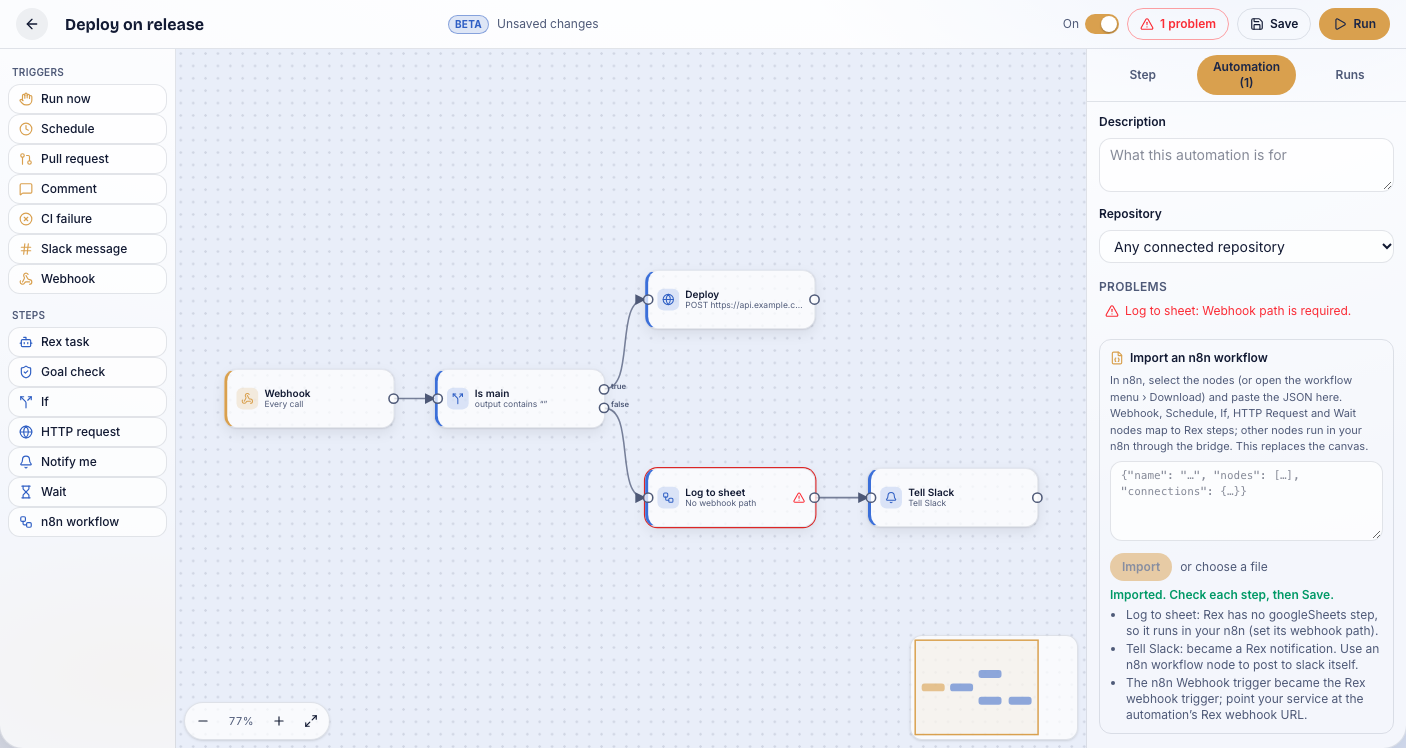
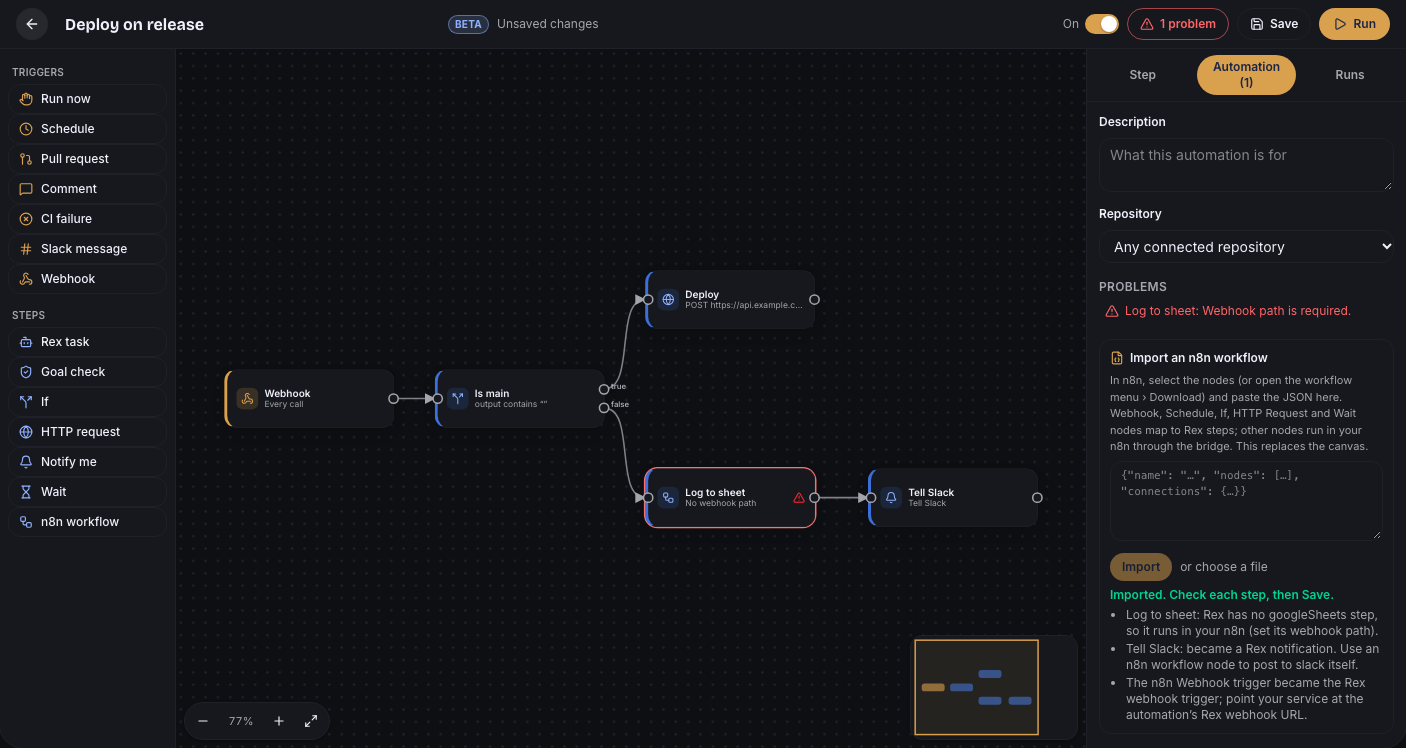
Import from n8n on the Automations screen (or Automation › Import an n8n workflow in the editor) takes an n8n workflow export: paste the JSON or choose the file. It replaces the canvas.
- Triggers and steps Rex has become Rex steps: manual, schedule, webhook, GitHub, If, HTTP request, Wait, AI agents (Rex task) and messages (Slack, email, Teams and similar become Notify me).
- Glue nodes (Set, Code, Merge, No-op, sticky notes) are dropped and their neighbours joined.
- Anything else becomes an n8n workflow step, so it can still run in your n8n.
Every change is listed after the import, so you can check it before you save.
The n8n bridge
Connect your own n8n once to run n8n workflow steps: Automations › n8n bridge, then your n8n URL and an n8n API key (in n8n: Settings › n8n API). Rex checks both against your n8n before it saves them. The key is stored encrypted on the server and never shown again. Disconnect deletes it.


An n8n workflow step calls the workflow's production Webhook path (for example rex-deploy) with the trigger and the previous output. With Wait for the result on, the workflow's answer becomes the step's output.
In the desktop app
File › New Automation opens a new canvas in the Zaprex desktop app, and View › Automations opens the list. Both turn Automations on.
Limits
Up to 60 steps and 120 connections per automation, and as many automations as your plan allows. Rex tasks use your plan's Zaprex minutes like any other task. Automations need a plan with cloud agents.
Settings
| Setting | Default | What it does |
|---|---|---|
| Automations | Off | Shows Automations in the toolbar, the + menu and the command palette. Turning it off hides them; saved automations keep running in the cloud until you pause or delete them. |
| Suggest extensions in chat | On | Shows the one-line suggestion under a reply when a feature or extension could help, such as Automations when you want something to run on its own. A dismissed suggestion never comes back. |
| n8n bridge | Not connected | Your n8n URL and API key for n8n workflow steps. The key is stored encrypted and never shown again. |
These settings are also in the Settings reference.
For developers
The canvas uses the Flows API: /api/bot/automations/flows to list, create, update and delete, /flows/:id/run to start a run, /flows/:id/fires and /automations/fires/:fireId for runs with every step's status and logs, and /automations/n8n for the bridge. See API › Flows.
Troubleshooting
- Save is blocked: click the shield button and fix the errors it lists.
- Connect your n8n first: connect the bridge, then run again.
- A step failed: select it to read its logs, change it, and press Run again.
Beta Rex automations are in beta. Tell us which triggers and steps to add next on the support page.
See also Automations in the Zaprex docs and Automations for automation files you keep in your repository.