Welcome screen
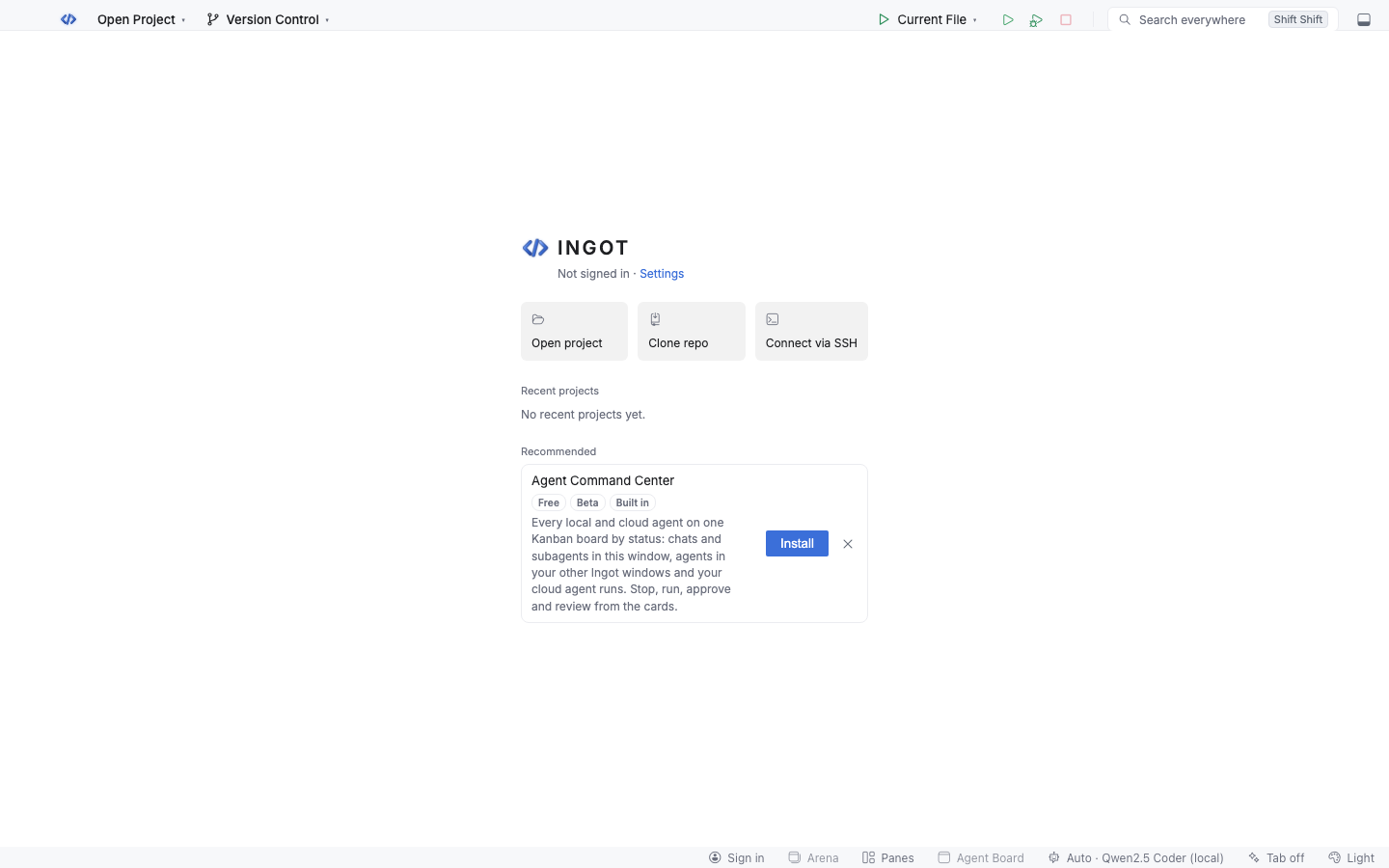
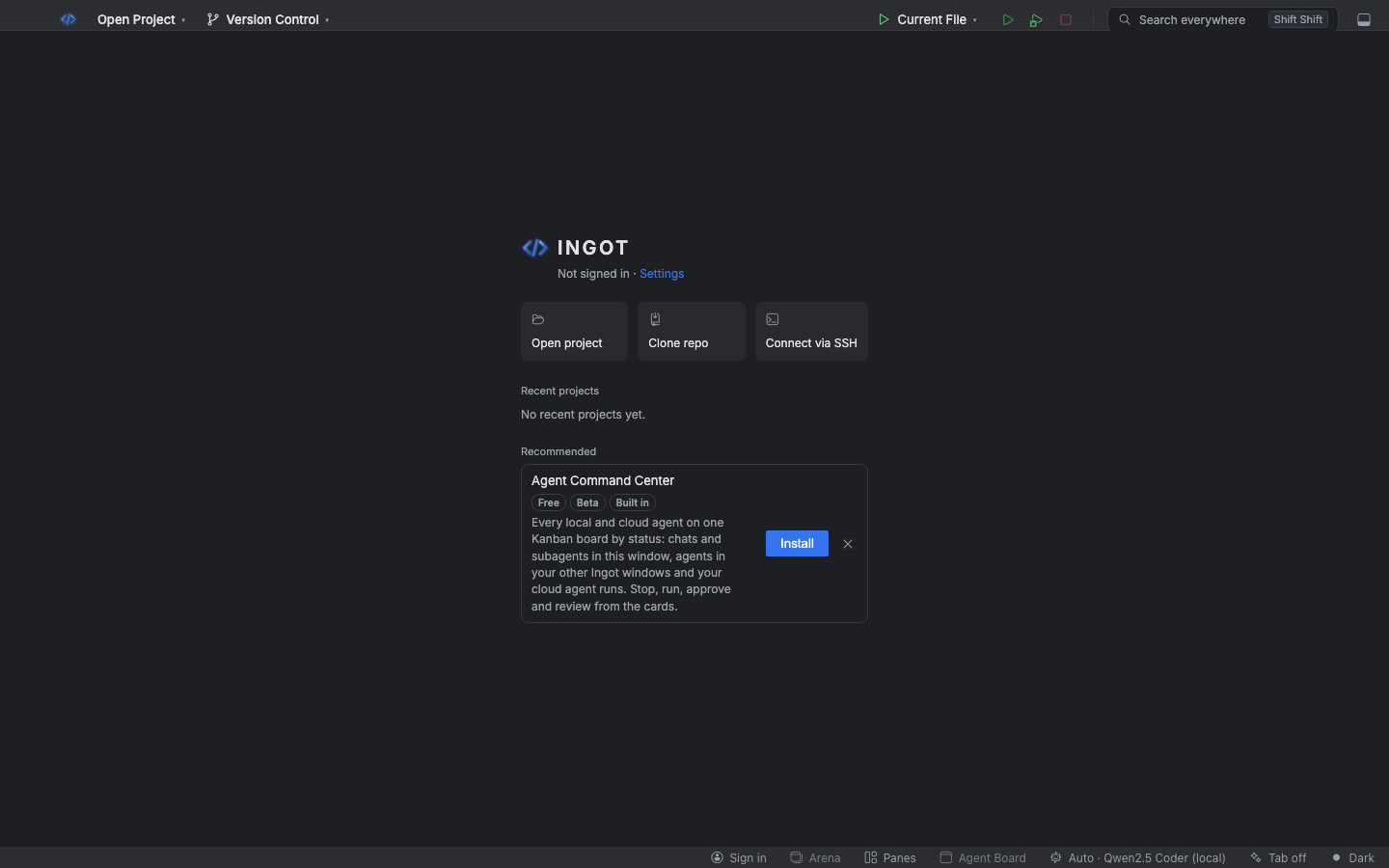
A window with no folder open shows the welcome screen instead of an empty workbench. Open a project, clone one, or connect to a machine over SSH from there.
When it shows
- In any window without a folder, for example after File › New Window.
- Any time with Help › Welcome to Ingot.
While no folder is open, the agent chat, tool window stripes and side panels are hidden. Chats belong to a project, so there's nothing to show yet. Open a folder and the window reloads with the full layout.
What's on it
The top shows your plan (or Not signed in) and a link to Settings, then your account: name, plan and units left, or Sign in / Create account (Sign in on the welcome). Below it:
| Card | Does |
|---|---|
| Open project | opens a folder |
| Clone repo | asks for a Git URL (https://…, ssh://… or git@host:owner/repo.git), then where to put it (Clone Here) |
| Connect via SSH | asks for user@host or user@host:port and opens ssh in a terminal |
Recent projects lists your last 5 projects; View all shows up to 20.
Welcome card in a project
A project that opens with nothing in the main area shows a Welcome card there: New file, Open project, Clone repo and your recent projects. Open a file and the card makes room for the editor.
Recommended
Under the cards, Recommended lists free Ingot store extensions you haven't installed yet, such as the Agent Command Center. Install turns one on in one click; × hides it for good. Switching off Suggest features in chat in Settings › Features hides the section.
Chats per window
Each window shows only the chats for its own project. A new window starts with no chats, and a window without a folder saves none.
ingot.zaprex.showButton.