Multi git: the Repositories panel
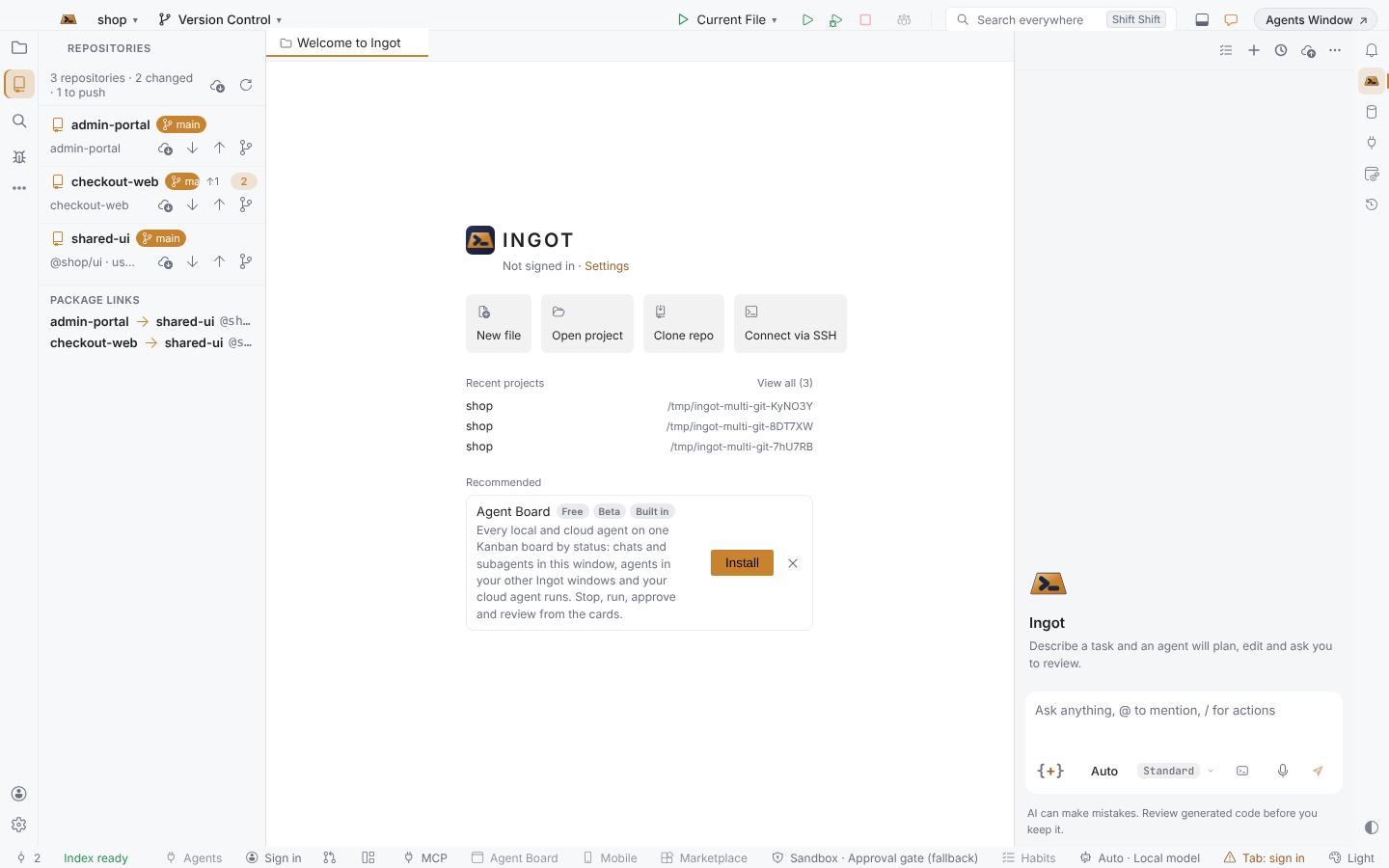
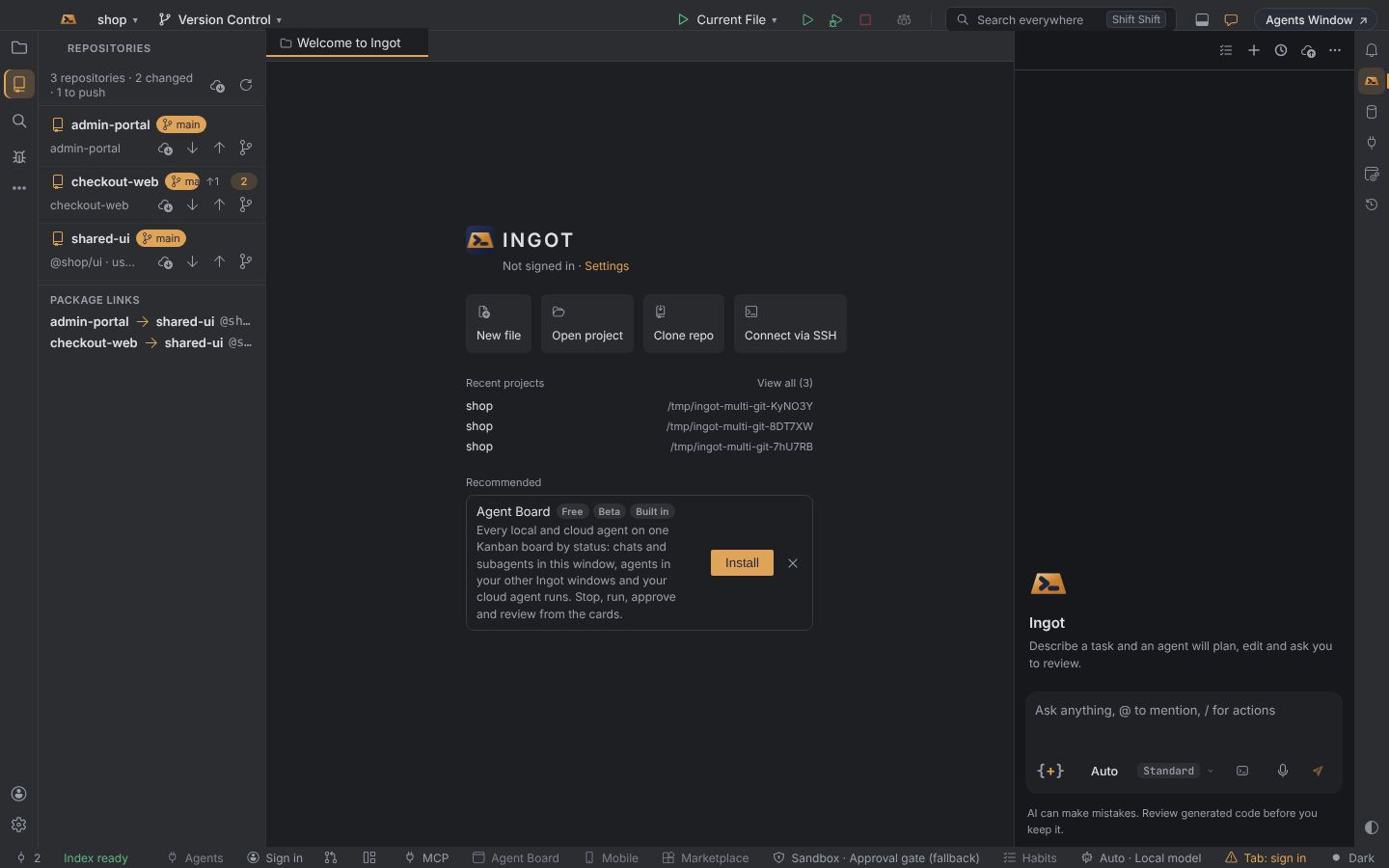
Work with several Git repositories in one window. The Repositories panel lists every repository of your workspace with its branch, what is waiting to be pulled or pushed and how many files changed, runs Git in each one, and shows which repositories use each other's packages.
Bronze The Repositories panel comes with Bronze and up. On Free it stays and shows which plan has it.
Open the panel
Press ⌥⇧R (Alt+Shift+R) or choose Git: Show Repositories in Find Action. The panel opens on the left.
It lists the repository each workspace folder is in and the repositories nested up to three folders below them (a folder of repositories, submodules, a repository inside an ignored folder). Add folders to the workspace to see more; see Workspaces with several folders.
What each row shows
| Part | Meaning |
|---|---|
| Branch | The checked-out branch, or detached |
↑2 ↓1 | Commits to push and to pull against the upstream branch |
| Count | Changed files: staged, unstaged and new |
| Second line | The package it publishes, used by … the repositories that depend on it, or the upstream it tracks |
The header sums it up, for example 3 repositories · 2 changed · 1 to push. The panel refreshes when you show it and every 15 seconds while it is visible; ↻ refreshes now.
Git in one repository
Each row has its own buttons. They run in that repository only:
| Button | Does |
|---|---|
| Fetch | Fetches from every remote and prunes deleted branches |
| Pull | Pulls the current branch (merge) |
| Push | Pushes the current branch; a branch without an upstream is pushed to origin and tracks it |
| Switch branch… | Lists the repository's local branches; pick one to check it out |
Fetch All Repositories (the cloud button in the header, or Find Action) fetches in all of them at once. When Git fails, the message says what happened in plain words with the fix, as everywhere in Ingot.
Package links
At the bottom, Package links is a simple dependency map built from each repository's package.json (and the packages in its workspace folders such as packages/*). checkout-web → shared-ui @shop/ui means checkout-web depends on @shop/ui, a package shared-ui publishes. Before you change a shared package, you see which repositories use it.
Turn it off
Multi git is on by default. Turn it off in Settings › Features › Multi git (Repositories panel) or Settings › Version Control › Git; the panel closes and its commands are hidden.
| Setting | Values | Default |
|---|---|---|
ingot.git.multiRepo | true or false | true |
Good to know
- Committing still happens in Commit and the Changes panel, where each file goes into its own repository.
- Coming next: one search across all repositories, a drawn dependency map, and seeing what a change in one repository breaks in the others.