Habit classes
Habits are the second part of the .ingot engineering OS: rules say what must be, habits learn how we work, knowledge remembers. Habit classes keep every habit in a folder, mark what kind of habit it is, and record how sure Ingot is and why. Ingot writes what it learns there on its own, and the chat tells you, with Undo.
Where it lives
.ingot/habits/ has four folders. In coding, architecture and workflow, each habit is one Markdown file; learned holds three JSON files (see below):
| Folder | For |
|---|---|
coding | how code is written: naming, types, components, styles |
architecture | where things live, layers and boundaries |
workflow | commands, branches, reviews, releases |
learned | patterns that worked, approaches that failed, issues that keep coming back |
---
title: Run scripts with pnpm
class: convention
confidence: 0.8
status: active
source: CONTRIBUTING.md
created: 2026-11-02
updated: 2026-11-02
---
Install and run scripts with pnpm.

## Evidence
- CONTRIBUTING.md says pnpm
- pnpm-lock.yaml at the root
The type files (bug.md, tests.md, …) and the playbooks at the top of .ingot/habits work as before. Commit the folder to share it with your team.
Learned habits: three JSON files
.ingot/habits/learned/ has one JSON file per outcome, and each habit is one item in it:
| File | For |
|---|---|
successful-patterns.json | patterns that worked |
failed-approaches.json | approaches that failed |
recurring-issues.json | issues that keep coming back |
{
  "version": 1,
  "items": [
    {
      "id": "retry-flaky-checkout-x1y2",
      "title": "Retry the flaky checkout test once",
      "text": "The checkout e2e times out on slow CI; one retry until the timer is fixed.",
      "class": "workaround",
      "confidence": 0.4,
      "status": "active",
      "source": "learned from your work",
      "evidence": ["e2e checkout timed out 3 times this week"],
      "created": "2026-11-03",
      "updated": "2026-11-03"
    }
  ]
}
The fields are the same as in a habit file. You can edit an item, add one or delete one by hand; Ingot keeps items and fields it does not know. If a file is not valid JSON, Ingot leaves it alone until you fix it. Older learned/*.md files are still read, and they are moved into the JSON file of their outcome the first time the project opens.
habits.config.json
.ingot/habits/habits.config.json holds the learning threshold (how many times a pattern repeats before it becomes a habit) and the order the classes reach the agent in:
{
  "version": 1,
  "threshold": 3,
  "classOrder": ["mandatory", "convention", "preference", "workaround"]
}
A class left out of classOrder comes after the ones listed. Without the file, the threshold is 3 and the order is the one below. A project without .ingot gets the three empty JSON files and this file when it is first opened.
Classes
| Class | Means |
|---|---|
mandatory | a requirement: always follow it |
convention | how this project does it |
preference | how you like it; others may differ |
workaround | temporary; drop it once the cause is fixed |
The agent gets the habits grouped in this order, unless classOrder in habits.config.json says otherwise. A mandatory habit wins over a convention, a convention wins over a preference, and a workaround is marked as temporary.
Confidence and evidence
Every habit has a confidence from 0 to 1 and an Evidence list of where it came from: prompts, commands, rejected edits or files. A habit you write has confidence 1. A learned habit starts at 0.3 and gains 0.1 each time it repeats, up to 0.95.
Learned habits are saved automatically
When Learn habits is on, a pattern you repeat (3 times by default, or the threshold in habits.config.json) is written to the matching folder as a preference, with your examples as evidence. It is active right away: the agent follows it from the next turn, and nothing waits for approval. Repeats add evidence and confidence. They never change the class.
The chat shows one short line for each new habit:
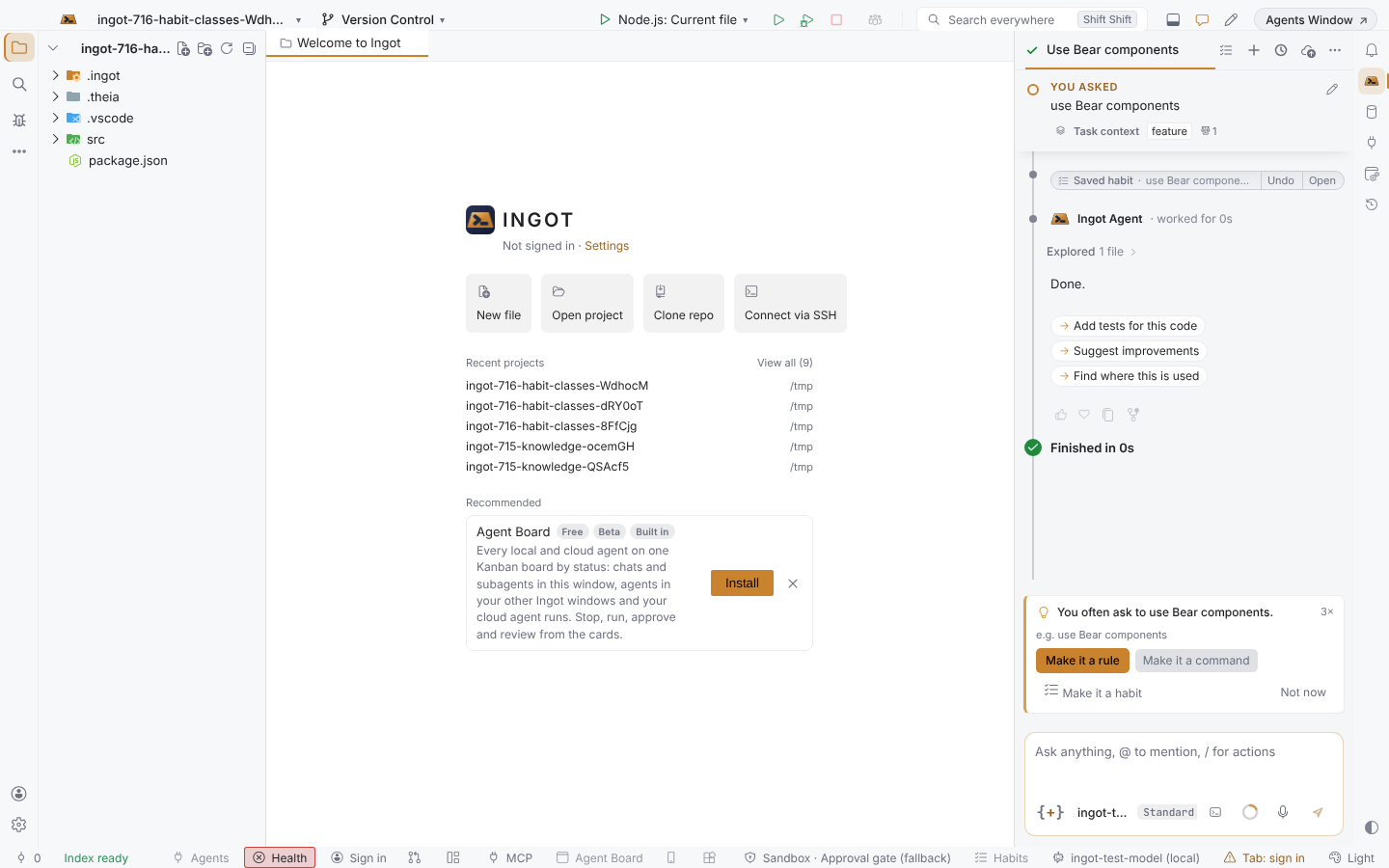
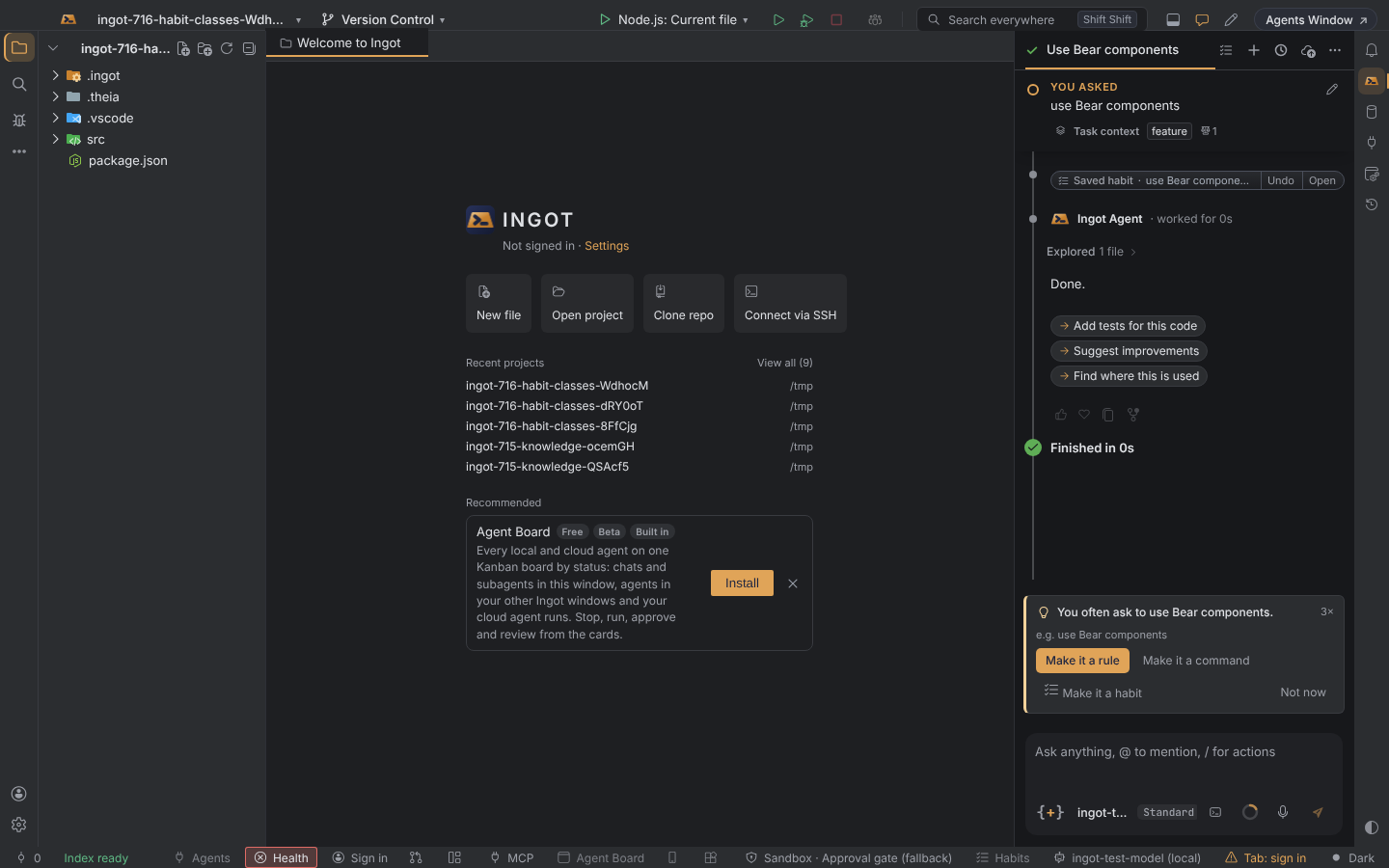
- Undo deletes the file and forgets the pattern. For a habit in
learned/, Undo takes out only its item; the rest of the JSON file stays. - Open opens the file. To change the class, the wording or the evidence, edit the file.
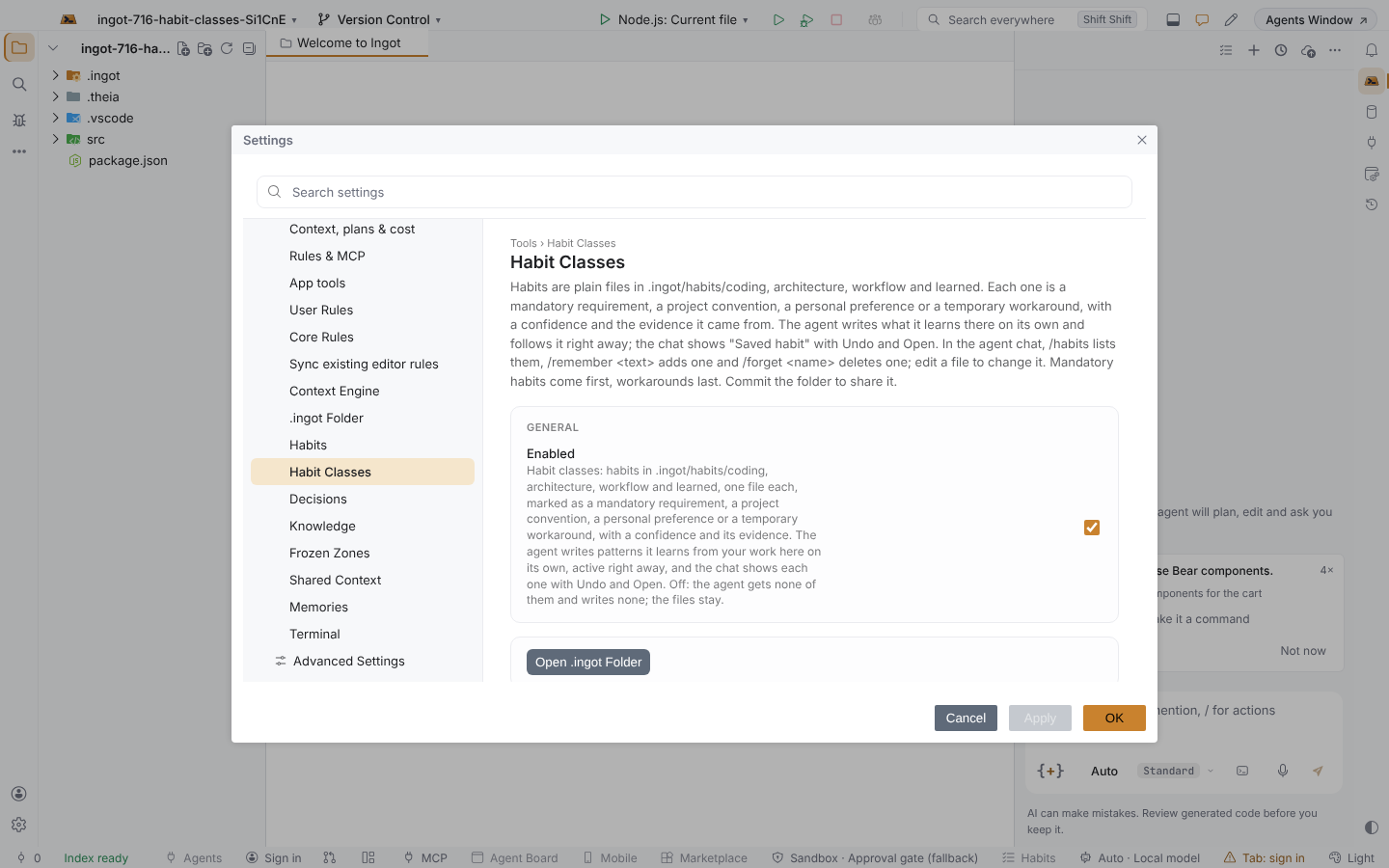
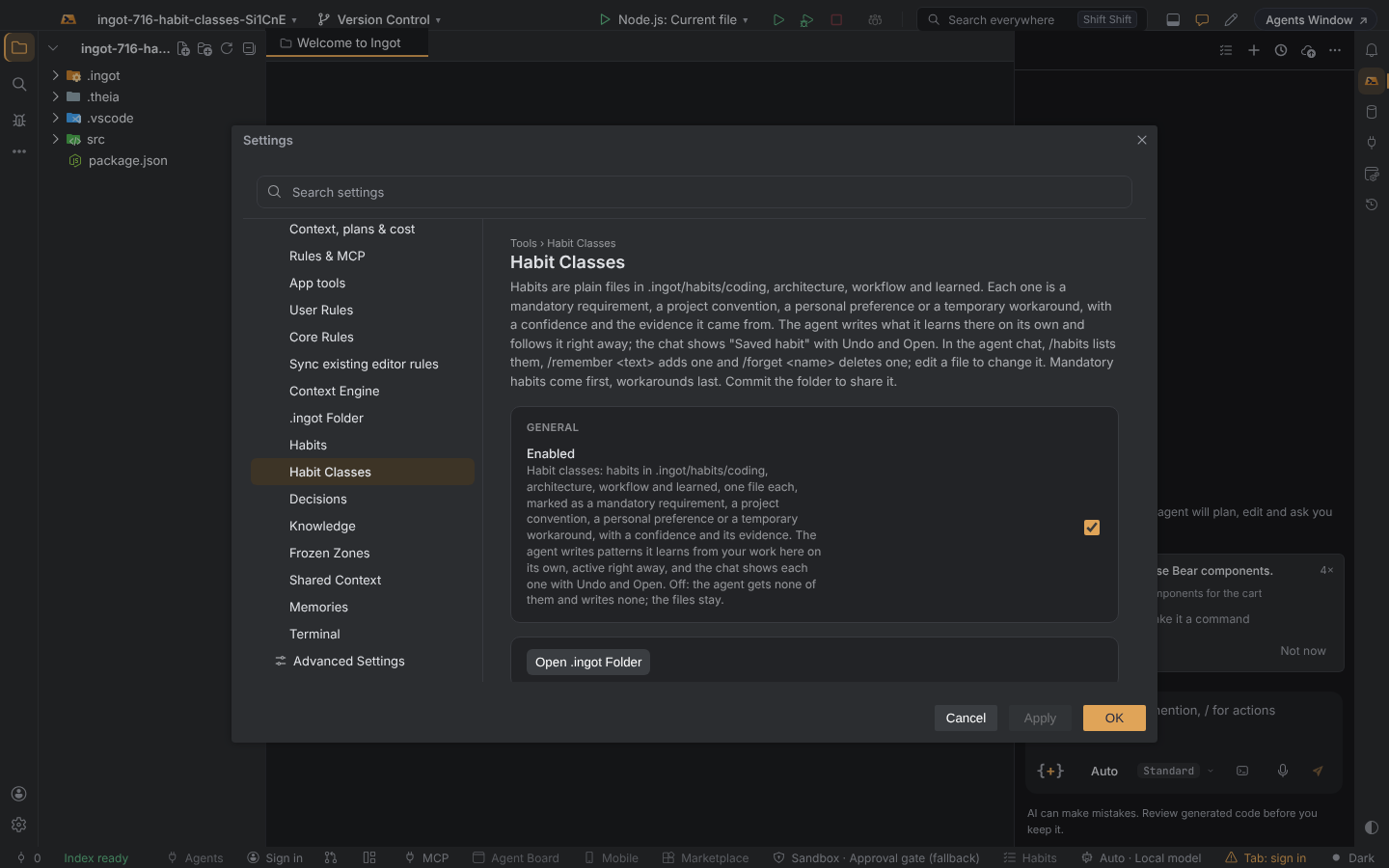
To stop the agent from using a habit, delete its file (or its item in learned/), or use /forget <name>, which Undo reverses, or set status: retired to keep it as history. Files from earlier versions that say status: candidate or status: promoted count as active. /habits in the agent chat lists every habit, /remember <text> writes one yourself (so does Add Classified Habit… in Find Action), and Show Habit Classes shows the folder. Settings › Habit Classes keeps only the on/off switch and Open .ingot Folder.
Turn it off
| Setting | Default | Where |
|---|---|---|
ingot.habits.classes.enabled | on | Settings › Habit Classes, Settings › Features › Habit Classes |
When it is off, the agent gets none of these habits and nothing new is written. The files stay.
See also Habits, Knowledge and Context Engine.