Test Explorer
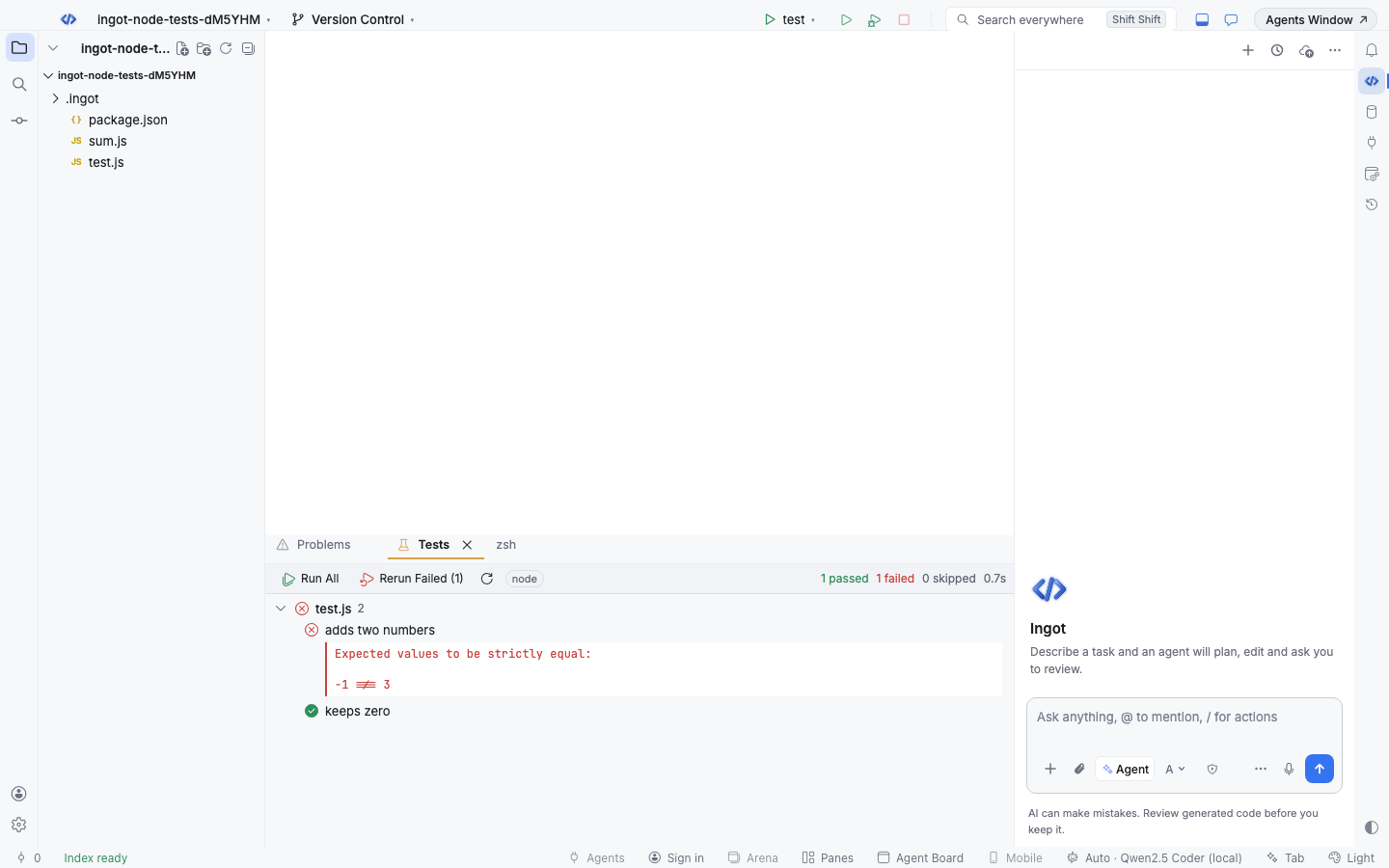
The Tests tool window finds your tests, runs them and shows what passed and failed. Agents use the same runner through the run_tests tool, so they can fix code until the tests are green.
Open it
Press ⌘8 (Alt+8 on Windows and Linux) or run View: Test Explorer. It opens in the bottom panel.
Supported runners
Ingot detects Vitest, Jest, Mocha and Playwright from your test script, a config file in the project root (vitest.config.*, jest.config.*, .mocharc*, playwright.config.*) or your dependencies. The runner is shown as a chip in the toolbar.
Test files are *.test.* and *.spec.* (plus test/ and tests/ folders for Mocha). Ingot reads the describe, it and test names straight from the files, so the tree fills in before the first run.
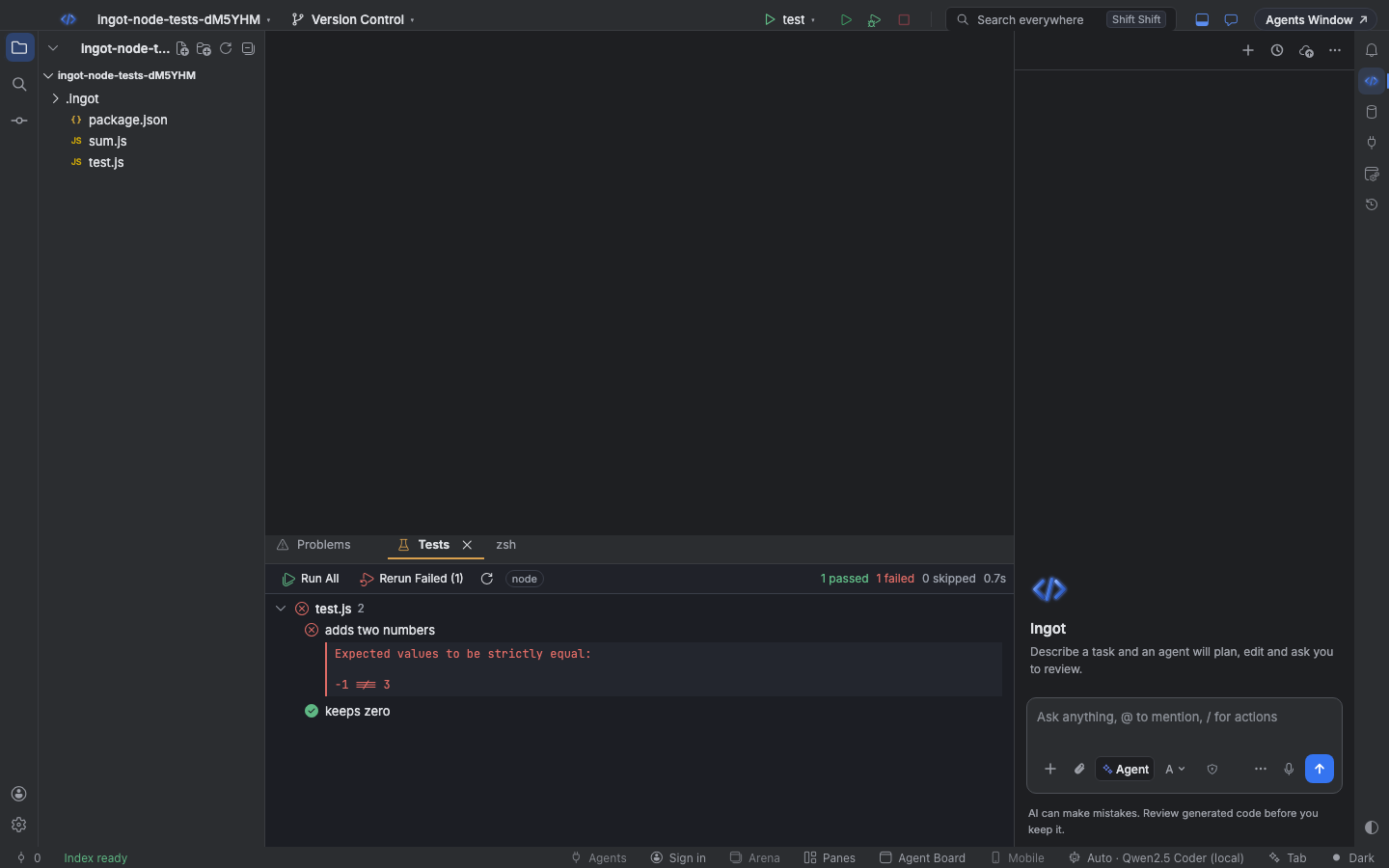
The built-in Node test runner works too. When the test script is node --test, the chip reads node and files such as test.js, foo.test.js or anything in test/ show up with results per test. When no runner is found but the test script does real work (for example xo && node --test), Ingot runs that script and reads its node --test output, so a failure still names the test, its file and line. See Finishing tasks.
Run tests
| Action | macOS | Windows / Linux |
|---|---|---|
| Run All Tests | ⌃⇧R | Ctrl+Shift+F10 |
| Rerun Failed Tests | ⌃⌥⇧R | Ctrl+Alt+Shift+F10 |
On macOS these use the Control key. You can also click Run All, Rerun Failed (2), or the ▶ button on a file or a single test.
The toolbar sums up the last run: 24 passed 2 failed 1 skipped 3.4s. Click a test to open it at its line; a failed test shows its message underneath, trimmed to the line in your test file.
Runs use the runner from your project's node_modules, one at a time, with a 5-minute limit.
Agents run tests too
In Agent mode the agent can call run_tests:
{ "files": ["src/cart.test.ts"], "grep": "applies discount", "failedOnly": true }
All fields are optional; with none, every test runs. It asks first with a card such as Run tests: src/cart.test.ts "applies discount", and Always Run covers later test runs in that project. The agent gets the failures with file, line and message, and is told to fix the code, not the tests.
The iteration cap
So an agent can't loop forever on a red test, each chat may run failing tests at most 5 times in a row. A green run, or a new message from you, resets the count.
{
  "ingot.agent.tests.maxIterations": 5
}
The value can be 1 to 20; set it in settings.json. The agent can only run tests when Let the agent run commands is on in Settings › Tools › Agent tools. Results from agent runs show in the Test Explorer as well.