Terminal sessions
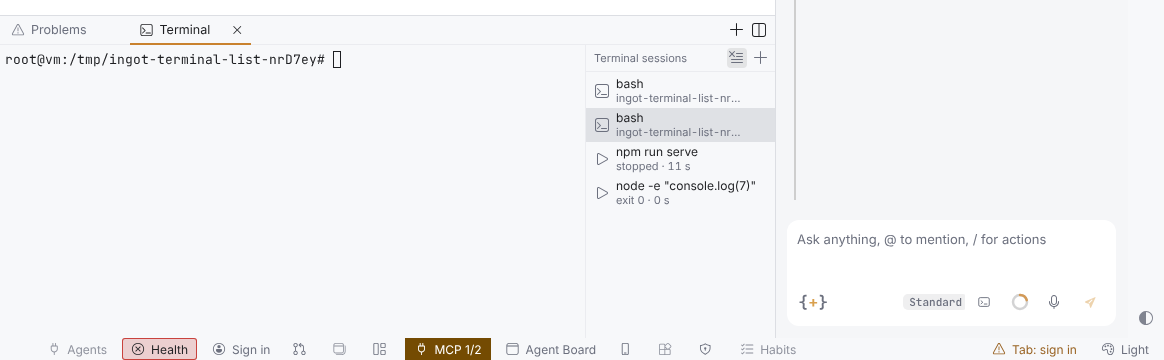
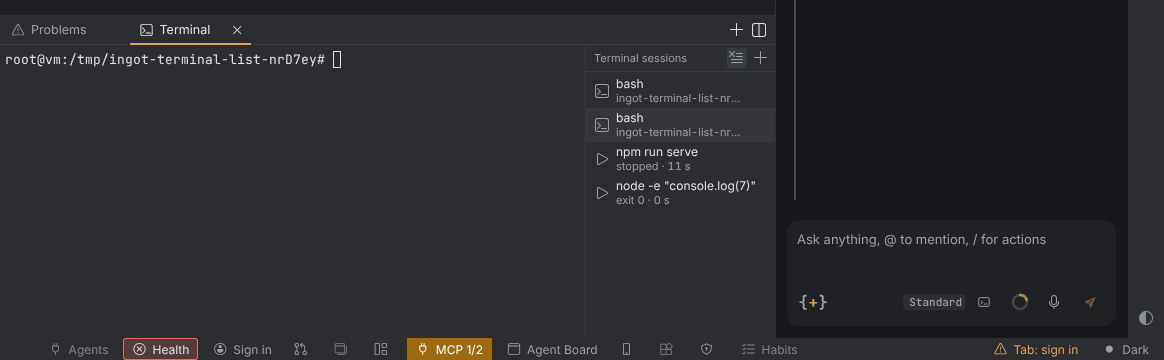
The bottom panel has one Terminal tab, however many terminals you open and however many commands the agent runs. Inside it, the terminal is on the left and a narrow list of your sessions is on the right.
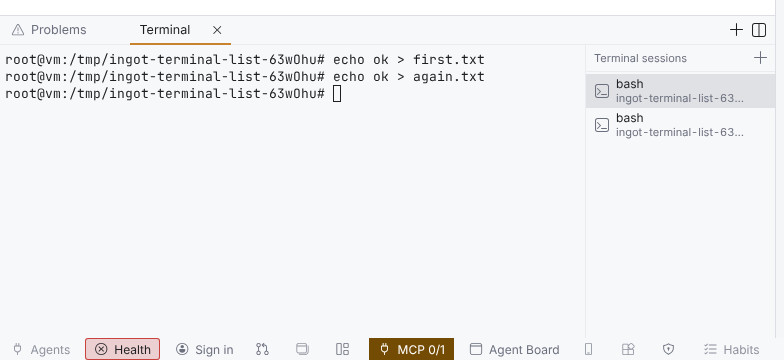
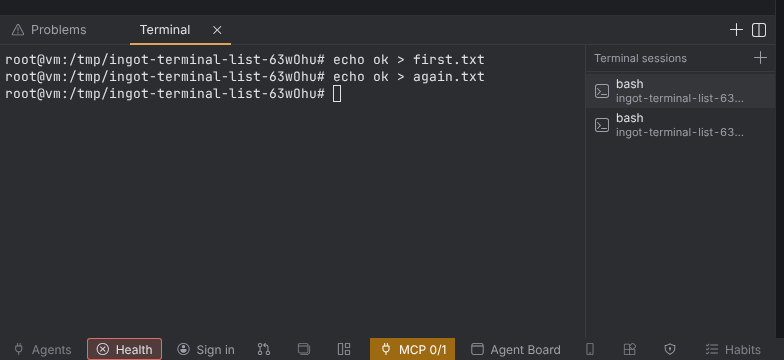
The session list
- + above the list opens a new terminal.
- A row shows an icon, the shell's name and its folder. Click a row to show that session on the left.
- × on a row closes that terminal.
- Your terminals work as before: keys, copy and paste, and restoring them after a restart. Only their tabs are folded into the one Terminal tab, so Problems, Output and Ports stay in view.
Commands the agent runs
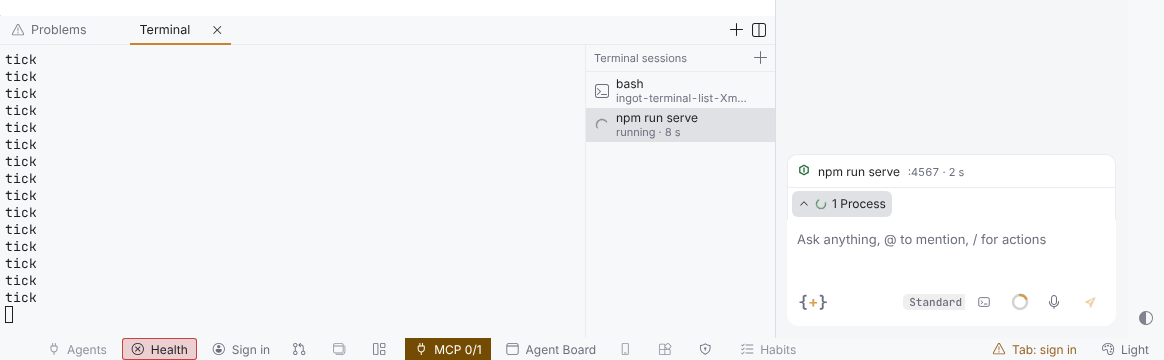
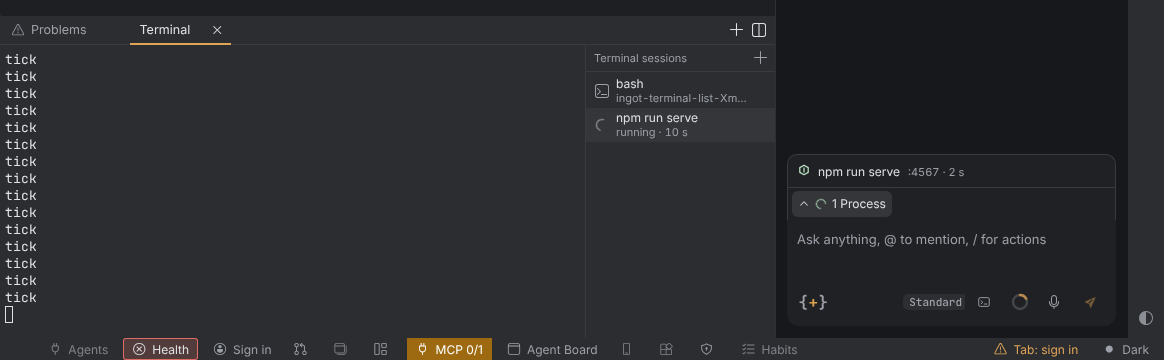
A long command the agent starts, such as npm run serve, is a row in the list from the moment it starts, never a tab of its own. Its row shows the command, its state (running, the exit code, stopped) and how long it ran.
- Click the process row in the chat tray to open the Terminal tab with that row selected.
- A command the agent starts does not take the place of a terminal you are looking at. It shows when you pick its row. With no terminal of yours on screen, it shows as before.
- × on a command's row closes its terminal; the command keeps running. To stop it, press Ctrl+C in its terminal or Stop on its row in the chat tray.
- The six newest finished commands stay listed. Running commands and commands whose terminal is open always stay.
Keys
Click in the list or move to it with Tab, then:
| Key | Does |
|---|---|
| ↑ / ↓ | move the focus one row (it stops at the first and last row) |
| Home / End | go to the first / last row |
| Enter | show the focused row in the terminal |
Moving the focus does not switch the terminal by itself; Enter does.
Clear finished
Once a command the agent ran has ended (with an exit code, failed or stopped), Clear finished (the clear-all icon) shows next to +. It closes those commands' terminals and removes them from the list, like Clear finished in the chat's process list. Running commands and your own terminals stay.
Closing the Terminal tab
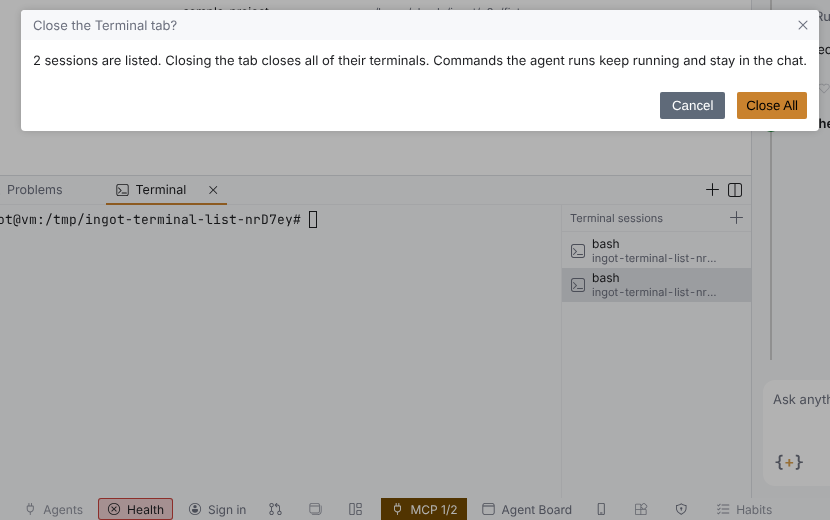
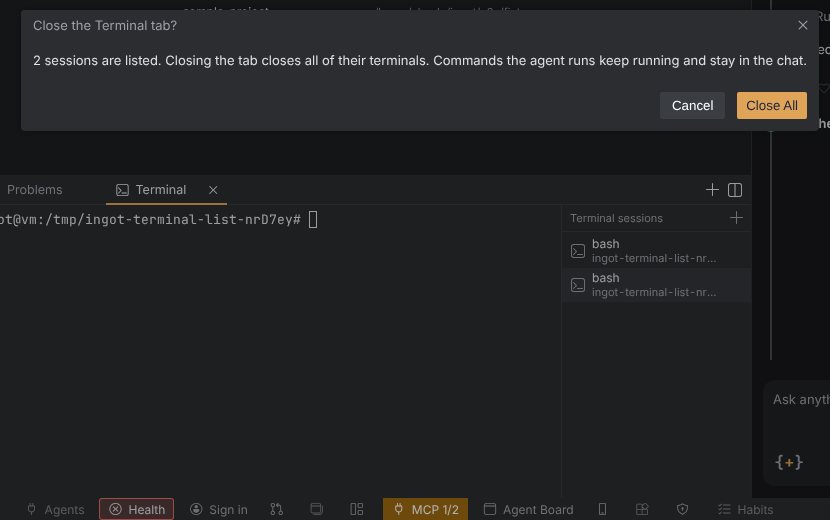
The Terminal tab stands for every session in the list. With more than one session listed, its × (or a middle click on the tab) asks Close the Terminal tab? with Close All and Cancel. Close All closes every session's terminal; commands the agent runs keep running and stay in the chat. With one session the tab closes at once, as before.
Turn it off
The session list is on by default. To give every terminal its own tab in the bottom panel again, as before, set ingot.terminal.sessionList to false in your settings file.
| Setting | Values | Default |
|---|---|---|
ingot.terminal.sessionList | true: one Terminal tab with the session list; false: one tab per terminal | true |
Good to know
- A terminal you drag to the editor area or split beside another keeps its own tab and has no list.
- The » button of the bottom panel (Bottom panel tabs) does not count or list the terminals behind the Terminal tab.