Habits
Habits are a folder, .ingot/habits/, with one Markdown file per type of fix: bug.md, defect.md, design.md, performance.md, tests.md, security.md, refactor.md, general.md, and any type you add. Each file holds lasting knowledge for future runs: decisions, patterns and "always do X when Y", one bullet per entry. The agent reads the files that fit the task and appends what it learns to the matching one. Commit the folder and your whole team's agents learn together.
Beta Habits is an optional feature and is off until you turn it on. While it is off the agent neither reads nor writes the folder; the files stay where they are. Rules say how to write code; habits are what the agent learned about working in this project.
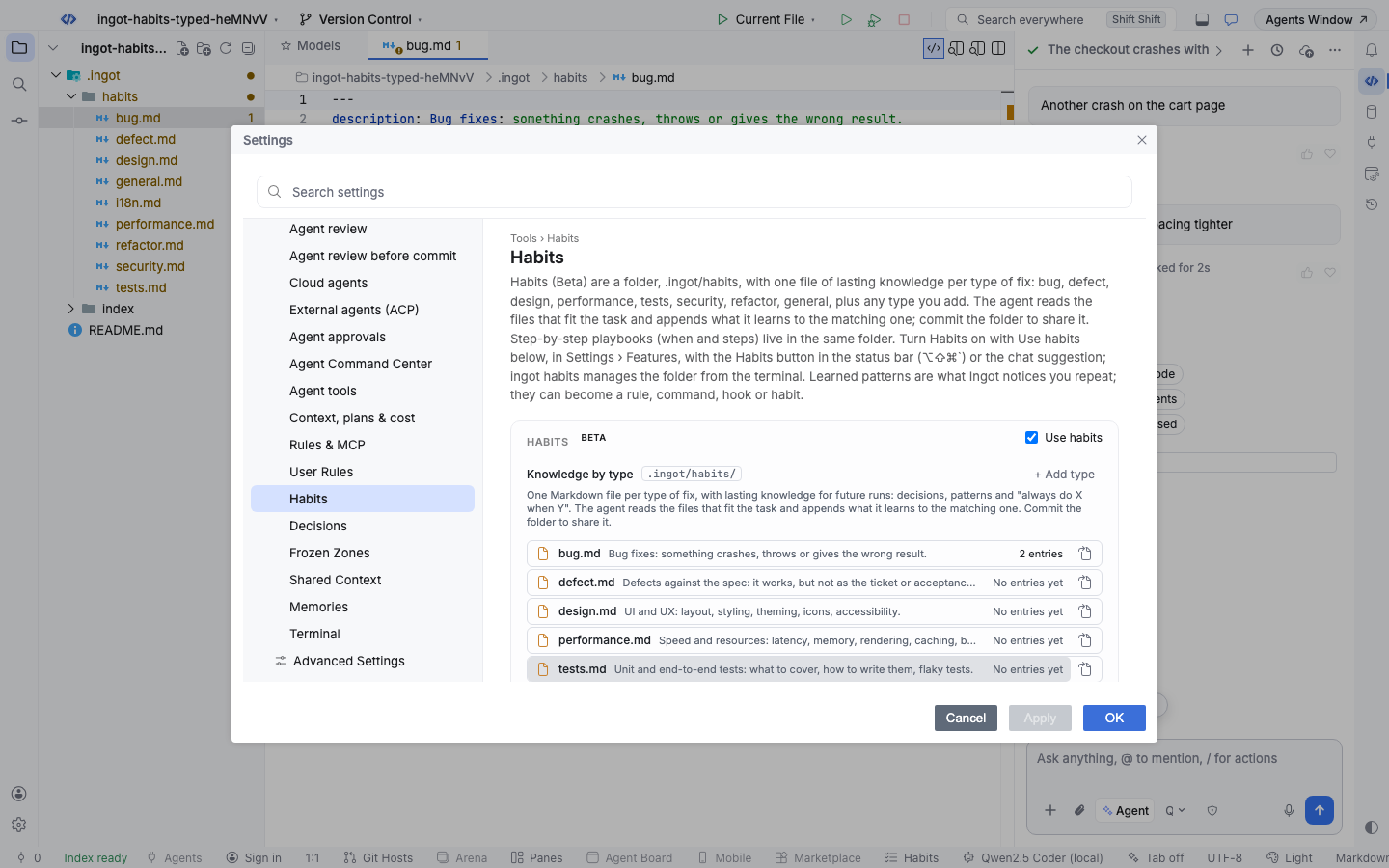
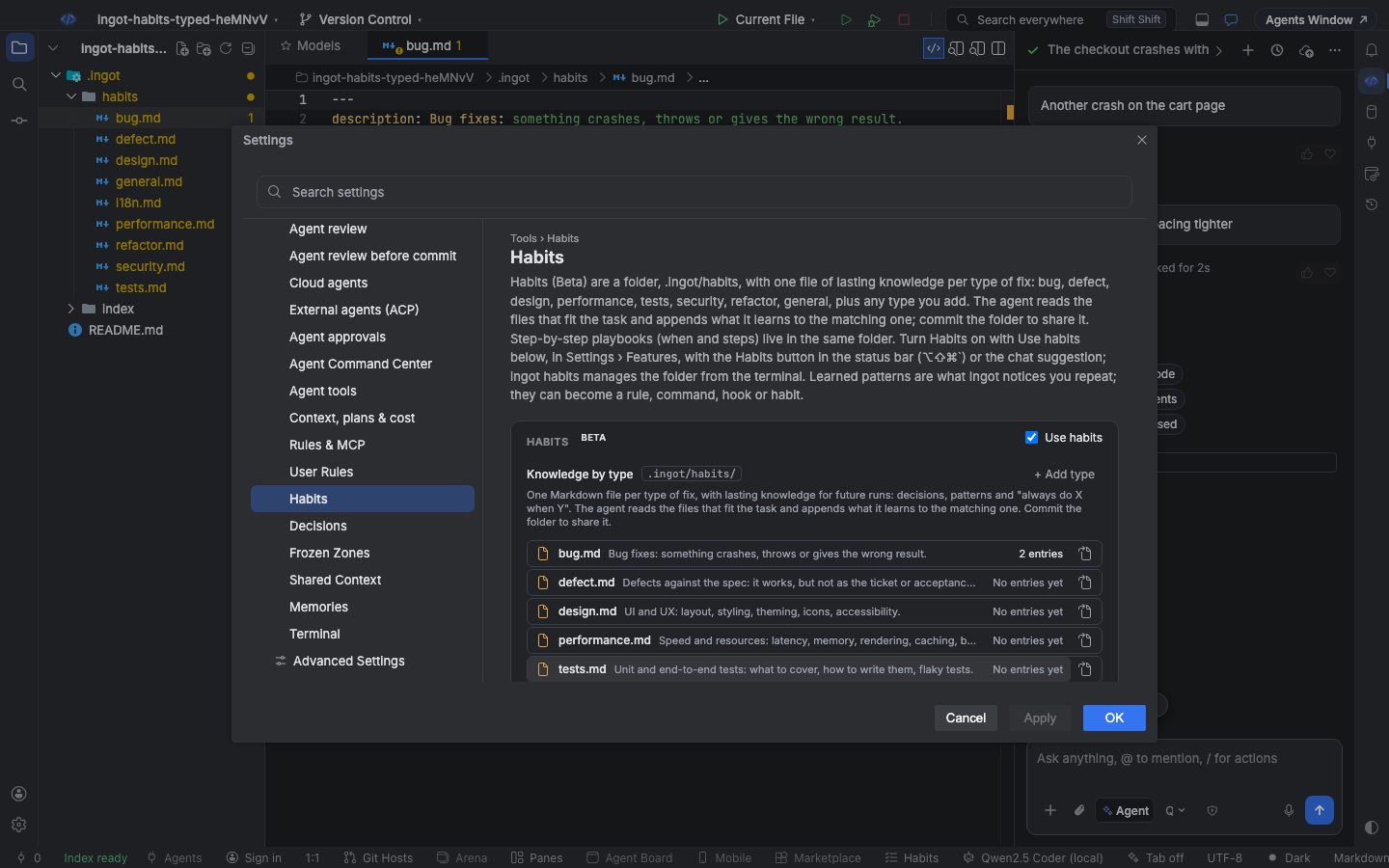
Turn it on
Habits is easy to find in three ways, like every optional feature:
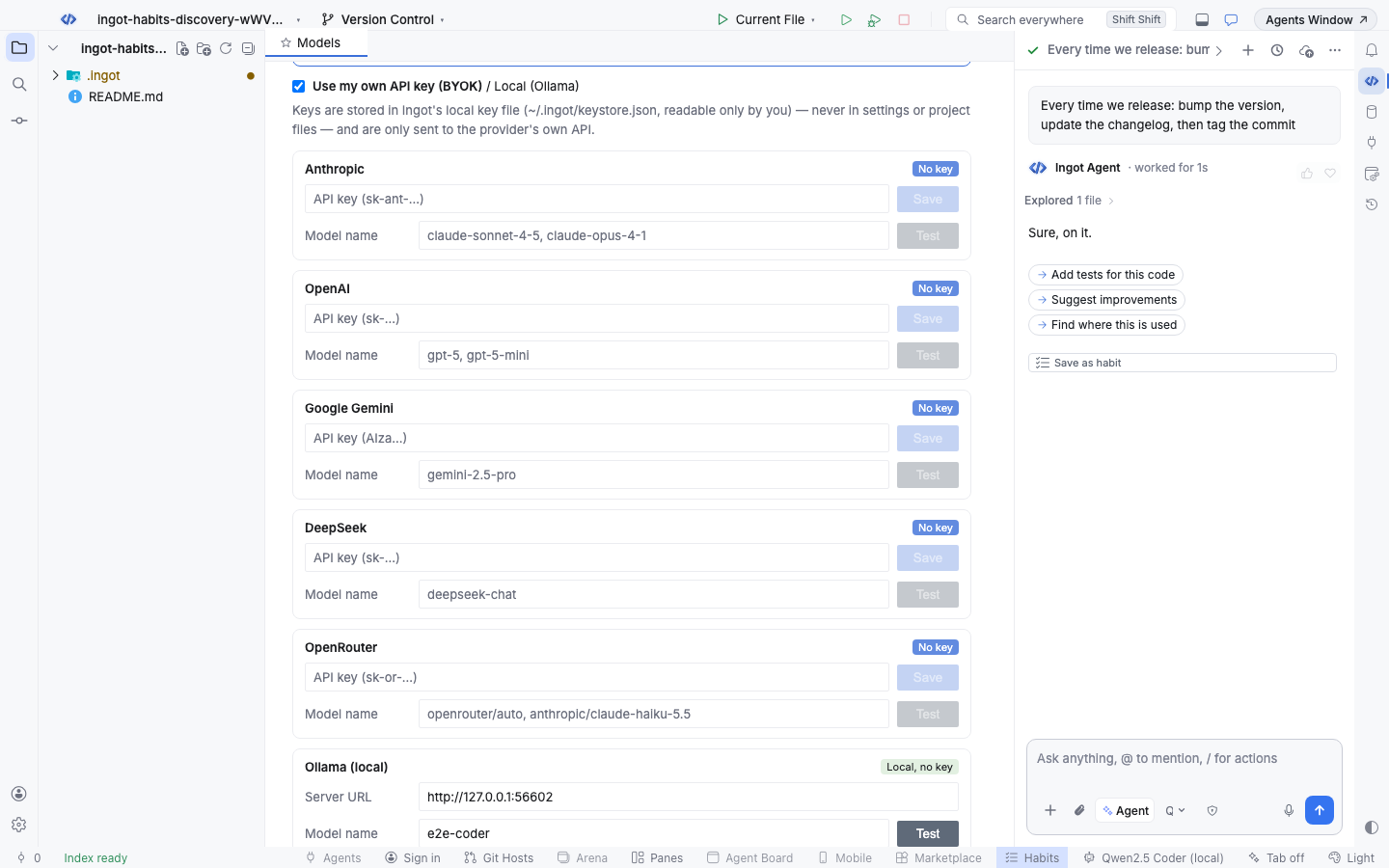
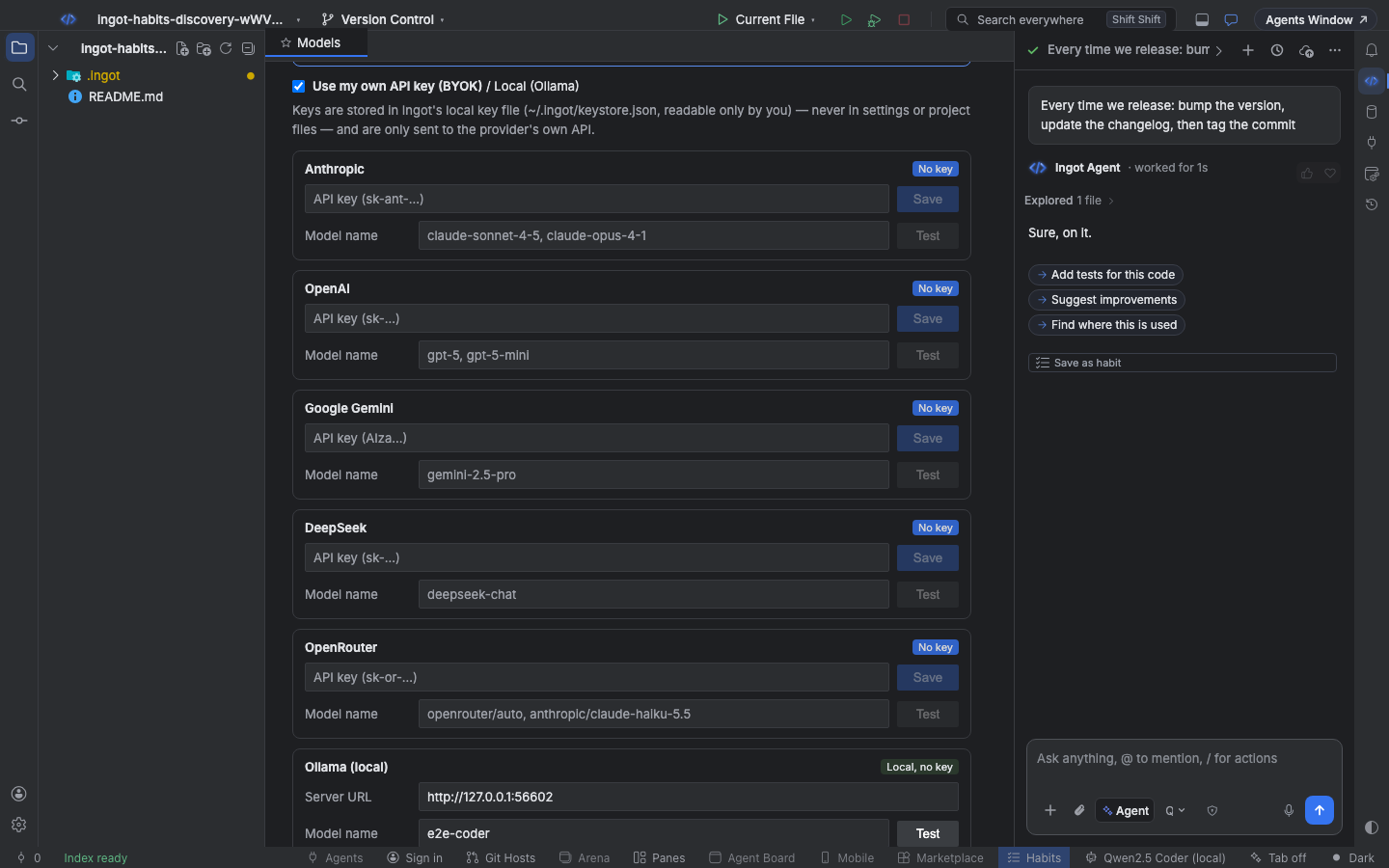
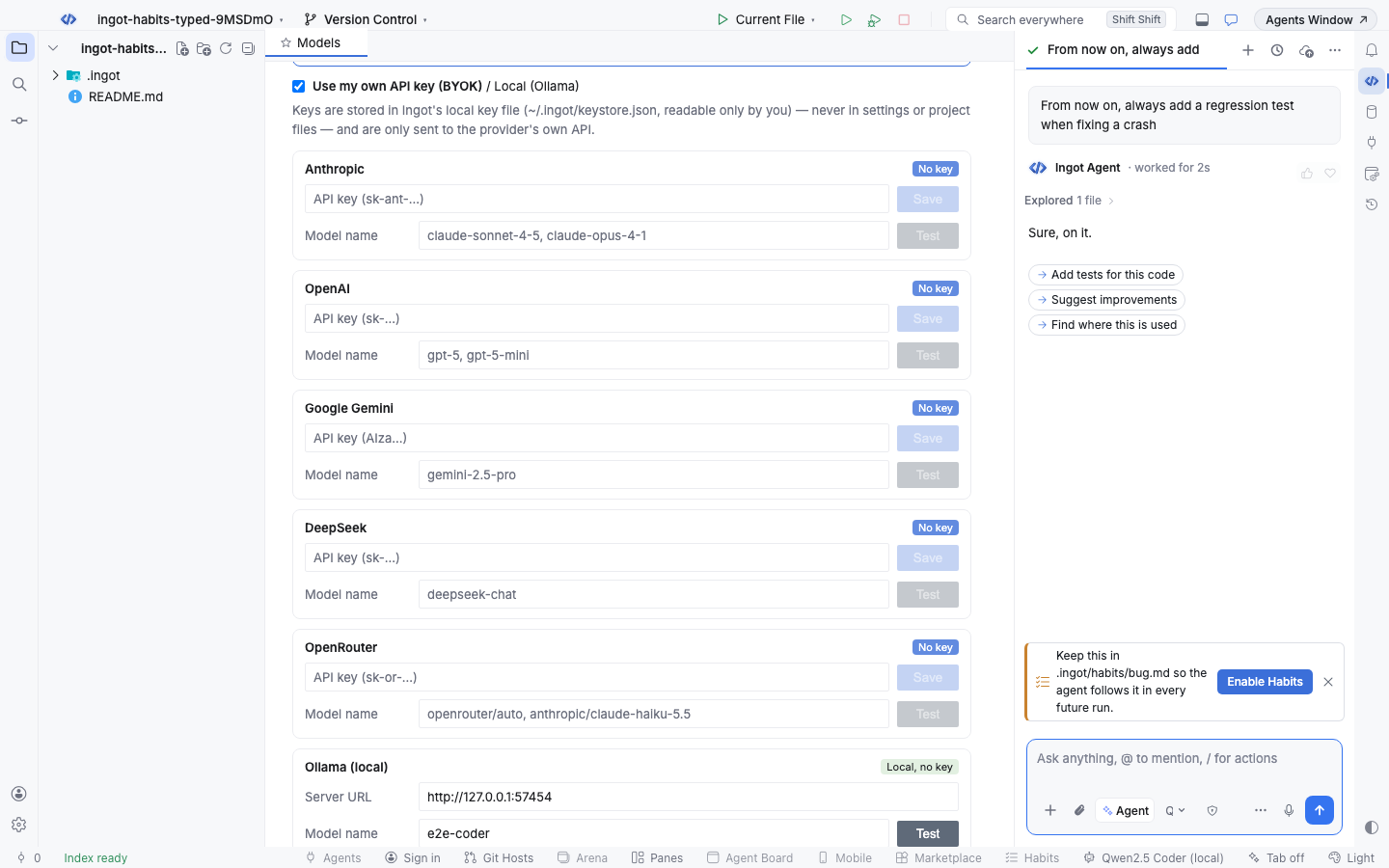
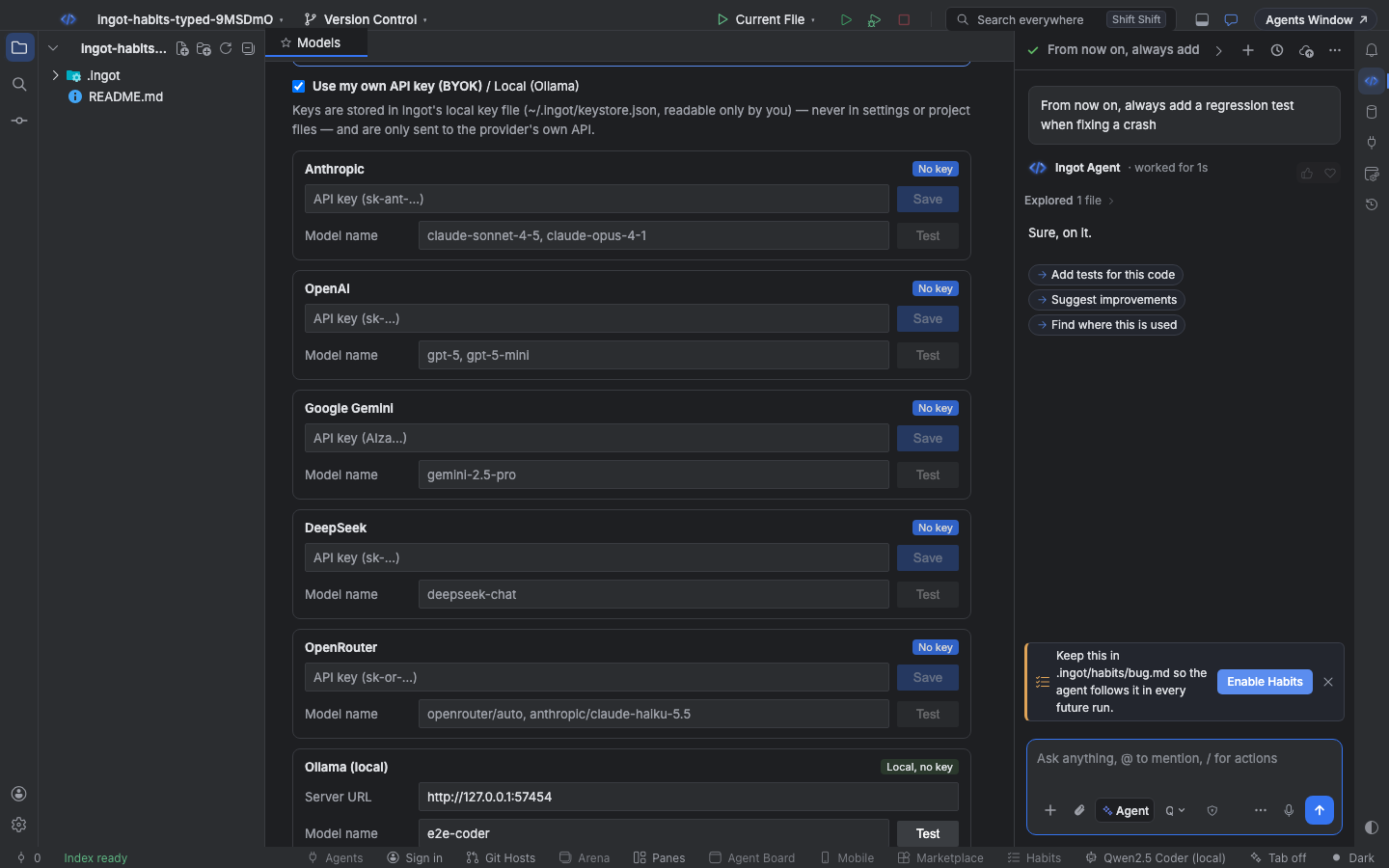
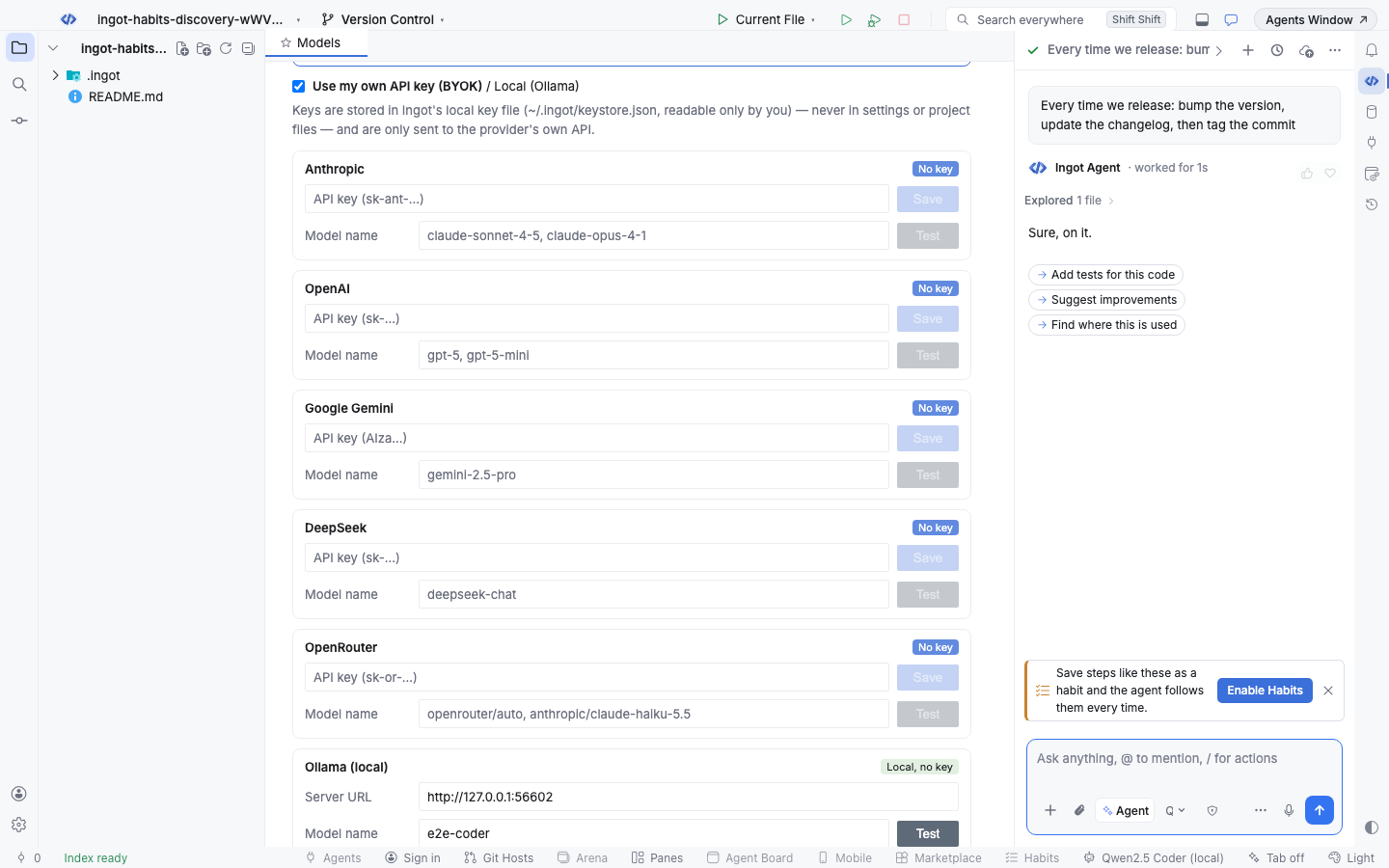
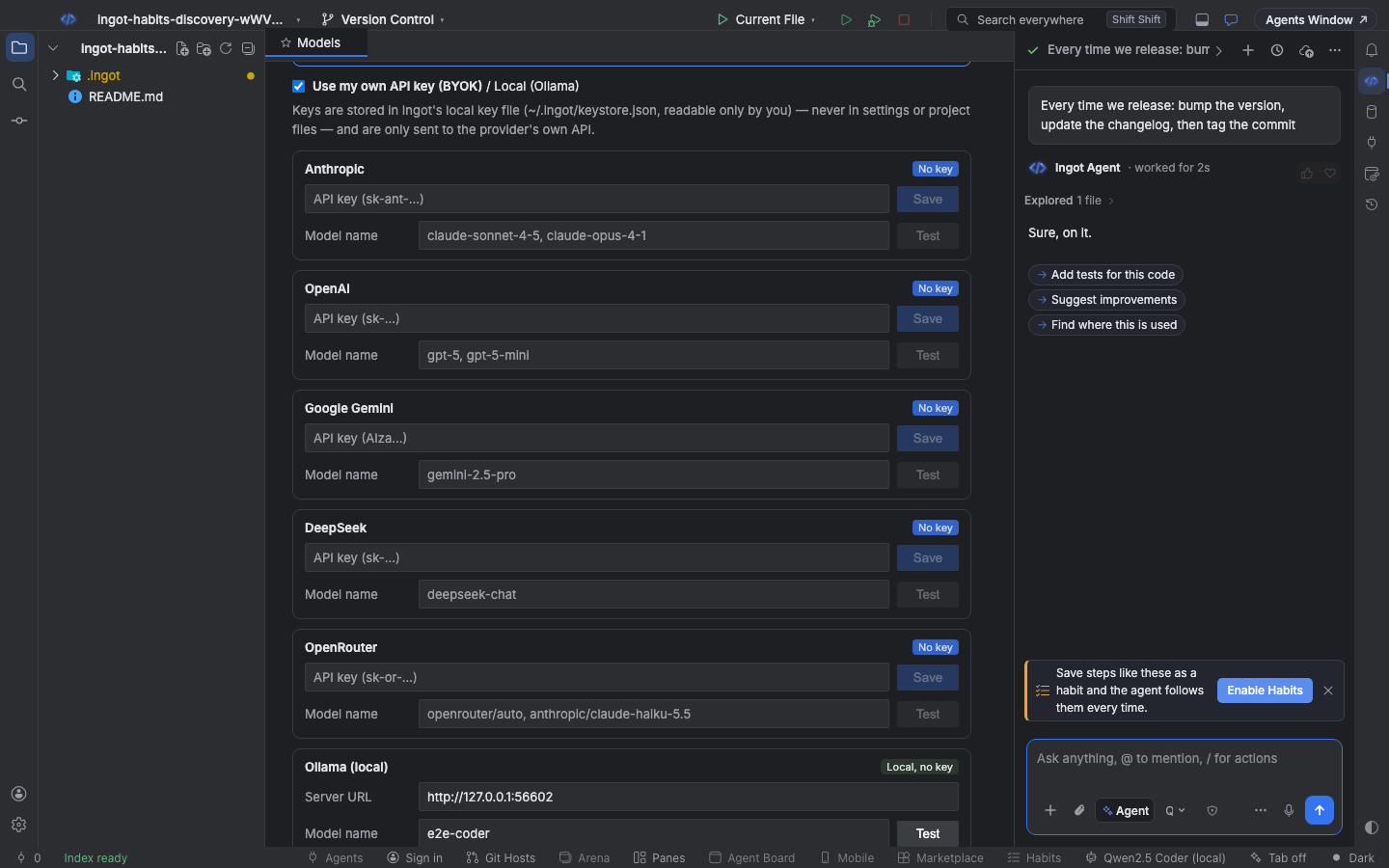
- A suggestion in the chat. When your prompt states something lasting ("From now on, always add a regression test when fixing a crash"), describes a routine ("every time we release: bump the version, update the changelog, then tag the commit"), or the project already has team habits while Habits is off, a small card above the chat box offers Enable Habits. × hides it for good.
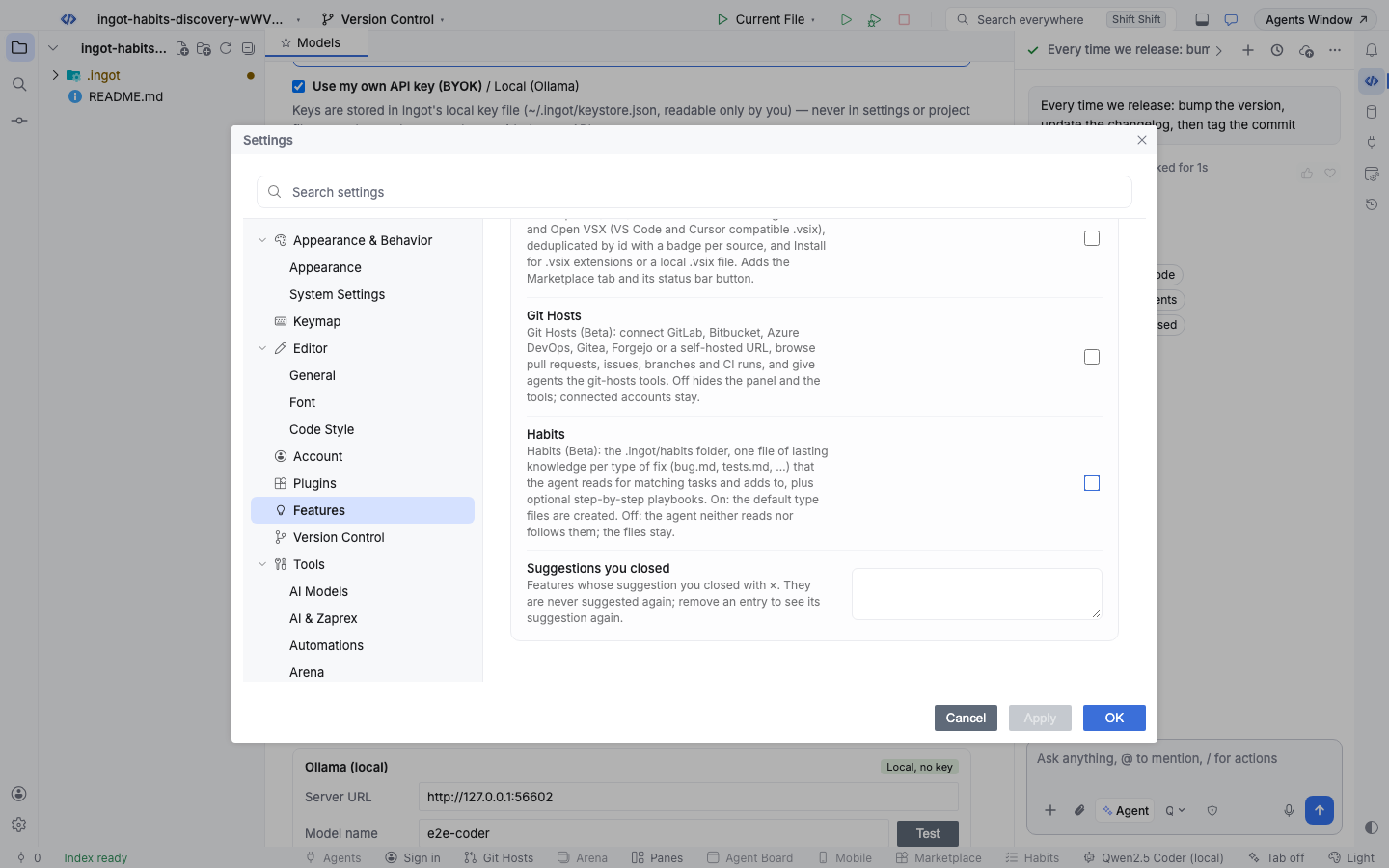
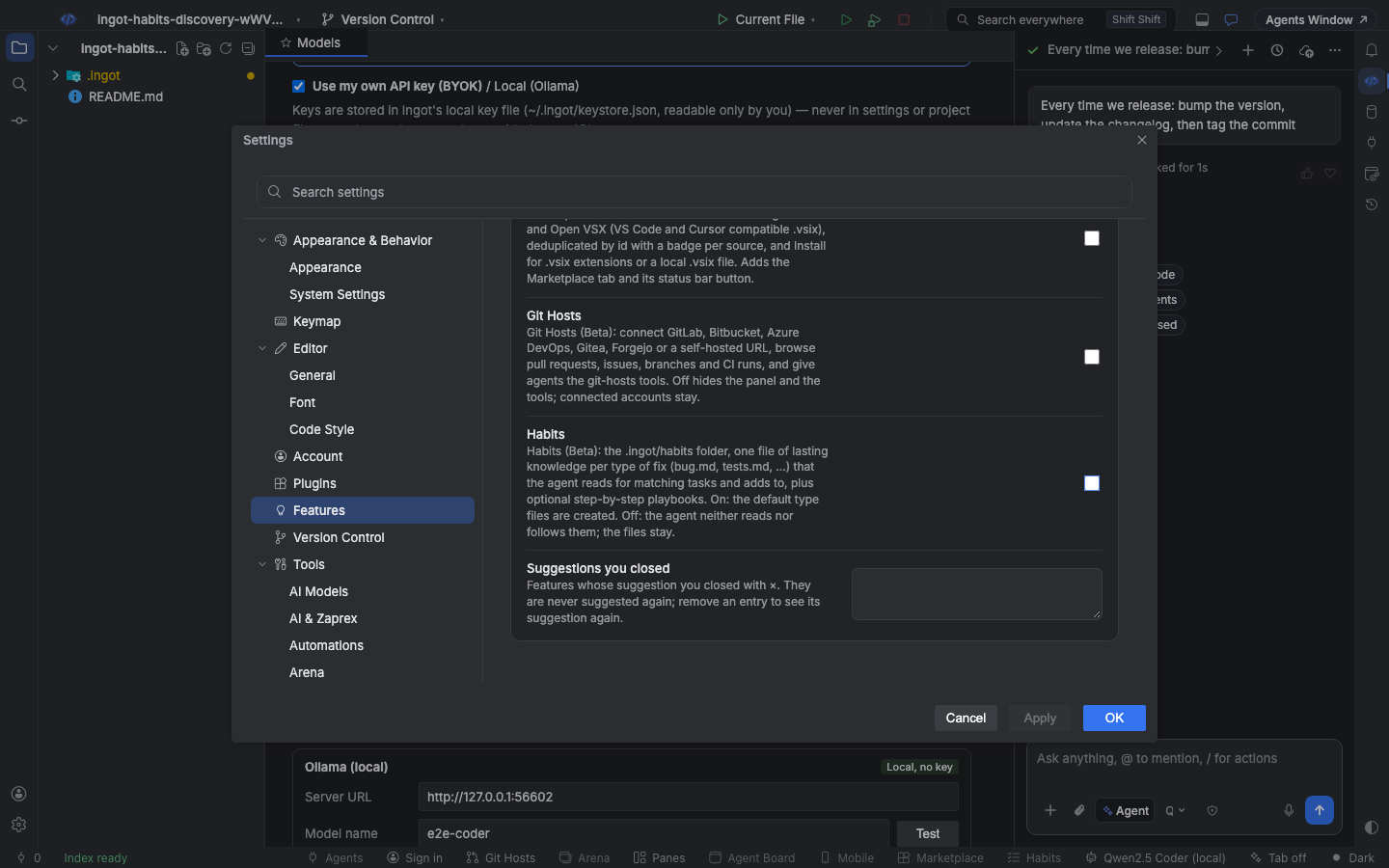
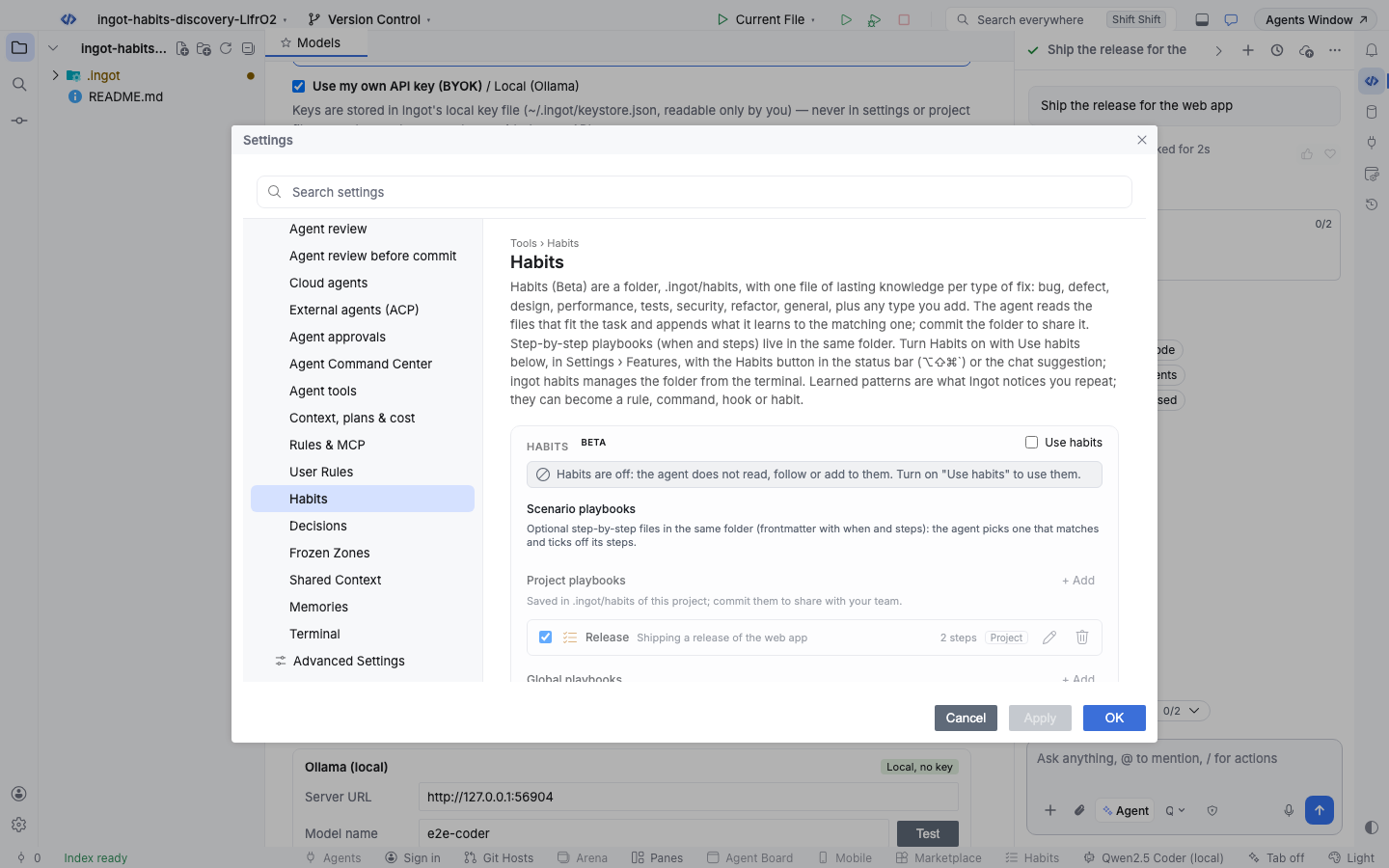
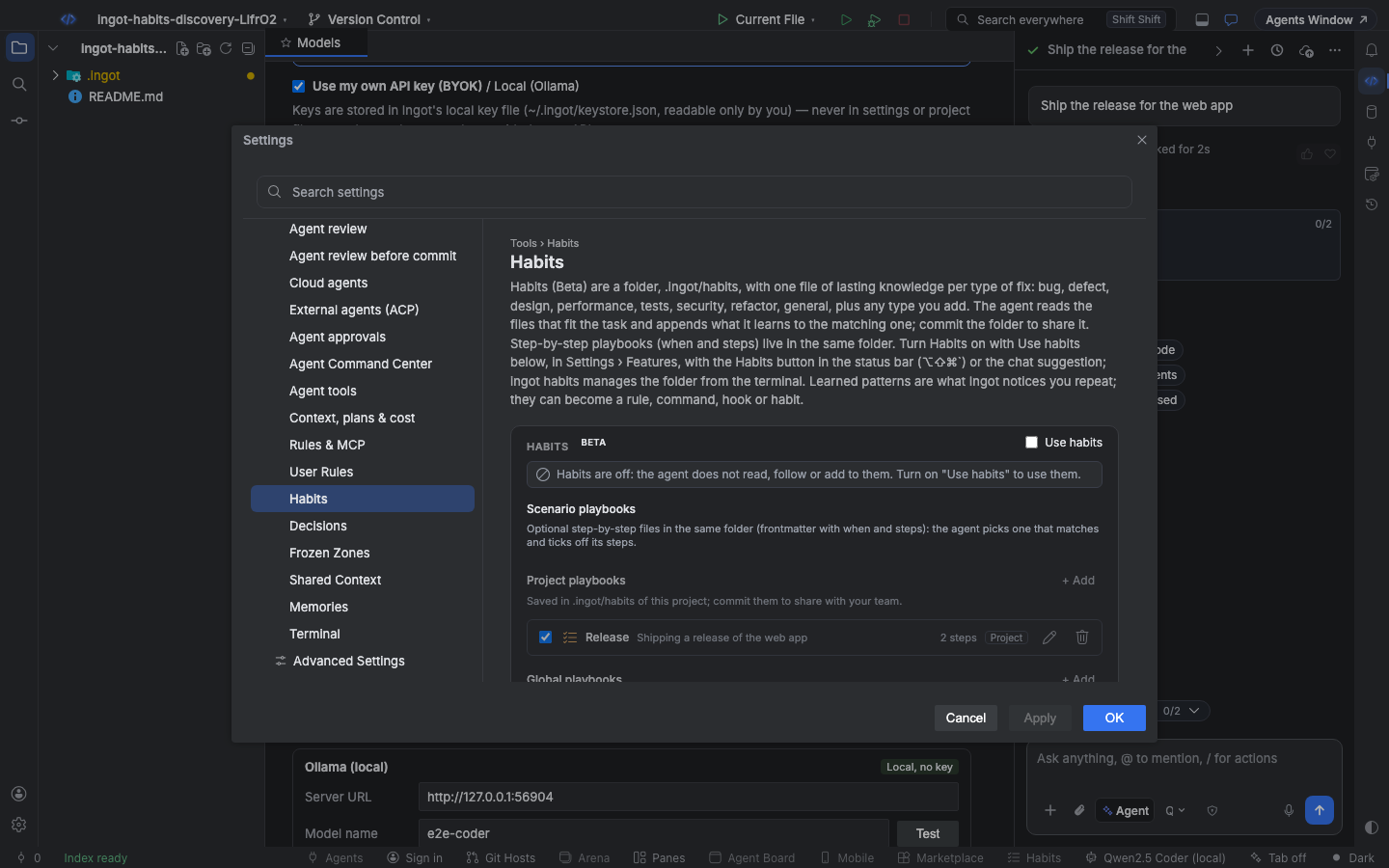
- Settings › Features › Habits. An on/off switch. The same switch is Use habits at the top of the Habits page.
- The Habits button in the status bar. One click turns Habits on and opens the Habits page; it looks dimmed while Habits is off. The shortcut is
⌥⇧⌘`on macOS andCtrl+Alt+Shift+`on Windows and Linux, and Habits: Turn On and Open and Habits: Turn On or Off are in Find Action.
Turning Habits on creates .ingot/habits/ with the default type files that are missing. It never overwrites a file, and while Habits stays on a type file you delete stays deleted.
The type files
| File | What goes in it |
|---|---|
bug.md | Bug fixes: something crashes, throws or gives the wrong result |
defect.md | Defects against the spec: it works, but not as the ticket or acceptance criteria say |
design.md | UI and UX: layout, styling, theming, icons, accessibility |
performance.md | Speed and resources: latency, memory, rendering, caching, bundle size |
tests.md | Unit and end-to-end tests: what to cover, how to write them, flaky tests |
security.md | Secrets, auth and input handling: never leak, always validate |
refactor.md | Restructuring without changing behavior: naming, extraction, duplication, dead code |
general.md | Everything else worth keeping: project conventions, workflow, decisions |
A type file is plain Markdown. The frontmatter says what the type is about; the keywords decide which tasks it fits. Every - bullet in the body is one entry.
---
description: Bug fixes: something crashes, throws or gives the wrong result.
keywords: [bug, crash, broken, error, exception, regression, stack trace, throw, null, undefined, fail]
---
# Bug

Lasting knowledge for future runs. One bullet per entry.

- Always add a regression test before fixing a crash
- Reproduce it in a failing test first
Your own types work the same way: i18n.md with keywords: [locale, translation] is read for translation work.
How the agent reads them
For every request Ingot scores each type file that has entries against your prompt: the type's name counts 2 points and each of its keywords 1. The agent gets the entries of the best 3 types (at most the last 30 entries of each) and of general.md, which it always reads. It also gets the list of all type files with their entry counts, so it can open another one when the task turns out to touch it.
For "Another crash on the cart page" the agent reads bug.md; for "Make the header spacing tighter" it reads design.md, and the crash knowledge stays out of the prompt.
How the agent writes to them
When the agent learns something worth keeping, it adds a line to its reply:
HABIT: [bug] Always add a regression test before fixing a crash
HABIT: Never log access tokens in the payment client
Ingot takes those lines out of the reply and appends each one to its type file. A named type goes to that file (a new name creates a new file); without a type Ingot classifies the entry with the same scoring, so the second line lands in security.md. An entry already in the file is not added twice, and lines inside code blocks are left alone.
Each save shows a silver Saved to Habits note in the chat with the file and the entry. Click the note to see the file on the Habits page, Open opens it in an editor tab, and Undo takes the entry back out of the file.
To let the agent read the files but never write them, turn off Agent adds what it learns to the type files on the Habits page (ingot.habits.knowledge.autoSave).
Edit the files on the Habits page
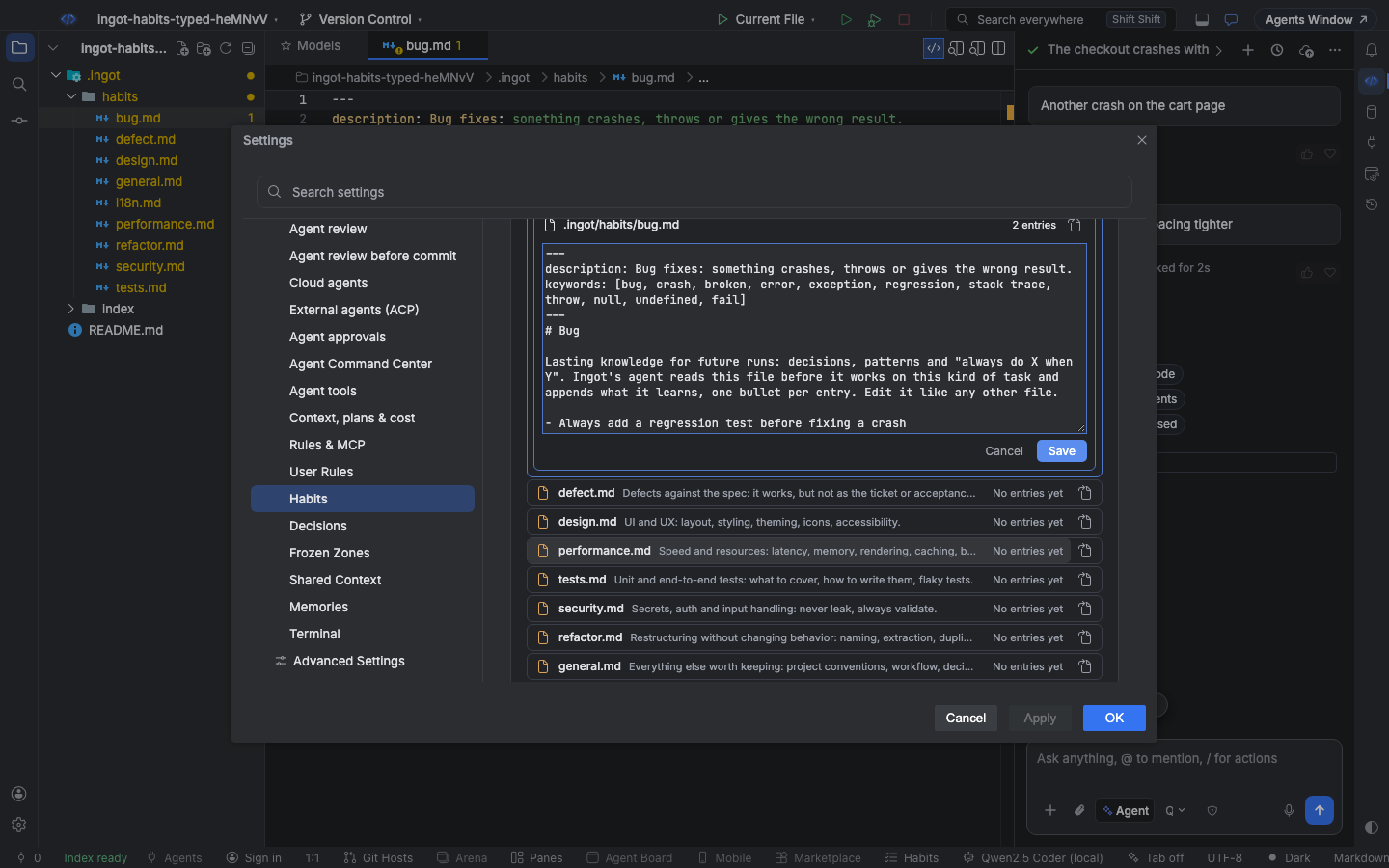
Settings › Tools › Habits lists the folder under Knowledge by type: each file with its description and entry count. Click a file to edit it right there; the count updates as you type. The arrow icon opens it in an editor tab instead. Escape or Cancel closes the editor without saving.
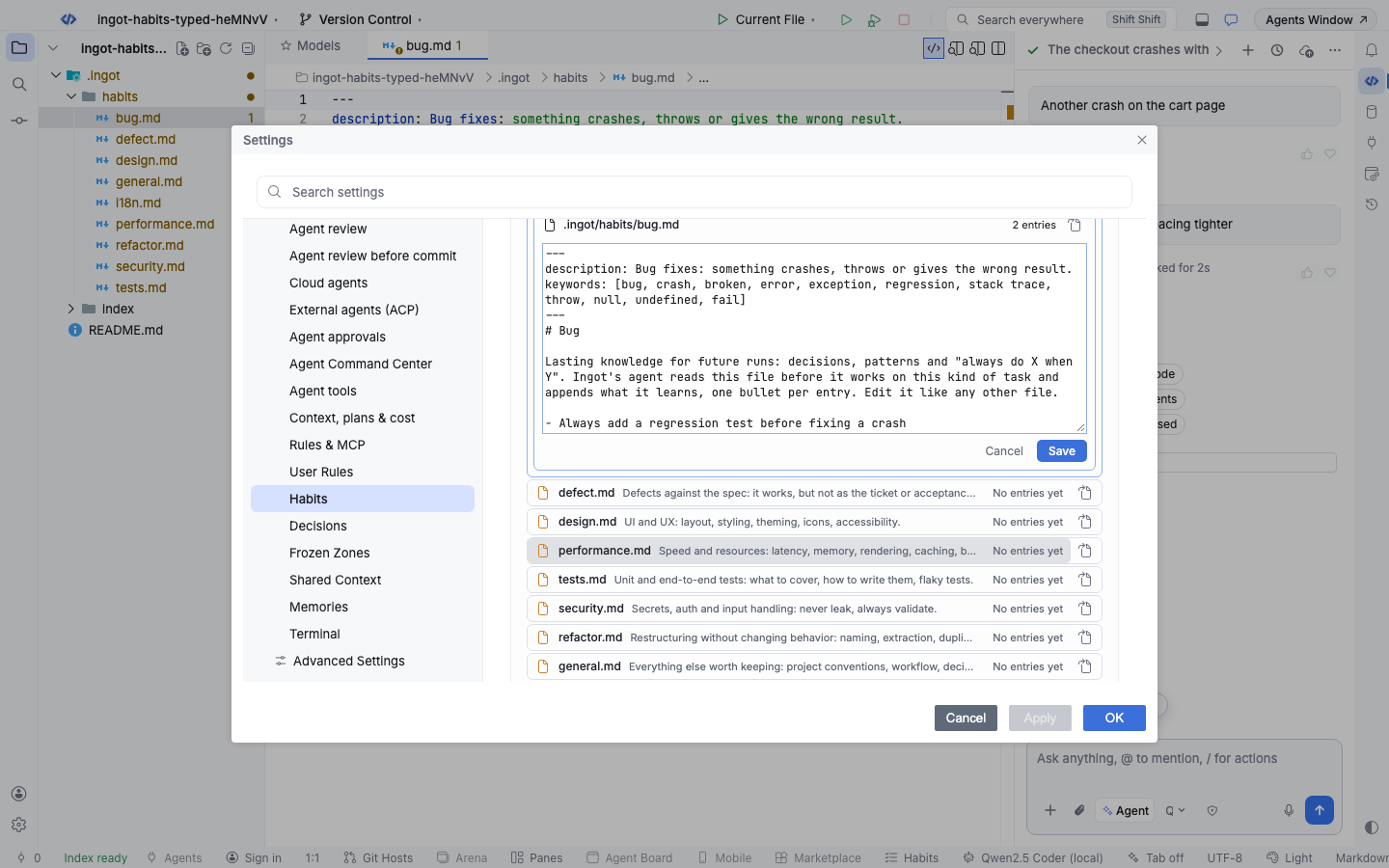
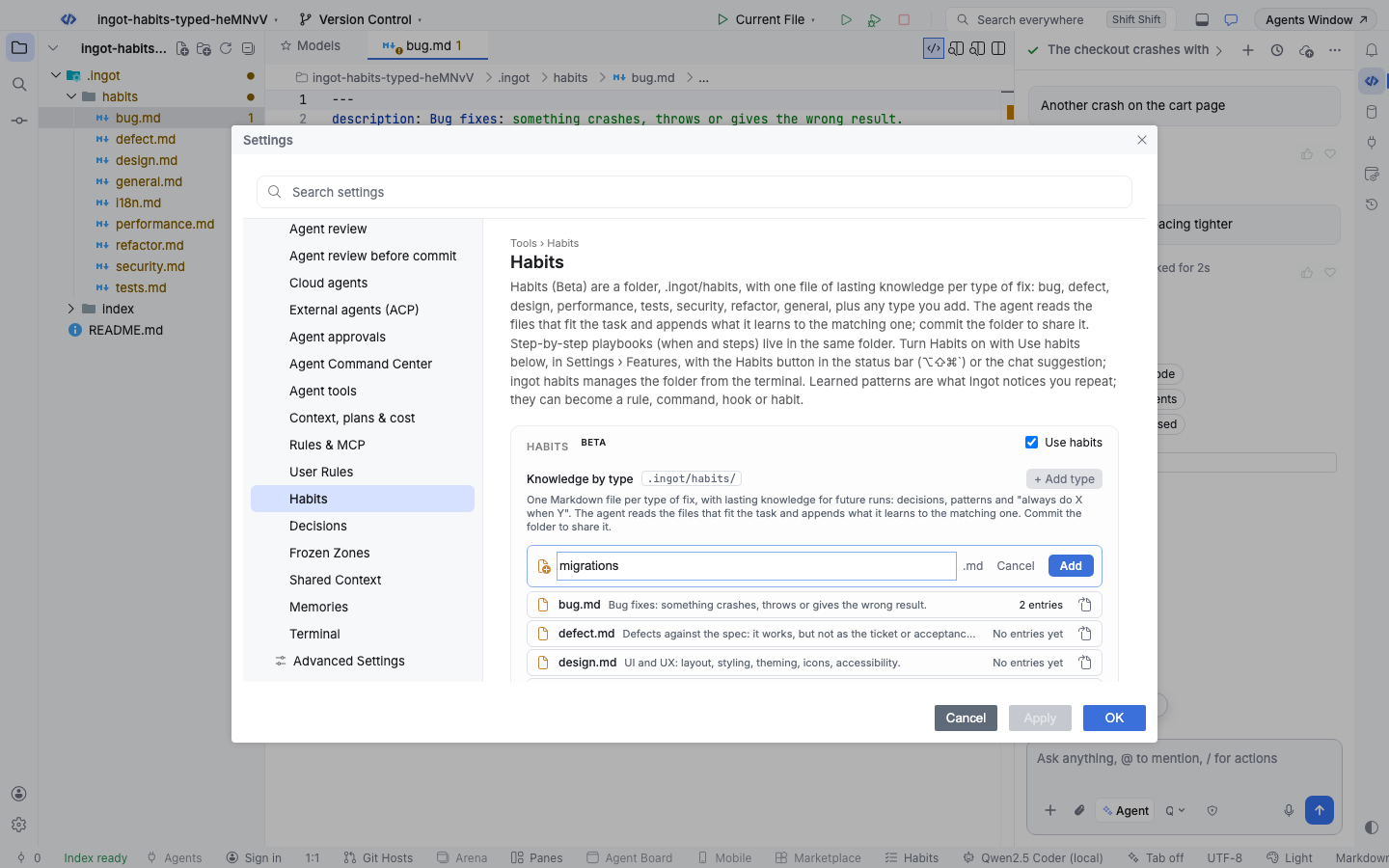
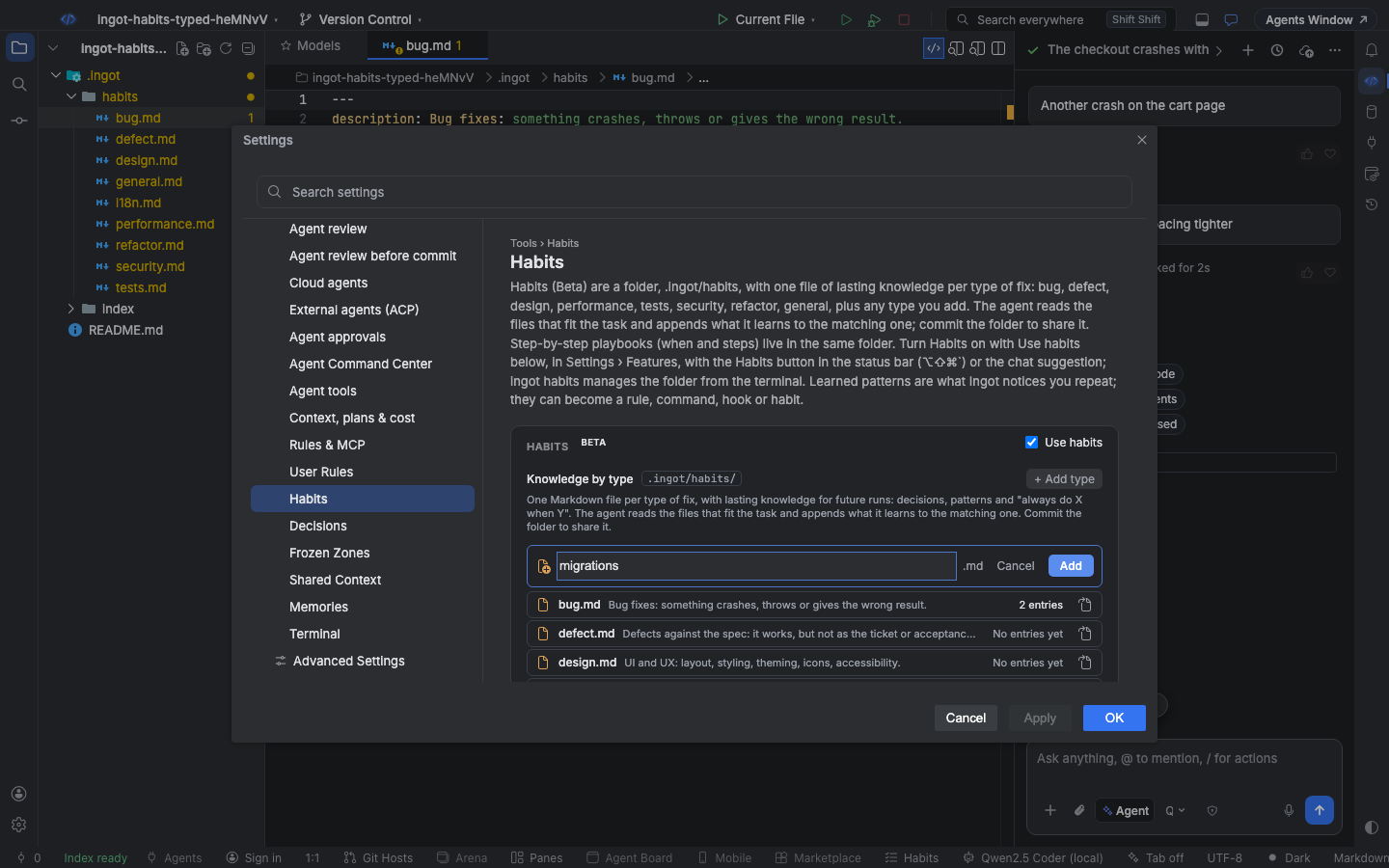
+ Add type makes a new type file. Use letters, numbers and dashes; Bugs is refused when bug.md is already there.
Keep knowledge from your prompt
When your prompt says something lasting while Habits is off, the suggestion names the file it belongs in: Keep this in .ingot/habits/bug.md so the agent follows it in every future run. Enable Habits turns Habits on, saves the sentence (without "From now on" or "please") to that file and opens it on the Habits page.
Scenario playbooks
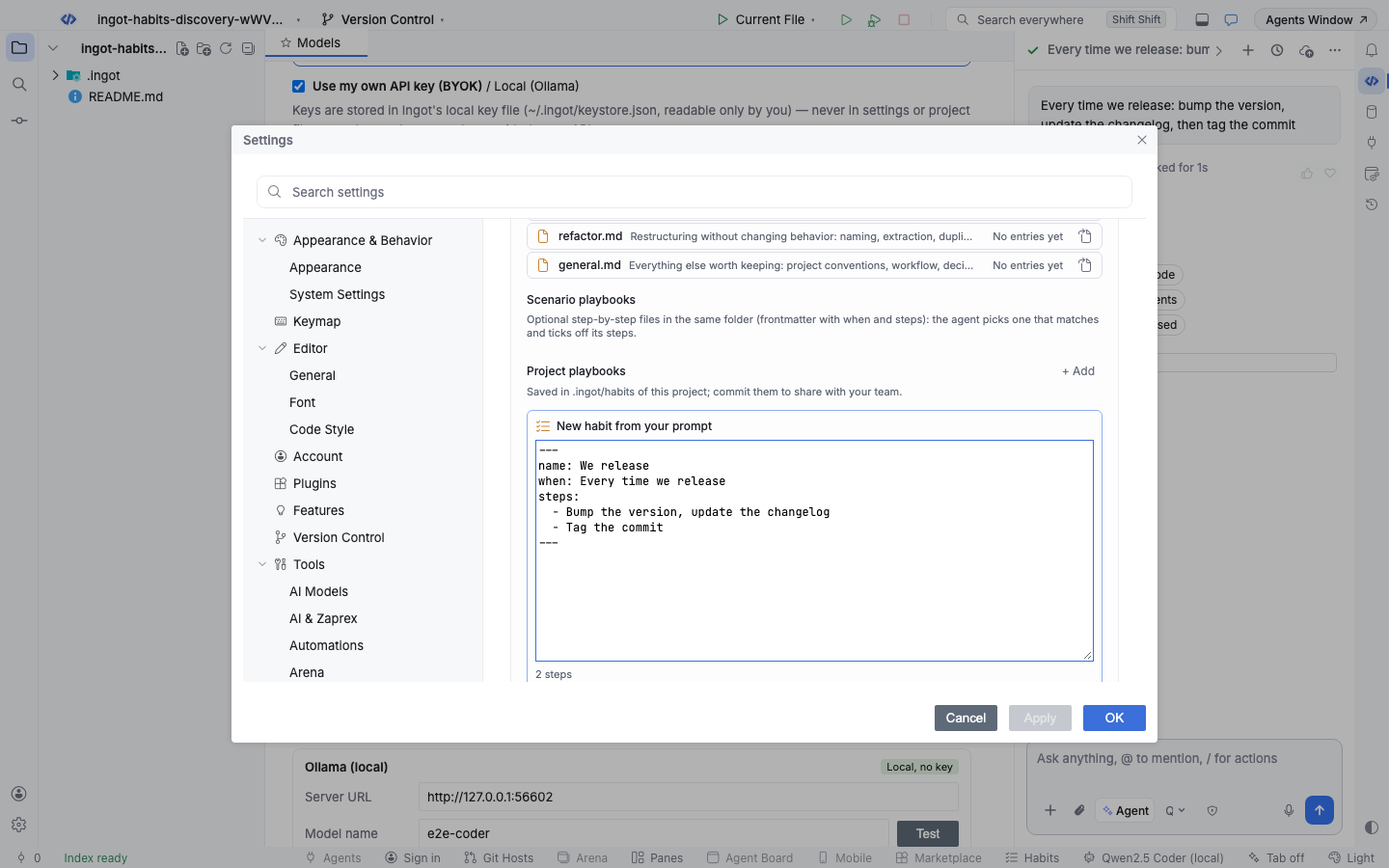
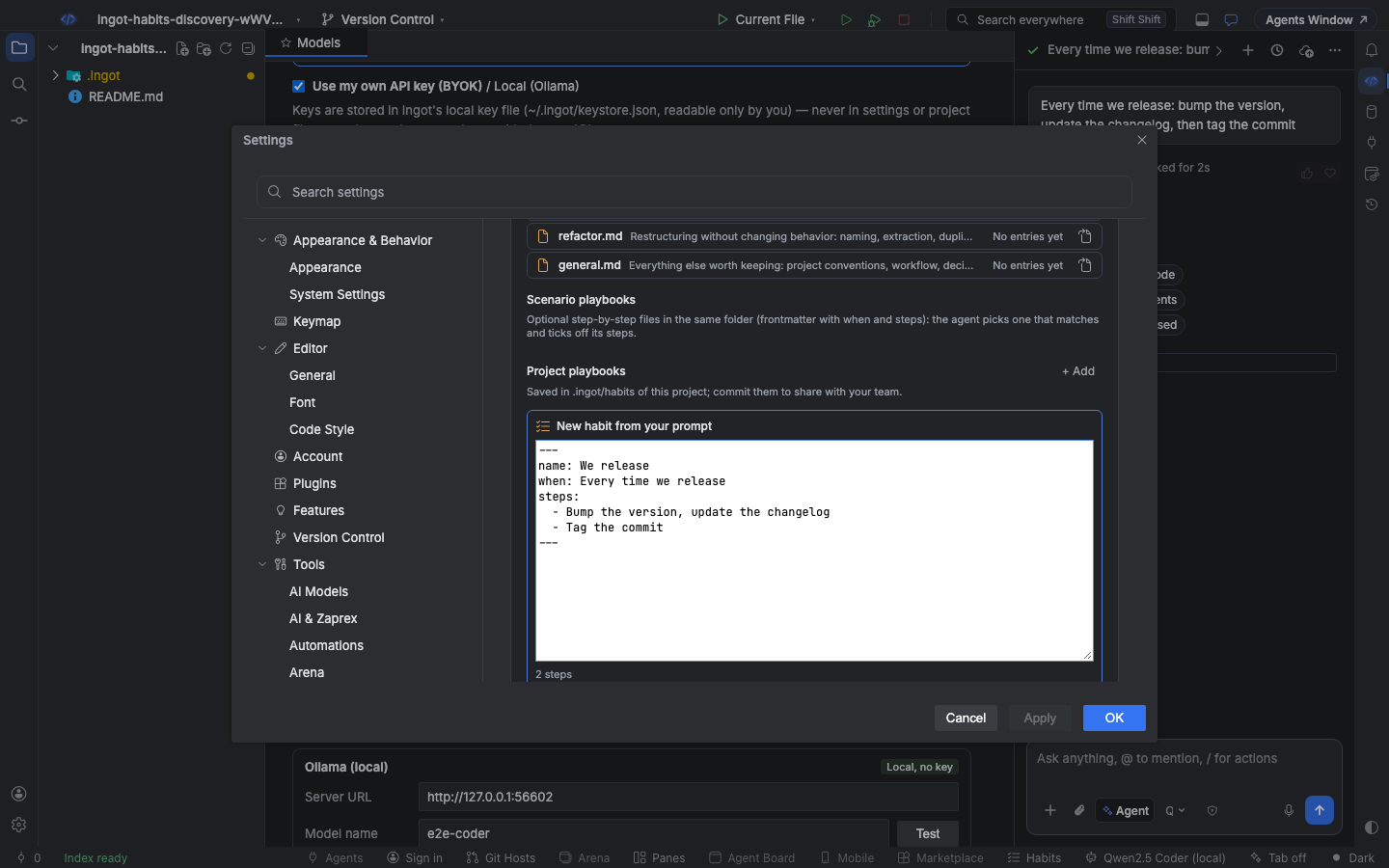
The same folder can also hold playbooks: files with when and steps frontmatter for a scenario such as a payments bug or a release. When this kind of task comes up, do these steps, use these tools, and don't stop until these checks pass. The Habits page lists them under Scenario playbooks, below the type files.
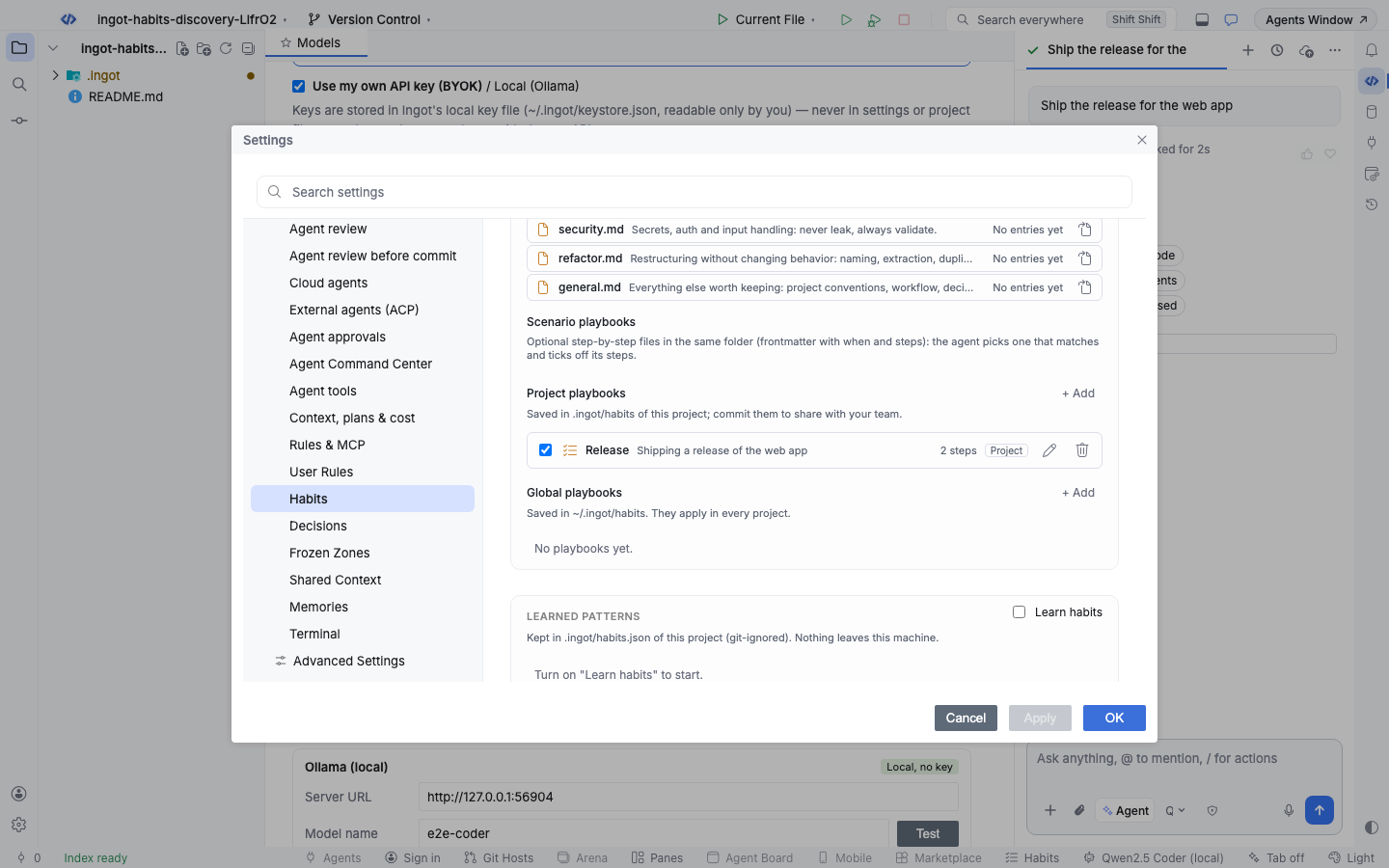
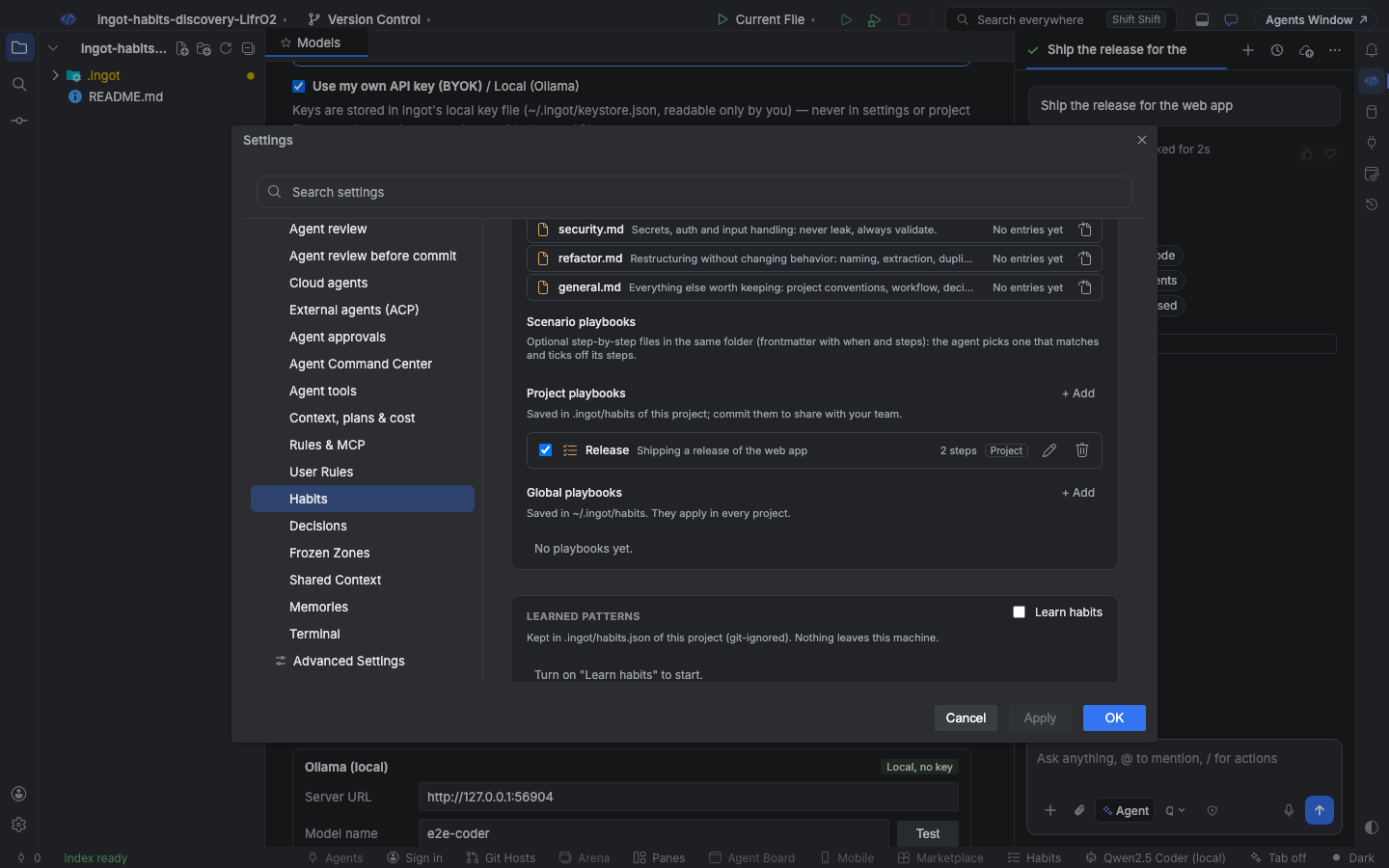
When the suggestion came from a routine in your prompt, Enable Habits opens a playbook drafted from it: the scenario becomes when and the name, and each step ("…, then …", a numbered list, or the part after a colon) becomes a step. Edit it, pick This project or Global, and click Add habit.
A playbook file
---
name: Payments bug
when: A bug report or failing test in the payments service
keywords: [payment, checkout, refund, invoice]
globs: ["services/payments/**"]
errorRegex: "PaymentError|CardDeclined"
steps:
  - Reproduce the problem with a failing test in services/payments/test
  - Search the service logs and recent commits for the error
  - Fix the cause, not the symptom
  - Run the payments test suite
allowedTools: [read_file, grep, glob, edit_file, ingot/run]
doneCriteria:
  - The new test fails before the fix and passes after it
  - npm test -w services/payments passes
---
Payments code handles money: never change rounding or currency logic without a test.
| Field | Meaning |
|---|---|
name | shown in the chat (up to 64 characters) |
when | the scenario, in plain words; the agent reads it to decide if the playbook fits |
keywords | words in your prompt that point to this playbook |
globs | files in context that point to this playbook |
errorRegex | an error pattern to look for in your prompt, attachments, diagnostics and terminal output |
steps | the ordered checklist the agent follows (up to 20) |
allowedTools | tools the agent may use while the playbook is active, such as read_file, ingot/run or github/*; leave it out to allow all |
doneCriteria | checks the agent confirms before it finishes |
Text after the frontmatter is sent along with the steps as extra notes. A file with when or steps is always a playbook, never a type file.
Where playbooks live
| Folder | Scope |
|---|---|
.ingot/habits/*.md | this project; shared through Git |
~/.ingot/habits/*.md | every project on this machine |
.cursor/habits/*.md | read for compatibility |
On a name clash the project wins over .cursor/habits, which wins over the global folder. Turning a team playbook off for yourself is a personal setting; it does not change the committed file. Type files are only read from the project's .ingot/habits/.
Habits work in any project layout. When you open a subfolder of a repository, the playbooks in .ingot/habits of the folders above it, up to the repository root, are followed too; the open folder's own win a name clash and new habits are saved there. If a habit seems ignored, Help › Ingot Health… › Project setup says whether Habits is off (with a Turn on Habits button) or a habit file did not load.
Auto-matching
For every new request Ingot scores each playbook against what you're working on:
| Signal | Points |
|---|---|
errorRegex matches an error in the prompt, attachments, diagnostics or terminal | 3 |
a keywords word appears in the prompt | 2 |
a file in context matches globs | 1 |
The best playbook with at least 2 points is picked, so a matching file alone never picks one. The agent can also switch playbooks on its own when the task turns out to be something else, and you can pick or turn off a playbook yourself.
The "Using habit" pill
When a playbook is active, a pill above the composer shows Using habit: Payments bug and why it was picked (for example keyword "refund"). Open it to see the live checklist: the agent ticks steps as it goes, and before it finishes it checks the done criteria and is reminded once if one is still open. Choose Habit off to stop following it for this chat.
Save a run as a habit
After the agent solves something you'll see again, choose Save as habit on the finished run. Ingot drafts a playbook from what actually happened:
- steps from the tool calls in the run (up to 10; consecutive reads are folded into one step)
- keywords and globs from your prompt and the files it edited
- doneCriteria from the checks it ran, such as tests, lint or build
Review the draft, edit it, and save it to the project or to your global habits.
Settings
| Setting | Default | What it does |
|---|---|---|
ingot.habits.playbooks.enabled | false | Habits (Settings › Features, and Use habits on the Habits page): the agent reads the type files that fit the task and follows matching playbooks. Off, the files stay but the agent ignores them and Save as habit is hidden |
ingot.habits.knowledge.autoSave | true | Agent adds what it learns to the type files: HABIT: lines in replies are appended to .ingot/habits/<type>.md. Off, the agent only reads the files |
ingot.habits.playbooks.autoSelect | true | Pick a matching playbook automatically from its keywords, globs and error pattern. Off, a playbook is only used when you or the agent pick one |
ingot.habits.playbooks.disabled | [] | Playbooks you turned off for yourself on the Habits page, as ids like project:payments-bug; the committed files do not change |
ingot.habits.enabled | false | Learn habits: notice what you repeat and offer to turn it into a rule, command or hook |
ingot.habits.threshold | 3 | How many times a pattern repeats before Ingot suggests it |
From the terminal
ingot habits reads and writes the same folder as the Habits page, so you can manage it in scripts and CI. It never calls a model.
npx @ingotide/cli habits                                   # the type files with entry counts, and the playbooks; --json
npx @ingotide/cli habits init                              # create the default type files that are missing
npx @ingotide/cli habits add "Always add a regression test before fixing a crash"
# Added to .ingot/habits/bug.md (bug: keyword "crash", keyword "regression"): …
npx @ingotide/cli habits add "Use the shared date helper" --type refactor
npx @ingotide/cli habits classify "Never log access tokens"   # .ingot/habits/security.md (keyword "access token")
npx @ingotide/cli habits relevant "the checkout crashes on an empty cart"   # the files and text the agent gets
npx @ingotide/cli habits read bug                          # print one type file
npx @ingotide/cli habits new-type i18n --keyword locale --keyword translation
npx @ingotide/cli habits types                             # descriptions, keywords and entry counts; --json
For playbooks:
npx @ingotide/cli habits show "Payments bug"               # the steps, tools and done criteria
npx @ingotide/cli habits new "Release" --when "Shipping a release" \
  --step "Bump the version" --step "Update the changelog" --step "Tag the commit" --keyword release
npx @ingotide/cli habits validate                          # exits 1 when a playbook file has errors; in CI
npx @ingotide/cli habits match "refund fails with CardDeclined" --file services/payments/refund.ts
npx @ingotide/cli habits prompt "Release"                  # what the agent gets while the playbook is active
npx @ingotide/cli habits remove "Release"
new also takes --glob, --error, --tool, --done and --notes, writes to ~/.ingot/habits with --global, and refuses to overwrite a playbook without --force. match scores playbooks like the IDE; add --error-line for terminal output.
Learned habits
Separately from the folder, Ingot can notice what you repeat and offer to save it. Turn on Learn habits in Settings › Tools › Habits (off by default).
| It notices | Example card |
|---|---|
| the same instruction in your prompts | You often ask to use the shared Button component. |
| the same terminal command | You often run npm test. |
| agent edits you keep rejecting | You often reject edits that add console.log calls. |
After a pattern repeats 3 times (setting ingot.habits.threshold), a card appears in the chat with Make it a rule, Make it a command, Make it a hook (for commands) and Not now. Saving writes a normal file you can edit: a rule in .ingot/rules/, a slash command in .ingot/commands/, or a stop hook in .ingot/hooks.json.
---
description: Learned habit: ask to use the shared Button component
alwaysApply: true
---
Use the shared Button component.
What Ingot has learned is kept in .ingot/habits.json in the project. It is git-ignored and never leaves your machine.
The Saved to Habits note
Beta Whenever something is saved to your habits, a small silver note appears in the open chat instead of a pop-up:
Saved to Habits| It appears when | Detail on the note |
|---|---|
| the agent adds an entry to a type file | bug.md: Always add a regression test before fixing a crash |
| a pattern reaches the threshold | Learned: use the shared Button component |
| you choose Make it a rule, Make it a command or Make it a hook | use the shared Button component → .ingot/rules/use-the-shared-button-component.md |
| you save a playbook | Payments bug → .ingot/habits/payments-bug.md |
Click the note to open it on the Habits page in Settings, where it is highlighted; a type file opens in the editor.
Undo on the note takes the save back:
| Undo after | Result |
|---|---|
| an entry in a type file | the entry is removed from the file; the rest of the file stays |
| a learned pattern | the pattern is forgotten |
| Make it a rule or Make it a command | the file is deleted (only if this save created it) and the suggestion card comes back |
| Make it a hook | the command is removed from stop in .ingot/hooks.json |
| saving a playbook | the playbook file is removed |
The note then reads Removed from Habits. Notes only appear while a chat is open; learned patterns also need Learn habits turned on.