Rex home & app links
In the Zaprex web, desktop, iOS and Android apps, clicking Rex or the Zaprex logo takes you to the in-app home: the main chat thread, with any canvas, new chat or panel closed. It never opens the zaprex.dev website. Inside the desktop and phone apps, every other link follows the same rule: app pages and docs stay in the app, and website pages and other sites open in your browser.
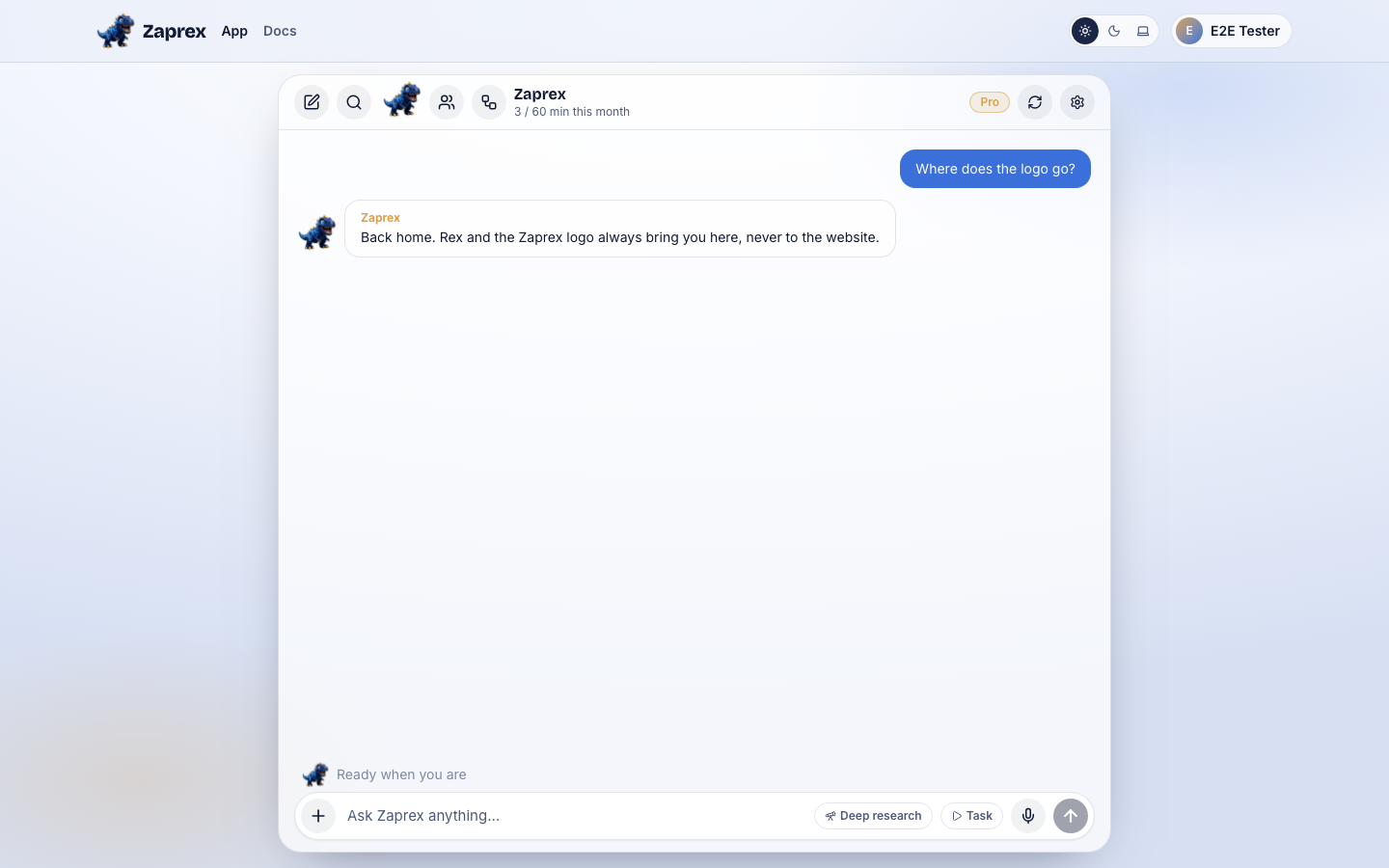
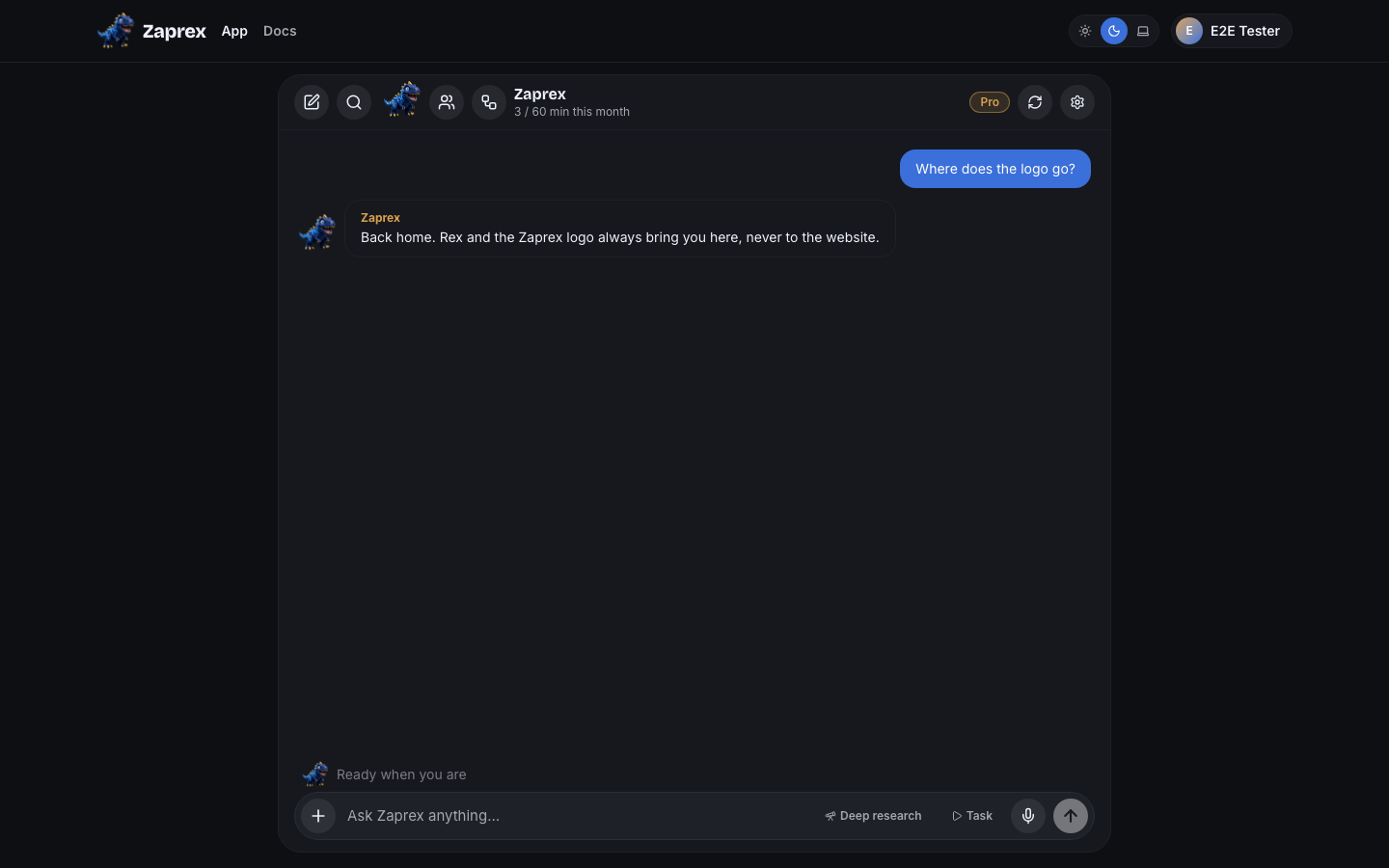
Go home
Any of these brings back the main thread, with whatever was open over it closed:
- The Zaprex logo at the top left of the app.
- Rex, the mascot in the chat bar.
- Desktop app: the Zaprex title in the title bar, or View › Home (⇧⌘H, Ctrl+Shift+H on Windows and Linux).
- Docs: the logo and the footer Home link, when you read the docs inside the desktop or phone apps.
If you are already on the home thread, the app closes what is open in place, without reloading. A new chat you had started is closed and the address goes back to /app.
Links in the desktop app
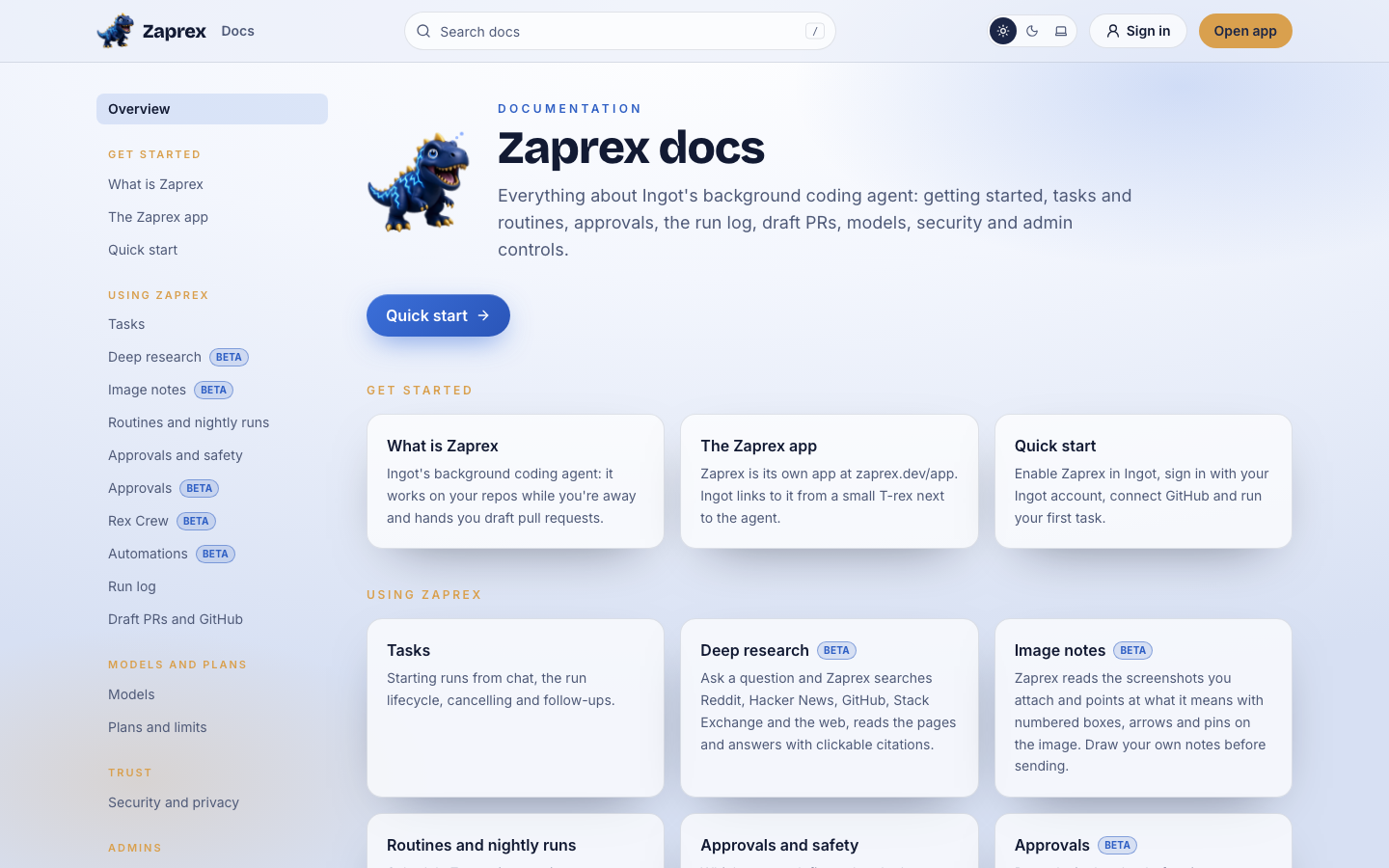
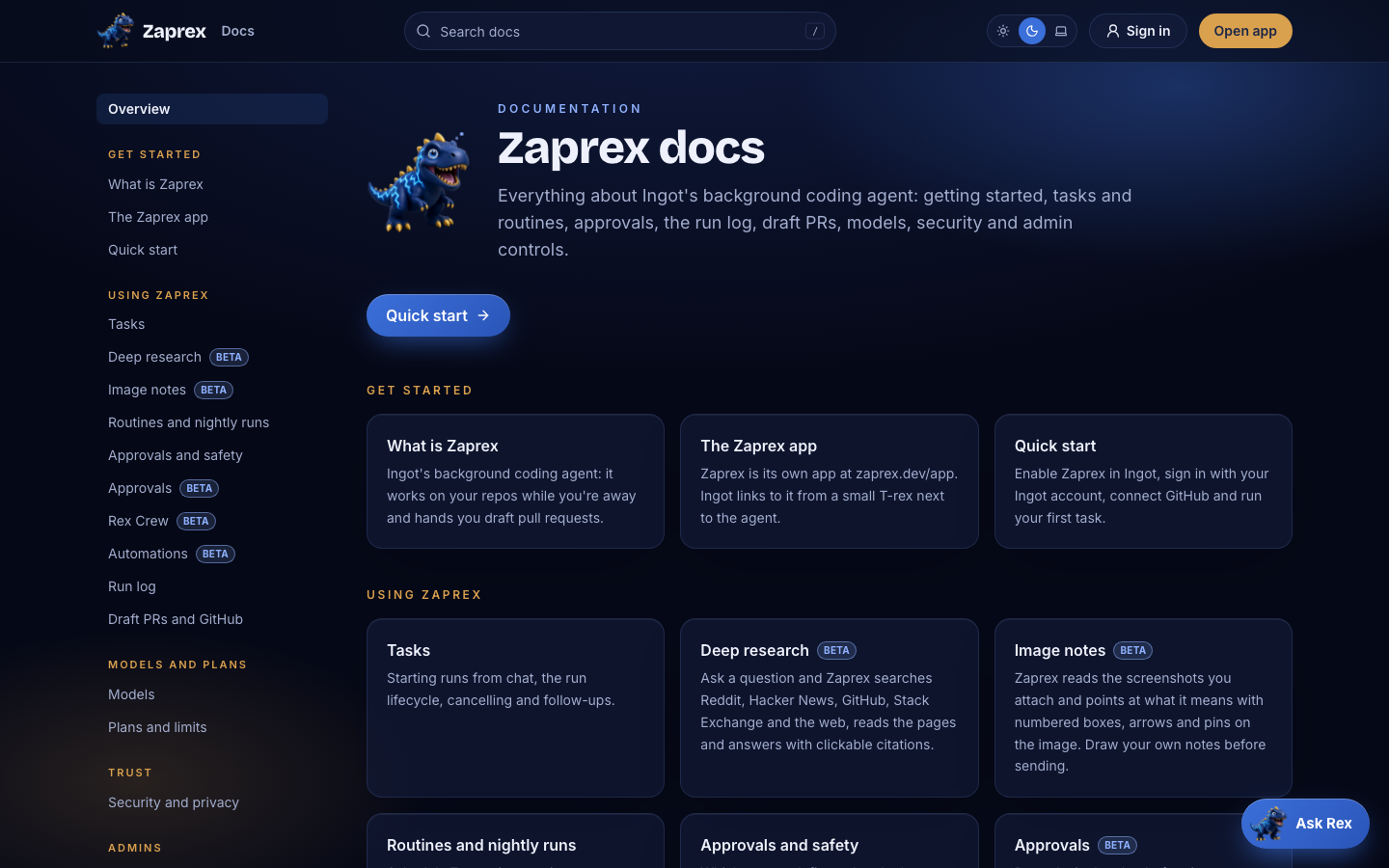
The desktop app window only shows the Zaprex app, sign-in and the docs (/app, /auth and /docs on zaprex.dev):
- The website home (
zaprex.dev/) loads the in-app home instead. This covers links, links that open a new window, redirects and page scripts that change the address. - Other website pages (pricing, about, blog and the rest) open in your default browser. The window stays where it was.
- Other sites (GitHub, your pull requests, anything outside zaprex.dev) open in your default browser.
- Docs stay in the window, and their logo goes back to the app.
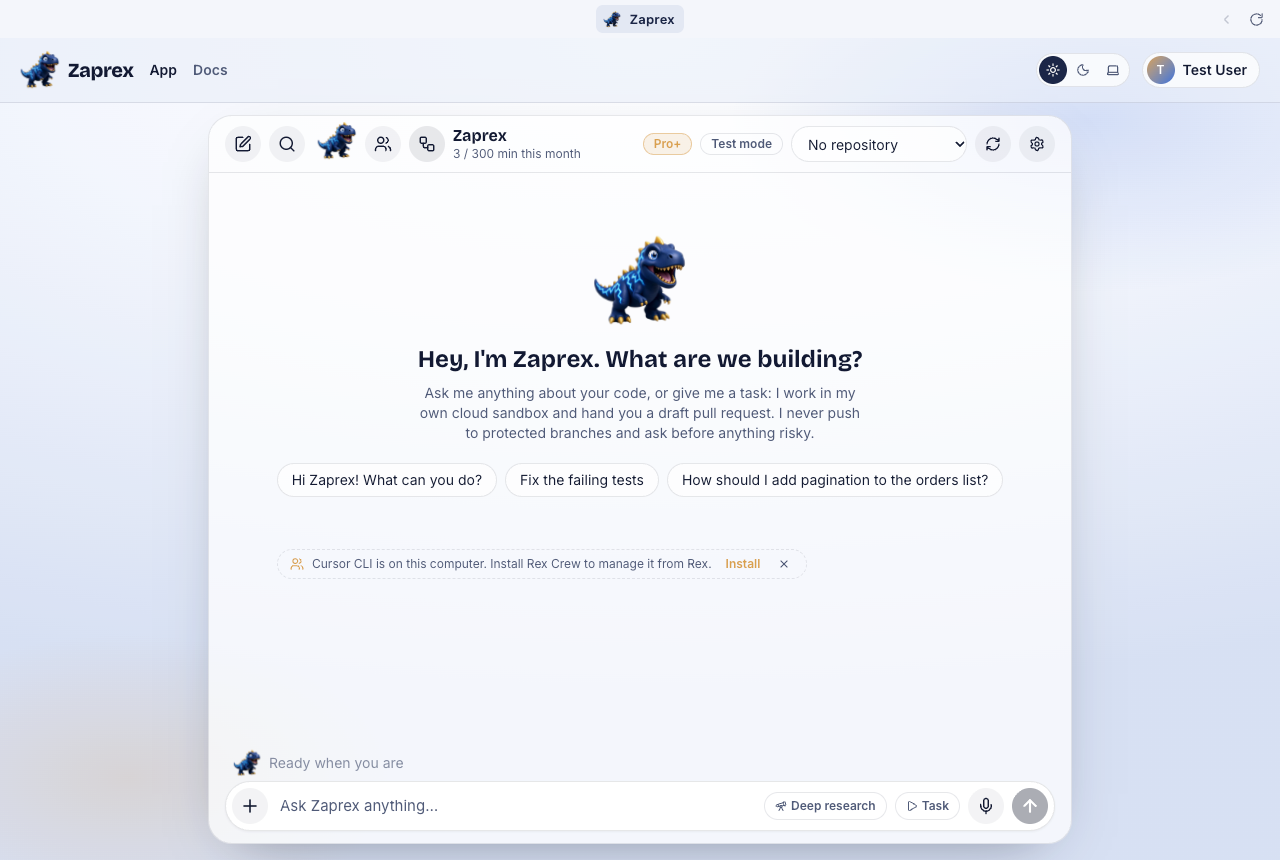
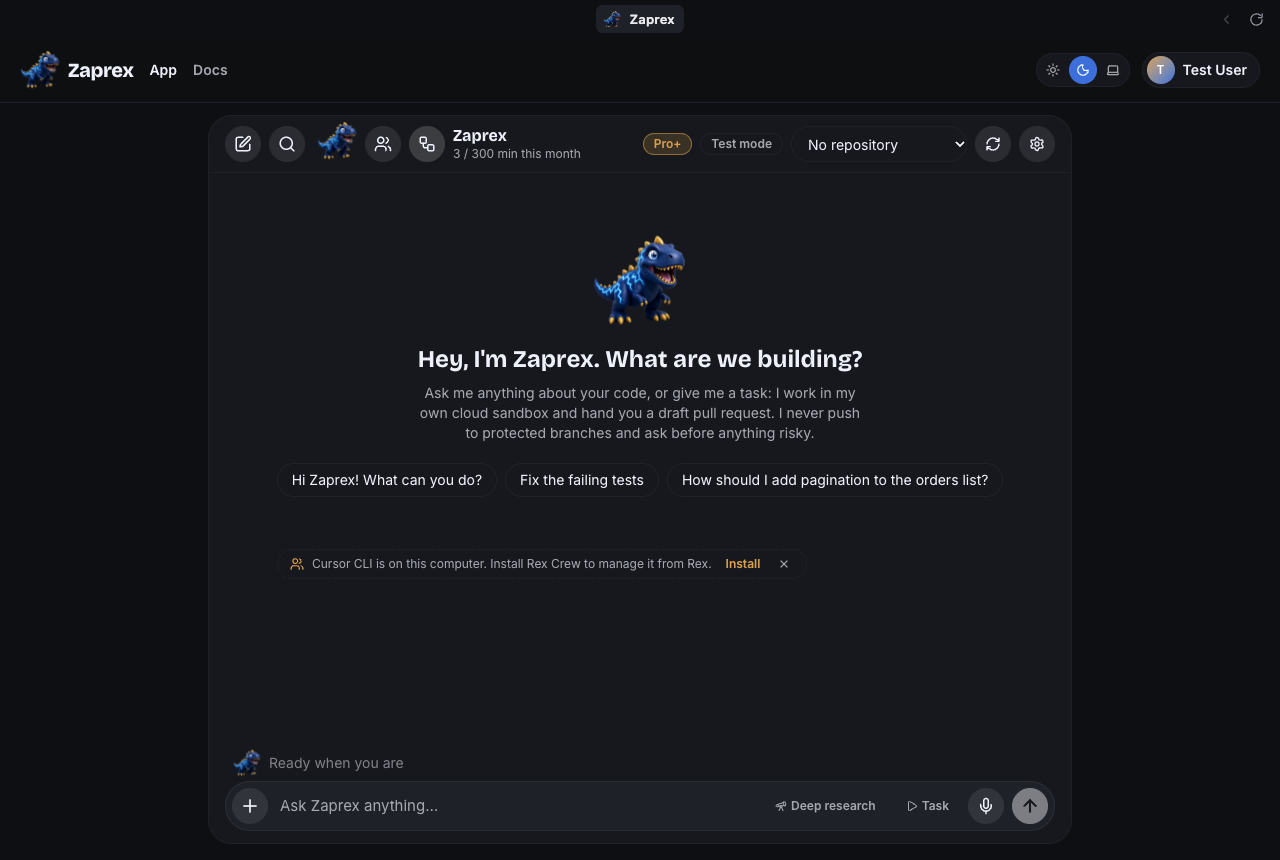
Links in the iOS and Android apps
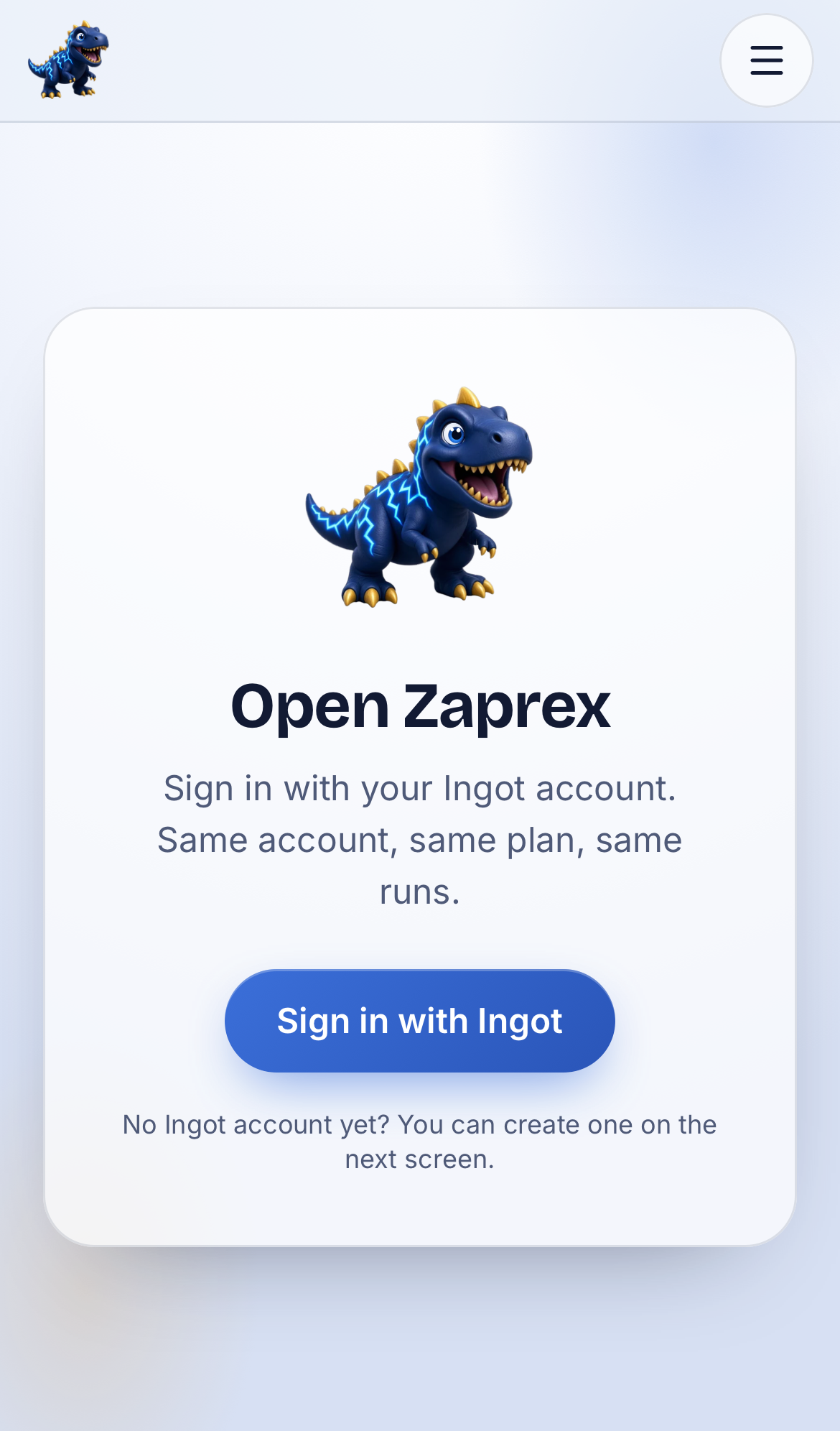
The phone apps follow the same rule as the desktop app. The logo and the menu's Home stay in the app, links to zaprex.dev in Rex's replies go to the in-app home, and website pages such as About open in the in-app browser sheet (Safari on iOS, Chrome Custom Tabs on Android). Close the sheet to get back to Zaprex where you left it.

Links in a browser
At zaprex.dev in a browser, the logo in the app goes to the app home (/app), the same as in the apps. If you are signed out, it takes you to sign-in, not the website. On docs pages in a browser, the logo goes to the website home as you would expect, and every other link behaves like any website. ⌘-click or Ctrl-click still opens a link in a new tab.
Settings
There are no settings for this. Rex and the logo always go to the in-app home.
For developers
There is no API change. In the app, the link rules live in web/src/lib/app-links.ts, and the desktop app classifies every navigation in desktop/src/links.js. The desktop title bar sends the page a home event through window.zaprexDesktop.onHome, and the page closes what is open without reloading.
Troubleshooting
- The logo opened the website: update the Zaprex desktop or phone app. Older versions loaded zaprex.dev in the window.
- A link opened in the browser instead of the app: only app pages, sign-in and docs stay in the app. Website pages always open in the browser, on purpose.
- I want the website: open zaprex.dev in your browser, or tap About in the phone app's menu.
Beta Tell us about any link that takes you somewhere unexpected on the support page.
See also Rex Crew and Rex automations.