Blocked shell extensions
Ingot keeps its own title bar, tool window stripes, status bar and panels: extensions that would replace them are blocked, and themes can't recolor them.
Beta The Chrome guard is on by default. It stops "New UI" packs that copy another IDE's whole window, tools that patch the workbench's own files, and extensions on Ingot's blocked list, wherever they come from: the Marketplace, Install from VSIX…, the Extensions view, the CLI or a folder copied by hand. Your color theme still styles the editor and everything else.
It is the Window chrome guard on the Extension guard page, next to the guard for extensions made for another editor; both share one row in Ingot Health.
Why Ingot blocks them
Ingot's layout, keymap and themes are built around its own window chrome. A pack that swaps in another IDE's title bar, tool window stripes, Search Everywhere or Launchpad breaks that: buttons move, shortcuts point at commands that are not there, and the status bar and panels stop following the theme. Ingot never lets a marketplace extension replace the workbench.
What is blocked
| Extension | Example | What Ingot does |
|---|---|---|
| New UI packs that copy another IDE's window | A "New UI" theme pack with its own Search Everywhere, Launchpad or Run Anything | Blocked |
| Workbench patchers | iocave.customize-ui, iocave.monkey-patch, drcika.apc-extension, subframe7536.custom-ui-style, custom CSS / JS loaders | Blocked |
| Extensions on Ingot's blocked list | Known New UI packs and workbench patchers, matched by id | Blocked |
| Extensions that only change chrome defaults | window.titleBarStyle, or workbench.colorCustomizations for titleBar.*, activityBar.*, statusBar.*, sideBar.*, panel.* or tab.* | A warning first; Install Anyway installs it without those defaults |
Ingot reads the extension's name and description in search results, and its extension/package.json (commands, views, settings and default settings) before installing or starting it.
Blocked means:
- In the Marketplace the row shows Blocked and the reason, and its button is off. Nothing is downloaded.
- Install from VSIX… refuses the file with "name is blocked: it would replace Ingot's window chrome (title bar, tool window stripes, status bar). Nothing was installed." and the reasons.
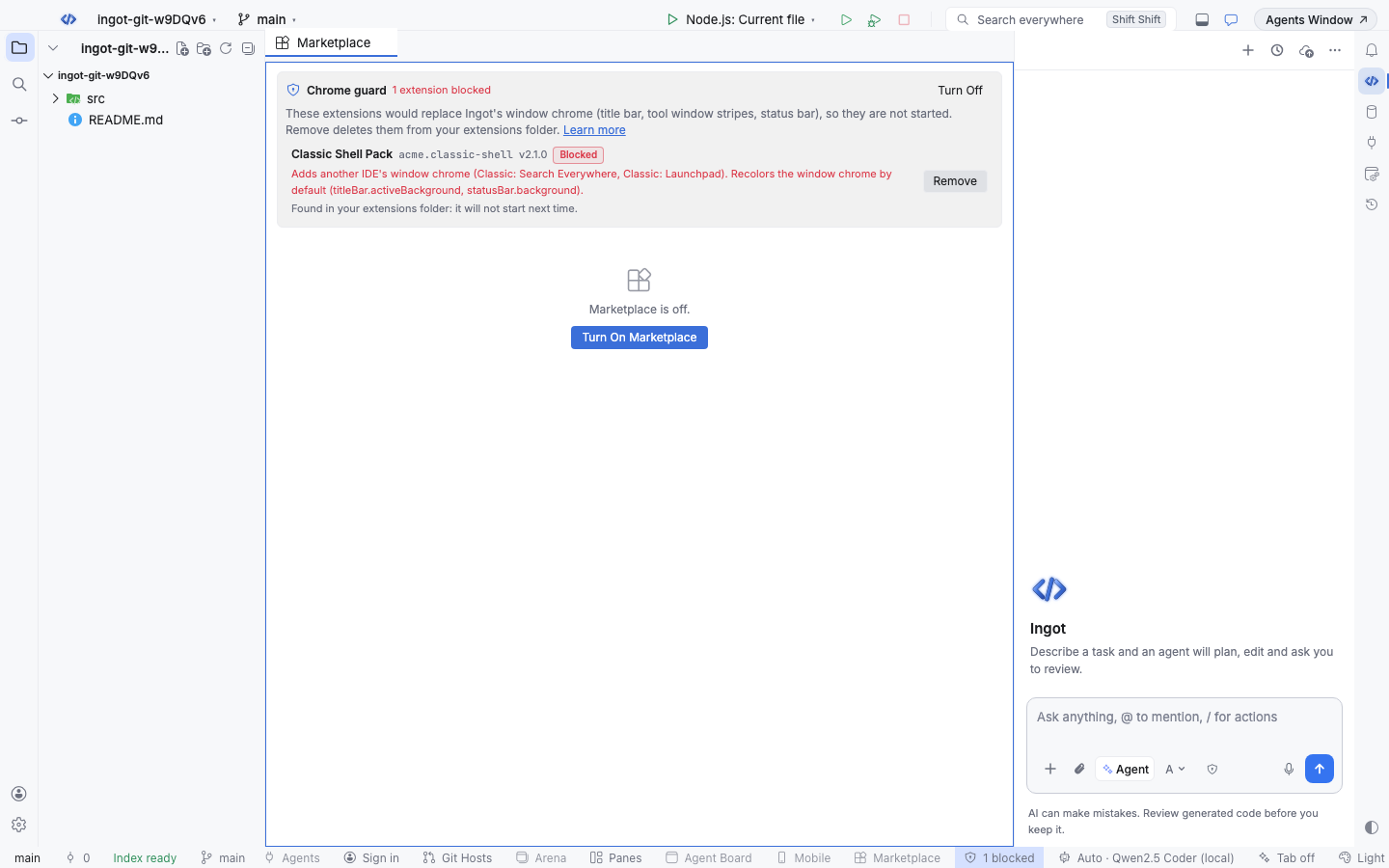
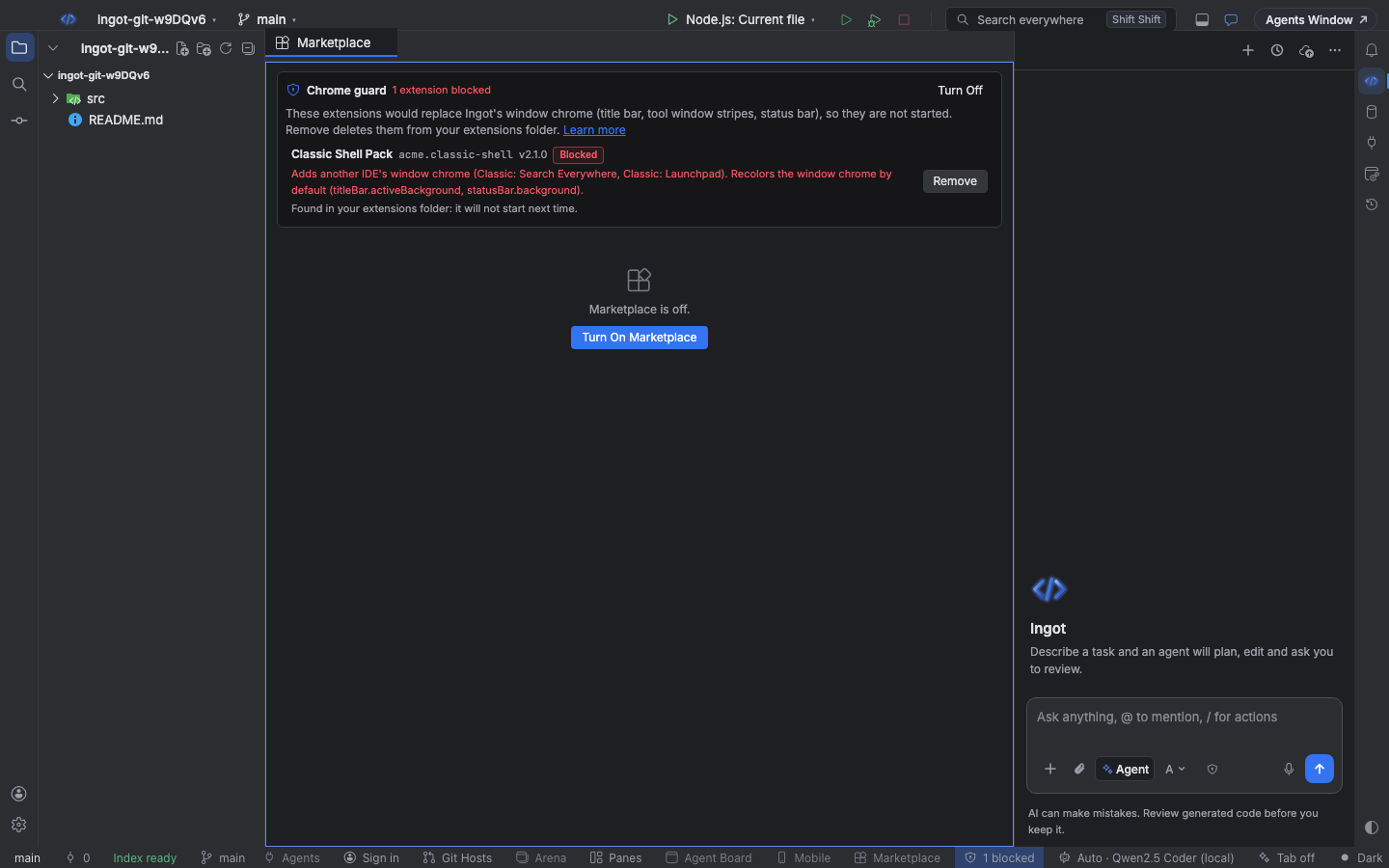
- Already installed (put there while the guard was off, copied by hand or imported from another editor): the extension does not start. It is listed in the Chrome guard section, where Remove deletes it from your extensions folder.
- Choose Theme… does not list theme packs from blocked extensions.
Themes keep Ingot's chrome
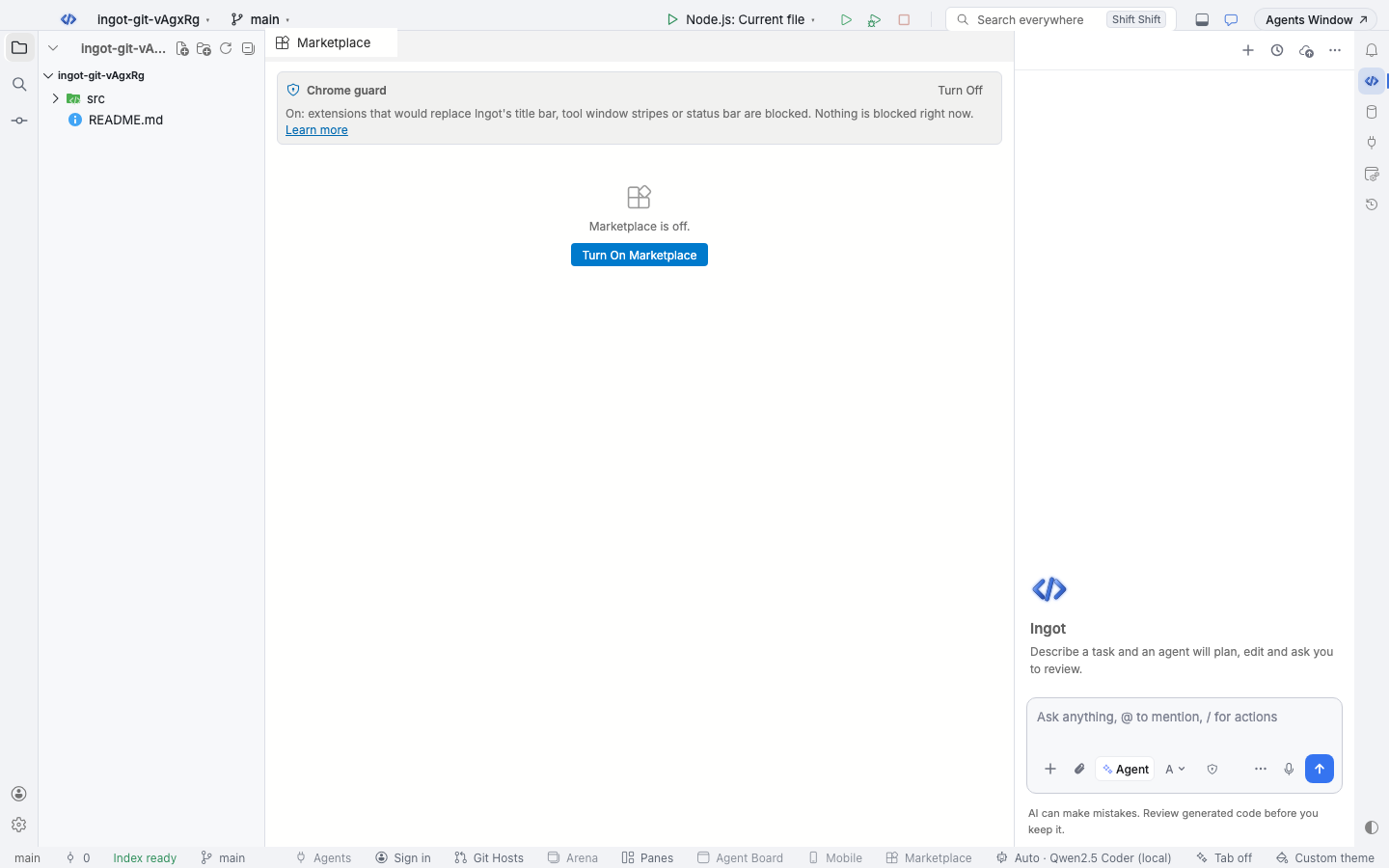
While a color theme from an extension is active, the title bar, tool window stripes, status bar, side bars and panels keep Ingot's own light or dark colors (matching the theme's type). The editor, lists, tabs and everything else follow the theme. Ingot's own themes and the built-in high contrast themes are not changed.
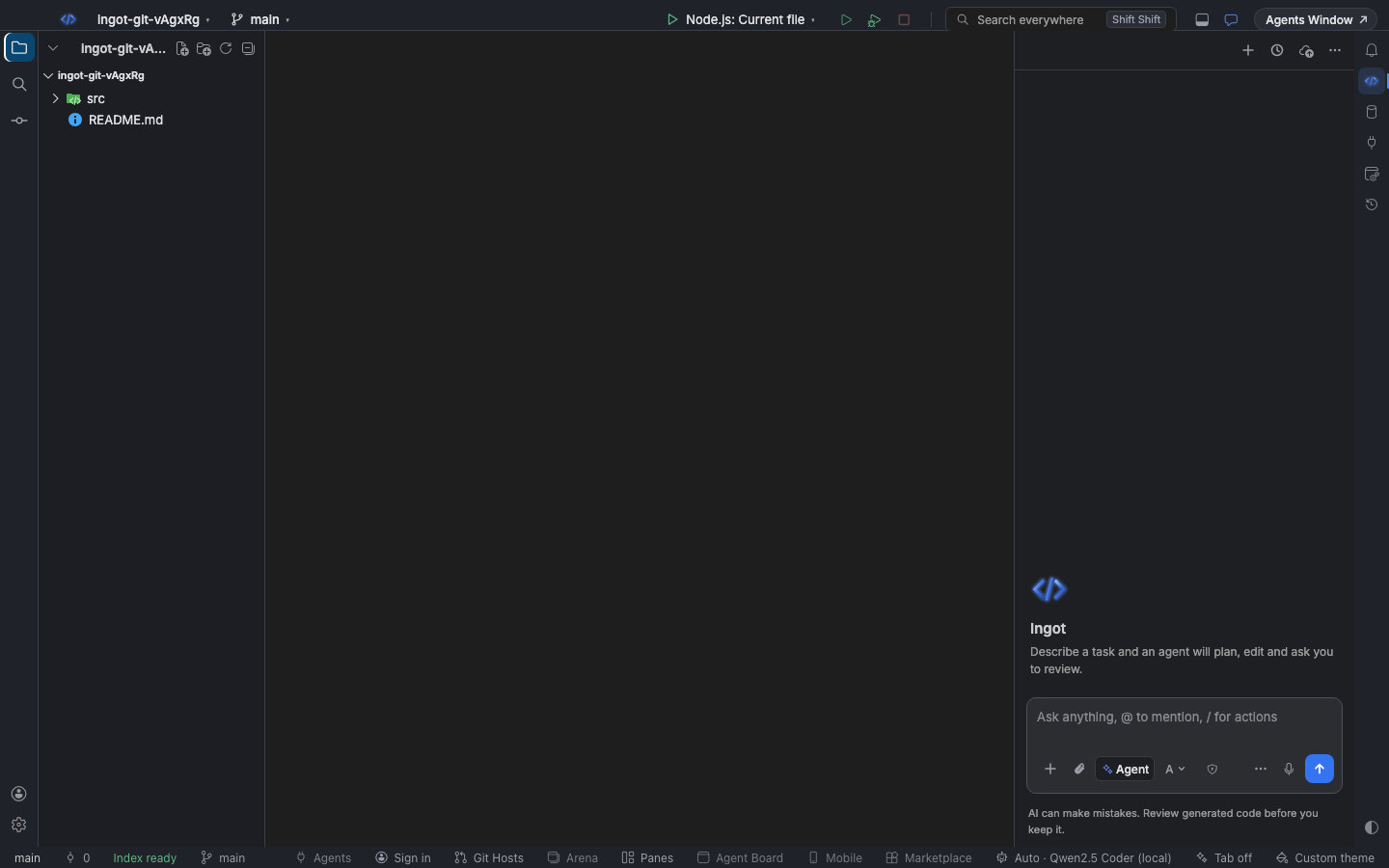
With the Chrome guard off, the same theme paints the whole window:
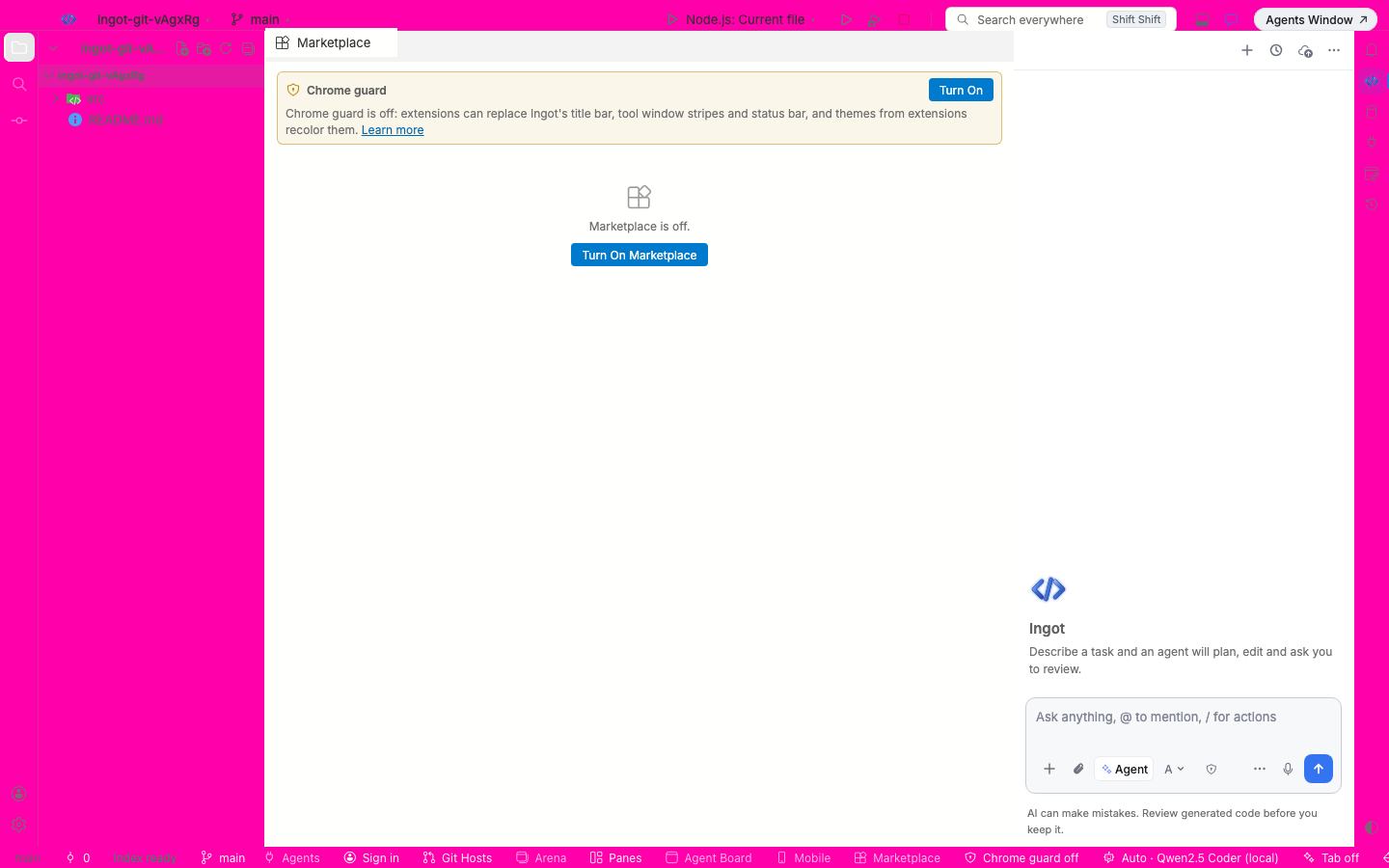
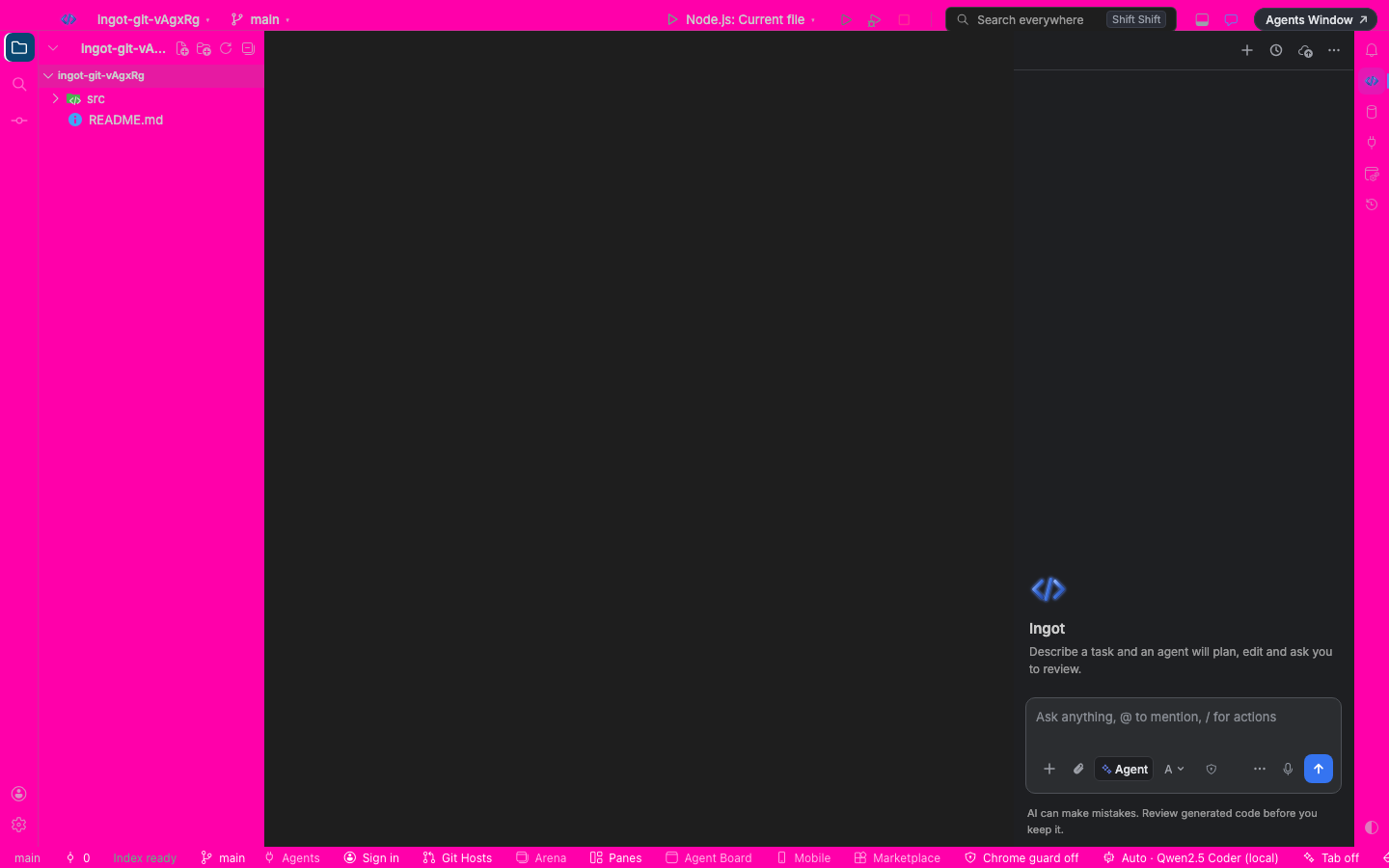
If an extension that is now blocked provided the theme you were using, Ingot switches back to Ingot Light or Ingot Dark.
The chrome warning
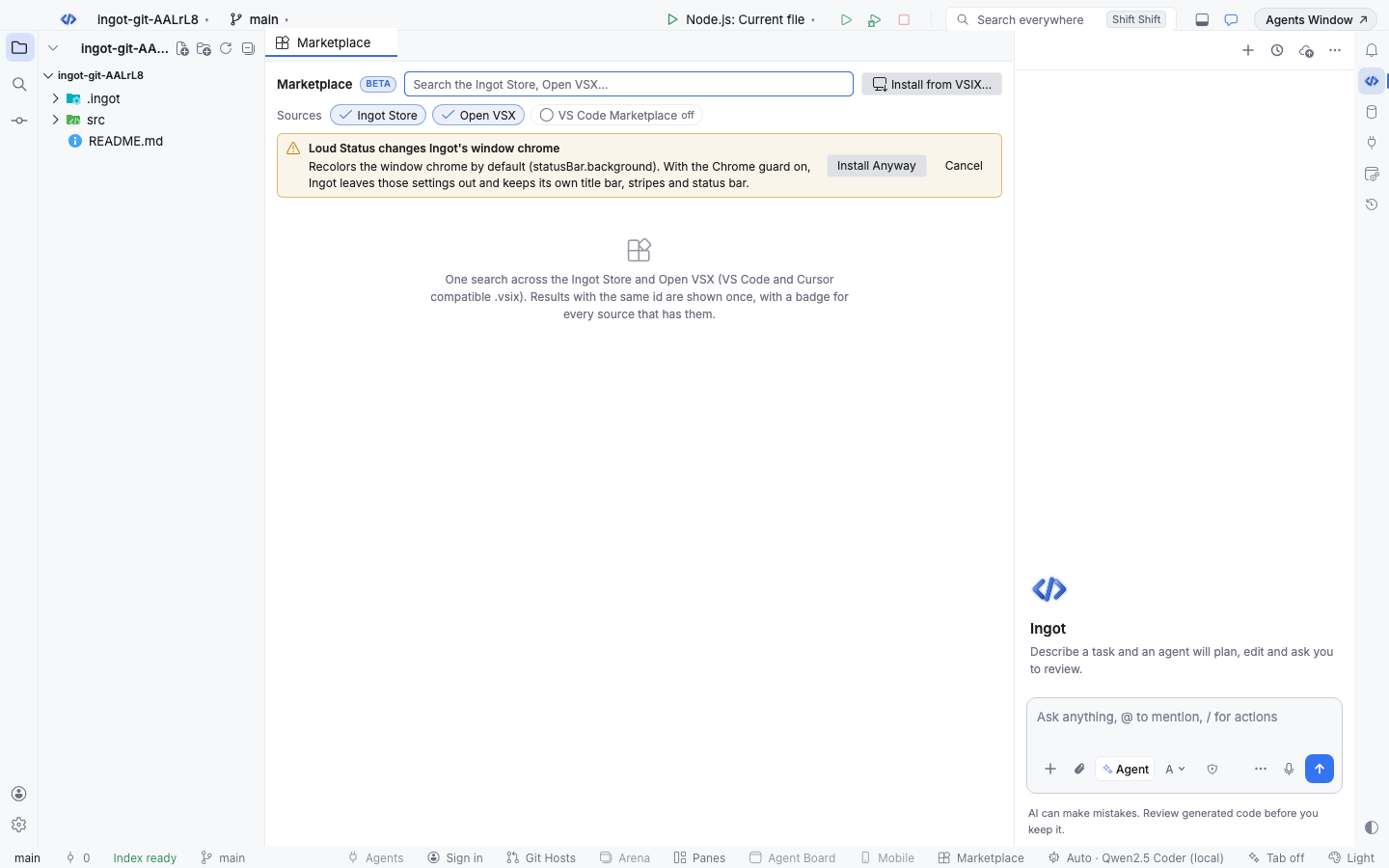
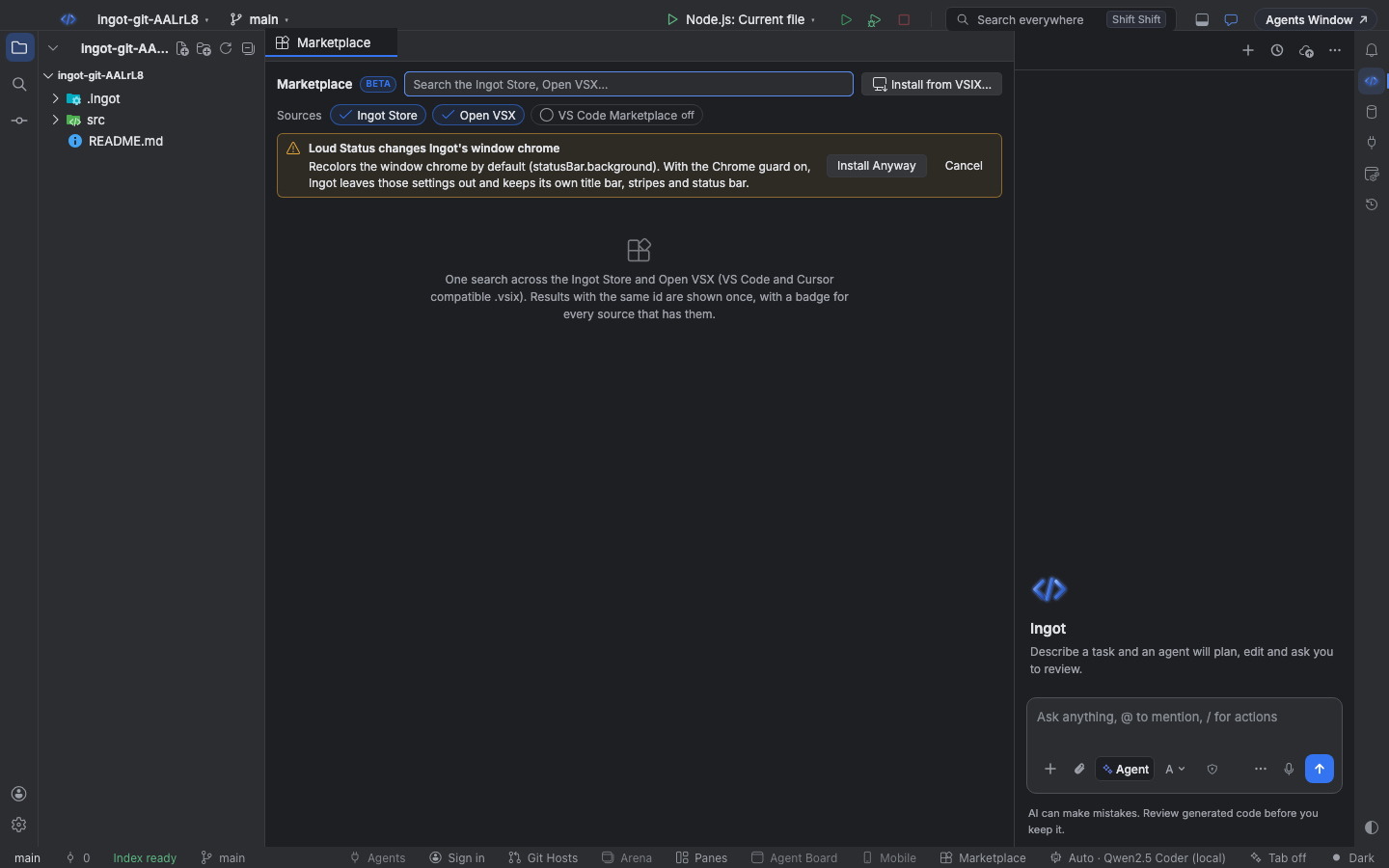
An extension that only changes window chrome settings or colors by default is not blocked. When you install it, a warning appears above the results (no pop-up) with what it would change. Install Anyway installs it; with the Chrome guard on, Ingot leaves those default settings out. Cancel installs nothing.
The Chrome guard section
The Chrome guard section at the top of the Marketplace tab lists the blocked extensions with their version and reasons. Remove deletes an extension's folder (only inside Ingot's extensions folder). The section is there even while the Marketplace itself is off.
- The status bar button appears while something is blocked (1 blocked) or the guard is off (Chrome guard off). One click turns the guard on and opens the section.
- Find Action › Chrome Guard: Show Blocked Extensions opens it too.
Turn it on or off
The Chrome guard is easy to find in three ways, like every optional feature:
- A suggestion in the chat. While the guard is off, asking for a New UI theme or pack, or for Ingot to look like another IDE, shows a small card above the chat box with Enable Chrome Guard. It turns the guard on and opens the Chrome guard section. × hides the card for good.
- Settings › Features › Chrome guard (also on Settings › Plugins). An on/off switch.
- The status bar button. With the guard off it says Chrome guard off; one click turns it on and opens the section.
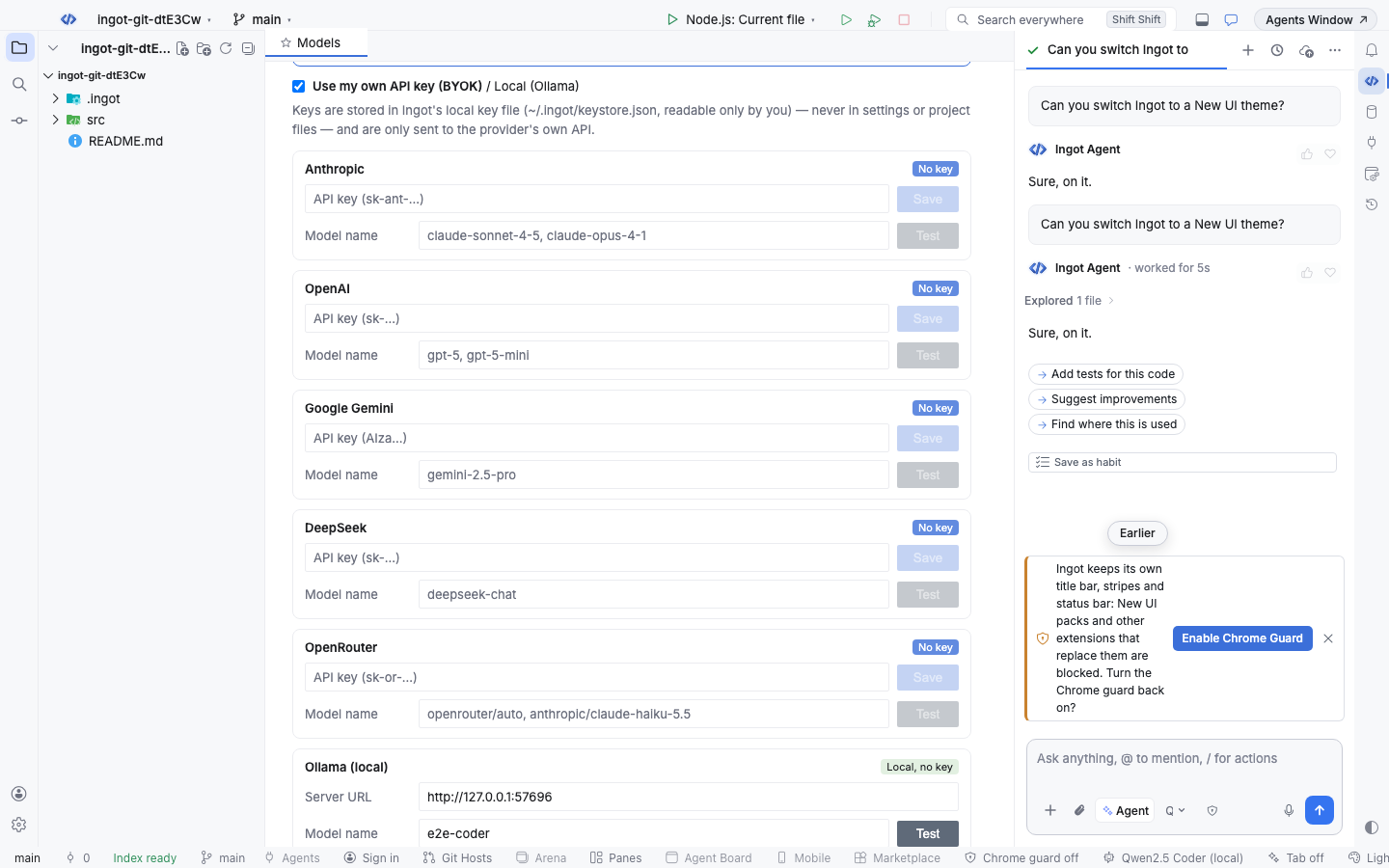
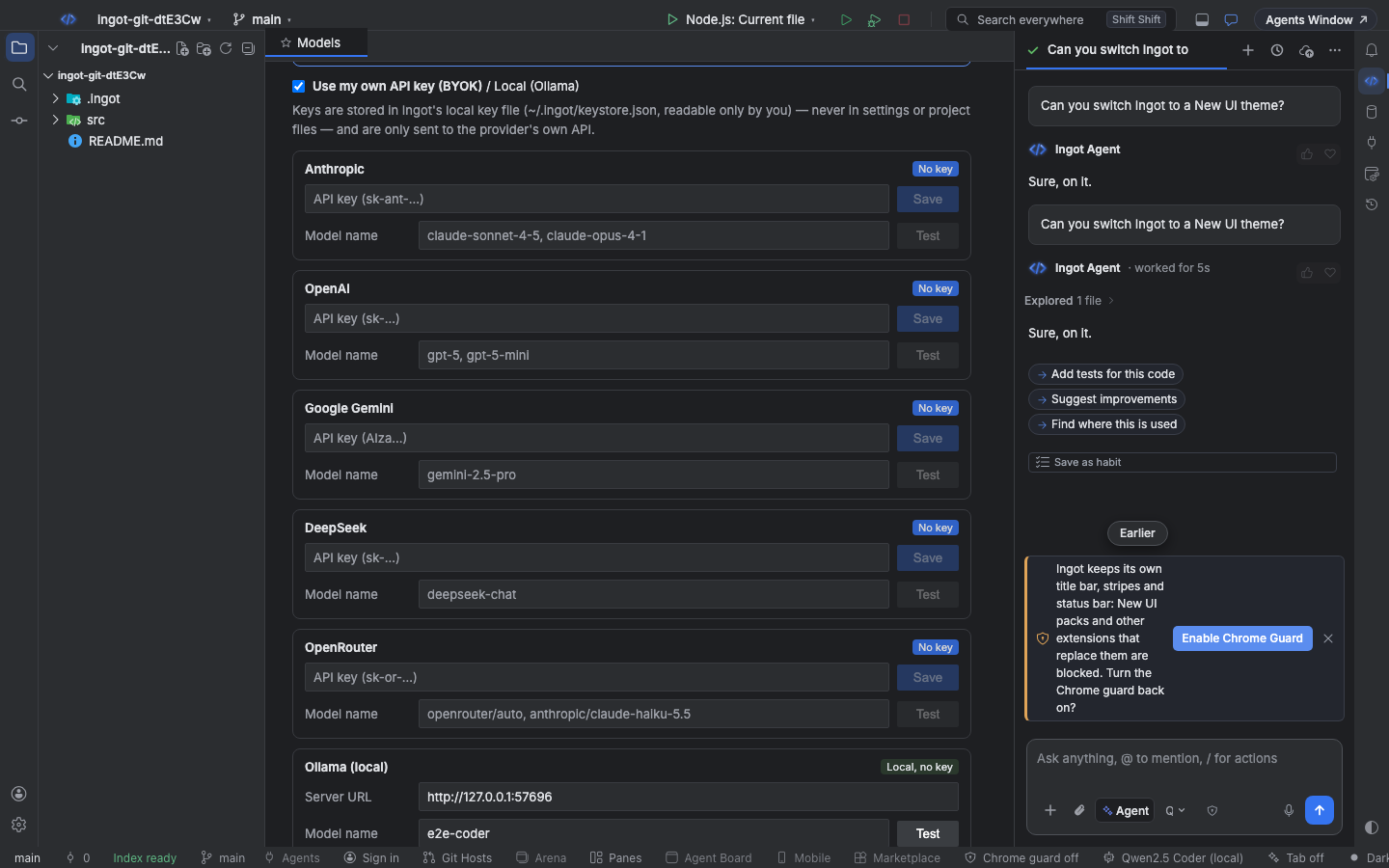
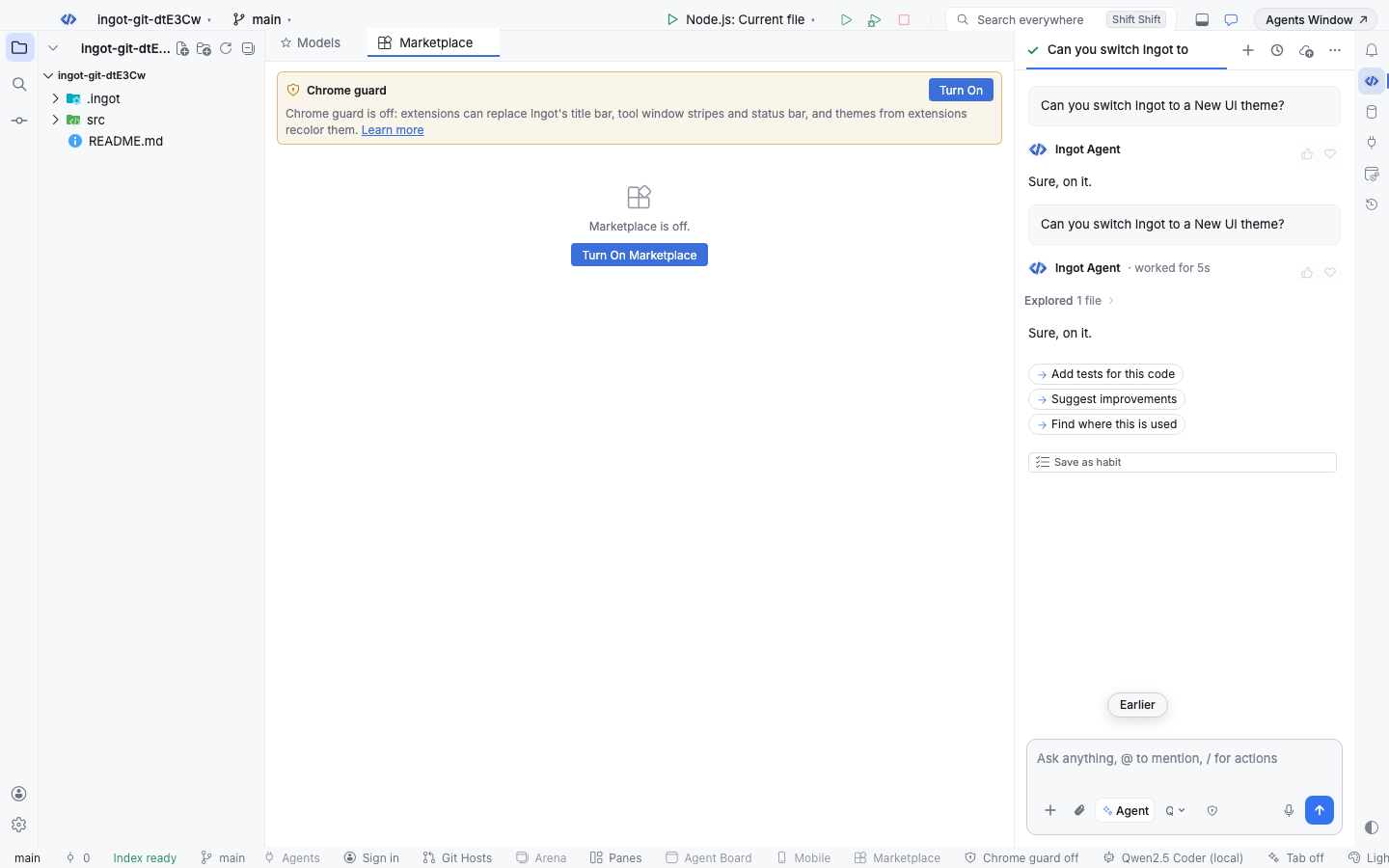
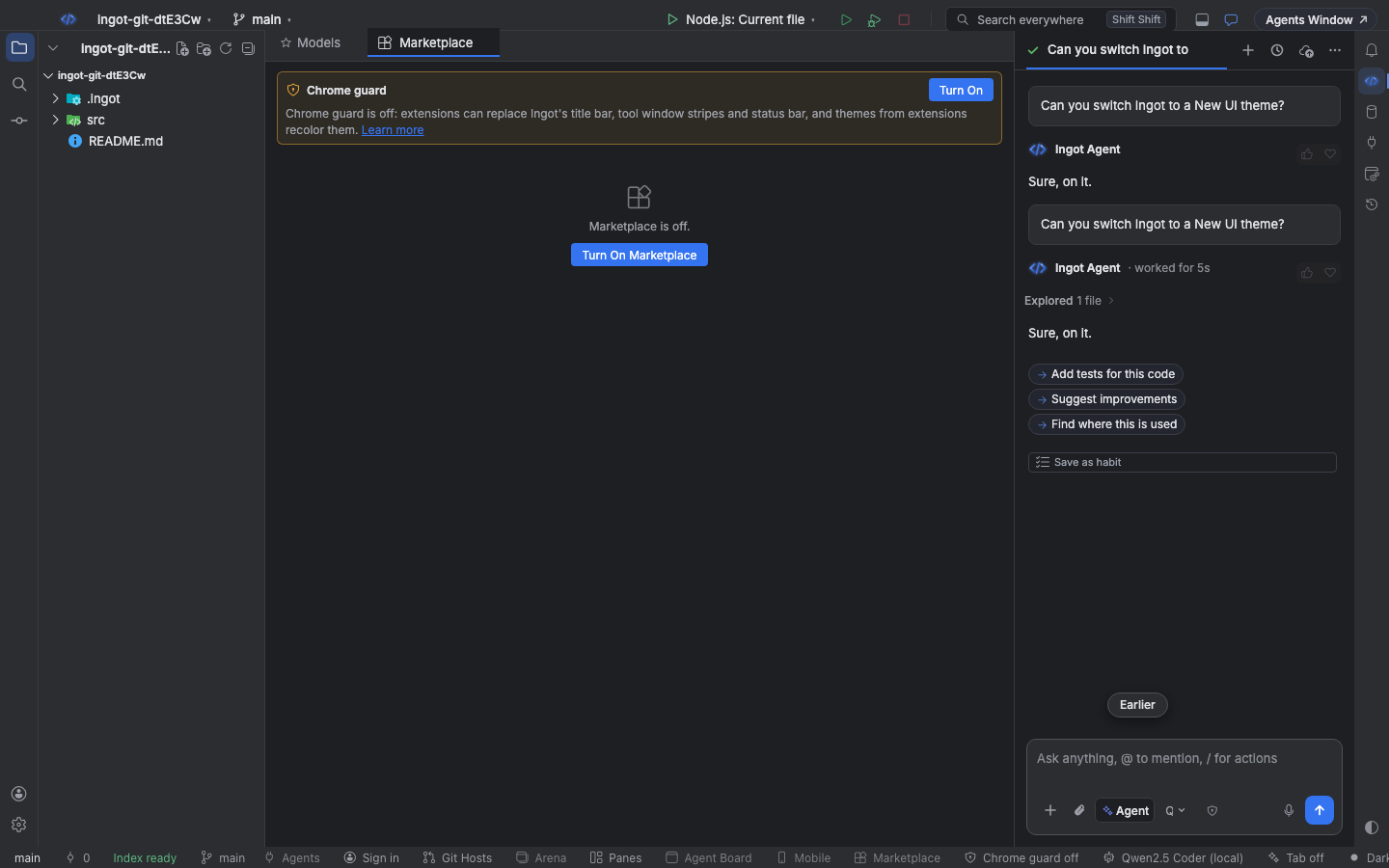
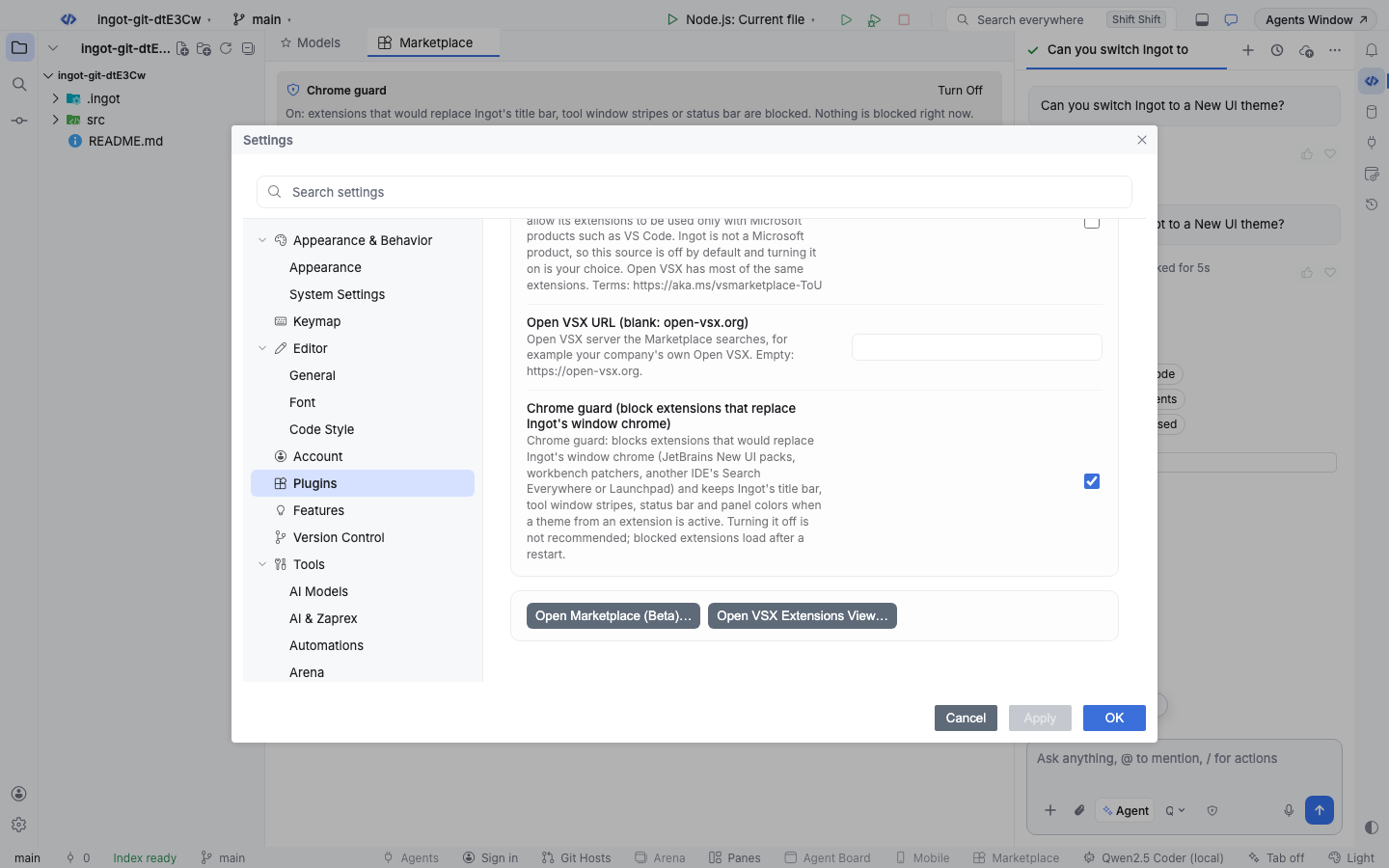
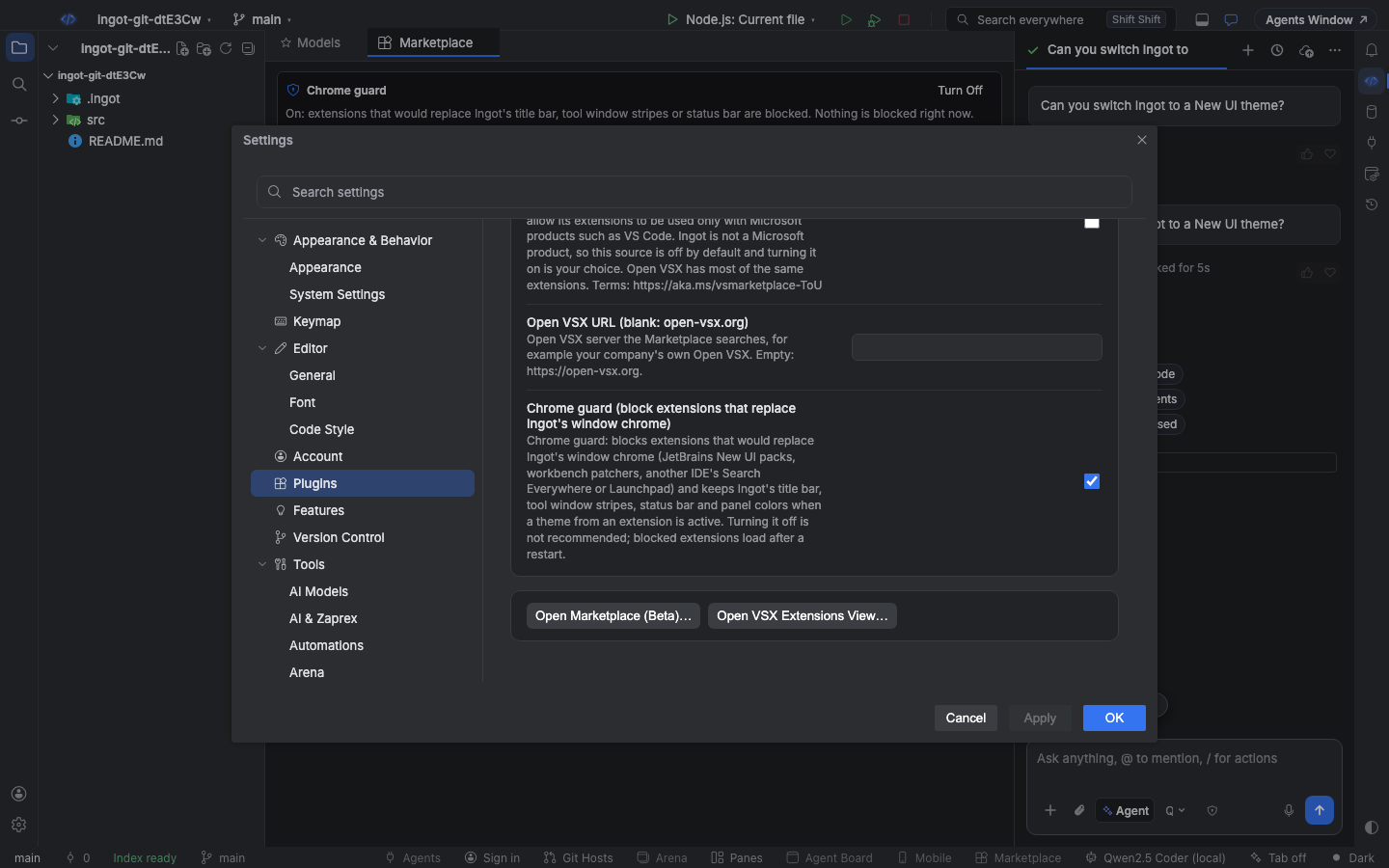
Turning the guard off is not recommended. Extensions it blocked start after Ingot restarts, and themes from extensions recolor the window chrome right away. Turning it back on checks your installed extensions again at once; blocked ones stop on the next start.
Settings
| Setting | Default | What it does |
|---|---|---|
ingot.extensions.chromeGuard | true | Chrome guard: blocks extensions that would replace Ingot's window chrome and keeps Ingot's title bar, tool window stripes, status bar and panel colors while a theme from an extension is active |
Keyboard
| Action | Find Action | Shortcut (macOS / Windows and Linux) |
|---|---|---|
| Show blocked extensions (turns the guard on) | Chrome Guard: Show Blocked Extensions | ⌥⇧⌘F9 / Ctrl+Alt+Shift+F9 |
| Turn the guard on or off | Chrome Guard: Turn Chrome Guard On or Off | none |
From the terminal
ingot extensions in the CLI applies the same rules:
npx @ingotide/cli extensions search "new ui"      # blocked results say "blocked:" and why, instead of an install line
npx @ingotide/cli extensions install acme.pack    # a blocked .vsix is never saved (exit code 1)
npx @ingotide/cli extensions inspect ./pack.vsix  # prints "Shell guard: ok", "blocked (…)" or "warning (…)"
install refuses a blocked .vsix with the reasons and a link to this page; an id on Ingot's blocked list is refused before anything is downloaded. For an extension that only changes chrome defaults it prints a warning and installs it; Ingot leaves those defaults out. With --json, blocked and warned results have a shell field with the verdict and reasons.