Timeline chat thread
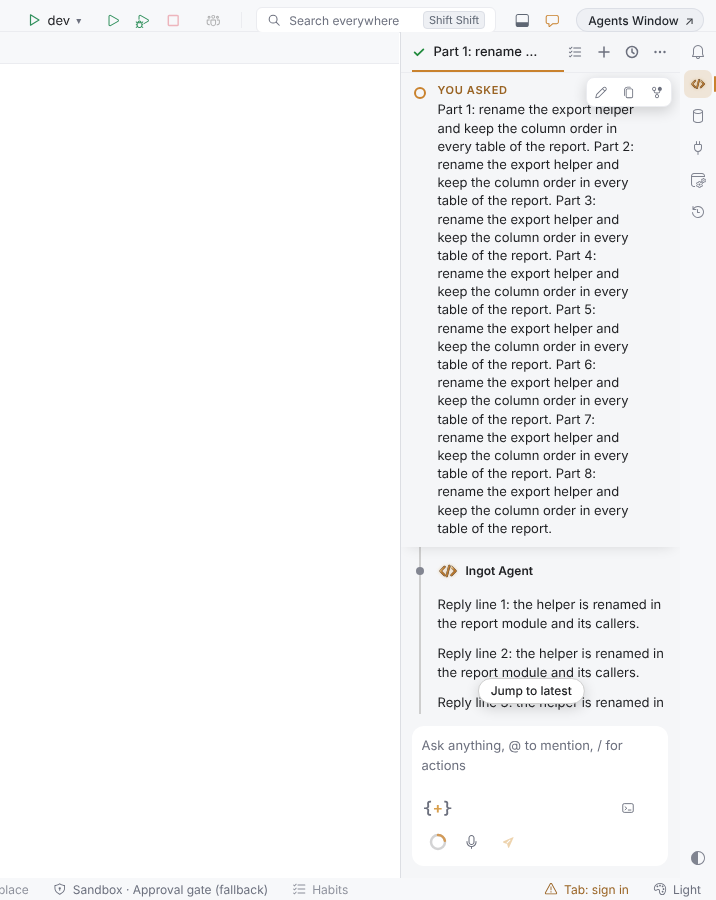
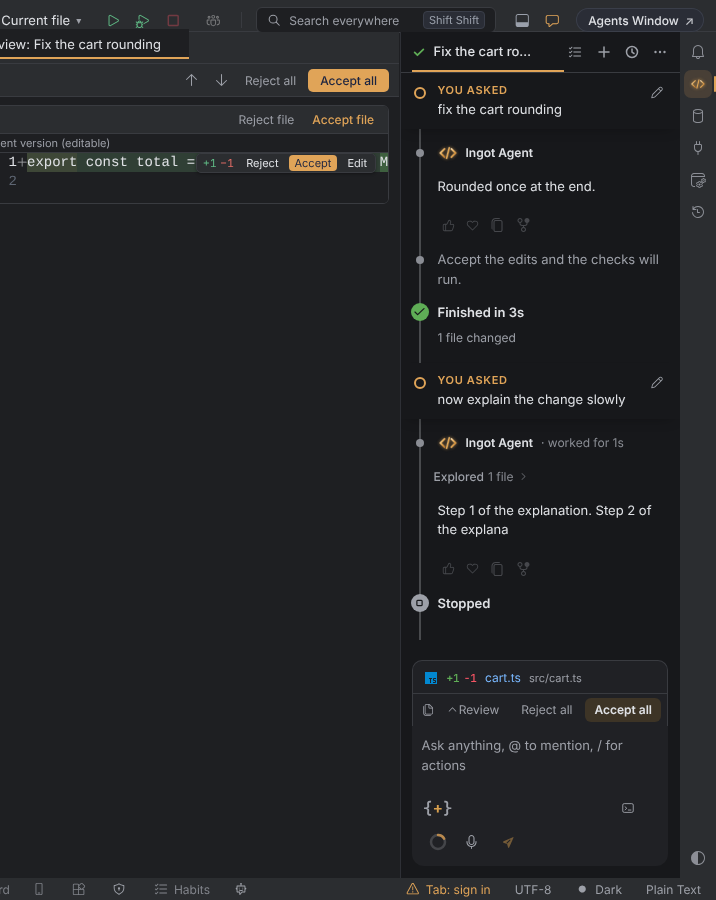
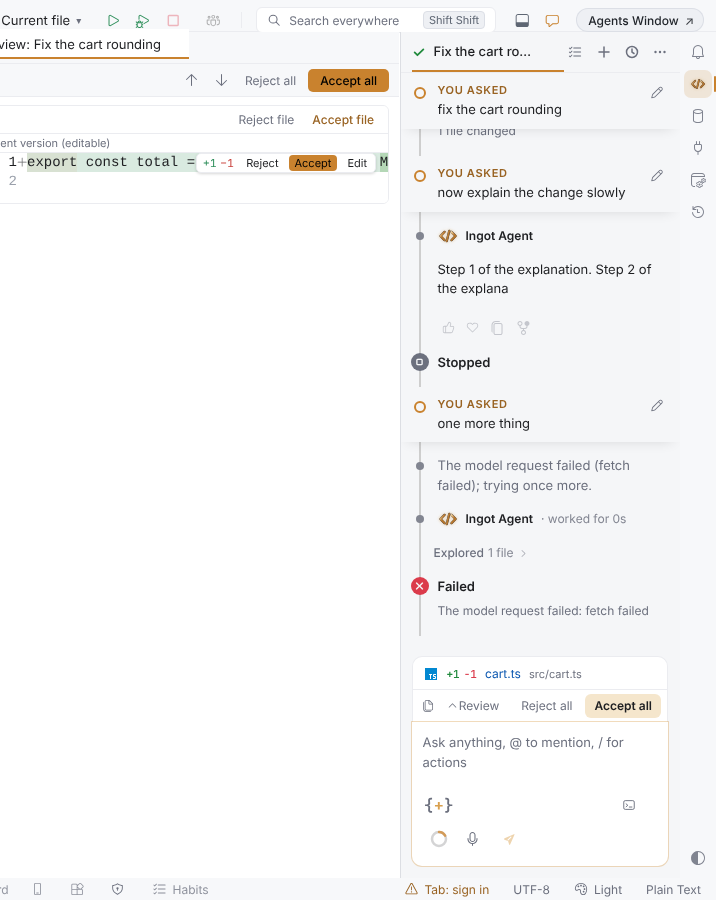
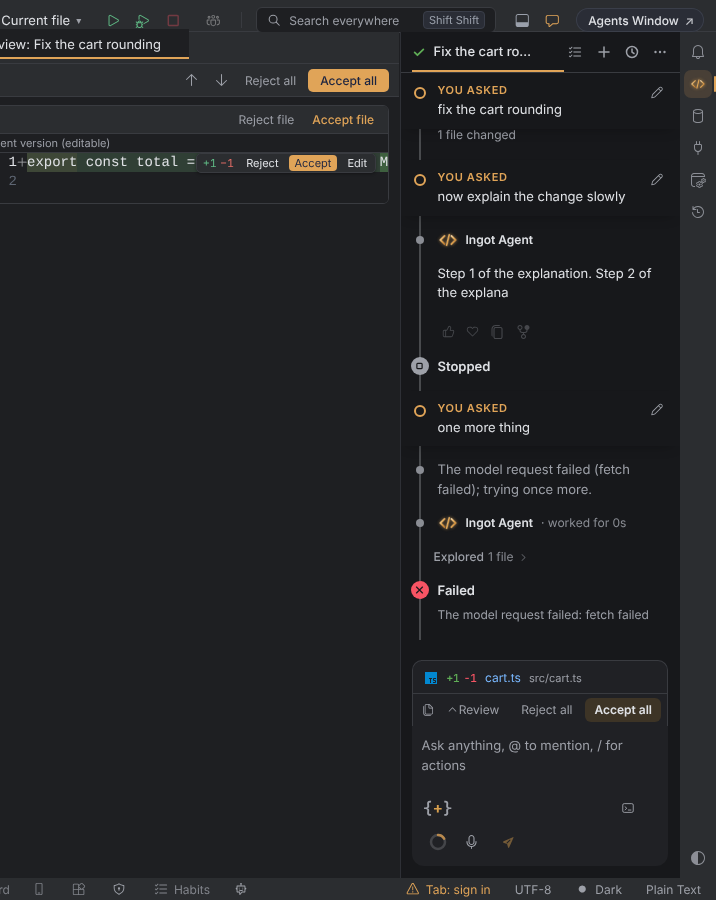
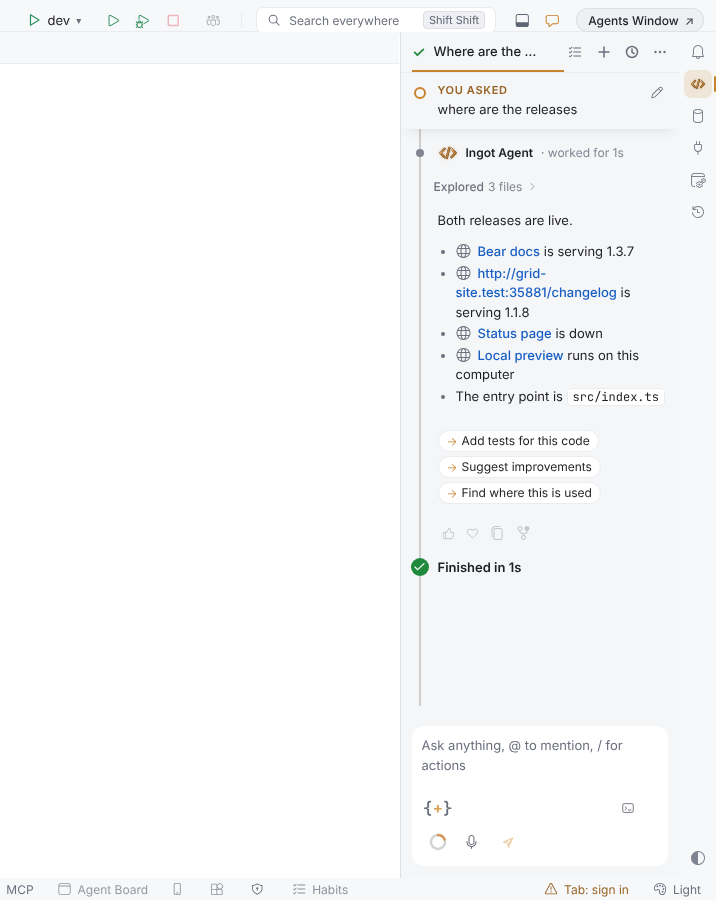
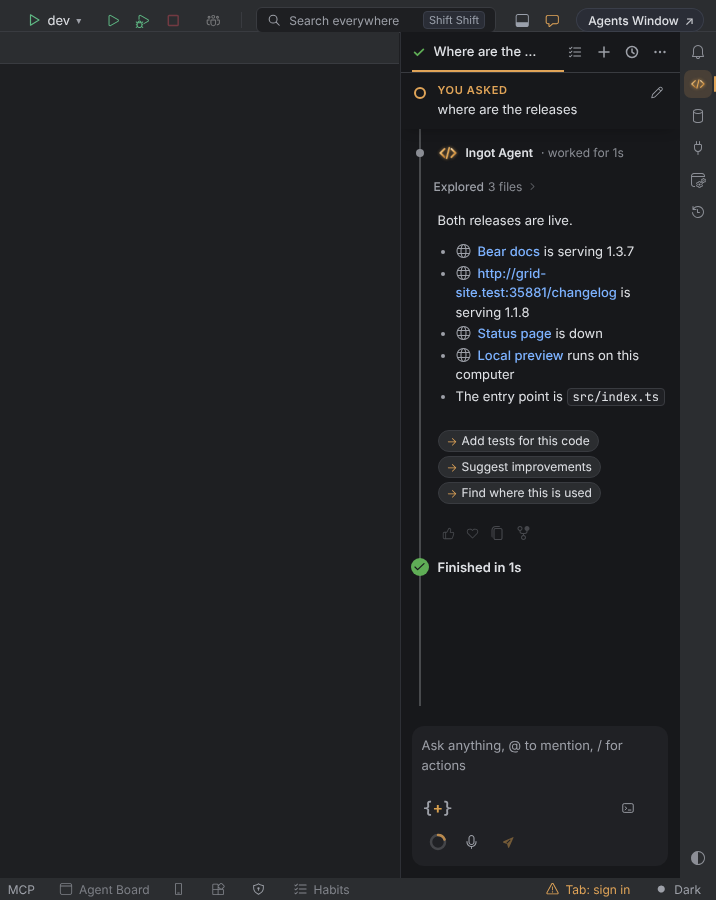
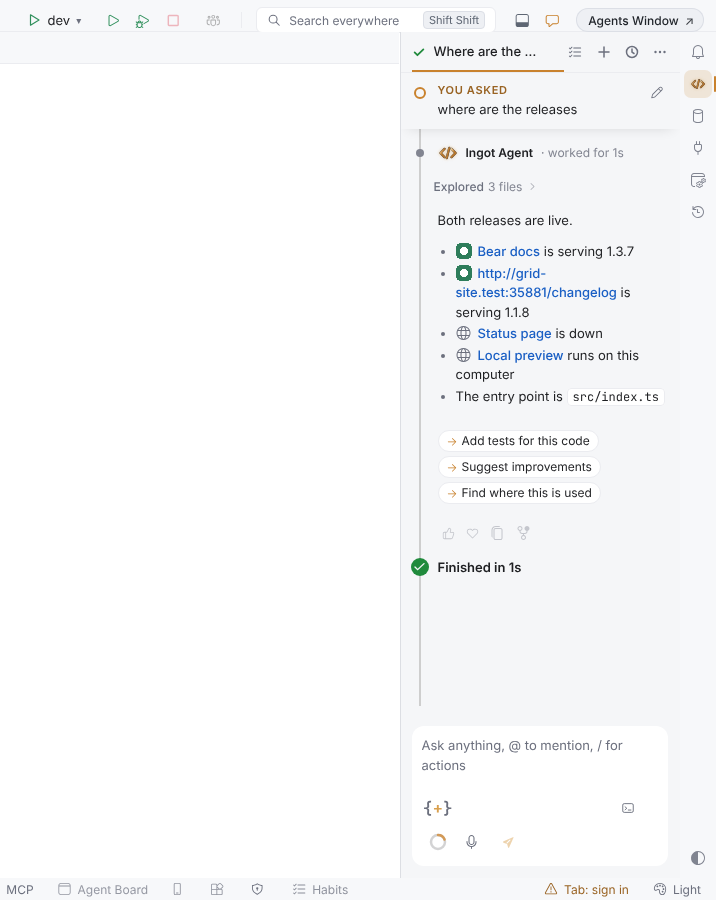
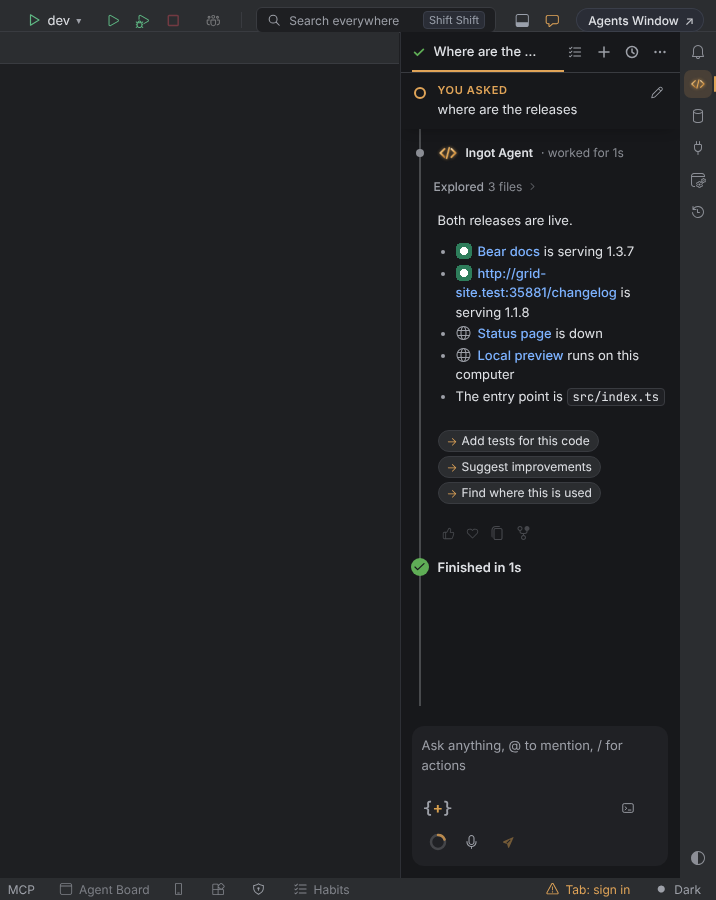
In the modern chat layout, the chat thread is a timeline. A thin rail runs down its left side, every prompt you sent is a small bar on it, and every run ends with a marker that says how it went. Links in the agent's replies are blue, with the site's icon.
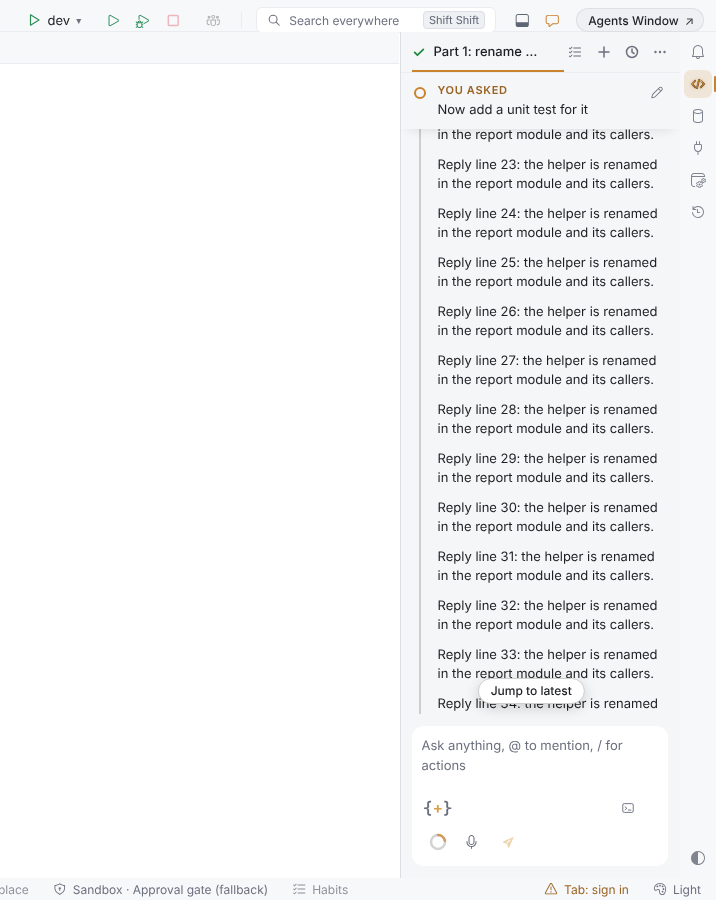
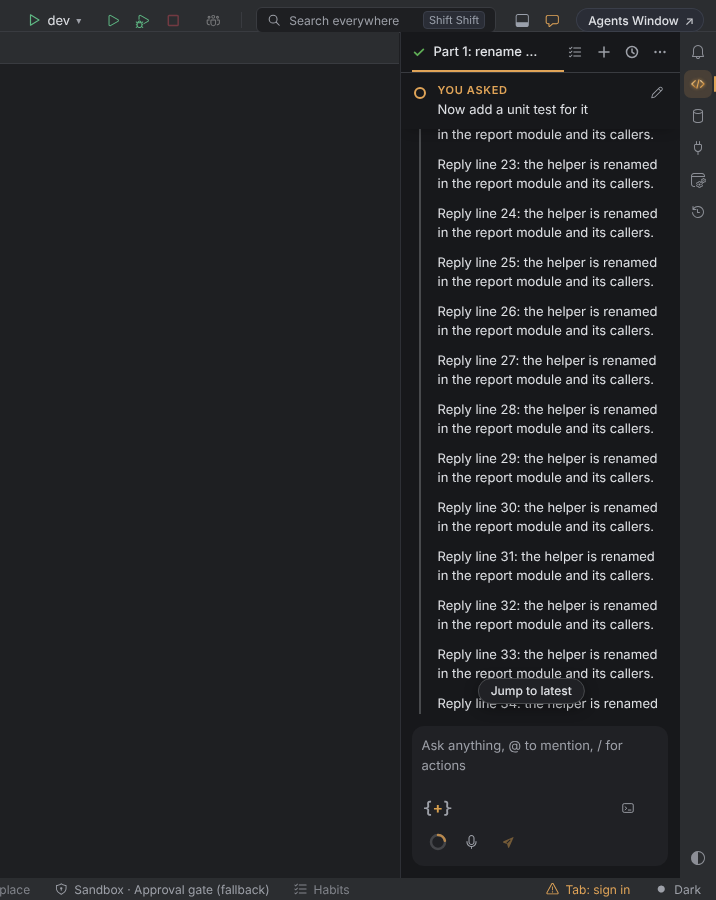
You asked: one bar per turn
Each prompt is a compact bar on the rail: a gold ring, a small You asked label, the prompt on two lines at most, and Edit.
- Pinned per turn. While you scroll inside a turn, its prompt stays at the top of the thread. Scroll up into the turn before, and that turn's prompt takes over.
- Steps and answers (tool cards, thoughts, notes, the reply) each have a small dot on the rail.
- Click a pinned bar to go back to the start of its turn.
- Click a bar that cuts a long prompt short to read the whole prompt. A click on a prompt you can already read whole opens the edit, as before, and Edit always does.
- Revert to here, Copy and Fork from here join Edit on hover and on keyboard focus. See Queue, edit & rerun.
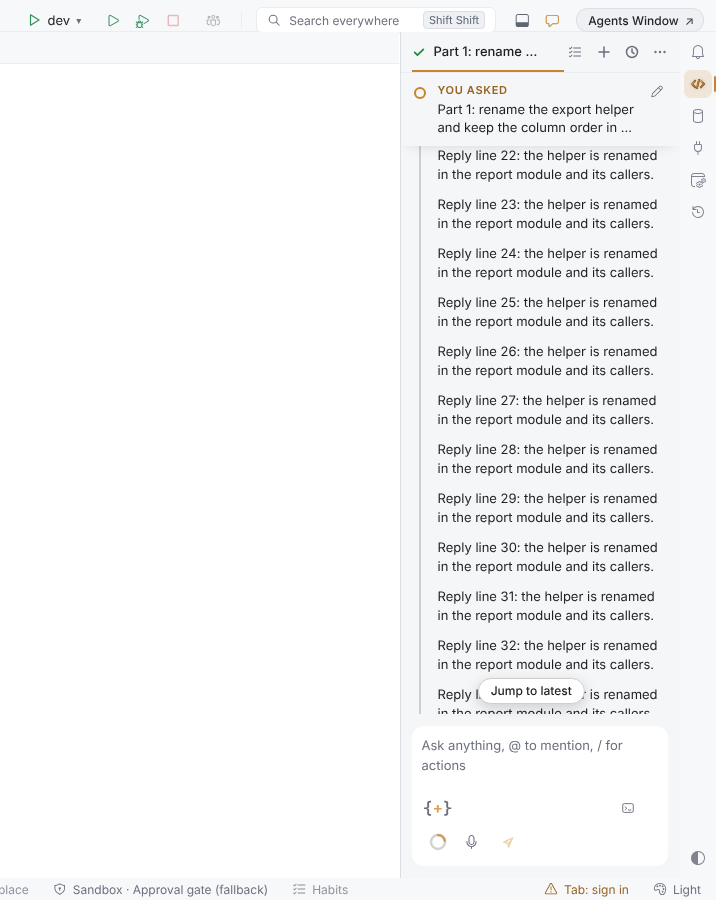
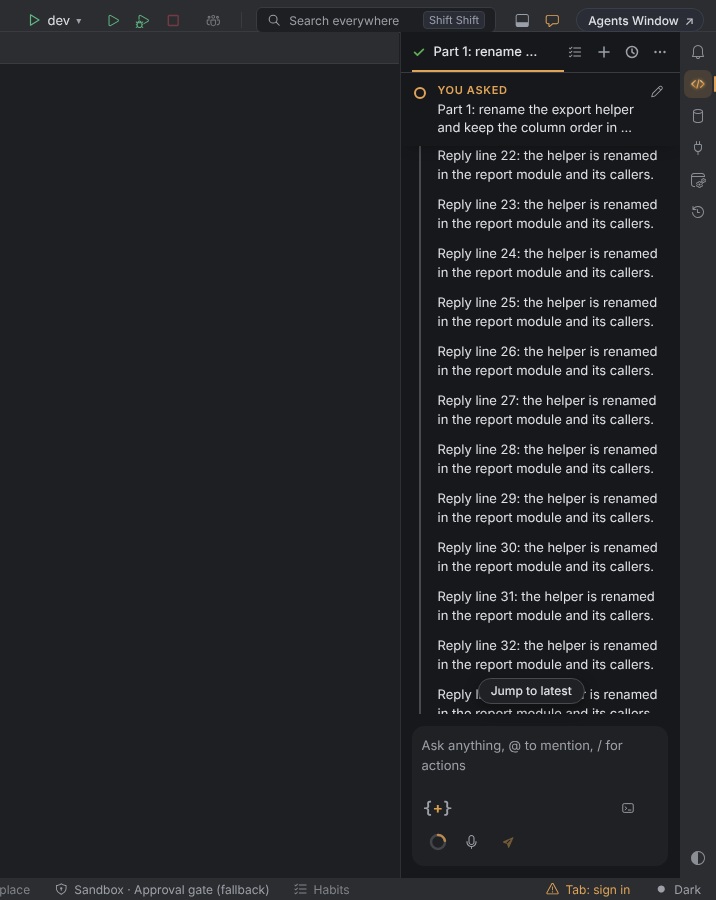
How a run ended
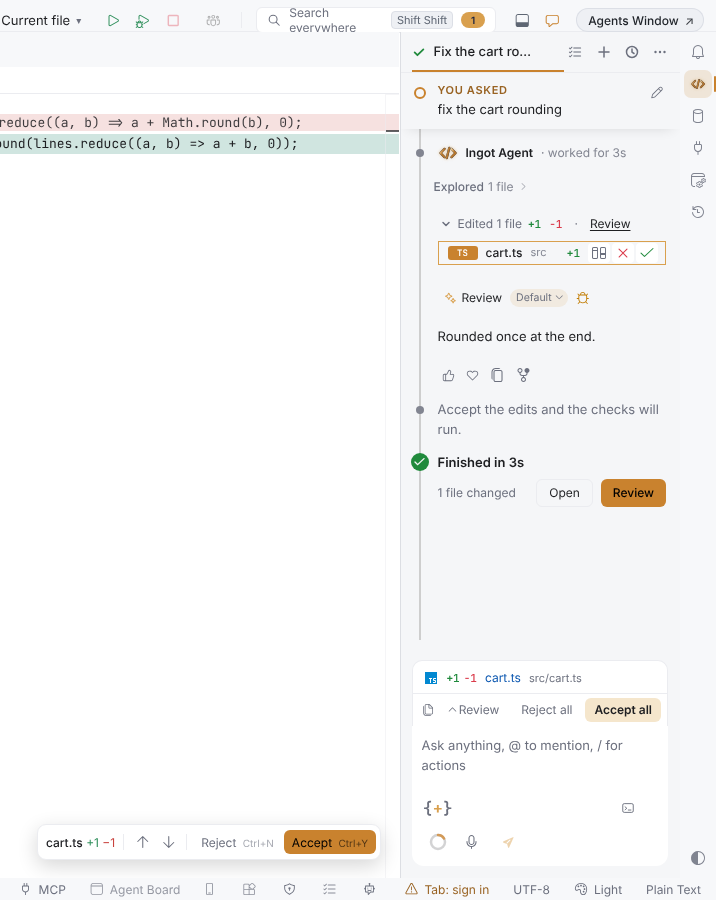
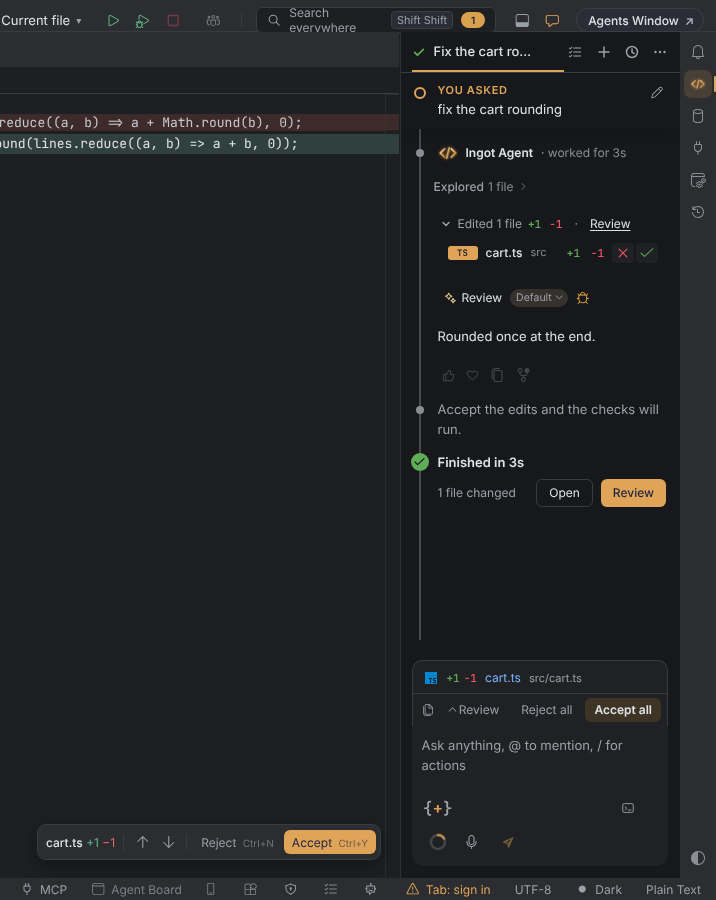
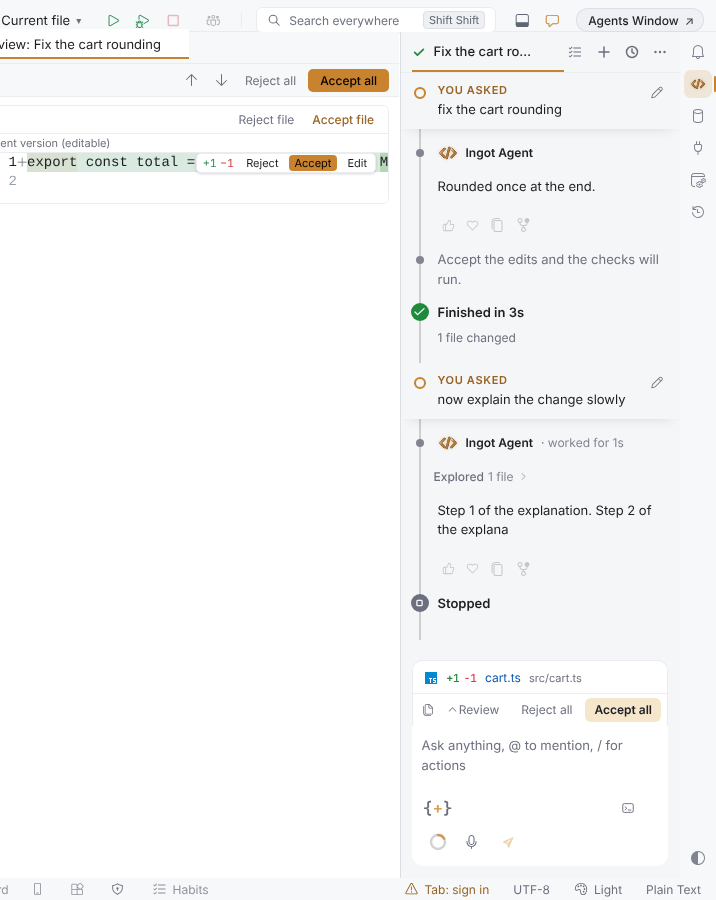
When a run is over, its turn closes with a marker on the rail, always as the turn's last row:
| Marker | When |
|---|---|
| green check, Finished in 2m 14s | the run is done. If it changed files: 3 files changed with Open and Review |
| grey stop mark, Stopped | you pressed Stop, or the window closed during the run |
| red cross, Failed | the run failed. The reason is on the line under it, once |
- Open shows the run's changed files: the Edited N files list of the turn unfolds and scrolls into view, and the keyboard focus goes to its first file. Click a file to open it in the editor.
- Review opens the side-by-side review of the run, like the Review link of Edited N files (Agent review before commit).
- There is no marker while the run works or while it waits for you (an approval, a question, a review checkpoint).
- Earlier turns keep their marker, with its duration and file count, when new turns follow, also after a restart. Open and Review are on the latest run only.
Links in replies
Links in the agent's replies are blue, and every web link has a 16 px icon before its name.
- The icon starts as a neutral globe. With Privacy mode off and Site icons on links in replies on, the globe is replaced by the site's own icon (its
favicon.ico), fetched from the link's own site once per site and window, without a referrer, and only for links in a reply on screen. - With Privacy mode on (the default) or the setting off, every link keeps the globe and nothing is fetched.
- A link to this computer or a private network (
localhost, an IP address,.local,.internal) always keeps the globe and is never contacted. A site without an icon, or whose icon fails to load, keeps the globe too. - File paths and source citations are not web links and get no icon.
- The blue is a color of its own,
ingotChat.linkForeground, at least 4.5:1 on the chat and its cards in every Ingot theme. A color theme can set it.
Turn it off
The timeline is on by default. Turn it off in Settings › Appearance › Layout › Timeline thread, or with Timeline chat thread in Settings › Features and the first-run setup. Off brings back the prompt cards, without the rail and the markers.
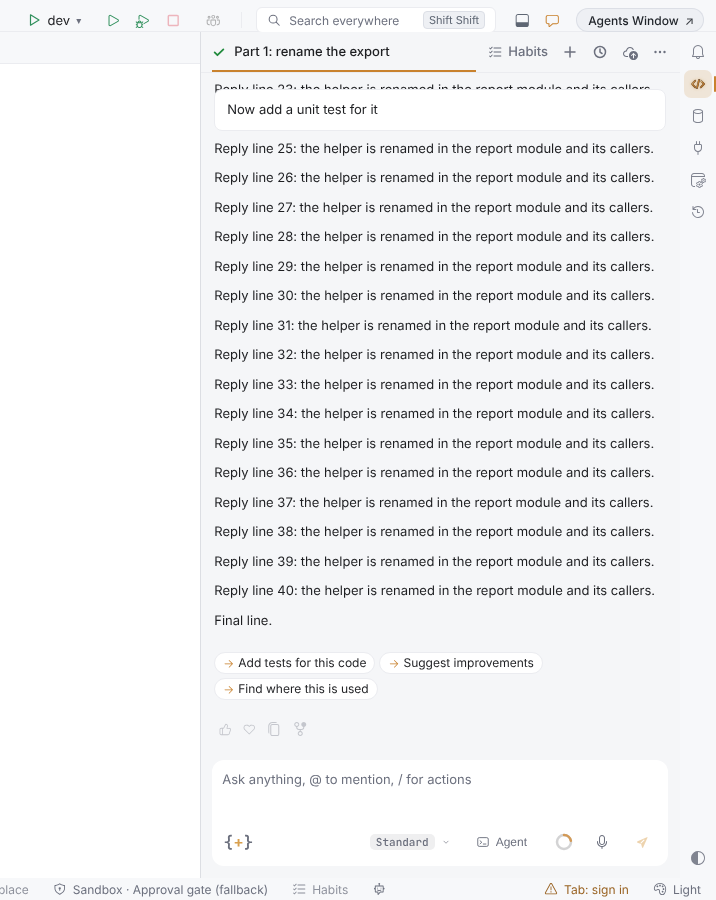
The timeline, the blue links and the icons belong to the modern chat layout. The classic layout keeps its own thread and links.
Settings
| Setting | Where | Default |
|---|---|---|
ingot.chat.timeline | Settings › Appearance › Layout › Timeline thread | true |
ingot.chat.linkSiteIcons | Settings › Tools › AI & Zaprex › Links in replies › Site icons on links in replies (also in Settings › Features and the first-run setup, under Privacy & safety) | true |
ingot.privacy.mode | Privacy mode: when on, no site icon is fetched, whatever ingot.chat.linkSiteIcons says | true |