Inline chips in the chat
Write to the agent the way you think: text and file chips mixed over several lines, line ranges as chips, and recent files one keystroke away.
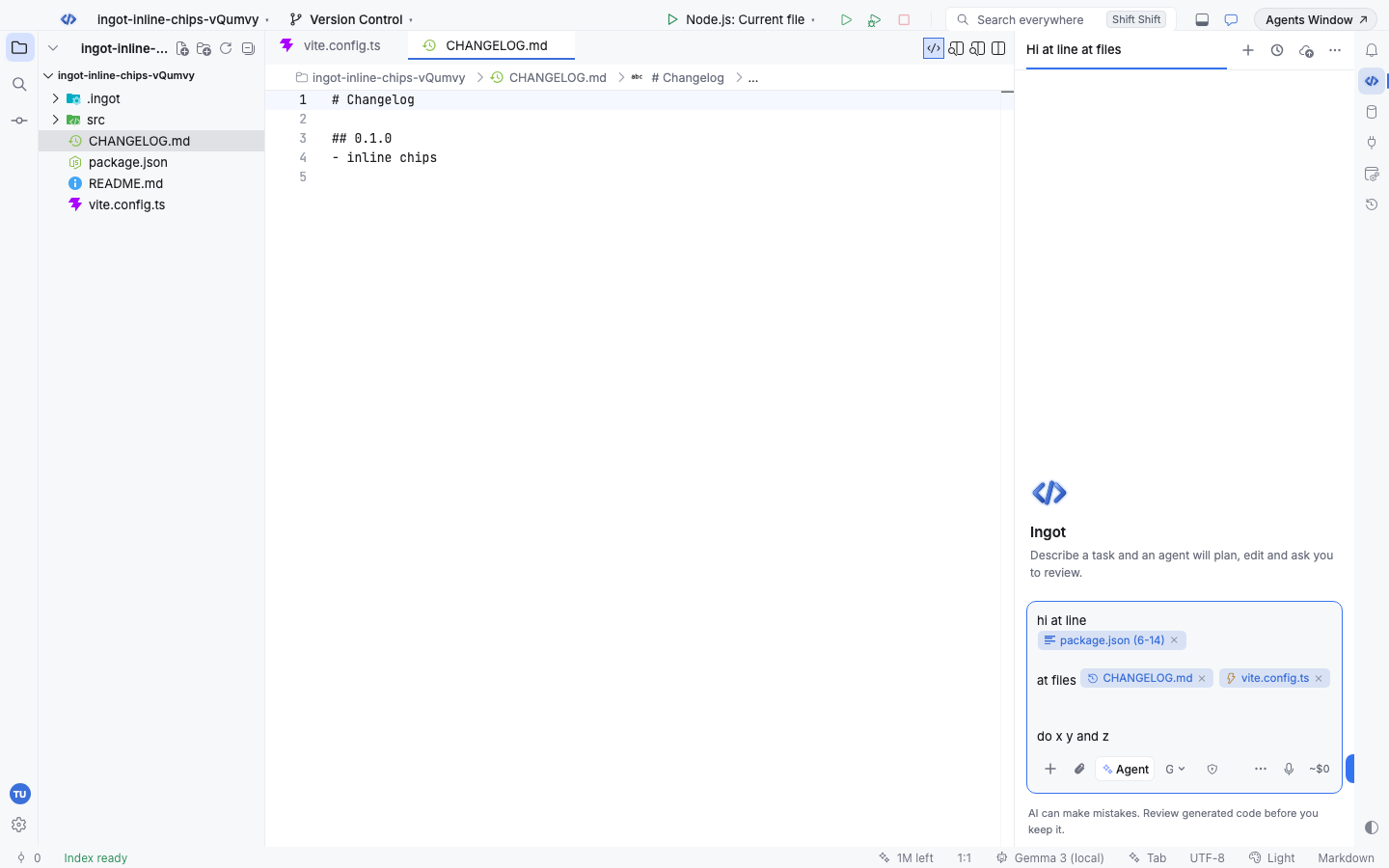
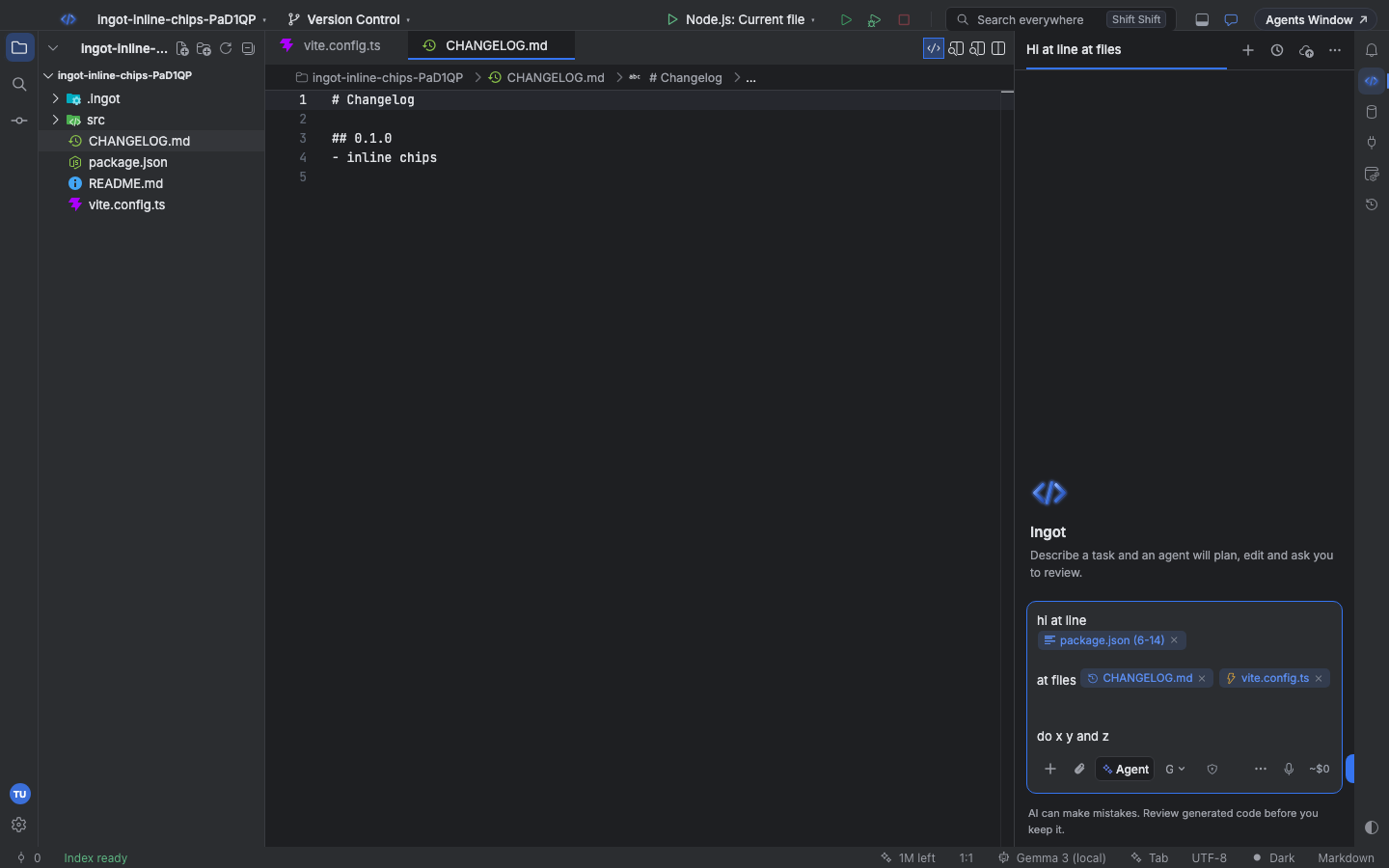
Text and chips on several lines
Chips sit inside your sentence, right where you type them, and you can spread a message over as many lines as you like:
| Key | What it does |
|---|---|
| Enter | sends the message |
| Shift+Enter | starts a new line; a chip can start a line, end one or sit in the middle |
| ← / → | step over a whole chip in one press, even at the start or end of a line |
| Backspace right after a chip | removes the whole chip (the × on a chip does the same) |
| Delete right before a chip | removes the whole chip |
Typing never lands inside a chip: after a chip the caret is always before or after it.
Line-range chips
A chip for some lines of a file reads file (lines), for example package.json (6-14) or cart.ts (7) for one line, and has a lines icon so you can tell it from a whole-file chip at a glance. Hover it to see the lines; click it to open the file at those lines.
You get a line-range chip when you:
- copy lines in an editor and paste them into the chat,
- select lines and choose Add to Chat,
- type a range after a file name (see below).
Type a line range
Type @, the file name, a colon and the lines:
| You type | You get |
|---|---|
@cart.ts:20-21 | lines 20 to 21 of cart.ts |
@cart.ts:7 | line 7 |
@cart.ts#L20-L21 | the same as :20-21 (the GitHub link style) |
lines 20-21 of @cart.ts | a cart.ts (20-21) chip; the words "lines 20-21 of" become part of the chip |
While you type, the @ picker filters files by the name and shows the range on each row with the lines icon. Press Enter to pick a file, or just type a space after the range: if the path names a project file, it turns into the chip on its own. "line 7 in", "L3-5" and "lines 20 to 30 from" work too.
A range past the end of the file stops at its last line. Paths that name no project file stay plain text.
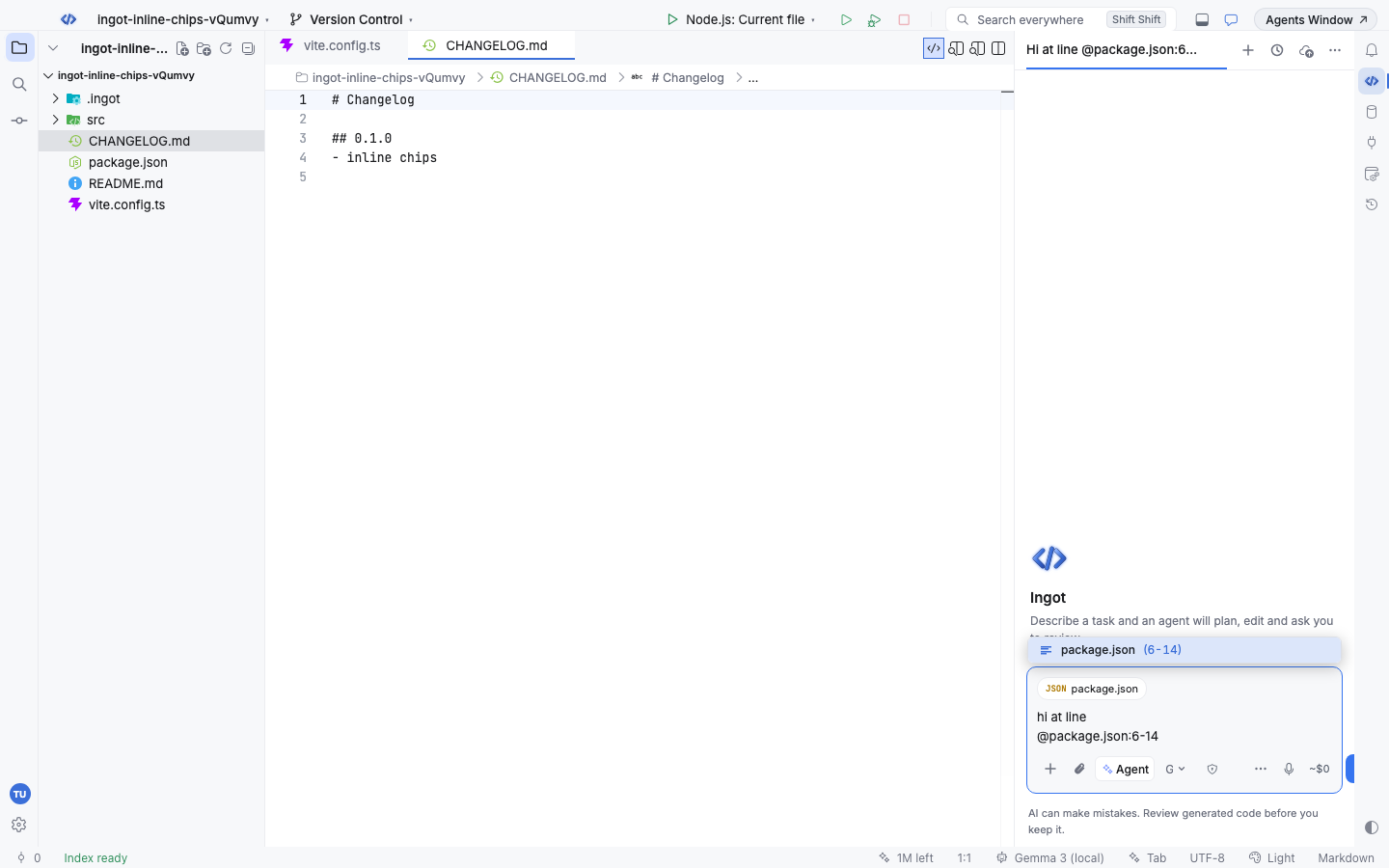
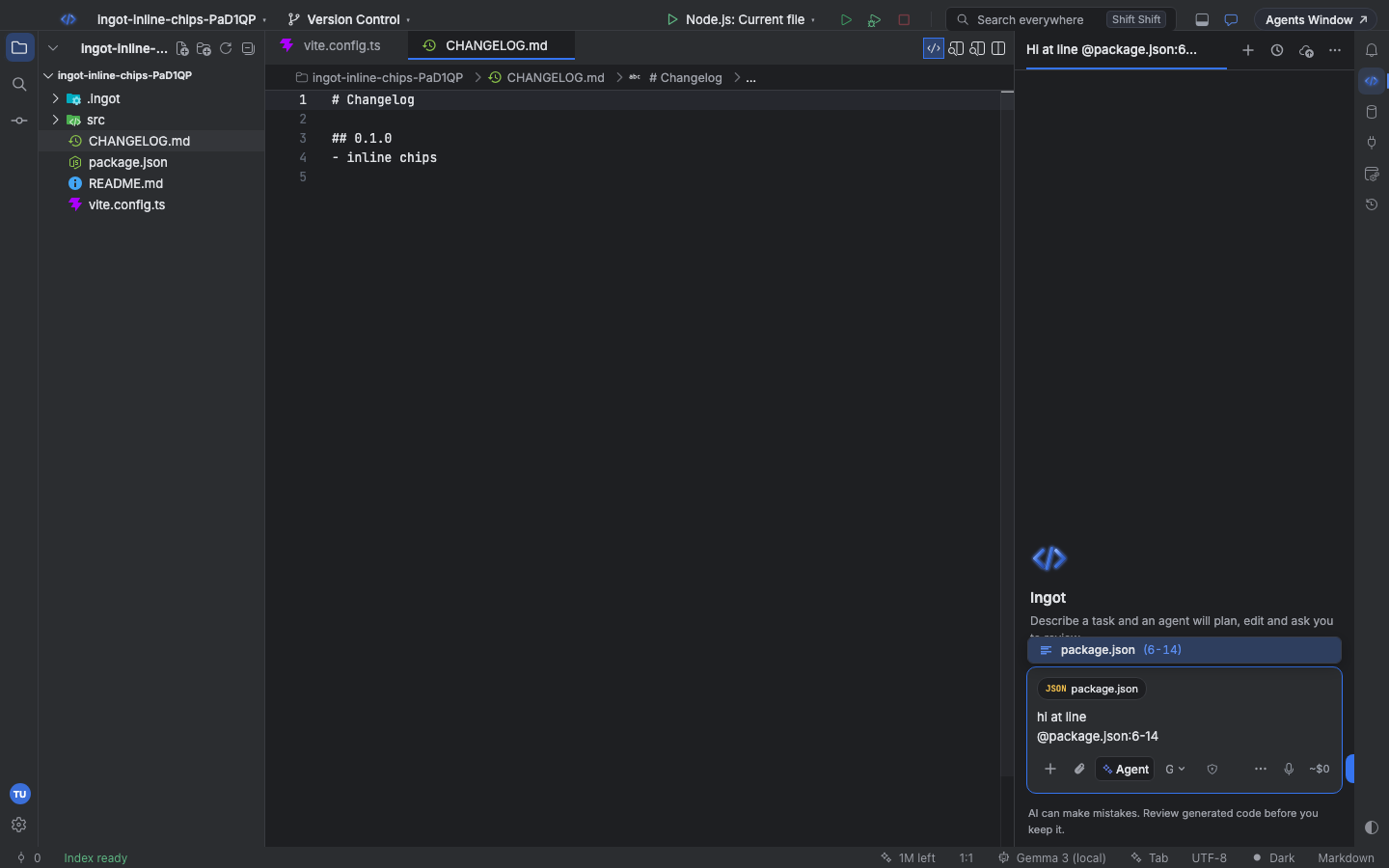
Recent files in the picker
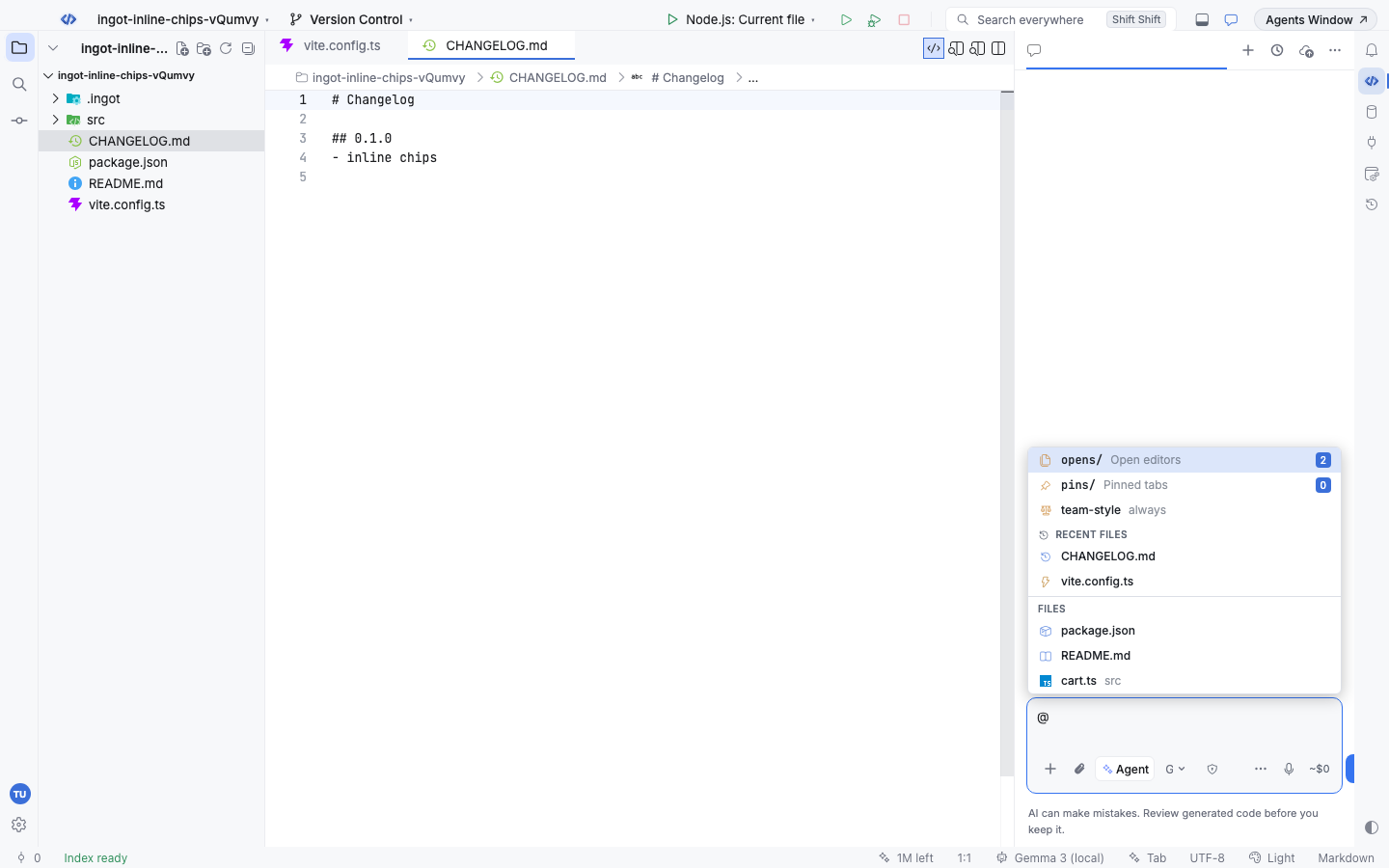
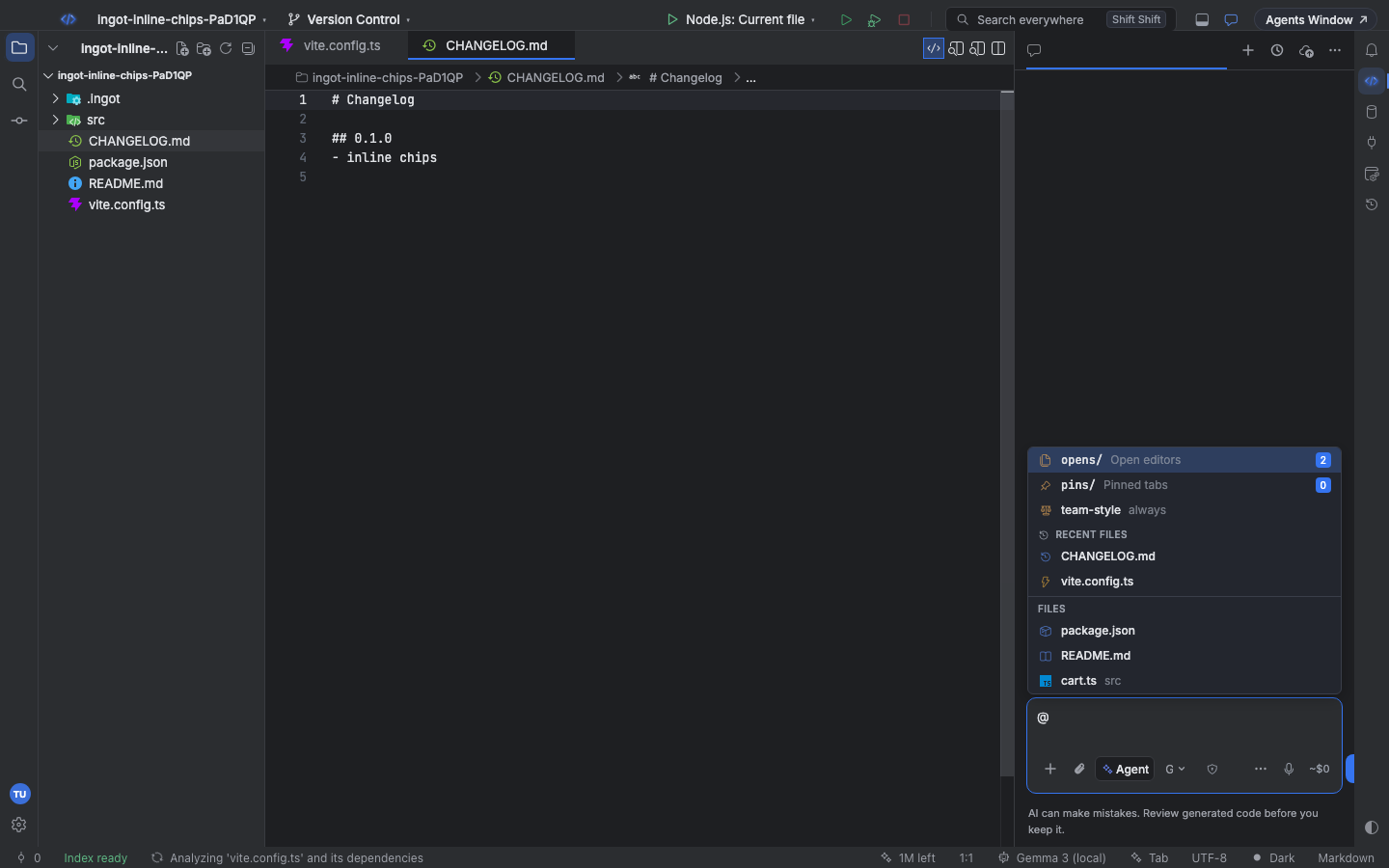
Type @ on its own and the picker shows up to five Recent files under a clock, above the rest of the project (Files). A file counts as recent when you open it in an editor or tag it in the chat. The list is kept per project and survives a restart; deleted files drop out.
Start typing a name and the picker goes back to ranking every project file.
Icons for well-known files
Chips and picker rows show what a file is:
| Icon | Files |
|---|---|
| lines | a line range of any file |
| yellow bolt | vite.config.*, vitest.config.* |
| package | package.json, package-lock.json |
| clock | CHANGELOG, CHANGES, HISTORY (.md, .txt …) |
| book | README |
| scales | LICENSE, NOTICE |
| gear | tsconfig*.json, jsconfig*.json |
| container | Dockerfile, docker-compose.yml, compose.yml |
| key | .env, .env.* |
| branch | .gitignore, .gitattributes, .gitmodules |
Other files keep their file-type icon.
What the agent receives
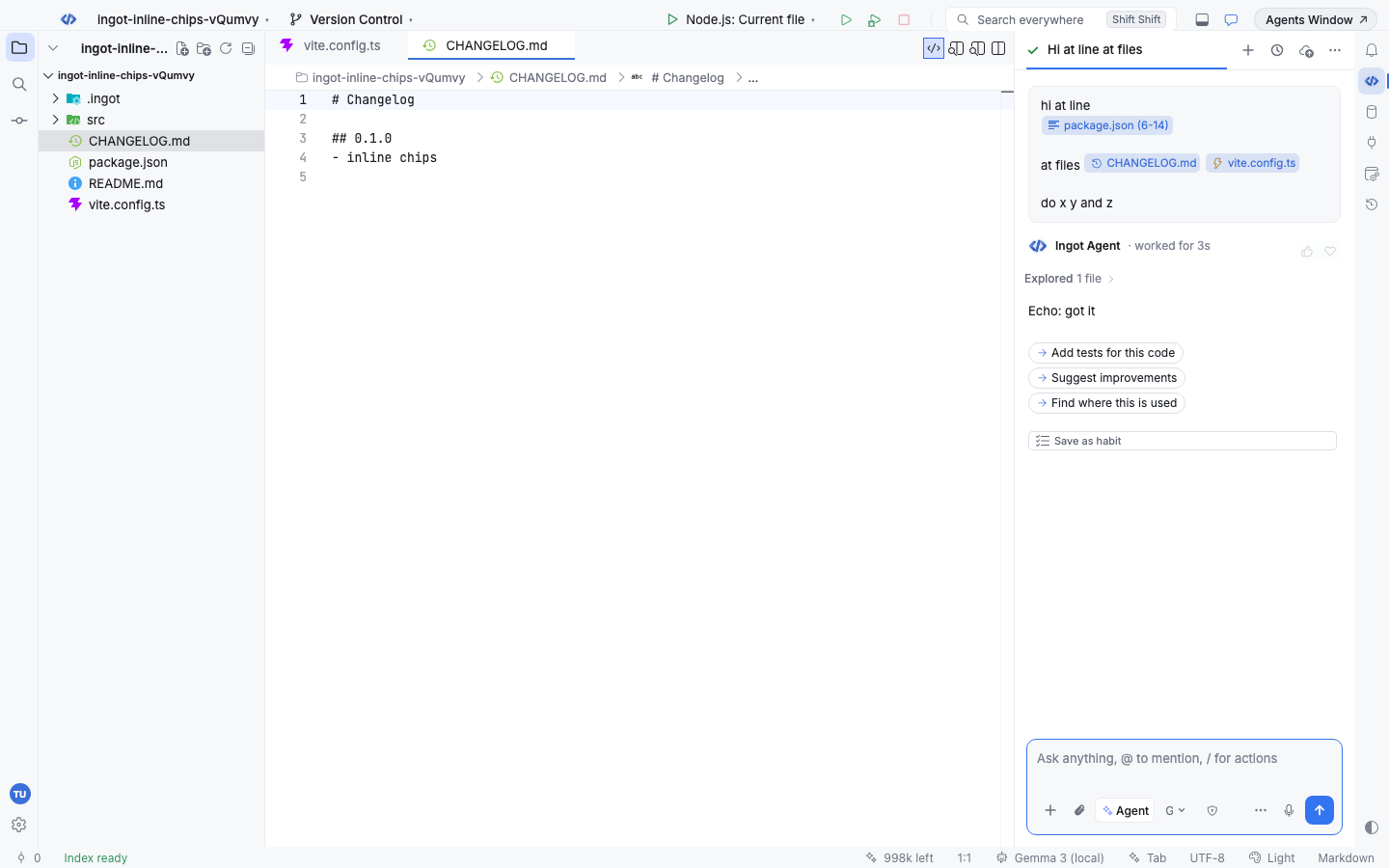
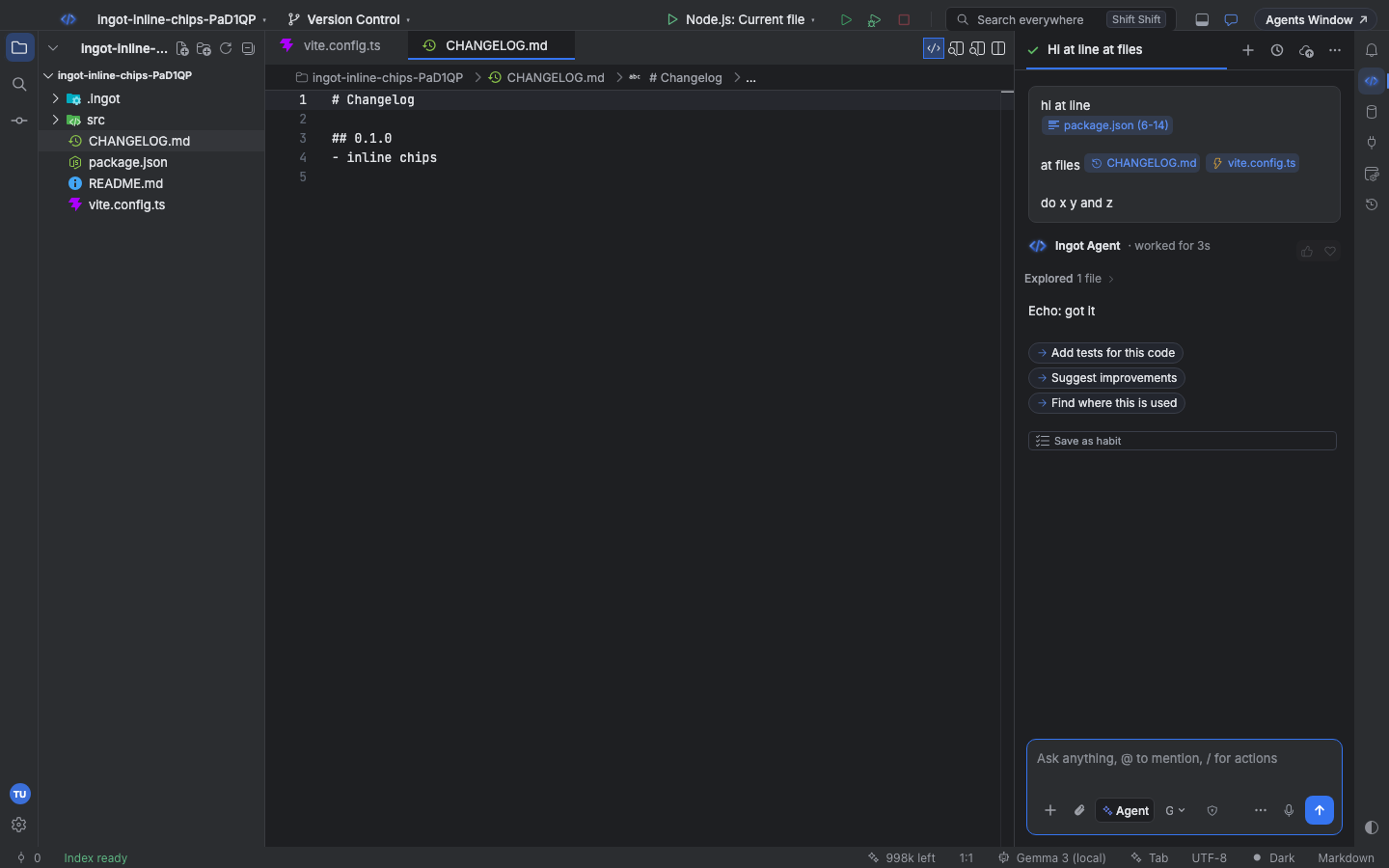
The agent reads your message in the order you typed it. Each chip becomes a reference such as [package.json (6-14)] at its spot, followed by the lines or the file it stands for, then your text continues:
hi at line
[package.json (6-14)] Selected code from package.json (lines 6-14):
  "scripts": { …

at files
[CHANGELOG.md] File CHANGELOG.md: …
[vite.config.ts] File vite.config.ts: …

do x y and z
Code keeps its indentation. Your sent message shows the same lines and chips, with their icons.
From the terminal
ingot context compose (ingot CLI) prints the prompt the chat sends for a message you type, with each chip inlined where you typed it. Nothing is sent to a model.
ingot context compose "explain lines 20-21 of @src/cart.ts and compare with @README.md"
ingot context compose "$(printf 'hi at line\n@package.json:6-14\n\nat files @CHANGELOG.md @vite.config.ts')"
echo "check @cart.ts#L3-L5" | ingot context compose -      # read the message from stdin
ingot context compose "fix @cart.ts:3" --json              # text, prompt and chips for scripts
The chips are listed in typed order on stderr, for example 3 chips in typed order: package.json (6-14), CHANGELOG.md, vite.config.ts. ingot context attach src/cart.ts#L20-L21 prints a single chip's block.
@opens/, @pins/ and rules in @opens, @pins, / rules & /projects.