External agents (ACP)
Run an open-source coding agent (OpenCode, Goose or OpenHands) or any Agent Client Protocol agent you add inside Ingot, next to Ingot's own agent. It streams its plan and tool calls and asks before it edits.
The Agent Client Protocol (ACP) is an open standard for connecting coding agents to editors. Ingot starts the agent as its own process in your project folder and talks to it over ACP: you get Ingot's panel, permission cards and file tracking around it.
Turn it on
External agents are off until you turn them on. There are three ways, as for every optional feature:
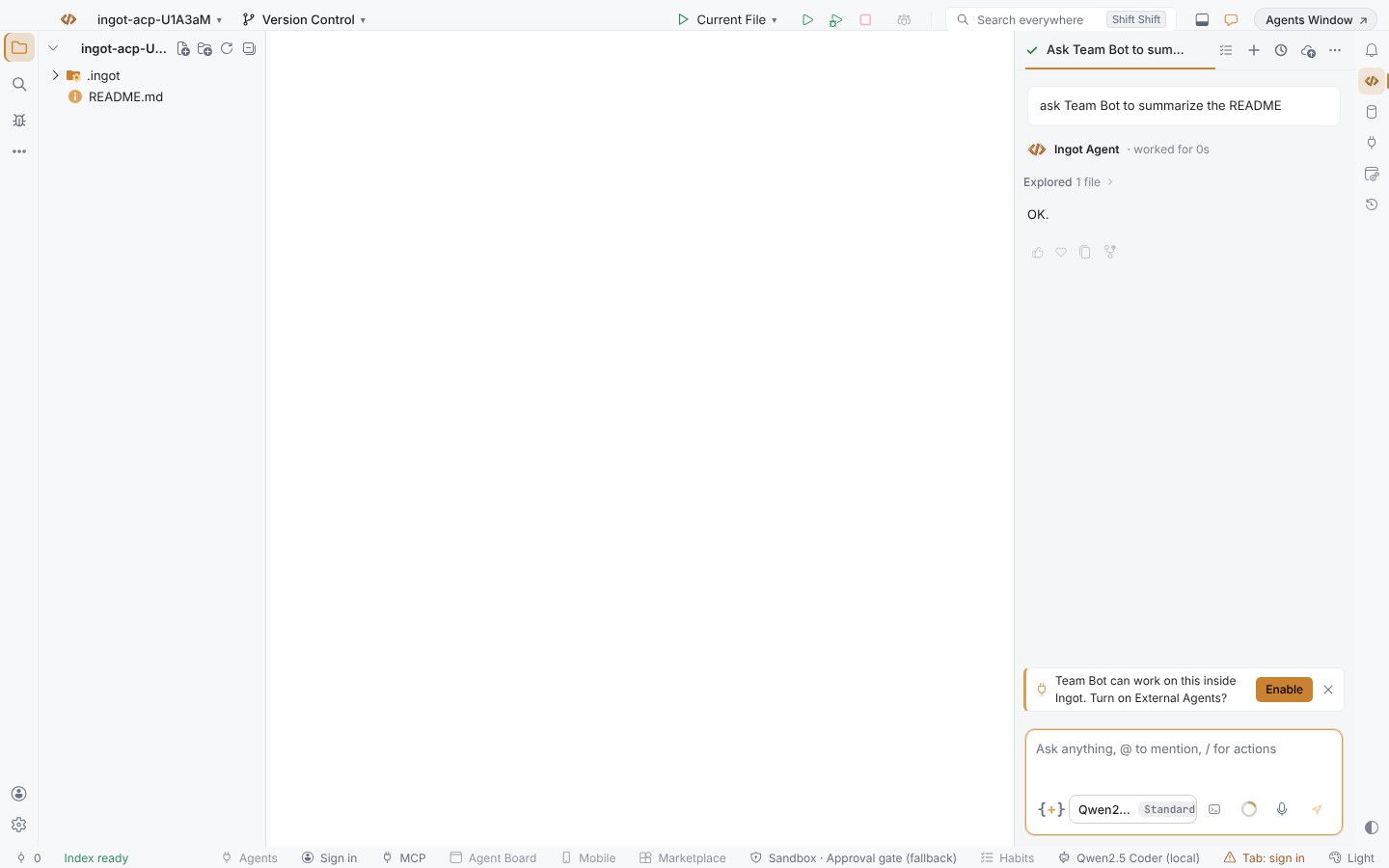
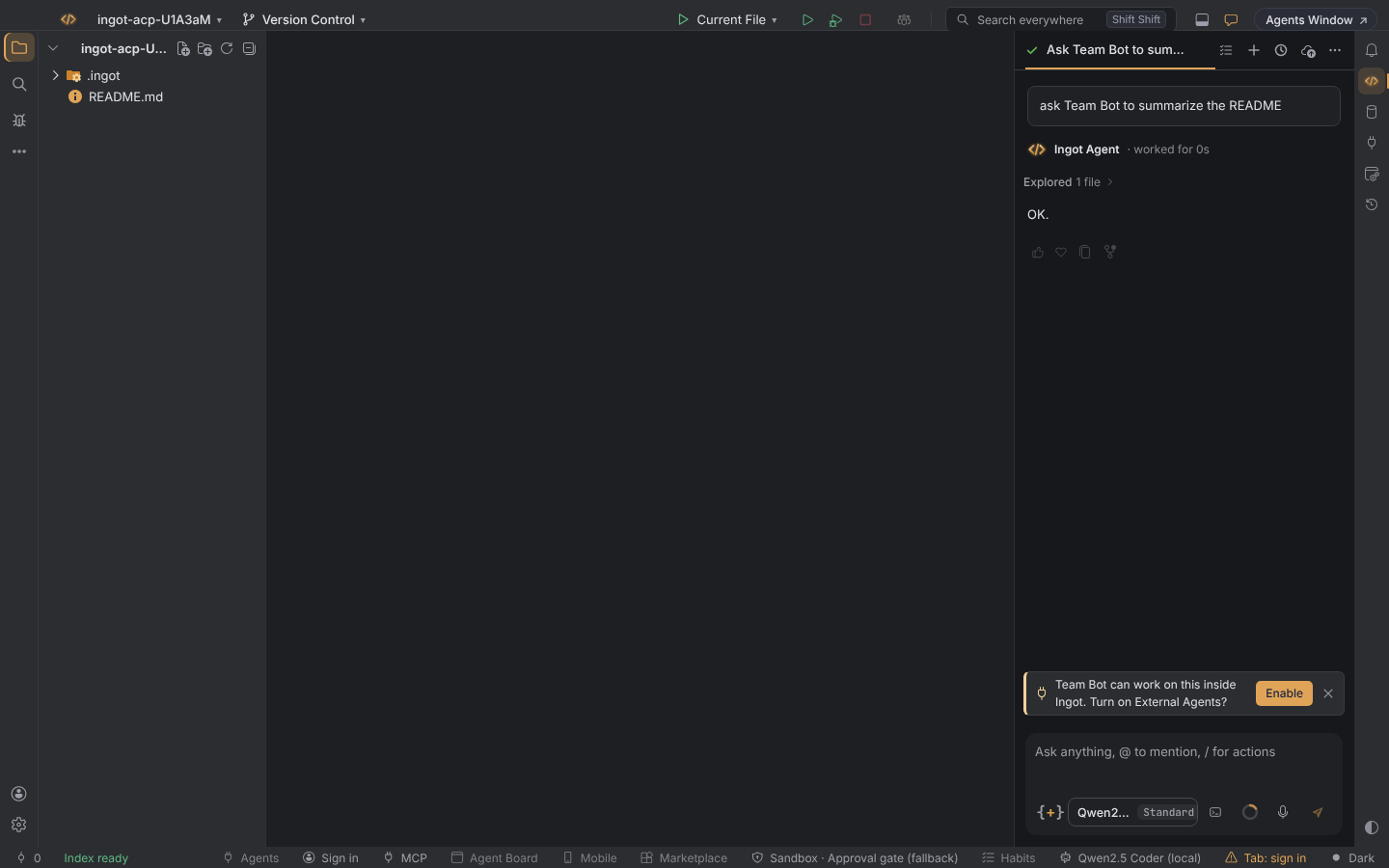
- In the chat. Name an agent in the agent chat ("let OpenCode handle this", "ask Goose to…", or the name you gave your own agent) and a small line suggests Enable. It turns the feature on, opens the panel on that agent and puts your message in its composer. × hides the suggestion for good.
- In Settings. Settings › Features › External agents is the on/off switch. Settings › Tools › External agents (ACP) has the rest of the options.
- One click. The Agents button in the status bar turns the feature on and opens the panel. The shortcut is
⌥⇧⌘Endon macOS andCtrl+Alt+Shift+Endon Windows and Linux; in Find Action, search for "External Agents".
The agent list
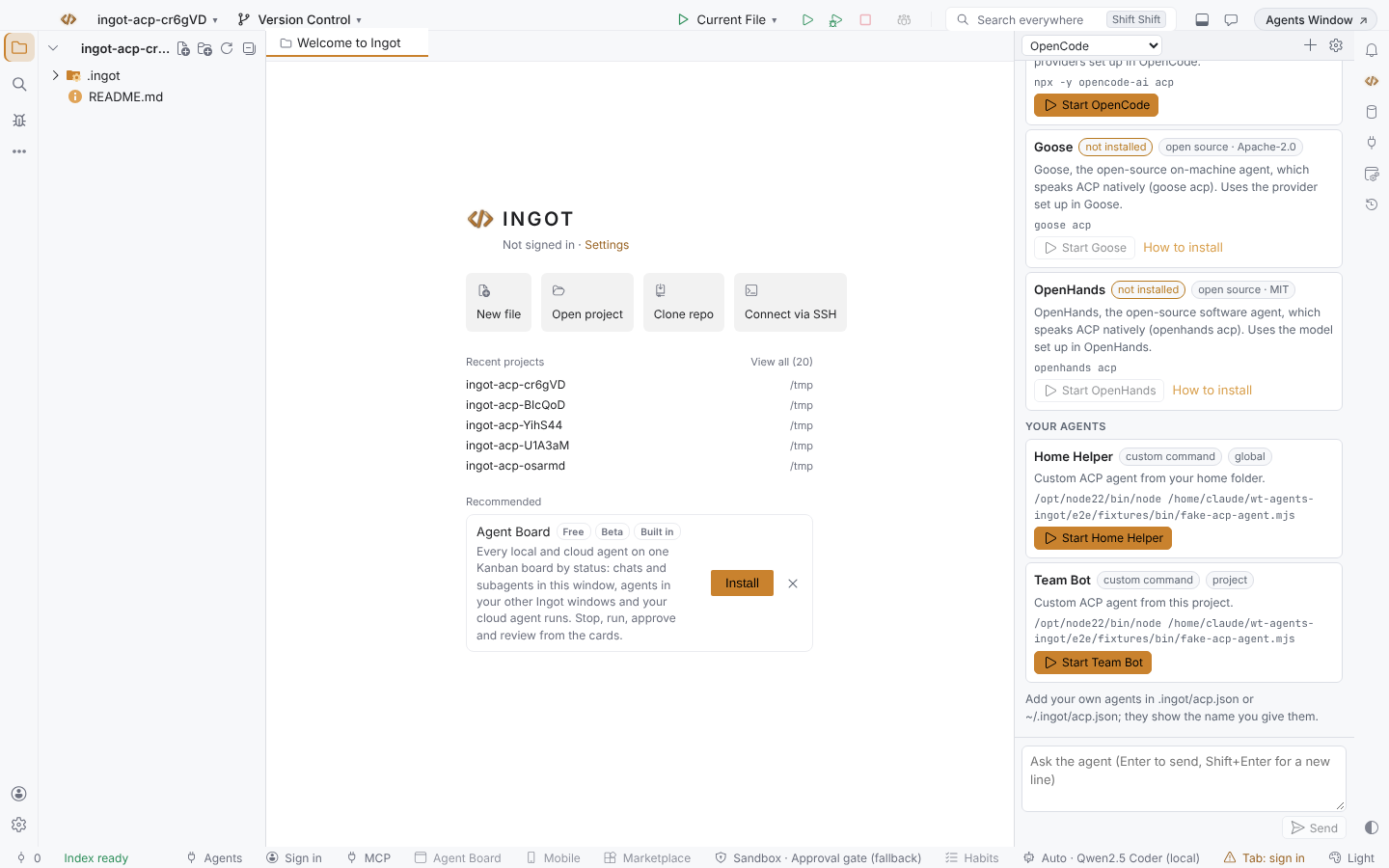
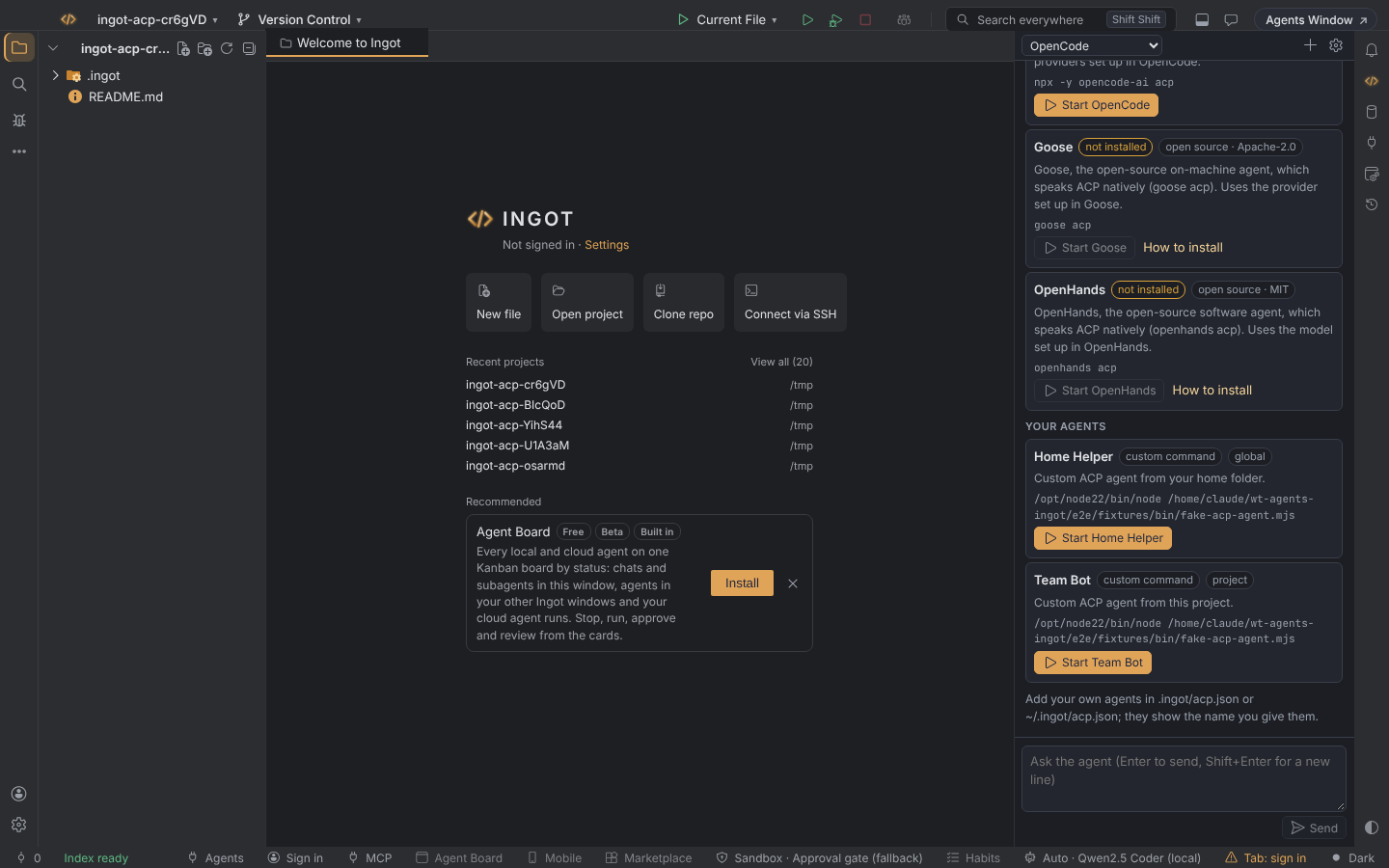
The panel lists agents in three groups:
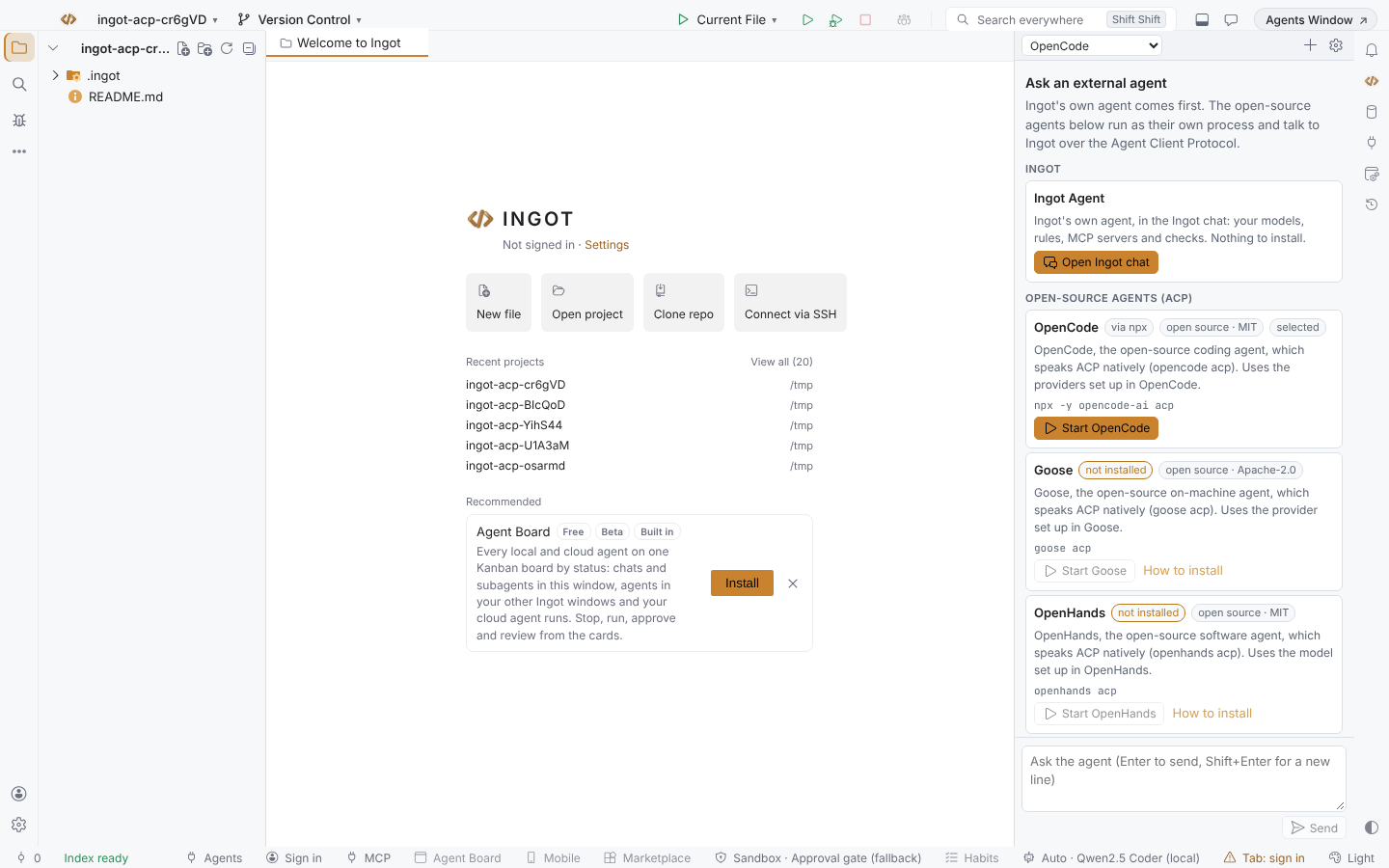
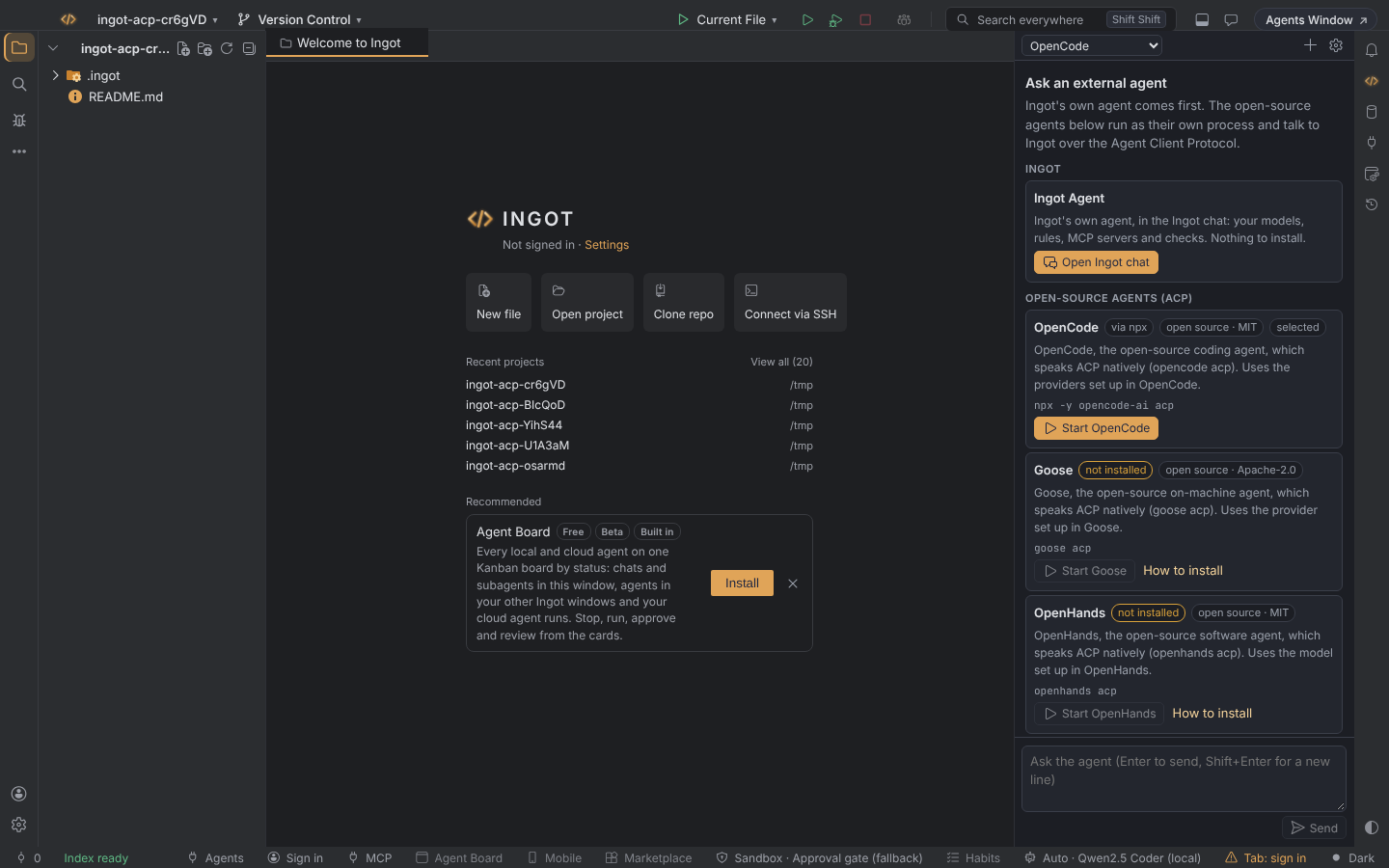
- Ingot. Ingot's own agent always comes first. Open Ingot chat opens it in the agent chat, with your models, rules, MCP servers and checks. Nothing to install.
- Open-source agents (ACP). Vetted open-source agents that speak ACP, each with a permissive licence. They use the provider you set up in the agent itself, so the panel never asks you for a vendor API key for them.
- Your agents. Agents you add in
.ingot/acp.jsonor~/.ingot/acp.json, shown with the name you gave them.
| Agent | Licence | How Ingot starts it | Sign-in |
|---|---|---|---|
| OpenCode | MIT | opencode acp when OpenCode is installed, else npx -y opencode-ai acp | opencode auth login once in a terminal |
| Goose | Apache-2.0 | goose acp (install Goose first) | goose configure once in a terminal |
| OpenHands | MIT | openhands acp (install the OpenHands CLI first) | run openhands once and set a model with /settings |
An agent that is not installed is marked not installed, with a How to install link to its project page. The first OpenCode start through npx downloads it, so it can take a minute; Node.js 18 or later must be on your PATH.
Run a task
- Open the panel and pick the agent in the header, or press Start on its card.
- Describe the task and press
Enter(Shift+Enterfor a new line). The first message starts a session in the first project folder. - The agent's reply streams into the panel with its thinking (folded), its plan and a card for every tool call: what it read, what it ran, and a diff for every edit.
- When the agent wants to edit a file or run a command, a permission card shows the change with Allow, Always allow and Reject (the options come from the agent).
- Files the agent changed are listed above the composer; click one to open it.
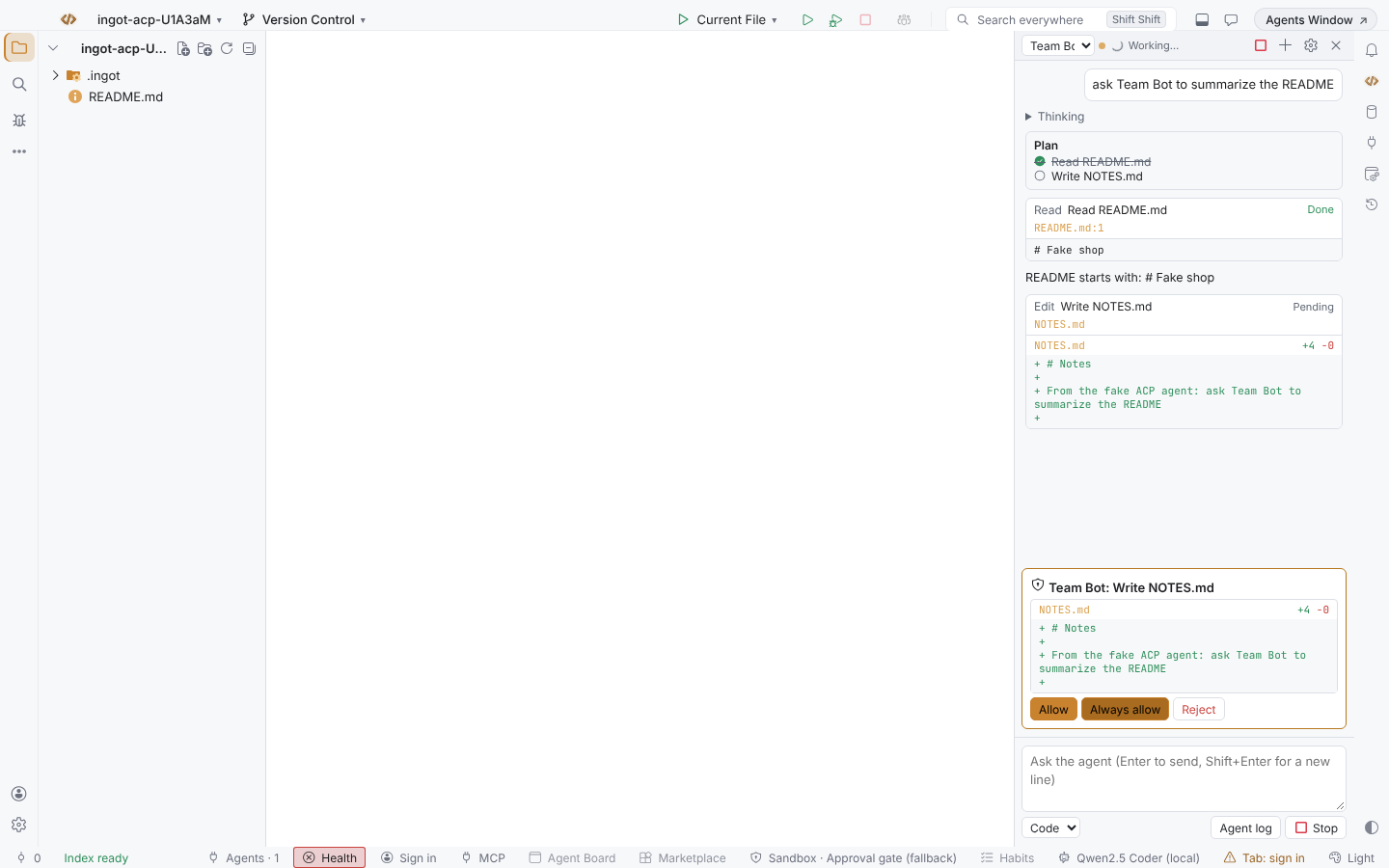
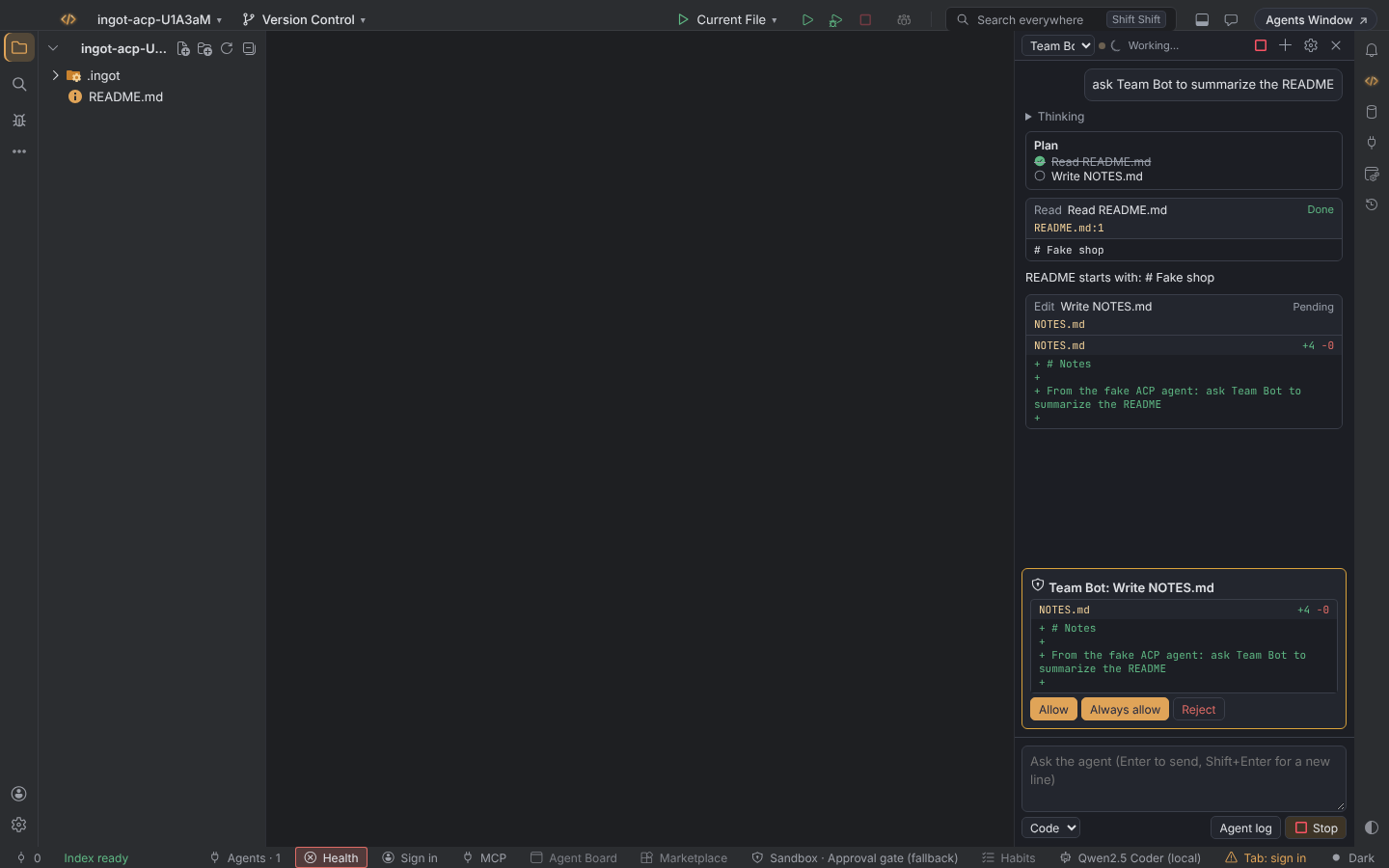
The mode menu under the composer switches the agent's own modes (for example Code or Ask) when it has them. Stop cancels the turn, the + button starts a fresh session, and Agent log shows what the agent printed on stderr, which helps when it fails to start.
Permissions and safety
| Setting | What Ingot answers when the agent asks |
|---|---|
ask (default) | shows the permission card and waits for you |
allow | allow once, automatically; the thread notes "(automatic)" |
deny | reject, automatically: the agent can read but not change anything |
- Ingot reads and writes files for the agent only inside the project folder. A request for any other path is refused, whatever the agent asks for.
- Ingot does not hand the agent a terminal. Commands the agent runs with its own tools run under the agent's own sandbox and settings, and they still ask through the permission card.
- The agent runs with your user's permissions, like any program you start. Only run agents you trust, and check the command in the agent card before you start one you added.
- Turning the feature off stops every running agent.
API keys for your own agents
An agent you add can name the environment variable that carries its API key (keyEnv). When it needs a sign-in, the panel shows Set API Key…, the agent's own sign-in methods and Retry. The key is kept in the Ingot key store (the OS keychain), never in settings or project files, and is given only to that agent, in that variable. Set External Agent API Key… in Find Action changes or removes it (leave it empty to remove). The built-in open-source agents have no key button: they sign in with their own CLI.
Add your own agents
Any program that speaks ACP can be added in .ingot/acp.json in the project, or in ~/.ingot/acp.json for every project. The gear button in the panel creates the project file.
{
  "agents": {
    "team-bot": { "name": "Team Bot", "command": "team-bot", "args": ["--acp"], "keyEnv": "TEAM_BOT_API_KEY" },
    "goose": { "command": "/opt/tools/goose", "args": ["acp"] }
  }
}
| Key | What it does |
|---|---|
command, args | how to start the agent (required for a new agent) |
name, description | shown in the panel and used in chat suggestions |
env | extra environment variables for the agent |
keyEnv | the variable that receives the API key saved with Set API Key… |
The id is the key (team-bot), in lowercase letters, digits, dots, dashes or underscores. Using a built-in id (opencode, goose, openhands) changes how that agent starts. The project file wins over the global one.
From the terminal
npx @ingotide/cli acp agents                      # the agents you can run, how each starts and its licence
npx @ingotide/cli acp doctor goose --session      # check the ACP handshake and whether it needs a sign-in
npx @ingotide/cli acp run opencode --prompt "Add a test for the cart total" --allow
npx @ingotide/cli acp run team-bot --file task.md --read-only --json
npx @ingotide/cli acp add team-bot --command team-bot --args="--acp" --key-env TEAM_BOT_API_KEY
run prints the reply on stdout and the thoughts, plan and tool calls on stderr. Without --allow or --deny it asks in a terminal and refuses in CI and pipes. Every option is on CLI.
Settings
| Setting | Default | What it does |
|---|---|---|
| External agents | off | the feature switch (also in Settings › Features) |
| Default agent | OpenCode | the open-source agent the panel starts with |
| When the agent asks for permission | ask | ask, allow or deny (above) |
| Agents button in the status bar | on | the one-click button |
| Suggest features in chat | on | Settings › Features: every inline suggestion, for all features |
| Suggestions you closed | empty | Settings › Features: features whose suggestion you closed with × (External Agents is acp.external-agents); remove one to see it again |
FAQ
Does it use my Ingot plan or units? No. The agent uses its own provider; Ingot only runs it and shows its work.
Does Ingot send my code anywhere? No. The agent talks to its own provider, as it does in a terminal.
Why is an agent I used before not in the list? The built-in list holds vetted open-source agents only. Any other ACP agent still works: add it in .ingot/acp.json or ~/.ingot/acp.json and it shows with the name you give it.
Why does an open-source agent say it needs a sign-in? It uses the provider set up in the agent itself: run its sign-in once in a terminal (see the table above) and press Retry.