Rex Settings
Settings in the Zaprex desktop app, the phone apps and zaprex.dev/app lists every connection Rex can use, each with its own on/off switch. That covers your git hosts, every app in the catalog and any MCP server you added yourself. You see at a glance what is on, what is off and what is not connected yet.
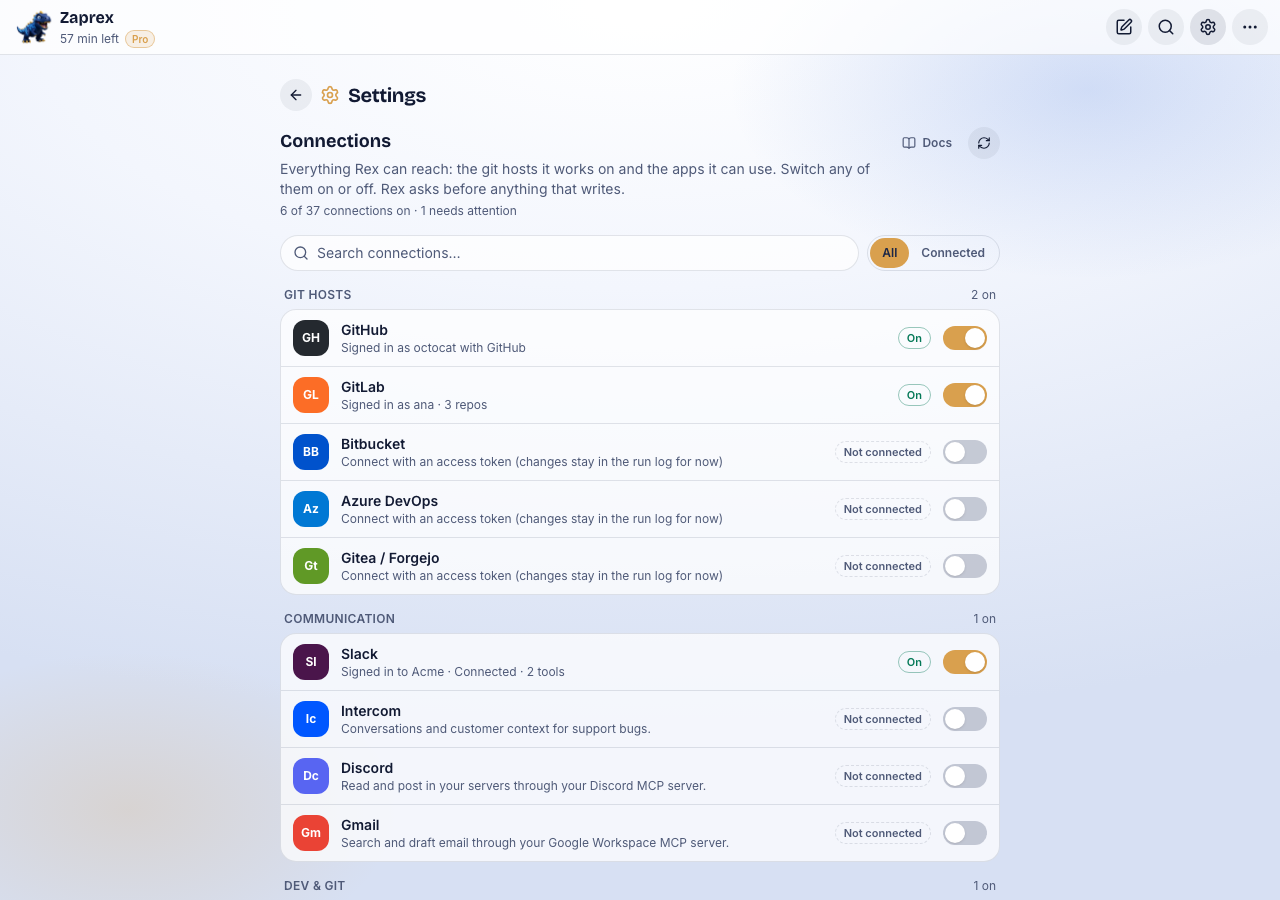
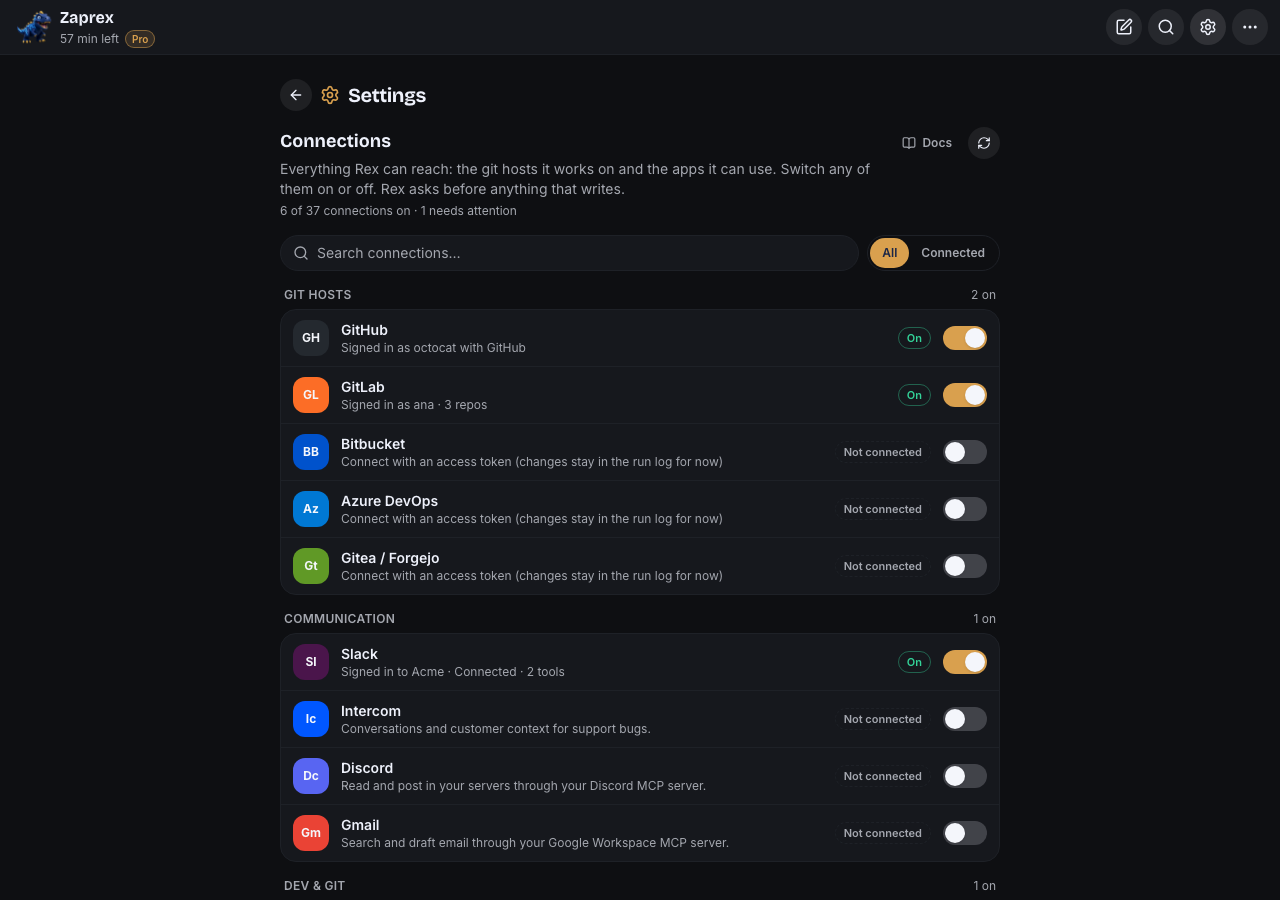
Open Settings
Click Settings (the gear) on the top bar. Settings opens in the window in place of the chat, with Connections first and then Appearance, Account and Help. Click the gear again, or the back arrow, to return to the chat.
The address is /app?view=settings, so a reload or a link lands on it.
Every connection, one row
The list is grouped in this order:
- Git hosts: GitHub, GitLab, Bitbucket, Azure DevOps and Gitea / Forgejo. Each account you connected is its own row, so two GitLab accounts are two rows.
- Apps, by category: Communication, Dev & Git, Project management, Design, Payments, Cloud and Other. Every app in the catalog is listed, connected or not.
- Custom MCP servers: servers you added by URL or command.
Each row shows the name, a short detail (who you are signed in as, how many tools, or what is wrong) and one of four states:
- On: Rex can use it.
- Needs attention: switched on, but it is failing, for example it asked for sign-in again.
- Off: you added it and switched it off. Rex doesn't use it, and the token is kept.
- Not connected: nothing is set up yet.
The line under Connections counts them, such as 6 of 37 connections on · 1 needs attention. Each group shows how many of its rows are on.
On and off
The switch does the obvious thing for each row:
- An app you added turns off and on right away. Its token stays, so turning it back on needs nothing else.
- A git host or an app you haven't added connects. Apps with a sign-in page (Slack, and GitHub when the server offers it) open that page. The rest open a short form under the row, with only the fields that app needs, such as an access token, your own server URL or a username. Tokens are hidden while you type.
- A connected git account asks first: Disconnect GitLab? Confirm and Rex stops working on its repositories until you connect it again.
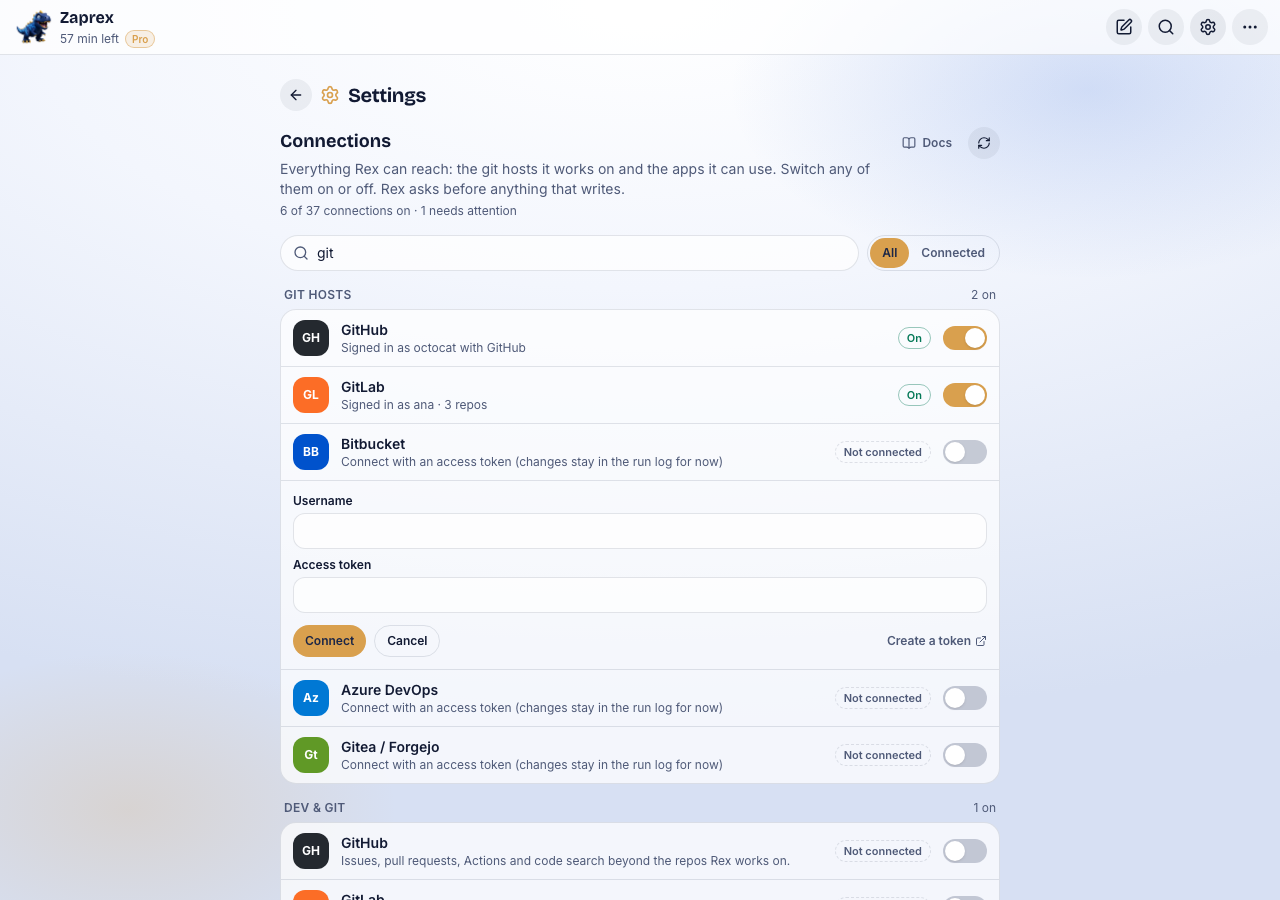
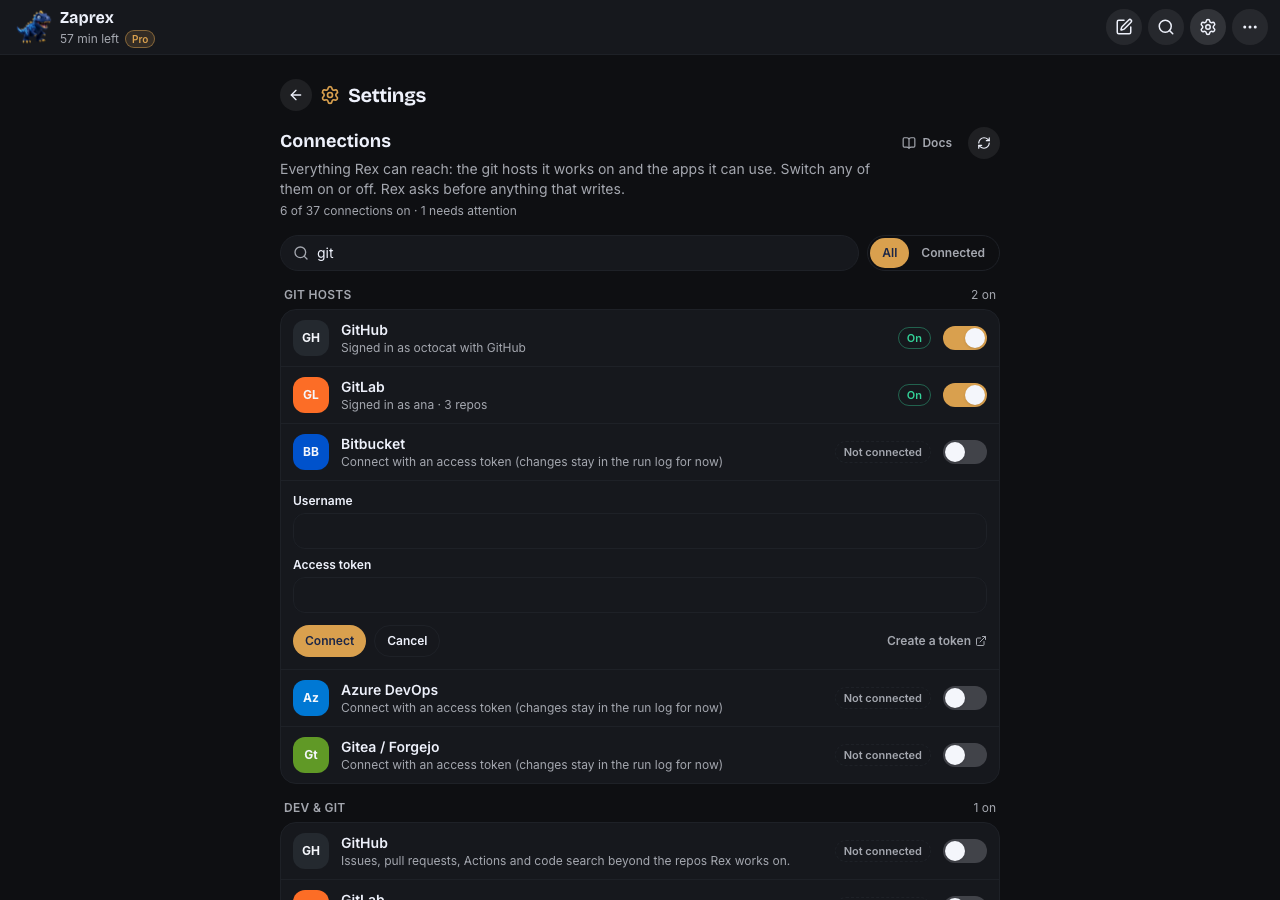
The form checks your input the same way the Zaprex server does, and errors are plain words, such as "Paste an access token." or "Bitbucket needs your username too."
Slack is an app like any other
There is no Slack button and no Slack page. Slack is a row under Communication, with the same switch and states as Sentry, Linear or any other app. Switching it on starts Sign in with Slack.
Search and Connected
Type in Search connections to filter by name, group or keyword, such as issues or git. Connected hides everything that is not connected; All shows every row again.
Connected apps in the More menu
⋯ › Connected apps shows the same app rows and switches, without the git hosts. Git hosts and everything else are in Settings.
Coming back from a sign-in
After you sign in to Slack or another app, you land back in Settings with a note, such as Signed in to Slack. Rex can use it now. If you cancelled, the note says so. The note shows once; reloading the window doesn't repeat it.
In the desktop and phone apps the sign-in page opens in your browser and comes back to the app when it is done.
For developers
The rows come from GET /api/bot/mcp/servers and GET /api/bot/git/accounts. The switch calls PATCH /mcp/servers/:id with { enabled } for an app you added, POST /mcp/servers or POST /git/accounts to connect, and DELETE /git/accounts/:id or DELETE /github to disconnect. Sign-in pages start with POST /slack/connect (or the app's own /connect route).
The row model is src/lib/rex-settings.ts in the zaprex-site repo, and the list is ConnectionSettings in src/components/app/RexSettings.tsx. A Zaprex server without these routes still shows every connection, as not connected, with a note.
Troubleshooting
- Every switch is grey and a note says connections aren't available: the Zaprex server you use doesn't have the connections API yet. Everything is listed as not connected until it does.
- A row says Needs attention: read the detail under the name. Usually the token expired; switch it off and on, or disconnect and connect again with a new token.
- The sign-in page didn't open in the phone app: update the app. Sign-in pages open in the system browser sheet.
- I can't find an app: clear the search and choose All. If it isn't in the catalog, add it as a custom MCP server.
Beta Tell us which connection you want next on the support page.
See also Rex connect apps & Git accounts, Rex tool calls & Sign in with Slack and Rex window layout.