Agent hand-off
Send a chat or its plan to an Ingot cloud agent in one click. The cloud agent picks up the task on your GitHub repository, runs the tests and opens a draft pull request. You follow the run, review the pull request, check out its branch and ask for changes, all from Ingot.
Before you start
| You need | Where |
|---|---|
| An Ingot account on a plan with cloud agents | Account: Sign in to Ingot… in Find Action |
A GitHub origin remote in the project | git remote -v shows github.com/<owner>/<repo> |
| GitHub connected to the cloud agent | The portal's cloud agent page (/bot). The Connect GitHub button in the panel opens it |
The first time you send from a repository the cloud agent can see but was not given yet, the panel says so and shows Allow Repository. Click it and Ingot adds the repository and sends the same chat again.
Send a chat
Click the cloud button in the Agents panel header, or run Send Chat to Cloud Agent (⌘⌥⇧Q, Ctrl+Alt+Shift+Q, also in Find Action). The Cloud Agents panel opens at the bottom with the new run, and the chat gets a Sent to cloud agent note with Show run.
Ingot packs the chat into a short brief for the cloud agent (at most 4,000 characters):
| Part of the brief | Taken from |
|---|---|
| Title | The chat title, or the first line of your first message. The pull request and its branch are named after it |
| Goal and Latest request | Your first message, and the last one when it is different |
| Plan | The chat's plan, with [x] on the steps that are done |
| Where the local agent stopped | The agent's last reply |
| Files involved | Files the agent changed and files you attached |
| Repository | The GitHub repository, its default branch, and what the cloud agent will not see |
Build a plan in the cloud
In Plan mode, the plan reply has Build in Cloud next to Build. It sends the plan's steps instead of the whole chat (Send Plan to Cloud Agent in Find Action). The cloud agent works through the steps that are not done yet.
What the cloud agent starts from
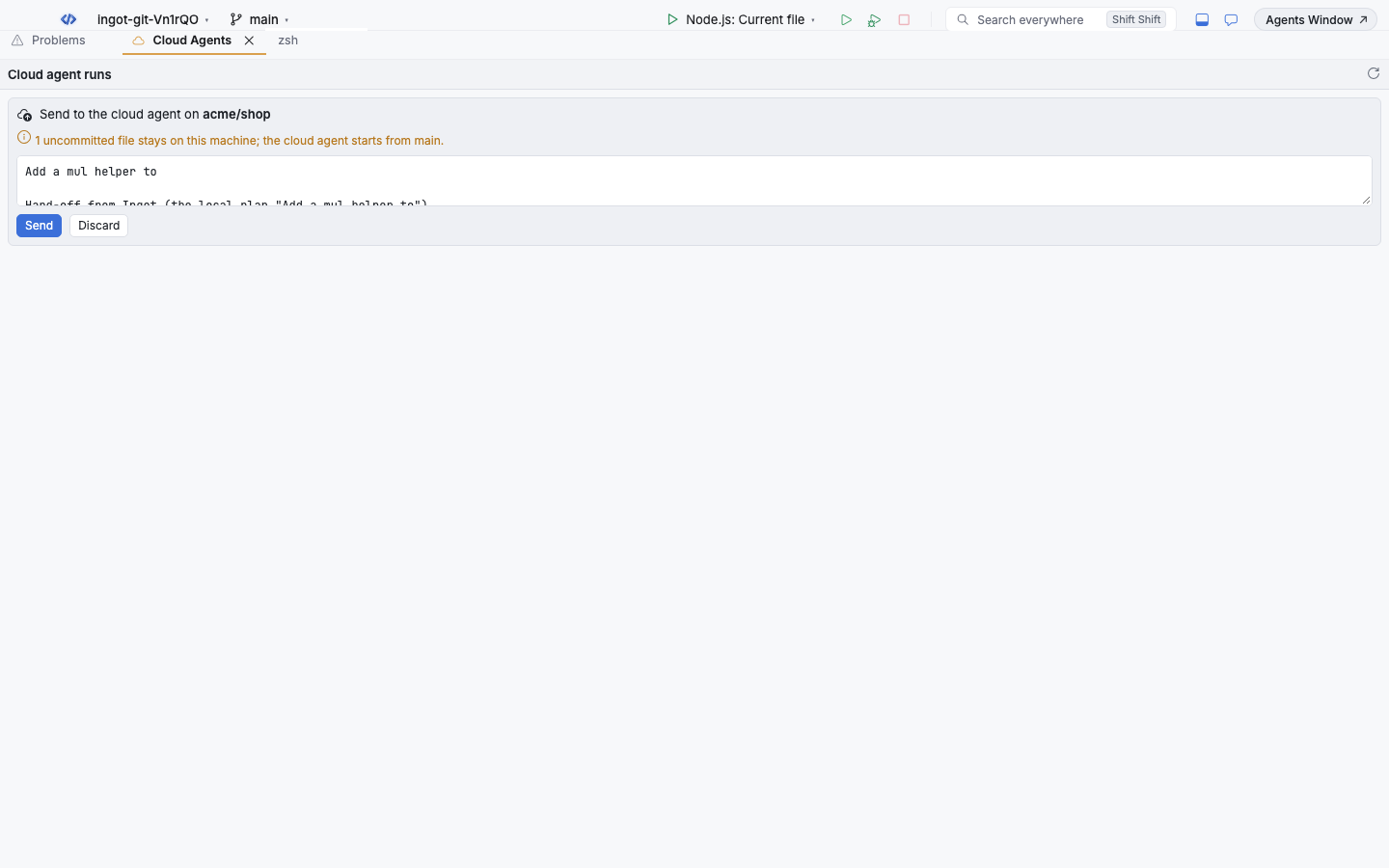
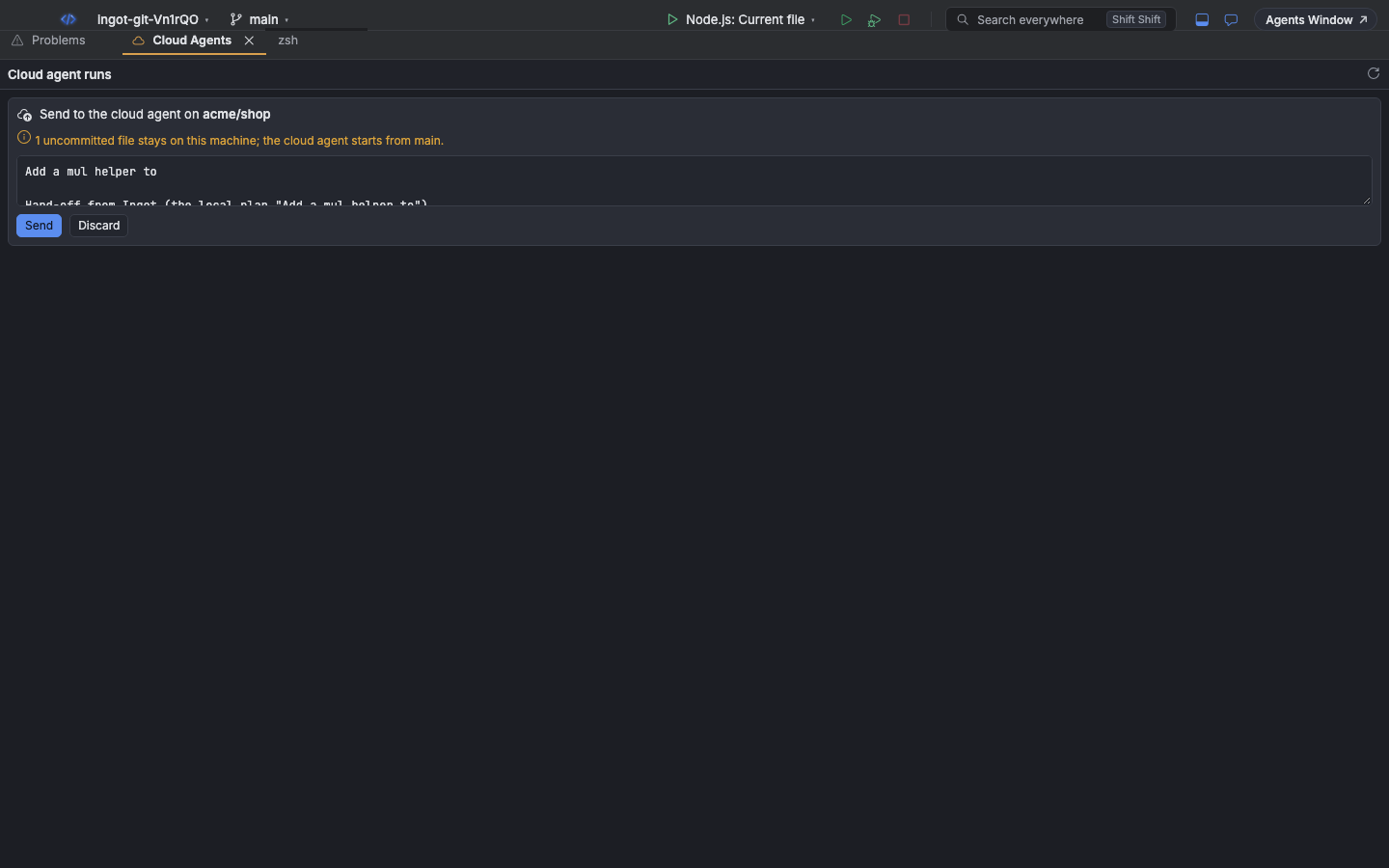
The cloud agent clones your repository on GitHub and starts from its default branch. Anything that is only on your machine is not in its workspace, and the panel warns you before and after you send:
| Warning | What to do |
|---|---|
2 uncommitted files stay on this machine; the cloud agent starts from main. | Commit and push them first if the cloud agent needs them |
3 unpushed commits on feature/csv are not in the cloud workspace. | Push the branch, or merge it into the default branch |
The cloud agent starts from main, not feature/csv. | Fine when the task does not depend on your branch |
Follow the run
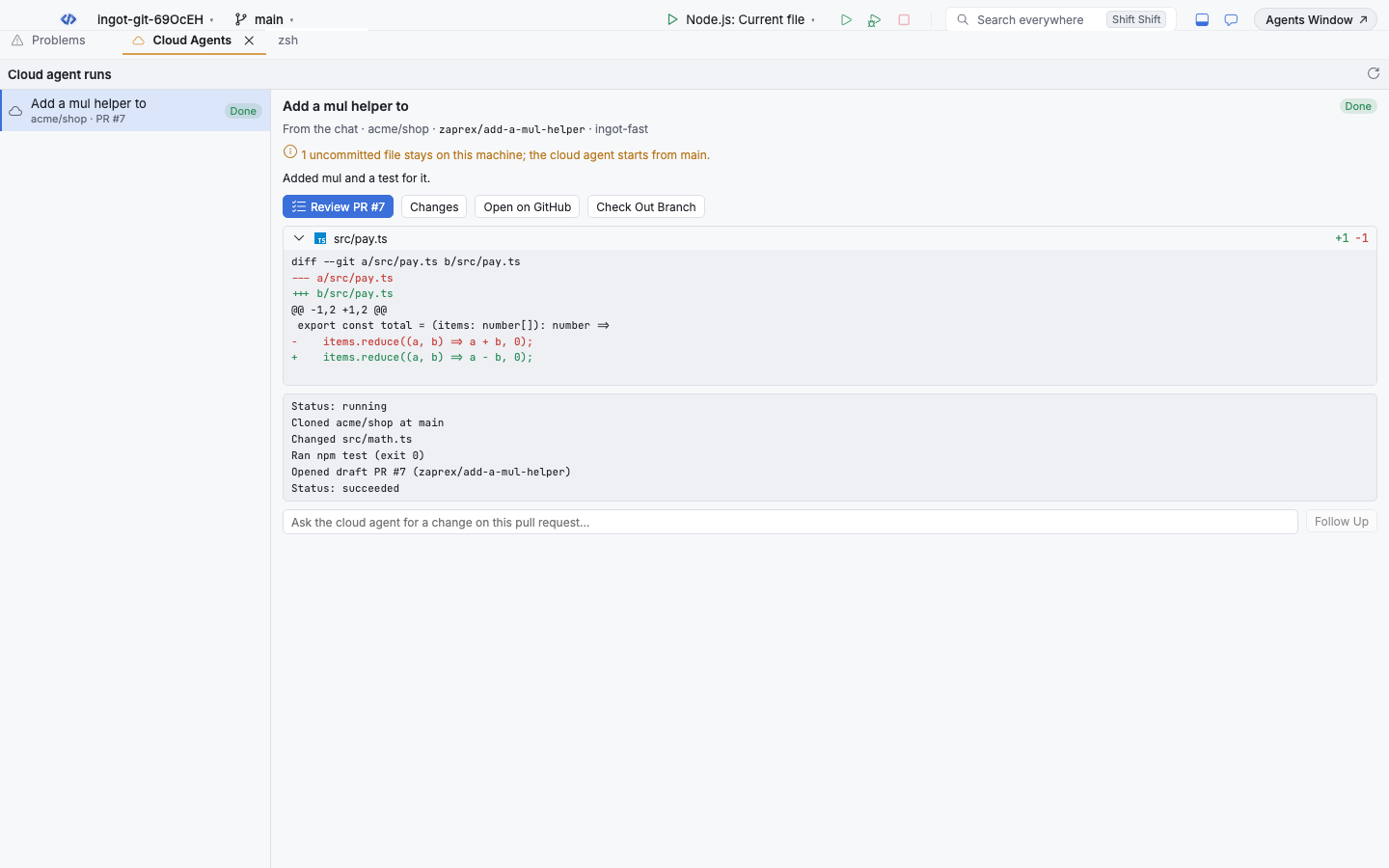
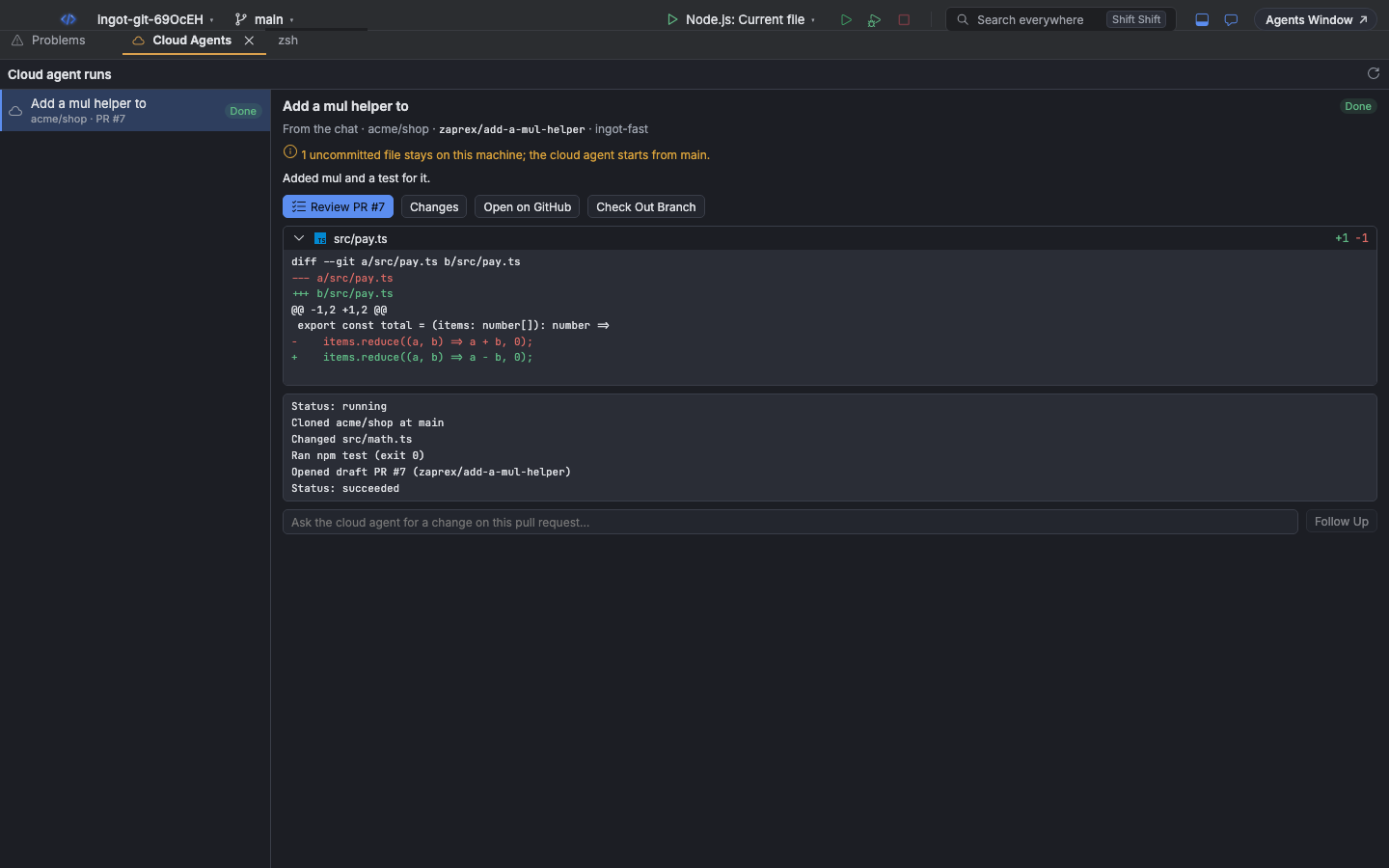
The Cloud Agents panel (⌘⌥⇧', Ctrl+Alt+Shift+', or Cloud Agents in Find Action) lists your hand-offs, newest first, with their status: Queued, Running, Needs approval, Done, Failed, Cancelled or Timed out. Select a run to see its log as it works: the clone, the files it changed, the commands it ran and the pull request it opened. Cancel Run stops a run that is still working.
Runs started from Ingot in another window show up too. Click the refresh button to load them.
When the cloud agent opens its draft pull request, Ingot tells you: The cloud agent opened draft PR #7. with Review in Ingot and Show run.
Review the pull request in Ingot
| Button | What it does |
|---|---|
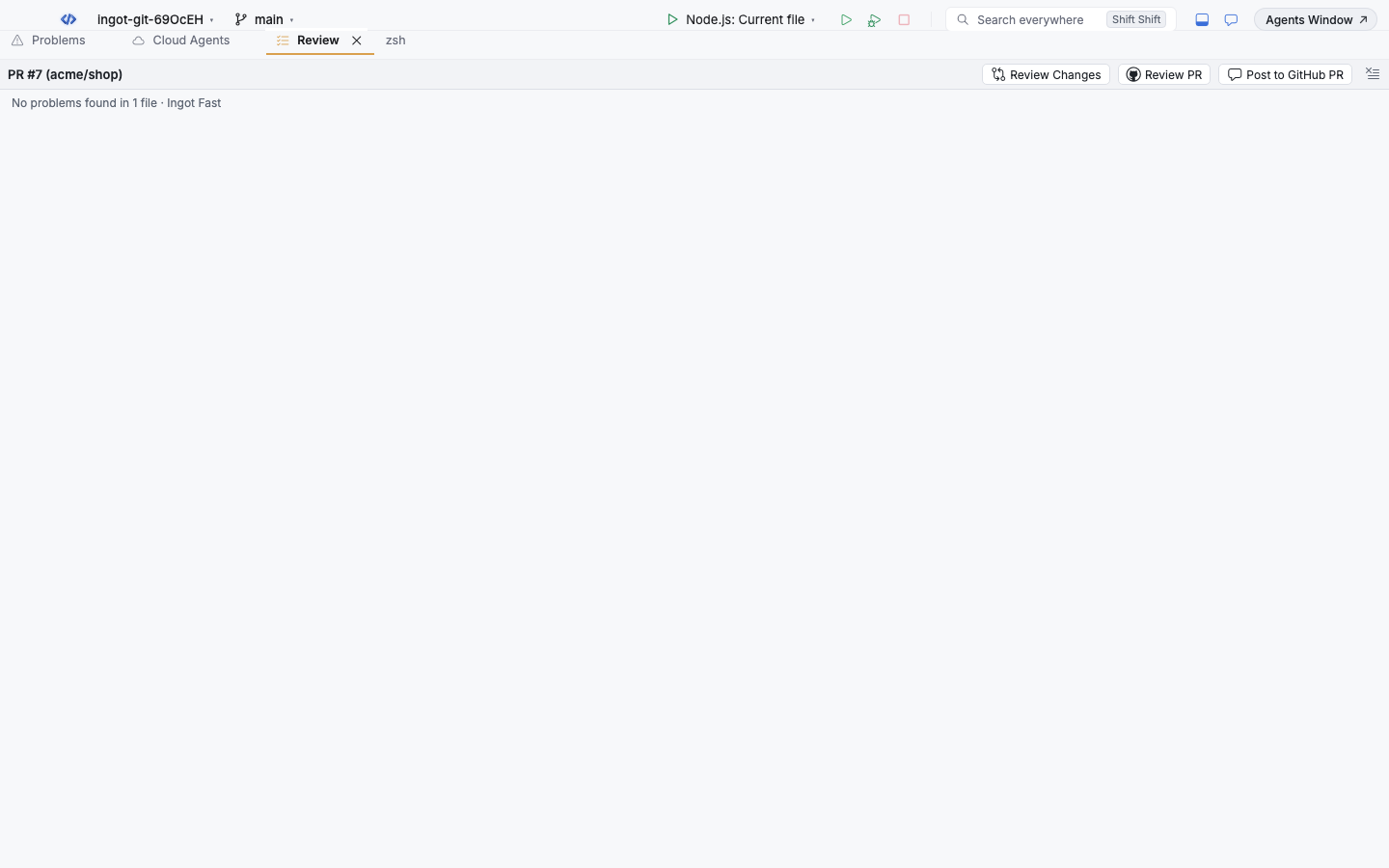
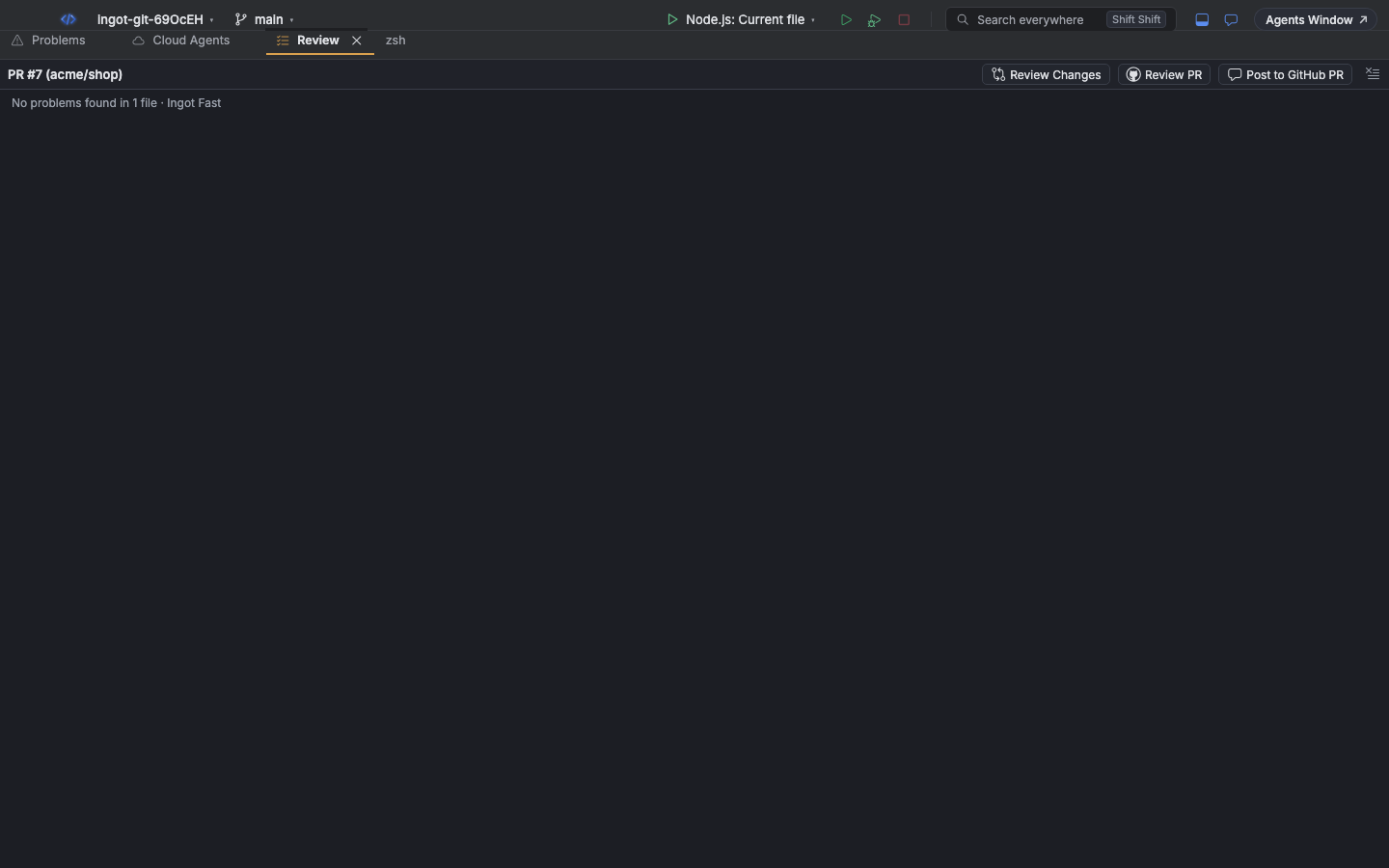
| Review PR #7 | Runs AI code review on the pull request. Findings open in the Review panel and in the editor, and Post to GitHub PR comments them on the pull request |
| Changes | Lists the files with added and removed lines. Click a file to see its diff |
| Open on GitHub | Opens the pull request in your browser |
| Check Out Branch | Fetches the cloud agent's branch and checks it out, so you can run and test it here. Ingot refuses while you have uncommitted changes, so nothing is lost |
Ask for changes
Under a finished run with a pull request, type what you want changed and click Follow Up. A new run starts on the same pull request and appears in the list as Follow-up: <title>.
Settings
Settings › Tools › Cloud agents:
| Setting | Default | What it does |
|---|---|---|
ingot.cloudAgent.model | Cloud default | The model the cloud agent runs with: Ingot, Ingot Smart, Ingot Fast, Claude Sonnet 4.5, GPT-4.1 or Gemini 2.5 Pro. Cloud default uses the model chosen on the portal |
ingot.cloudAgent.confirmBeforeSend | Off | Show the brief in the panel first, so you can edit it, then Send or Discard |
ingot.cloudAgent.reviewWhenReady | Off | Run Review PR as soon as the pull request opens |
Keyboard shortcuts
| Action | macOS | Windows / Linux |
|---|---|---|
| Send Chat to Cloud Agent | ⌘⌥⇧Q | Ctrl+Alt+Shift+Q |
| Cloud Agents panel | ⌘⌥⇧' | Ctrl+Alt+Shift+' |
Send Plan to Cloud Agent, Review Cloud Agent PR in Ingot, Check Out Cloud Agent Branch, Cancel Cloud Agent Run and Refresh Cloud Agent Runs are in Find Action.
Privacy
Your session token stays in Ingot's backend; the panel never sees it. Only the brief is sent: your messages, the plan, the agent's last reply and the names of the files involved. The cloud agent reads the code itself from GitHub, with the access you gave it on the portal.
From the terminal
ingot handoff sends the same brief from the command line, with a personal access token (ingot_pat_…, from your dashboard) in --token or INGOT_TOKEN:
ingot handoff send --prompt "Add CSV export to the reports page" --watch
ingot handoff send --plan plan.md --dry-run      # print the brief, send nothing
ingot handoff list
ingot handoff checkout <run>
| Command | What it does |
|---|---|
send | --prompt or --file with the task, --plan with a plan file, --repo owner/name (default: the origin remote), --model, --allow to give the cloud agent the repository first, --watch to follow the run |
list | The latest 20 runs with their status, repository and pull request |
status <run> | The run, its pull request and its log; --watch follows it and exits 3 when it does not succeed |
cancel <run> | Stops a run |
followup <run> --prompt <text> | A new run on the same pull request |
checkout <run> | Fetches and checks out the run's branch (refuses over uncommitted changes) |
Every command takes --json. The server is --server, then INGOT_SERVER_URL, then https://www.ingotide.com.