Run icons on hover
Hover a line that can run (a package.json script, a test, a main entry, a Makefile target, a shell script) and a green ▷ shows in the gutter beside it. It shows only while you hover, so your code stays clean.
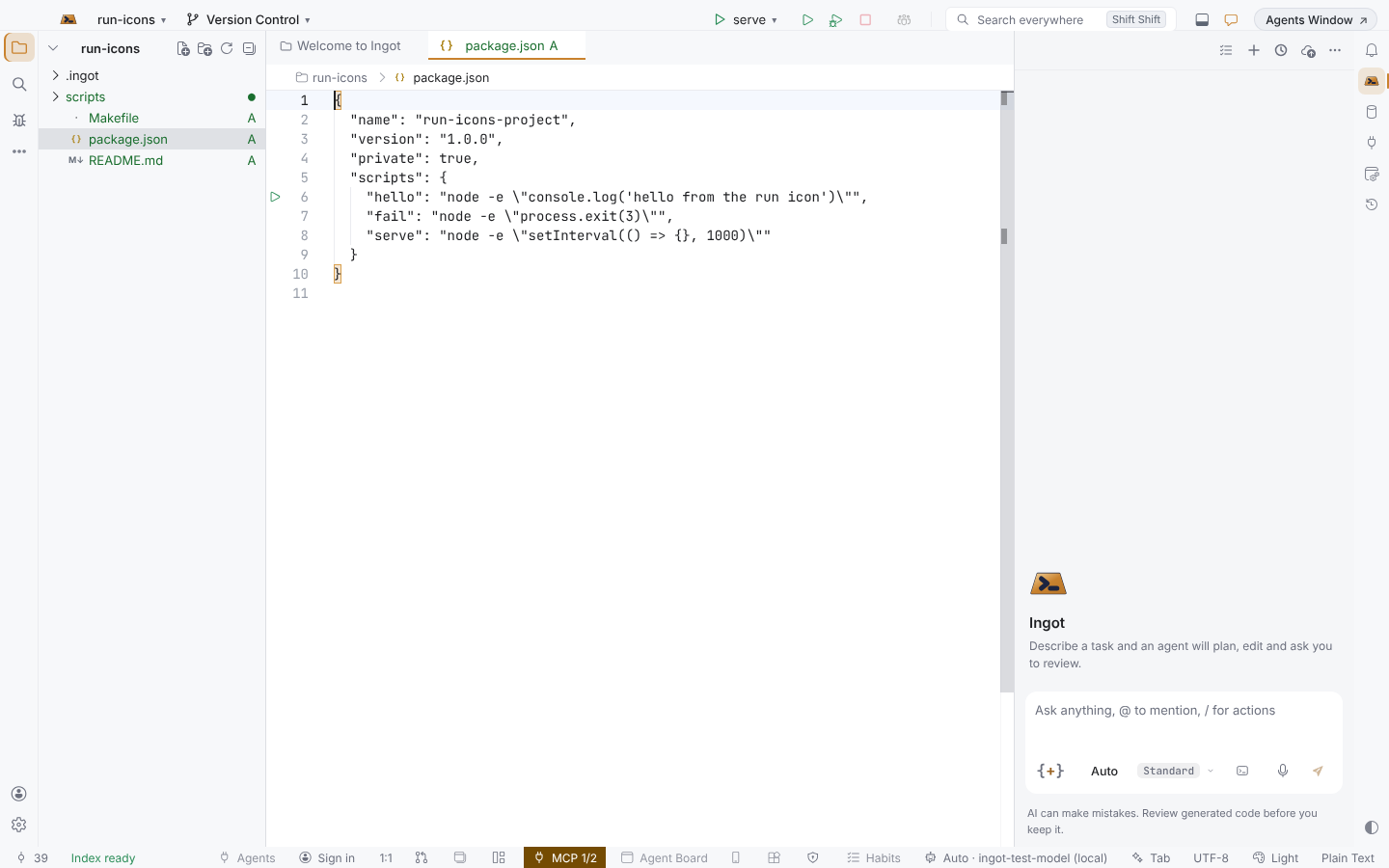
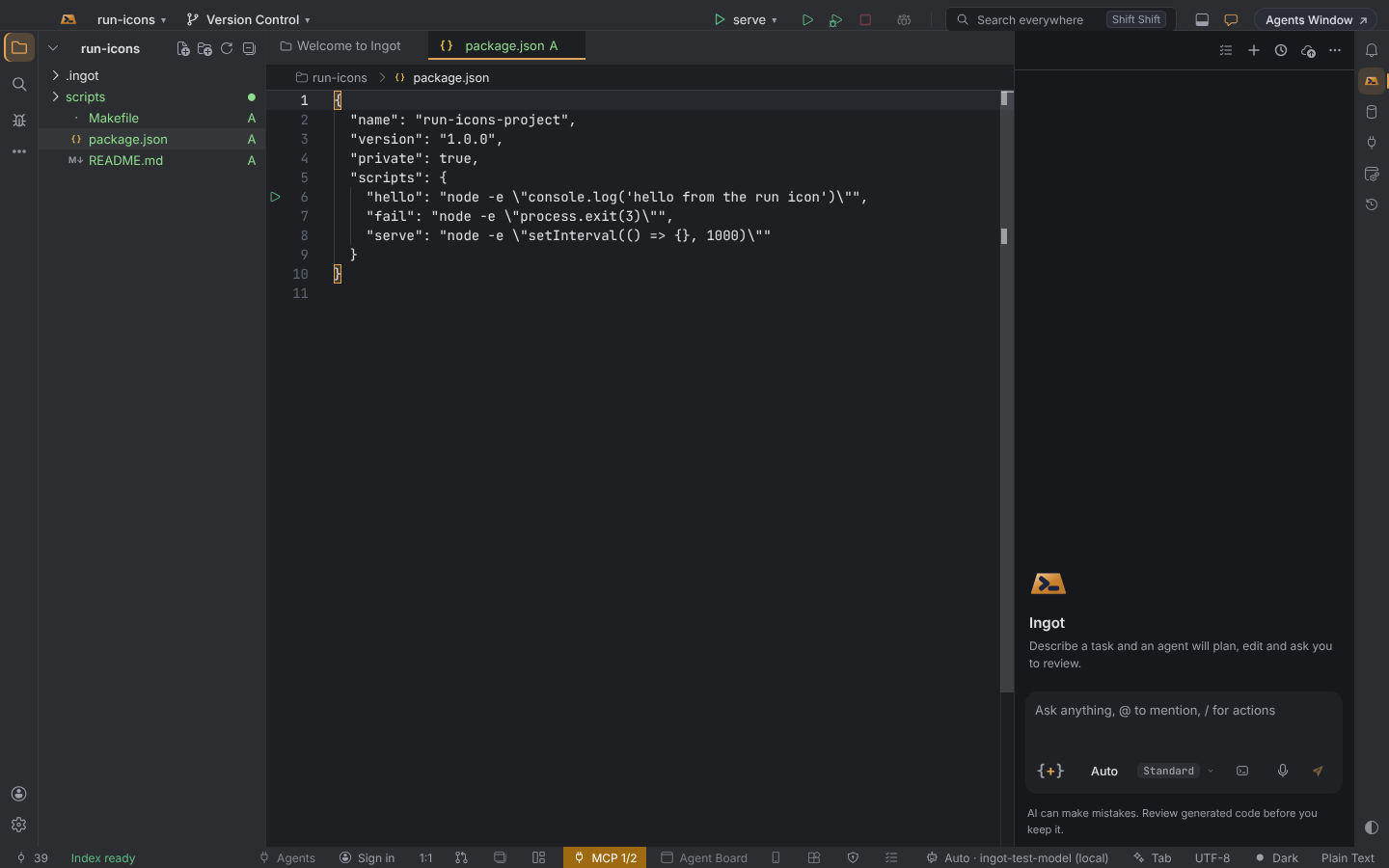
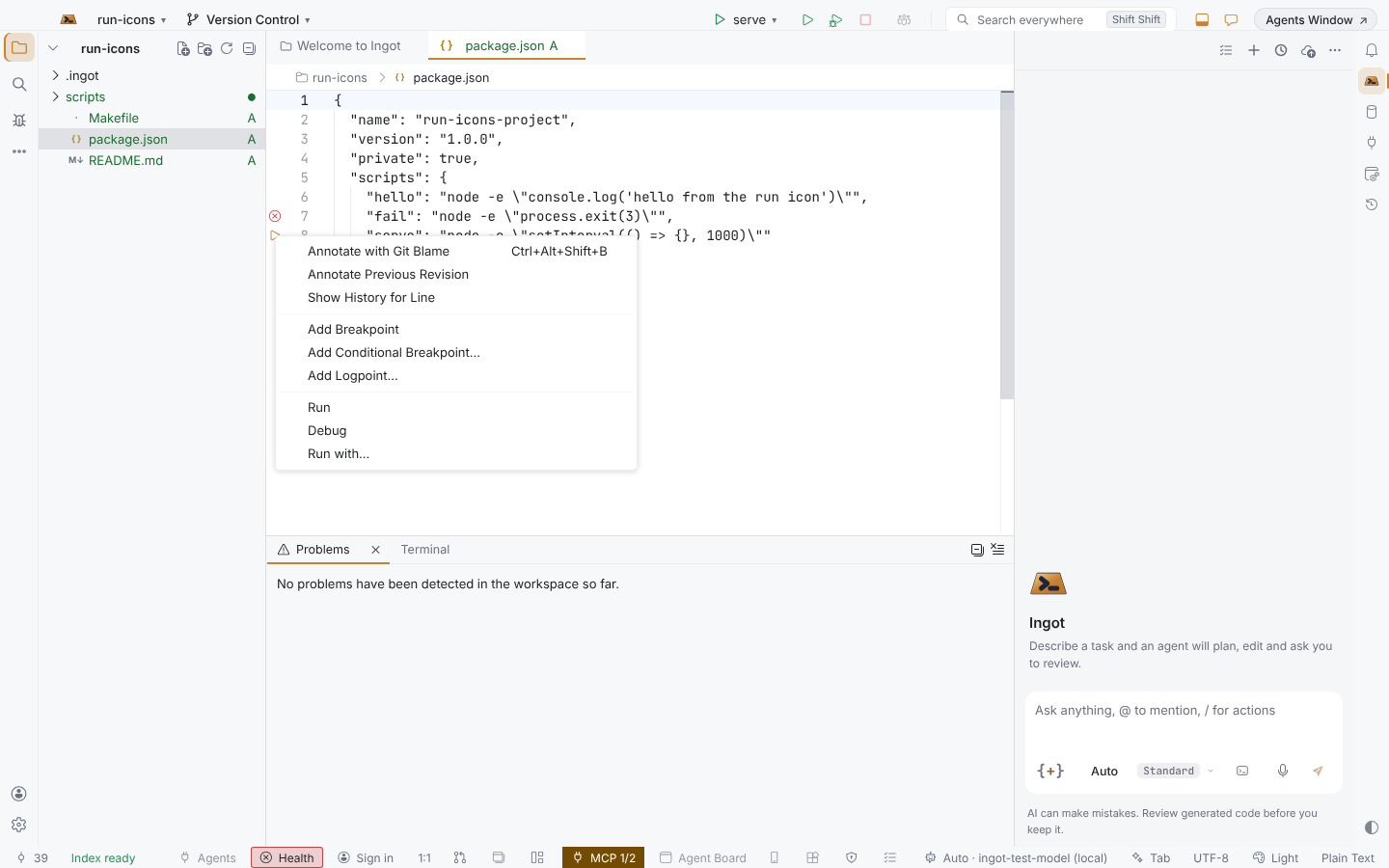
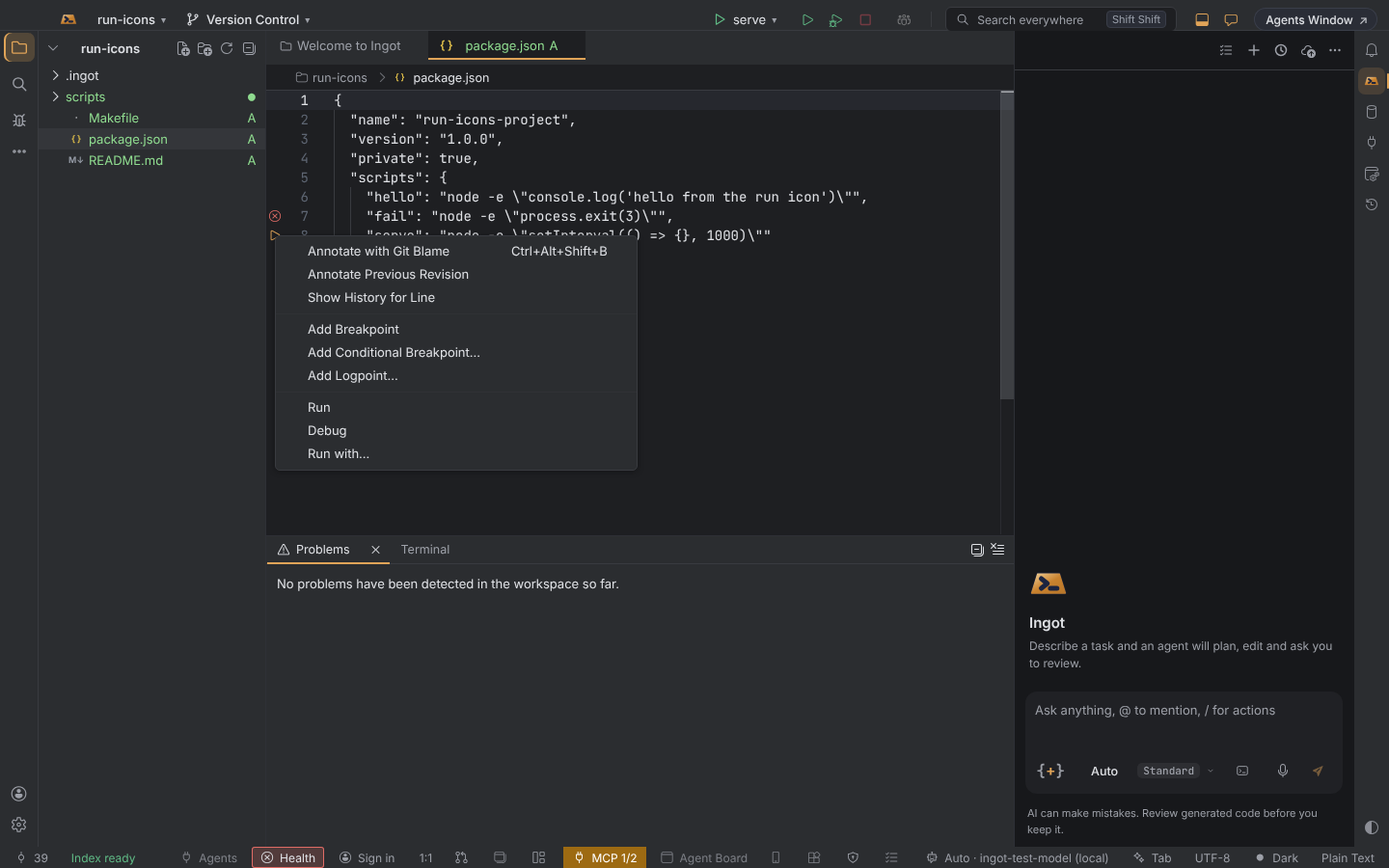
Run, debug, or run with changes
- Click ▷ to run that entry in a terminal named after it, for example
npm run dev. Running it again replaces that terminal. - Right-click ▷, the line number or the line itself for Run, Debug and Run with….
- Run with… shows the command first, so you can add arguments or environment variables (
PORT=4000 npm run dev -- --open) before it runs. - Debug starts the entry under the right debugger: the Node.js inspector for npm scripts and JavaScript or TypeScript tests, the Python debugger for
__main__and pytest, the Java debugger formain. Where Ingot has no debugger for that language yet, Debug is greyed out and Run still works.
What gets a ▷
| File | Lines | Runs |
|---|---|---|
package.json | each script in "scripts" | npm run <script> in that package's folder |
| JavaScript / TypeScript tests | the file (first line), each describe, each test | your project's runner (Vitest, Jest, Mocha, Playwright or node --test) with that test's name |
| Python | if __name__ == "__main__":; in test_*.py the file, Test… classes and test_… functions | python3 <file>, or python3 -m pytest <file>::<test> |
| Go | func main() in package main; func TestX(t *testing.T) | go run ./<package>, or go test -run '^TestX$' |
| Java | static void main(String[] args) | java <file> |
| Rust | fn main(); #[test] functions | cargo run (--bin <name> in src/bin/), or cargo test <name> |
| C# | static void Main | dotnet run |
| Makefile | each target | make <target> |
| Shell scripts | the first line of .sh, .bash and .zsh files, and of files that start with a shell #! | bash <file> (or the shell named in #!) |
While it runs, and when it fails
While an entry runs, its icon stays as a red ■ without hovering. Click it to stop the run, in the terminal or the debug session.
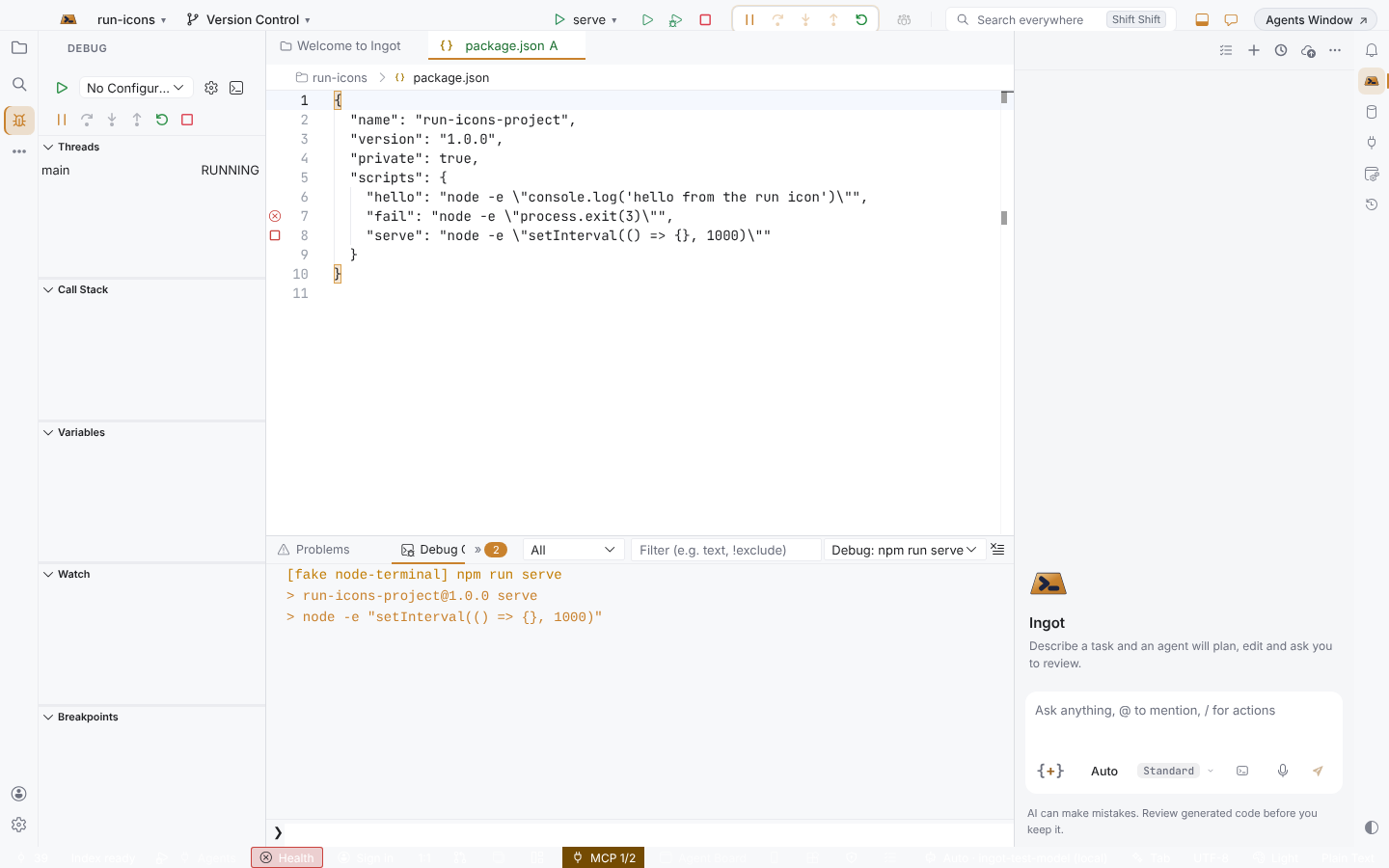
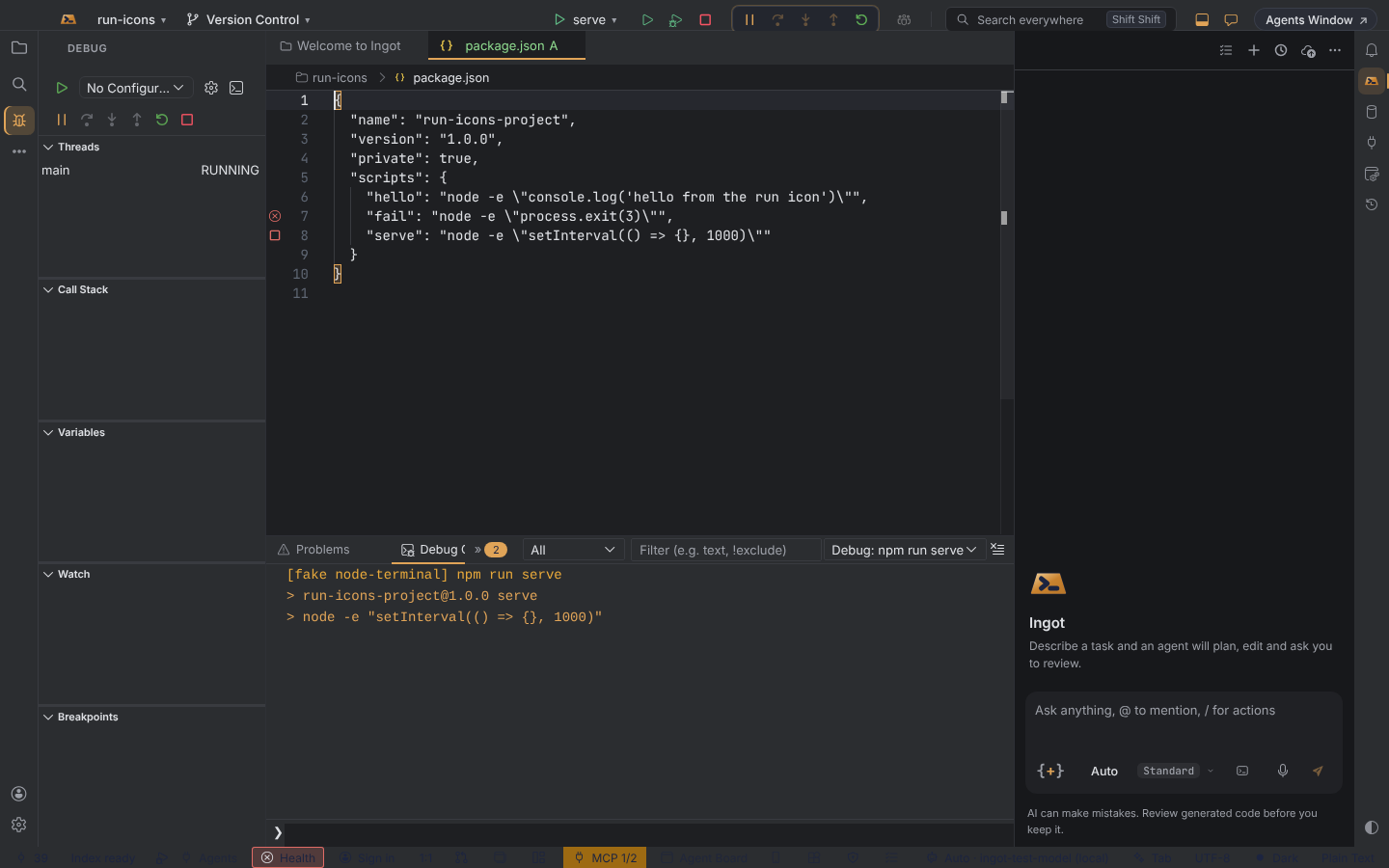
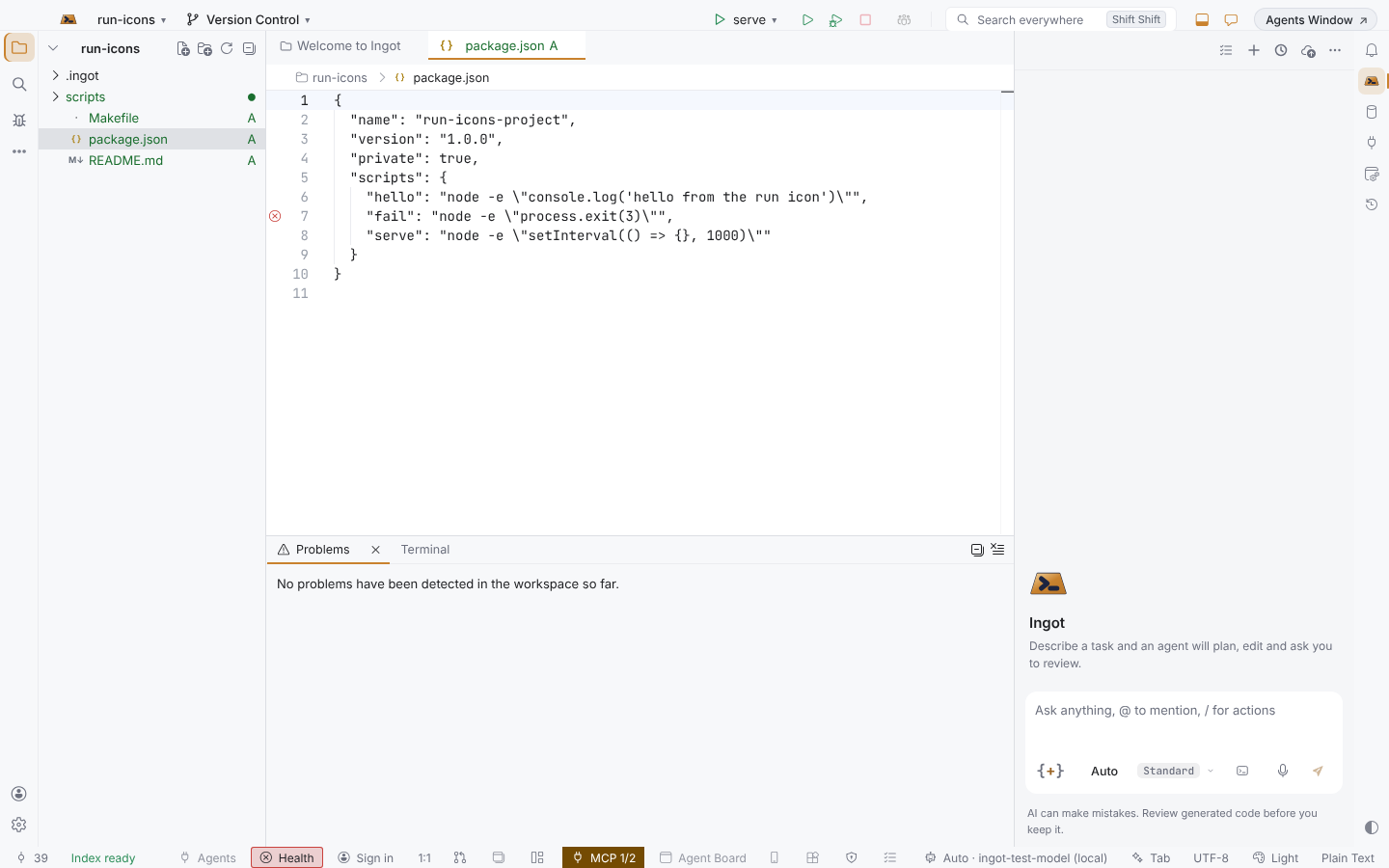
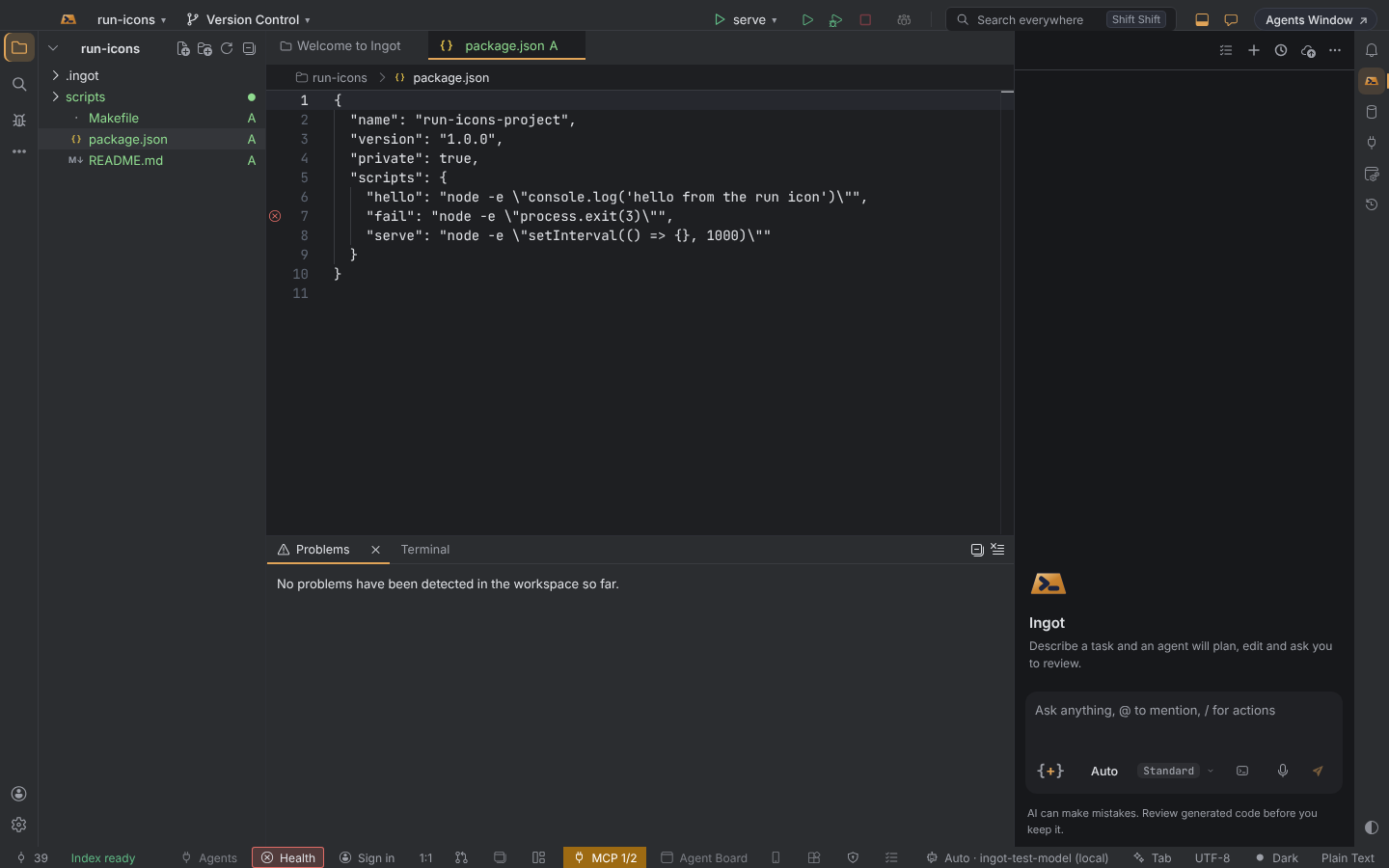
When a run ends with an error, a red ⓧ stays on its line. Hover it for the exit code; click it to run again.
Breakpoints
Clicking the gutter of a line that runs nothing still adds a breakpoint, as before. On a line with a ▷, right-click and choose Add Breakpoint, or press ⌘F8 (Ctrl+F8).
Turn it off
Run icons are on by default. Turn them off in Settings › Editor › General › Run icons on hover, in Settings › Features, or in your settings file.
| Setting | Values | Default |
|---|---|---|
ingot.editor.runIcons.enabled | true or false | true |
Good to know
- The fixed "Debug" line that used to sit above
"scripts"inpackage.jsonis gone; the ▷ on each script replaces it. - The Test Explorer still runs whole suites from its own panel; the ▷ runs the one test you are looking at.