Git Hosts
Connect GitLab, Bitbucket, Azure DevOps, Gitea or Forgejo to Ingot and give agents one set of tools for repositories, pull requests, issues and CI.
Beta Git Hosts is an optional feature and is off until you turn it on. It works with cloud and self-hosted servers: GitLab.com and GitLab Self-Managed or Dedicated, Bitbucket Cloud and Bitbucket Data Center (or Server), Azure DevOps Services and Azure DevOps Server, Gitea, Forgejo and Codeberg, plus any other self-hosted URL, where Ingot works out which host runs there. Sign in with an access token or with OAuth. GitHub keeps its own integration in Git.
Turn it on
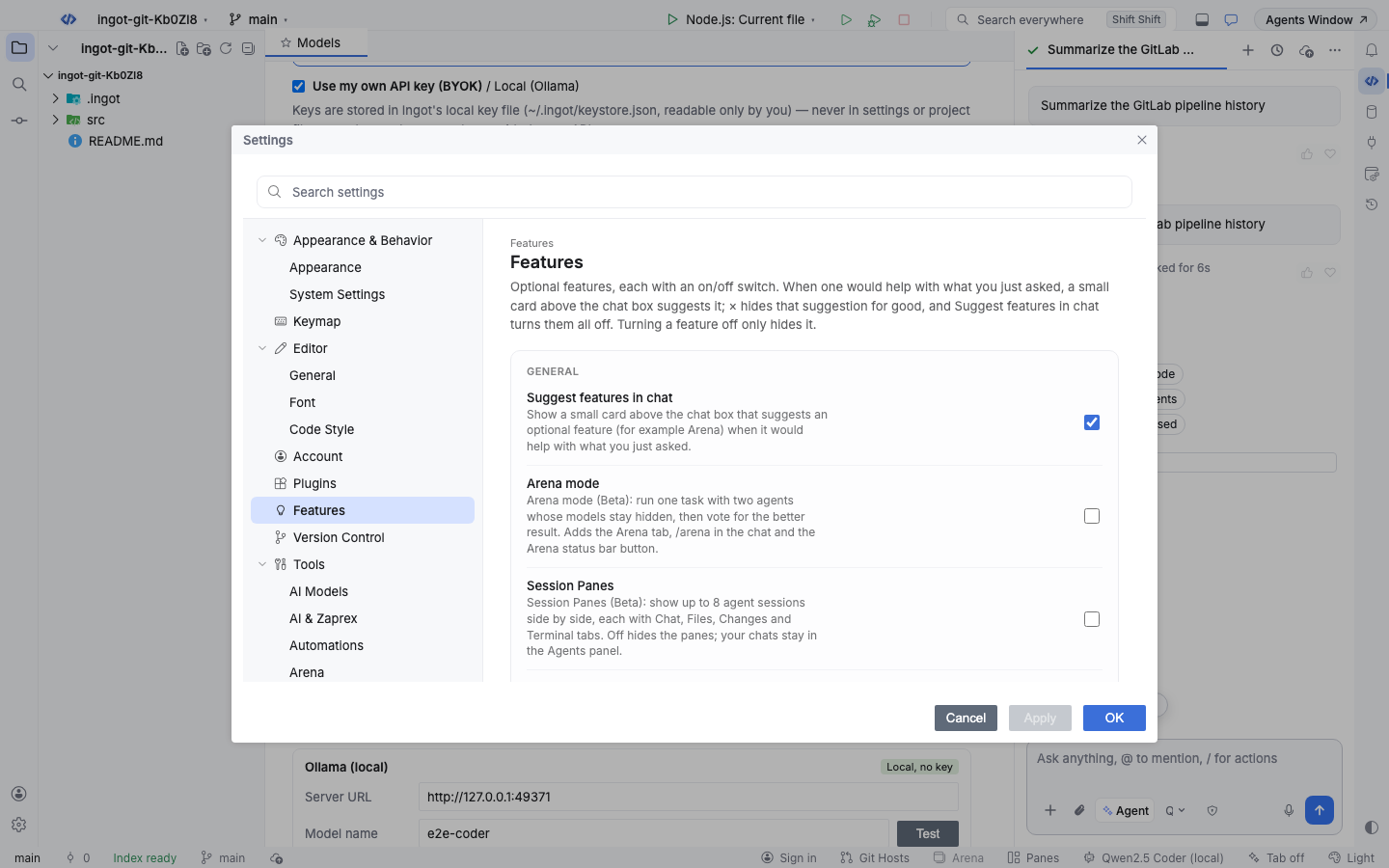
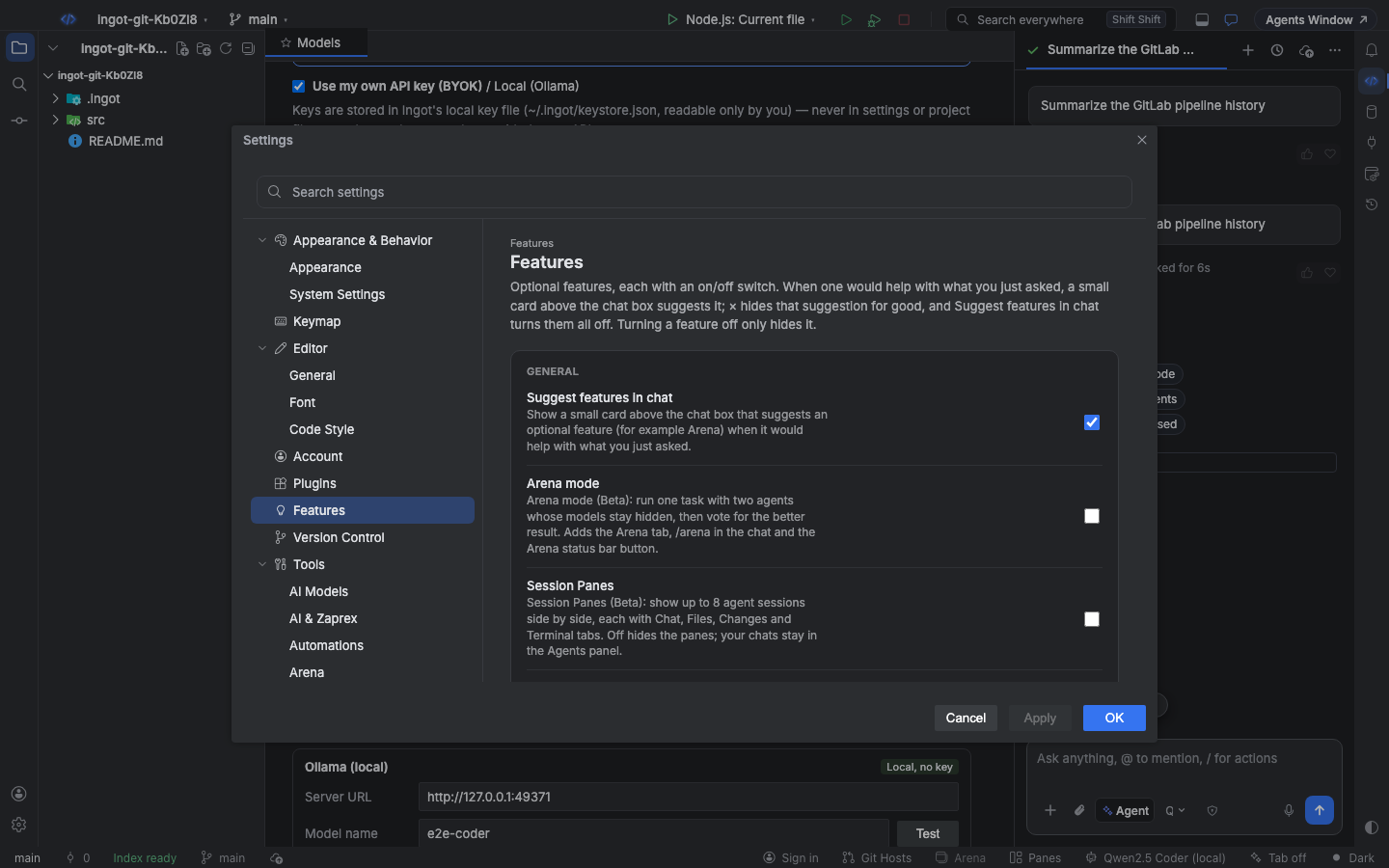
Git Hosts is easy to find in three ways, like every optional feature:
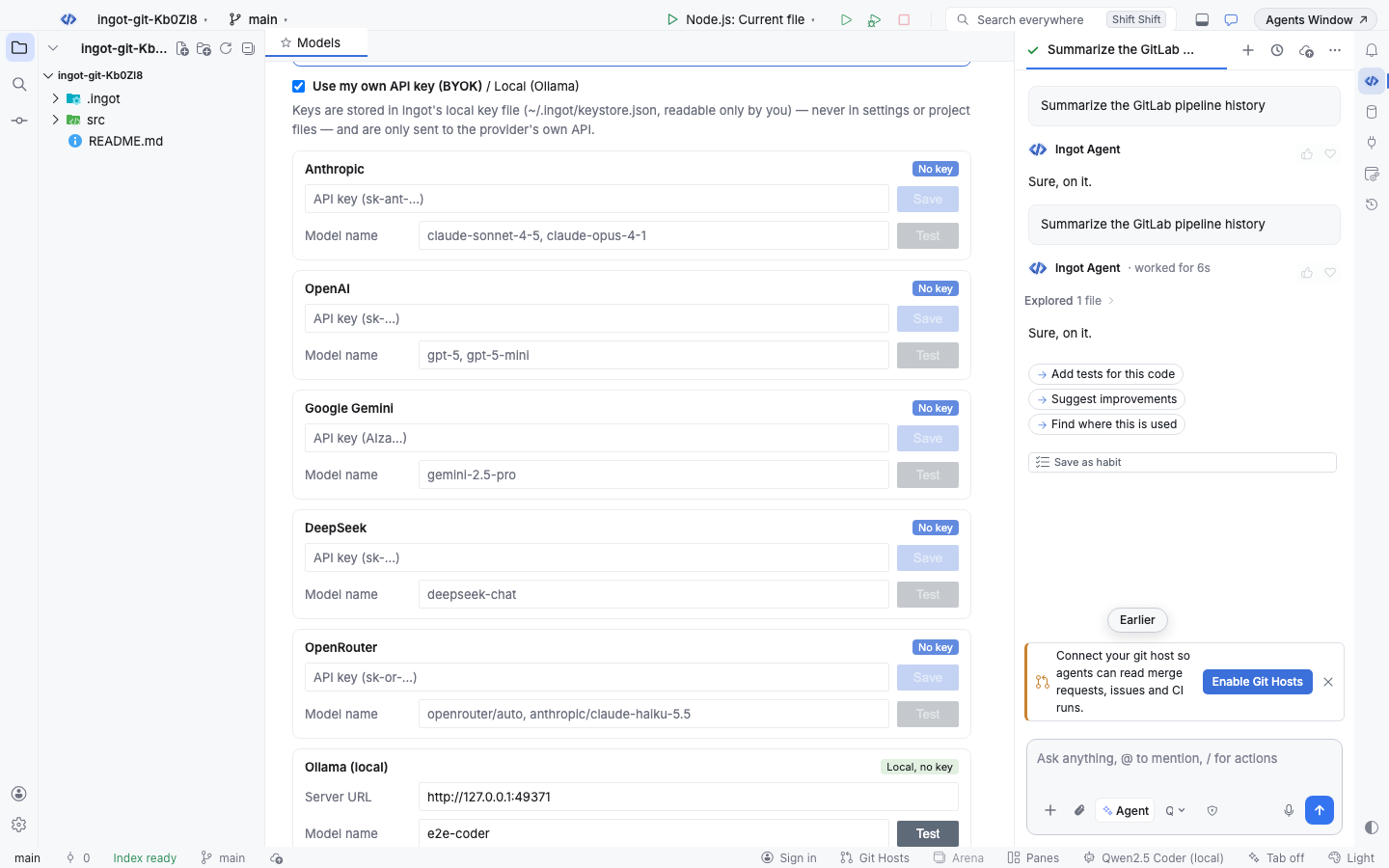
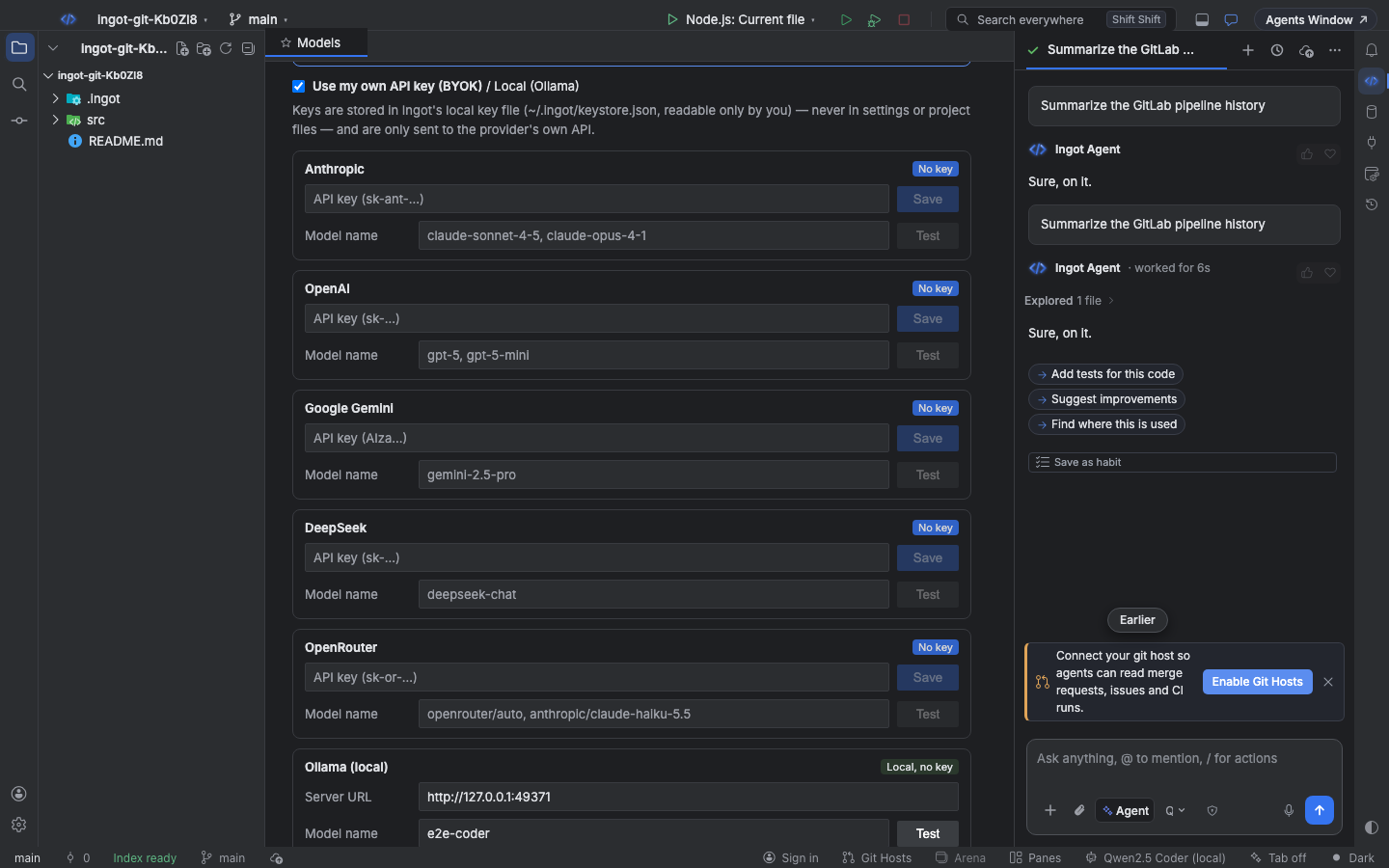
- A suggestion in the chat. When you mention GitLab, merge requests, Bitbucket, Azure DevOps, Gitea or Forgejo, or ask about pull requests, issues or CI while the project's
originis on one of those hosts, a small card above the chat box offers Enable Git Hosts. × hides it for good. - Settings › Features › Git Hosts. An on/off switch. Turning it off hides the panel and takes the tools away from agents; your accounts stay connected.
- The Git Hosts button in the status bar. One click turns Git Hosts on and opens the panel. When it is on, the button shows or hides the panel. The shortcut is
⌥⇧⌘\on macOS andCtrl+Alt+Shift+\on Windows and Linux.
Connect a host
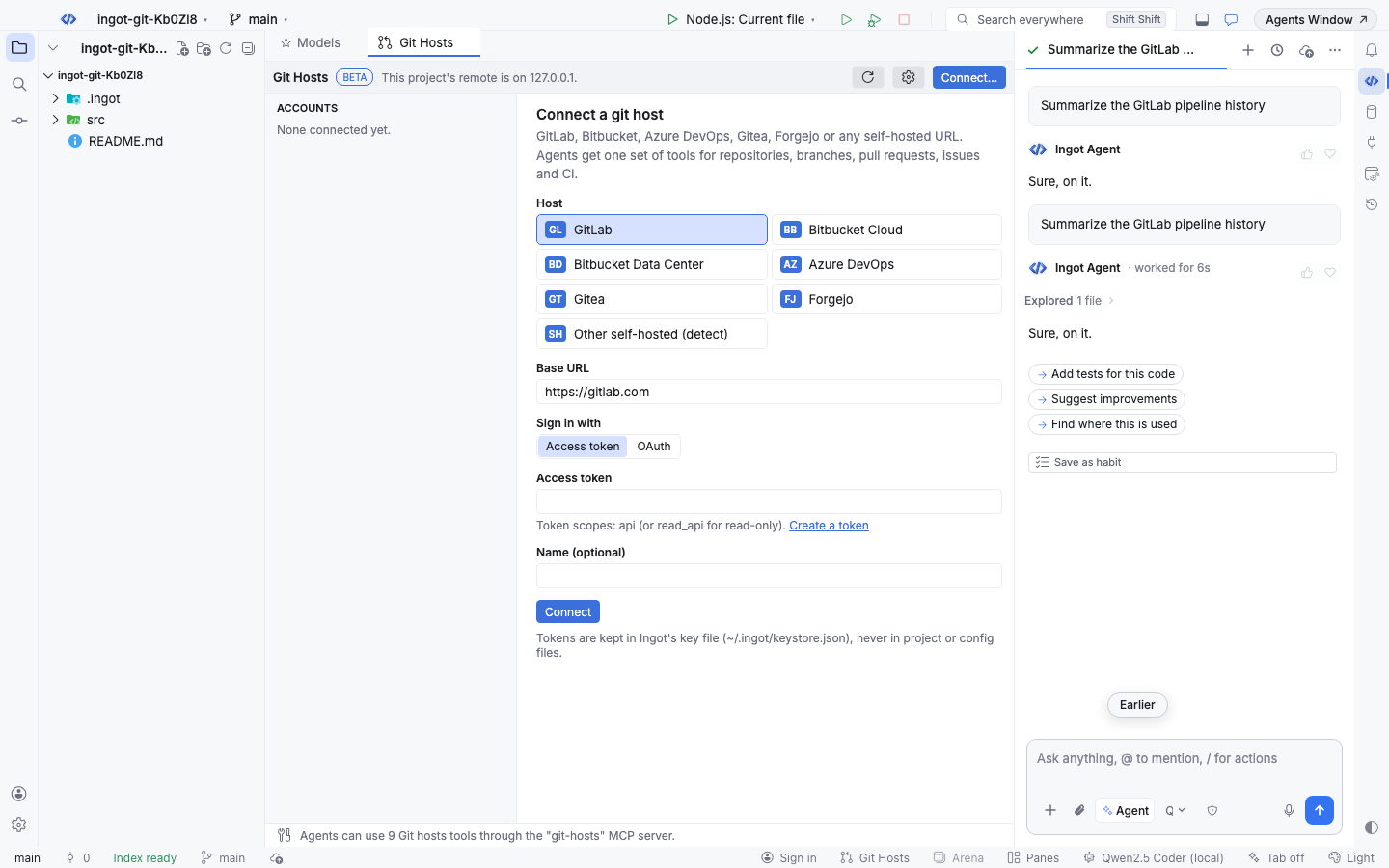
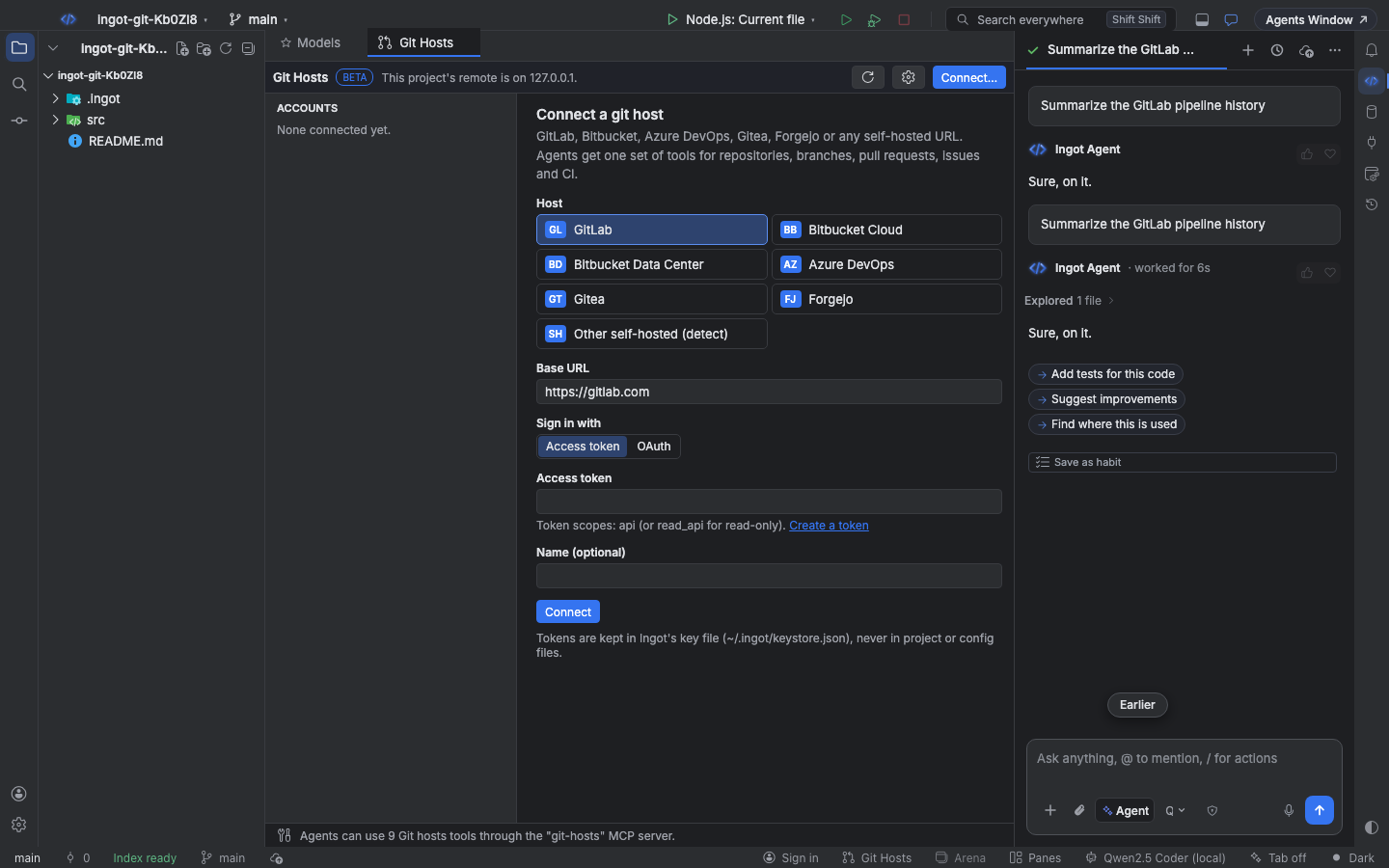
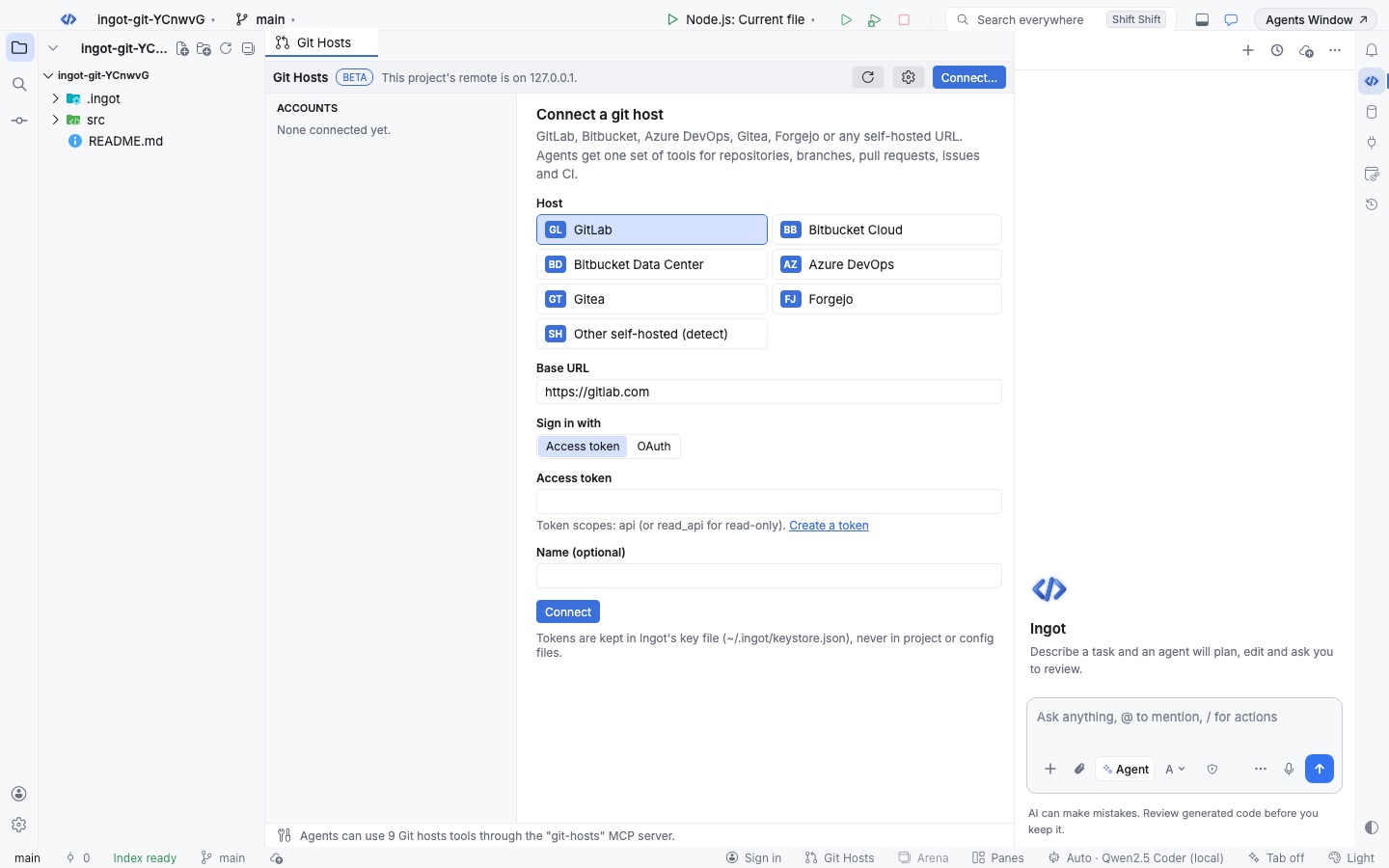
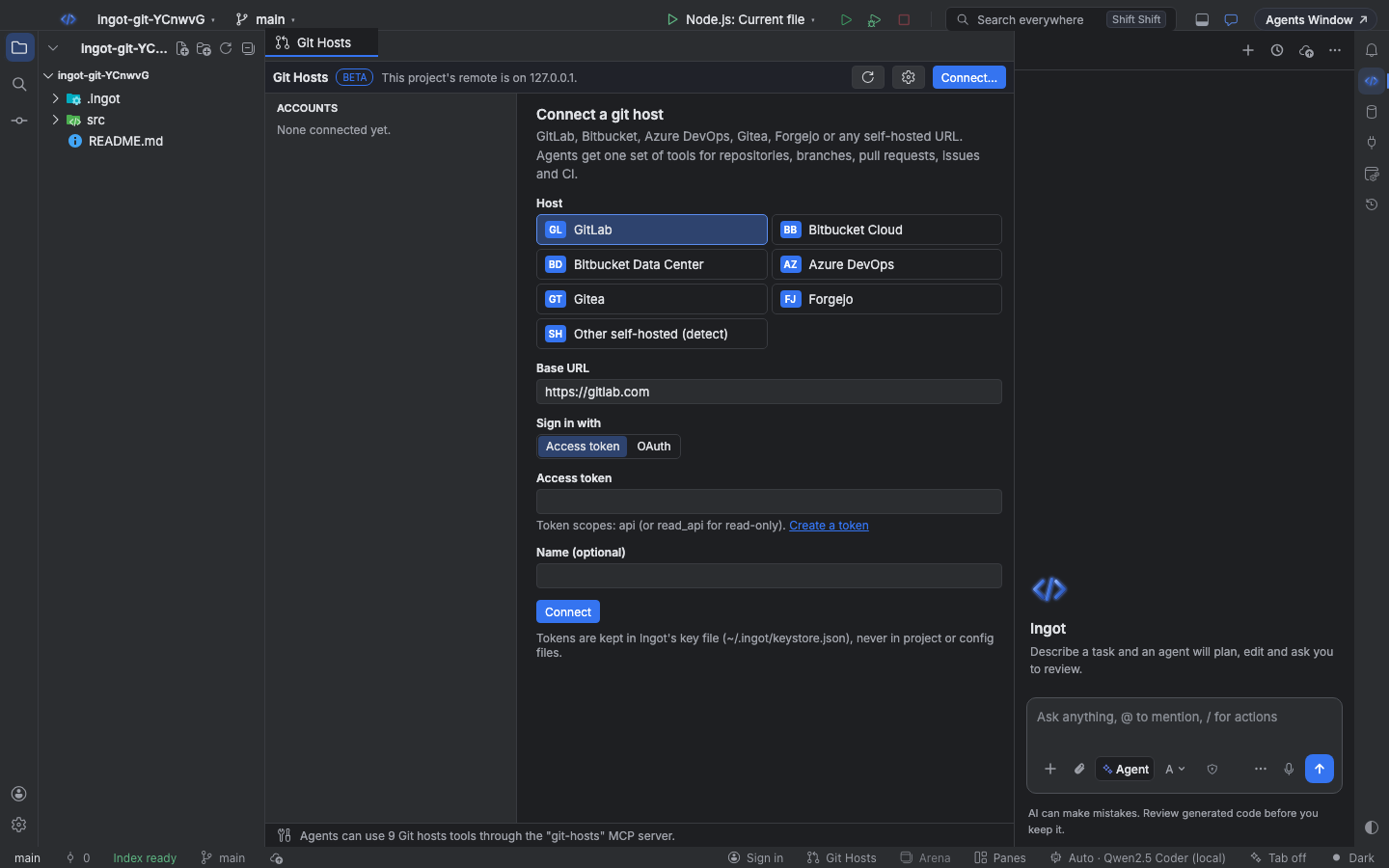
Click Connect… in the panel (or run Git Hosts: Connect GitLab, Bitbucket, Azure DevOps, Gitea or Forgejo… from Find Action). Pick the host, check the base URL, choose how to sign in and click Connect.
| Host | Base URL | Notes |
|---|---|---|
| GitLab | https://gitlab.com or your GitLab URL | Pull requests are merge requests; CI runs are pipelines |
| Bitbucket Cloud | https://bitbucket.org | Sign in with an Atlassian API token and your Atlassian e-mail as the user name, or OAuth |
| Bitbucket Data Center | https://bitbucket.example.com | Also Bitbucket Server. Repositories are PROJECT/repo; CI runs are build statuses; Data Center has no issues |
| Azure DevOps | https://dev.azure.com/<organization> or https://tfs.example.com/<collection> | Repositories are project/repo; issues are work items; CI runs are Azure Pipelines builds |
| Gitea | https://gitea.example.com | CI runs are Gitea Actions, or commit statuses |
| Forgejo | https://codeberg.org or your Forgejo URL | Same as Gitea |
| Other self-hosted | any URL | Detect asks the server and picks GitLab, Bitbucket Data Center, Azure DevOps Server, Gitea or Forgejo |
With an access token
Paste a personal access token. The form shows the scopes the token needs and a Create a token link to the host's token page:
| Host | Token scopes |
|---|---|
| GitLab | api (or read_api if agents only read) |
| Bitbucket Cloud | read:repository, read:pullrequest, write:pullrequest, read:issue, write:issue, read:pipeline |
| Bitbucket Data Center | Repository write (HTTP access token) |
| Azure DevOps | Code (Read & write), Work Items (Read & write), Build (Read) |
| Gitea and Forgejo | repository, issue and user (read and write) |
Ingot checks the token by asking the host who you are, then saves the account. A token the host refuses is never shown back in the error.
With OAuth
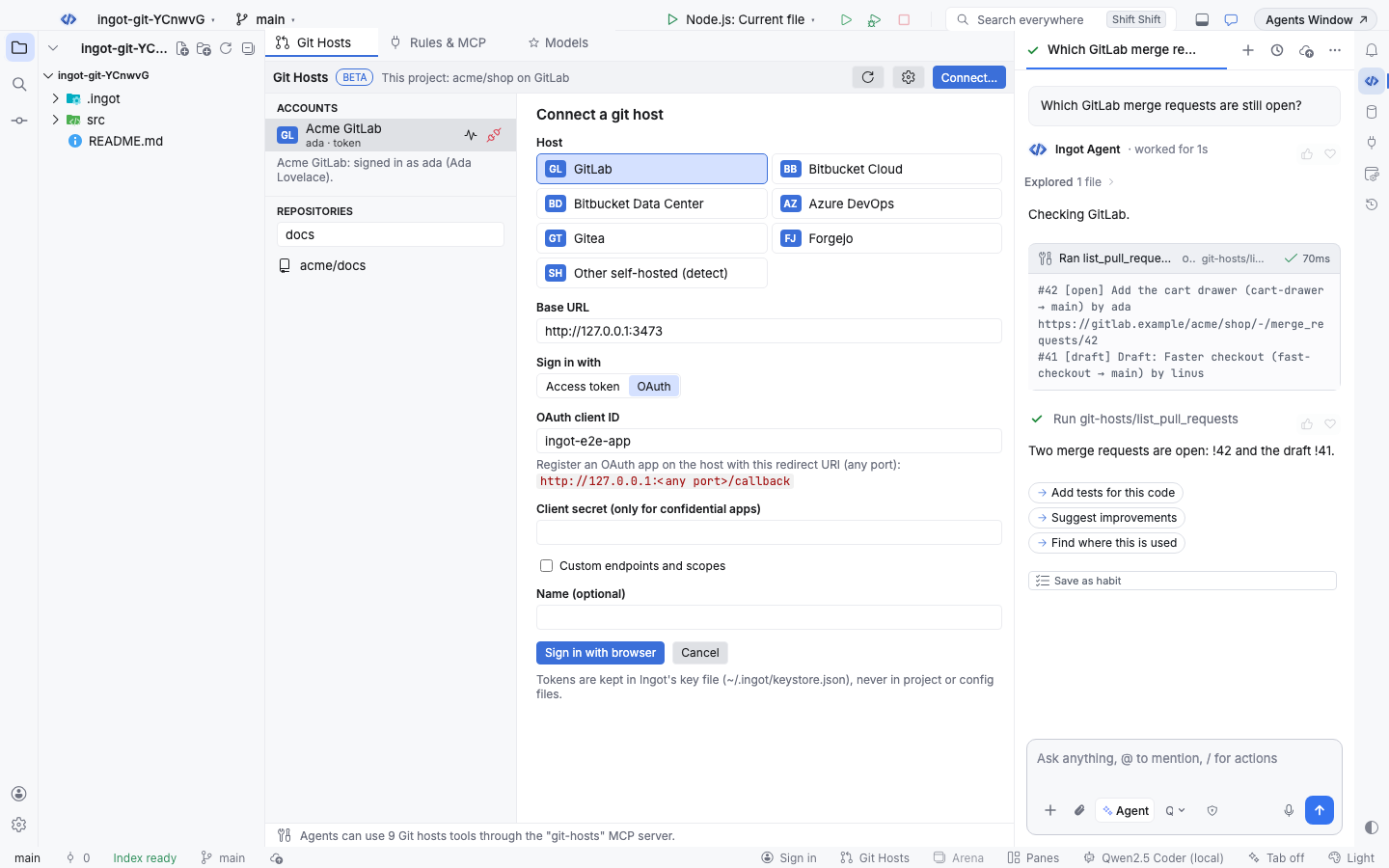
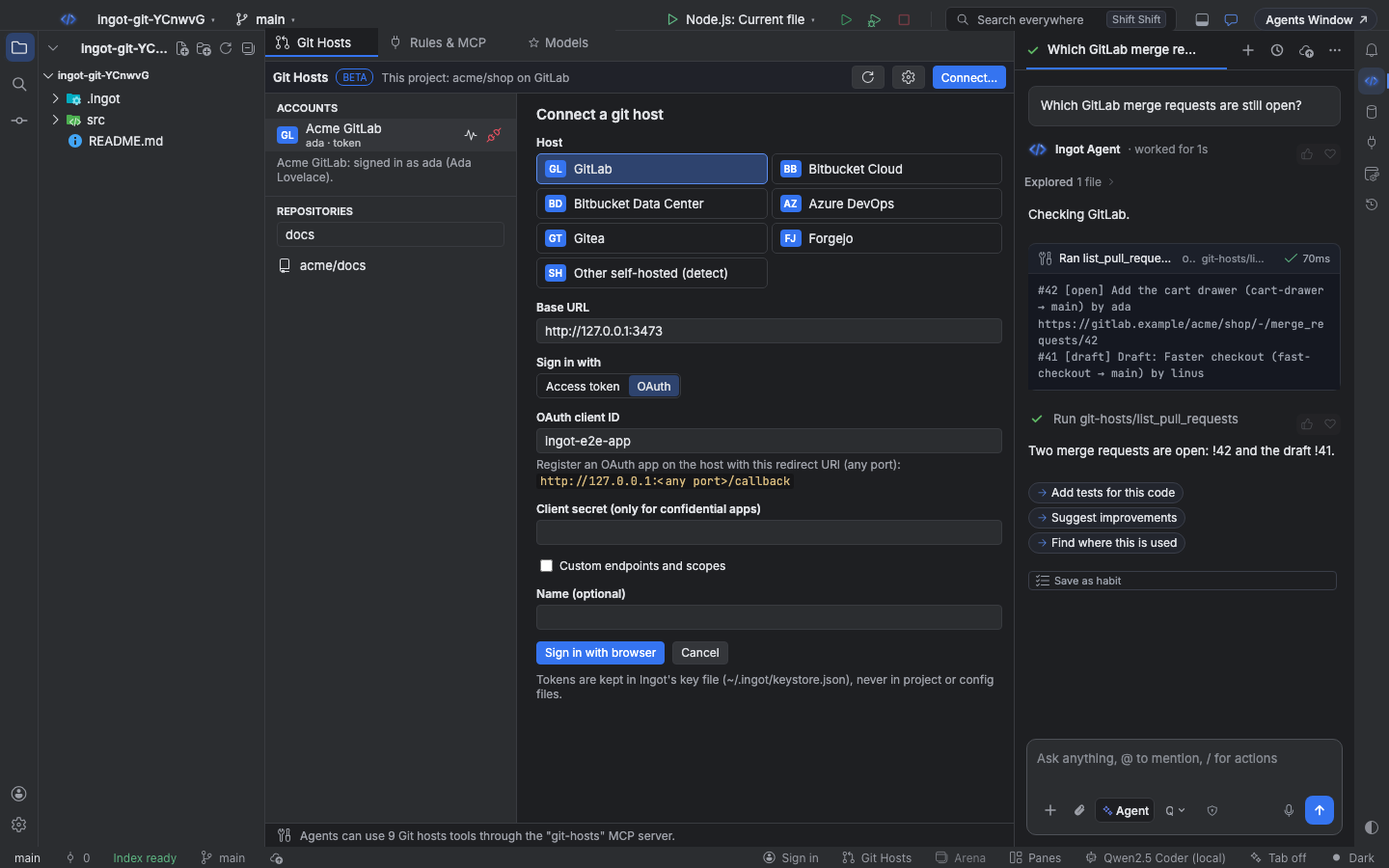
Register an OAuth application on the host with the redirect URI http://127.0.0.1:<any port>/callback (Ingot picks a free port for every sign-in, as RFC 8252 describes for desktop apps). Choose OAuth, enter its client ID (and the client secret only if the host made a confidential app) and click Sign in with browser. The host's consent page opens in your browser; after you approve, the host sends the browser back to Ingot and the account is connected. Ingot uses PKCE, so no secret is needed for public apps, and refreshes the token before it expires.
Custom endpoints and scopes lets you set the authorize URL, token URL and scopes when your server uses other ones. The defaults are the host's standard OAuth endpoints, for example /oauth/authorize and /oauth/token on GitLab with the scopes api read_user, and Microsoft Entra ID for Azure DevOps.
Where accounts and tokens are kept
The account (host, base URL, user name, how you signed in) goes to ~/.ingot/git-hosts.json, which the ingot CLI reads too. Tokens never go there: Ingot keeps them in its key file, ~/.ingot/keystore.json, which only your user can read. Disconnect removes both.
Browse a repository
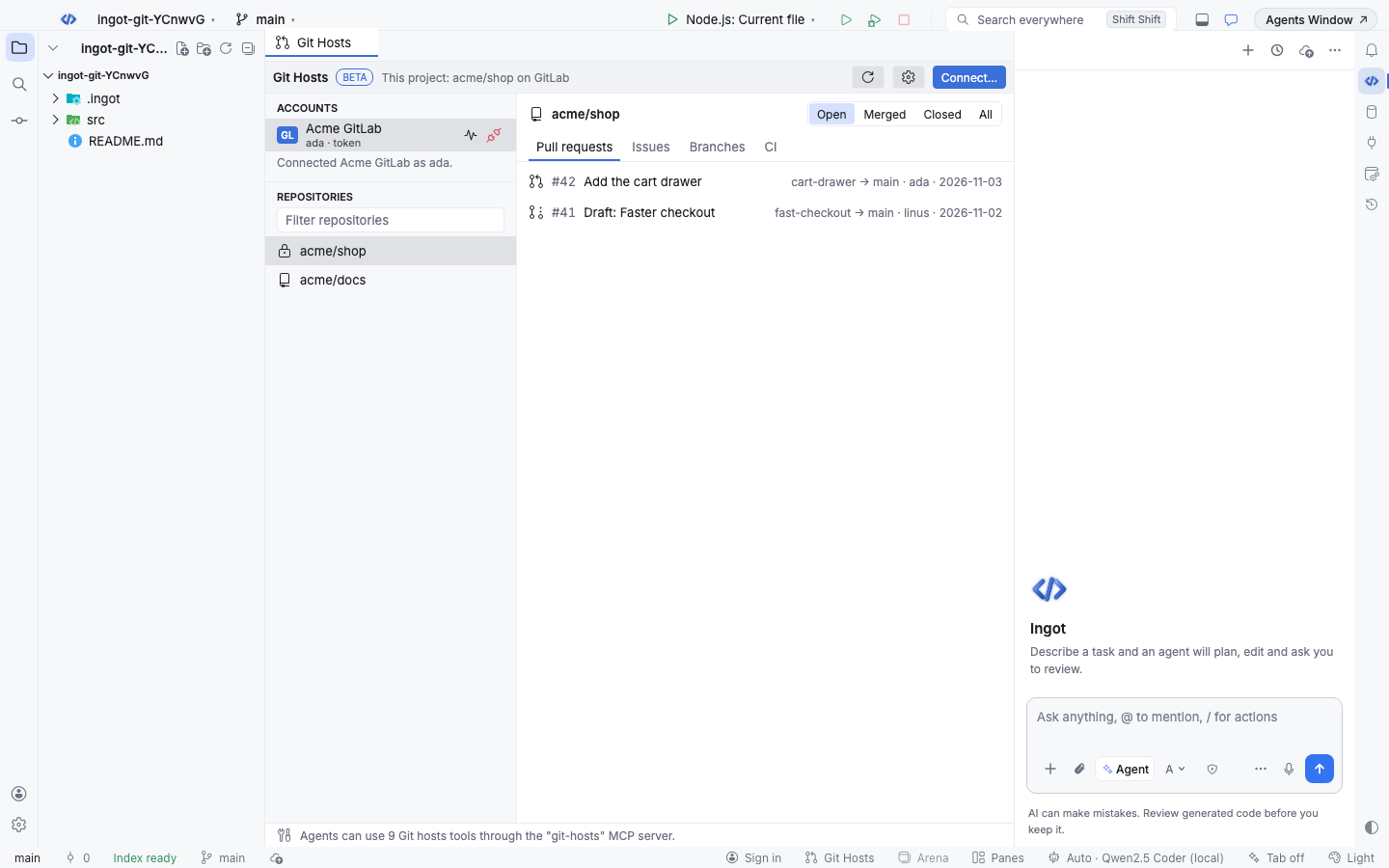
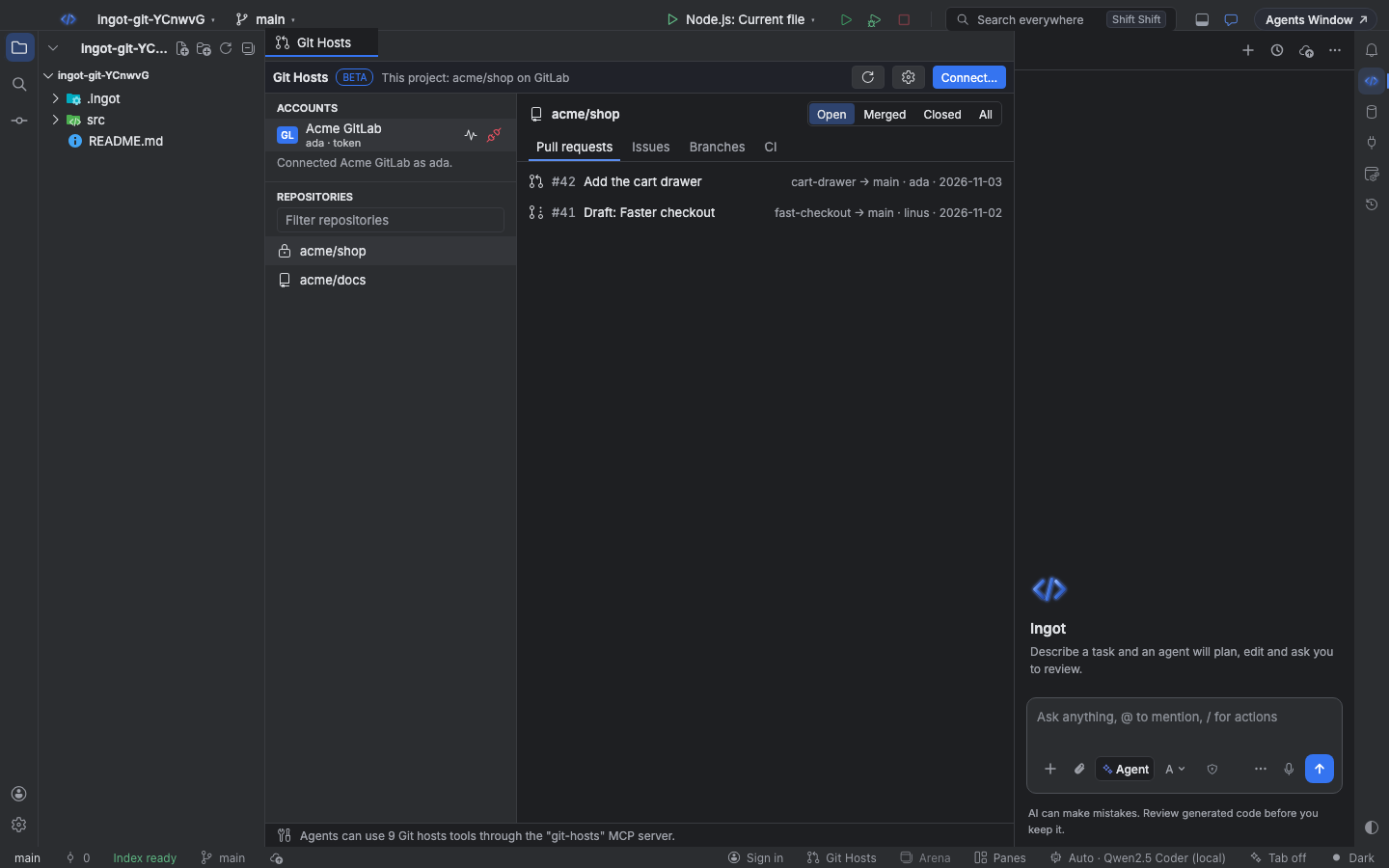
The left side lists your accounts and the selected account's repositories (type in the filter and press Enter to search the host). When the project's origin remote is on a connected host, its repository opens by itself. The tabs show:
| Tab | What it shows |
|---|---|
| Pull requests | Number, title, source → target branch, author and last update. Open, Merged, Closed or All |
| Issues | Number, title, type, labels and author (Azure DevOps work items). Open, Closed or All |
| Branches | Every branch, the default one marked, with its commit |
| CI | Recent runs: GitLab pipelines, Bitbucket Pipelines or build statuses, Azure Pipelines builds, Gitea and Forgejo Actions or commit statuses, with their state |
Click a row to open it on the host. The pulse button next to an account checks it still works (Test connection); the plug button disconnects it.
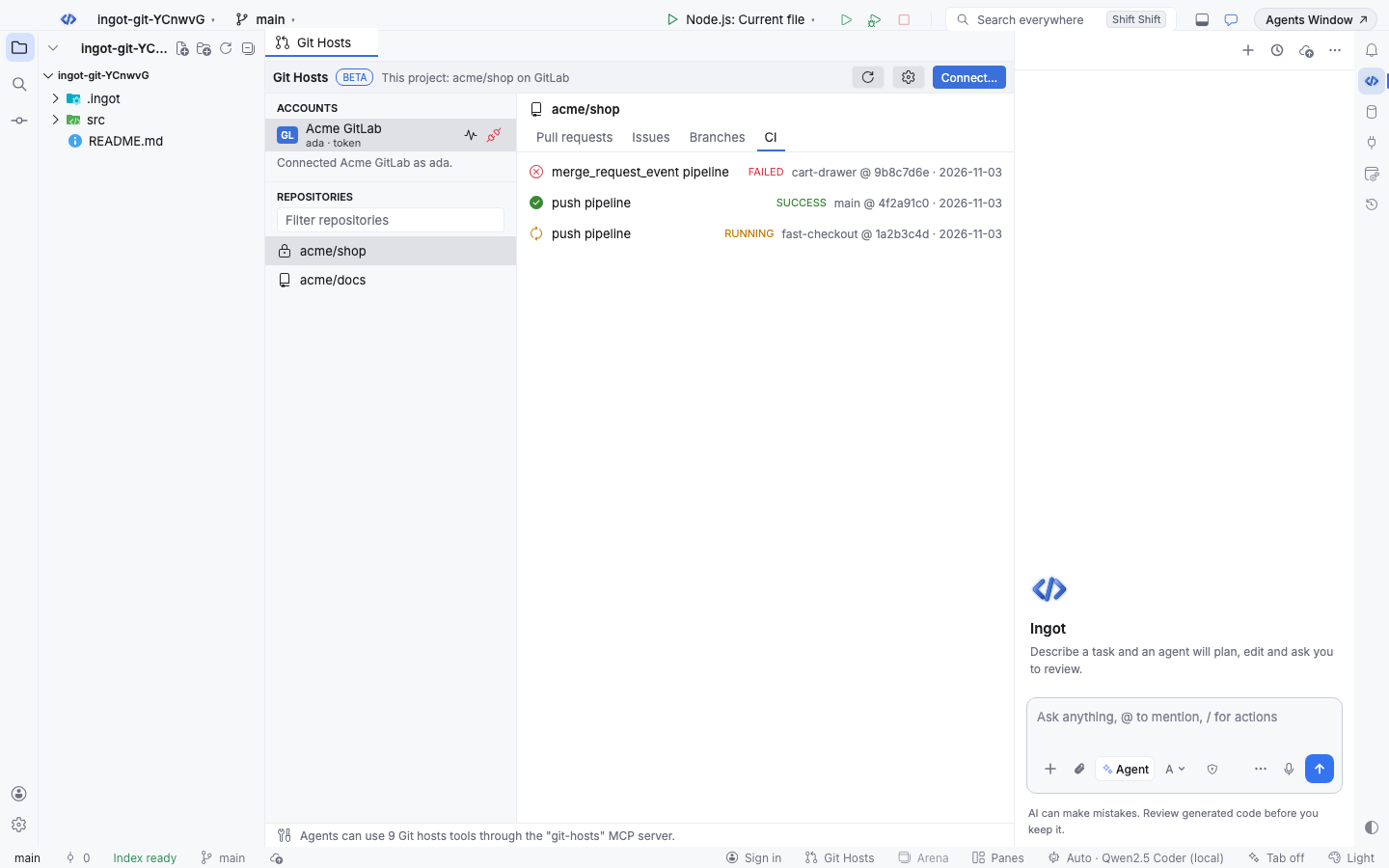
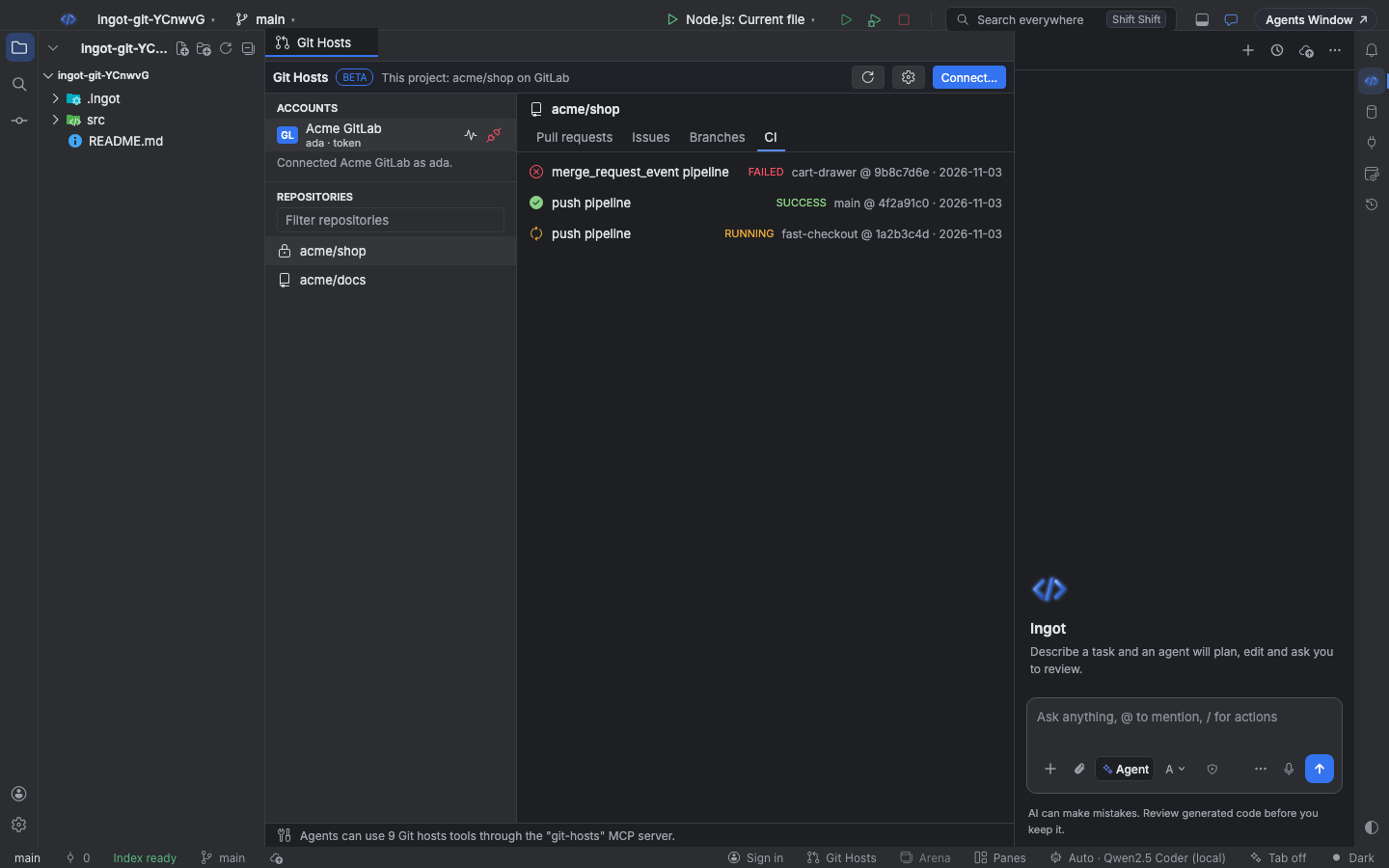
Open PRs have a Follow button: Ingot then watches the PR's CI and review comments and has the agent fix what fails, with your approval for every push and reply. See Follow PR to green.
What agents get
While Git Hosts is on, agents get the built-in git-hosts MCP server: one set of tools that works the same on every connected host. It shows in Rules, Commands & MCP Servers with a Built-in badge, where you can turn single tools off; it has no command or file of its own, so there is nothing to edit or remove. Reads ask for approval like any MCP tool until you choose Always Run.
| Tool | What it does |
|---|---|
list_accounts | The connected accounts |
list_repos | Repositories of an account, with an optional search |
list_branches | Branches of a repository |
list_pull_requests | Pull requests (merge requests), by state |
get_pull_request | One pull request with its description |
create_pull_request | Opens a pull request: title, source, target (the default branch when left out), description, draft |
list_issues | Issues or work items, by state |
create_issue | Creates an issue or work item |
list_ci_runs | Recent CI runs, optionally for one branch |
Every tool takes account and repo; both are optional when the project's origin is on a connected host. Read-only for agents in Settings leaves out create_pull_request and create_issue. Host errors reach the agent without any token in them.
Keyboard
| Action | Find Action | Shortcut (macOS / Windows and Linux) |
|---|---|---|
| Show or hide Git Hosts | Git Hosts: Show / Hide | ⌥⇧⌘\ / Ctrl+Alt+Shift+\ |
| Turn on and open | Git Hosts: Open | |
| Connect a host | Git Hosts: Connect GitLab, Bitbucket, Azure DevOps, Gitea or Forgejo… | |
| Refresh | Git Hosts: Refresh |
Settings
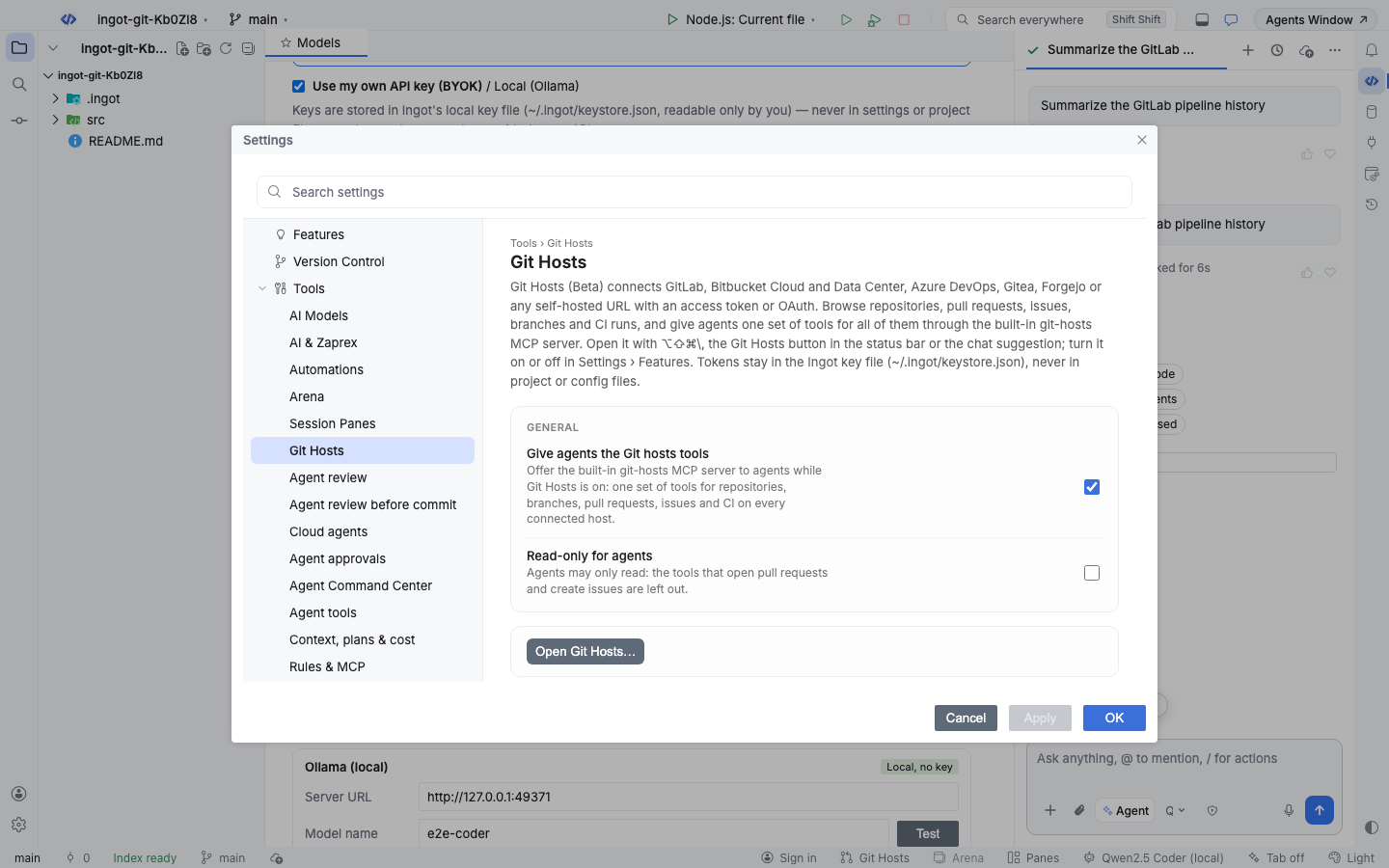
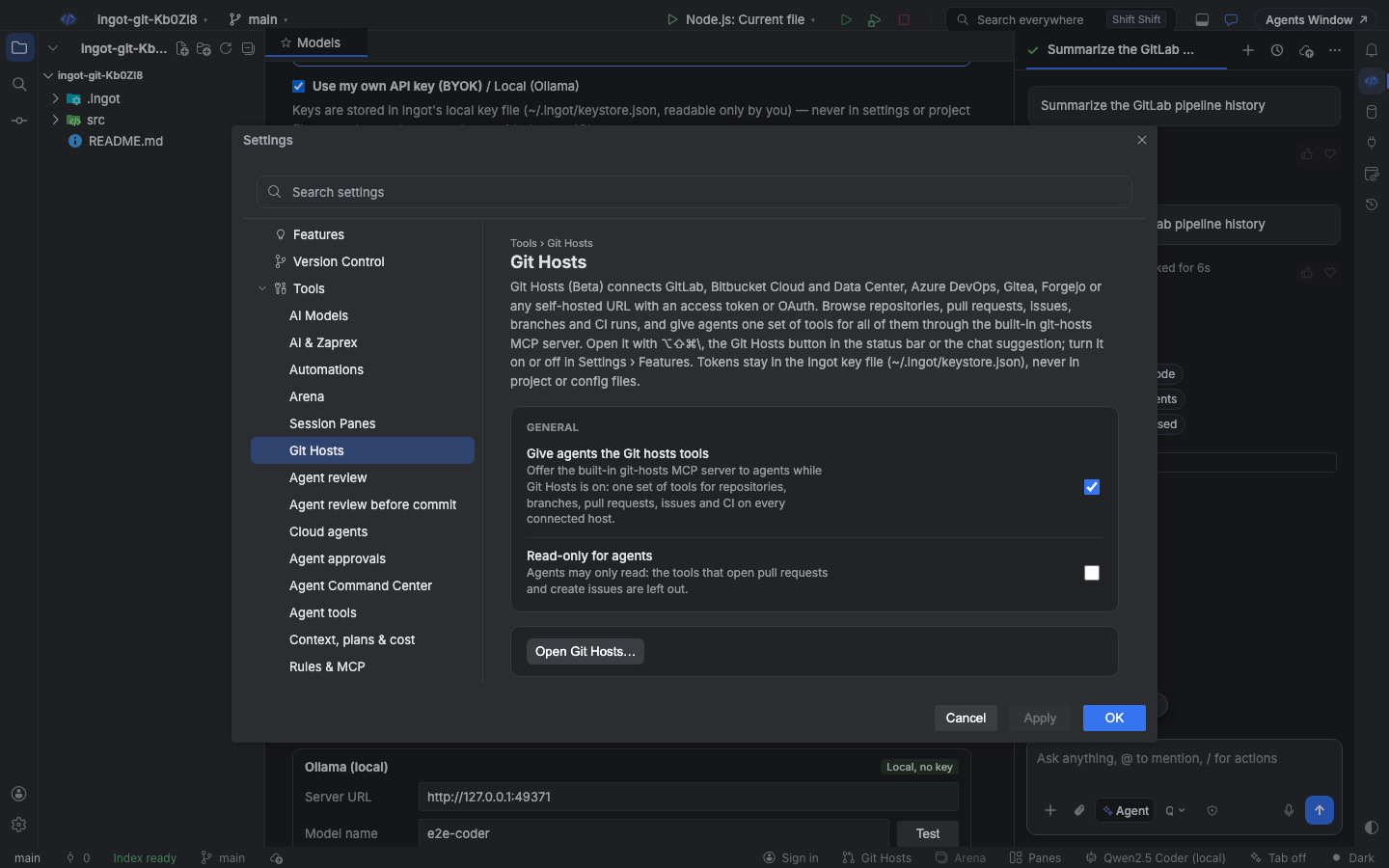
Settings › Tools › Git Hosts:
| Setting | Default | What it does |
|---|---|---|
Give agents the Git hosts tools (ingot.gitHosts.agentTools) | true | Offers the built-in git-hosts MCP server to agents while Git Hosts is on |
Read-only for agents (ingot.gitHosts.readOnly) | false | Leaves out the tools that open pull requests and create issues |
Settings › Features:
| Setting | Default | What it does |
|---|---|---|
Git Hosts (ingot.gitHosts.enabled) | false | Shows the Git Hosts panel and gives agents its tools; accounts stay connected when it is off |
Suggest features in chat (ingot.suggestions.enabled) | true | Shows the small suggestion cards above the chat box, for every optional feature |
From the terminal
ingot git does the same from a terminal or a script, with the same account file. It keeps its own tokens in ~/.ingot/cli/git-hosts-credentials.json (mode 600), so connect once in each place.
npx @ingotide/cli git hosts                                   # supported hosts, token pages and scopes
npx @ingotide/cli git connect gitlab --token "$GITLAB_TOKEN"  # or set INGOT_GIT_TOKEN
npx @ingotide/cli git connect https://git.example.com         # detects the host, then asks for a token
npx @ingotide/cli git connect gitlab --oauth --client-id <id> # OAuth with PKCE in your browser
npx @ingotide/cli git prs --state open                        # pull requests of the clone's origin
npx @ingotide/cli git pr create --title "Fix VAT" --source vat --draft
npx @ingotide/cli git ci --ref main                           # recent CI runs
npx @ingotide/cli git mcp --read-only                         # the git-hosts MCP server on stdio
ingot git mcp serves the same git-hosts tools to any MCP client: add { "git-hosts": { "command": "ingot", "args": ["git", "mcp"] } } to its mcp.json. Every command is on the CLI page.
FAQ
Does Ingot send my code to the host? No. Git Hosts only calls the host's API for repositories, branches, pull requests, issues and CI, with your token, from your computer.
Can I connect two accounts on the same host? One account per host and base URL. Connecting again (for example with OAuth instead of a token) replaces the sign-in of that account.
Why does the agent not see the tools? Git Hosts must be on, Give agents the Git hosts tools must be on, and the git-hosts server must be on in Rules, Commands & MCP Servers.