Rex Crew
Rex Crew lets Rex, the Zaprex agent, run the coding agents already on your computer as one crew: Claude Code, Codex, Grok and cursor-agent. Rex splits a job between them, routes each request to the right agent, and shows each agent's live status, tokens, logs and the real commands it runs. It is a free marketplace extension for the Zaprex desktop app on macOS, Windows and Linux.
Install
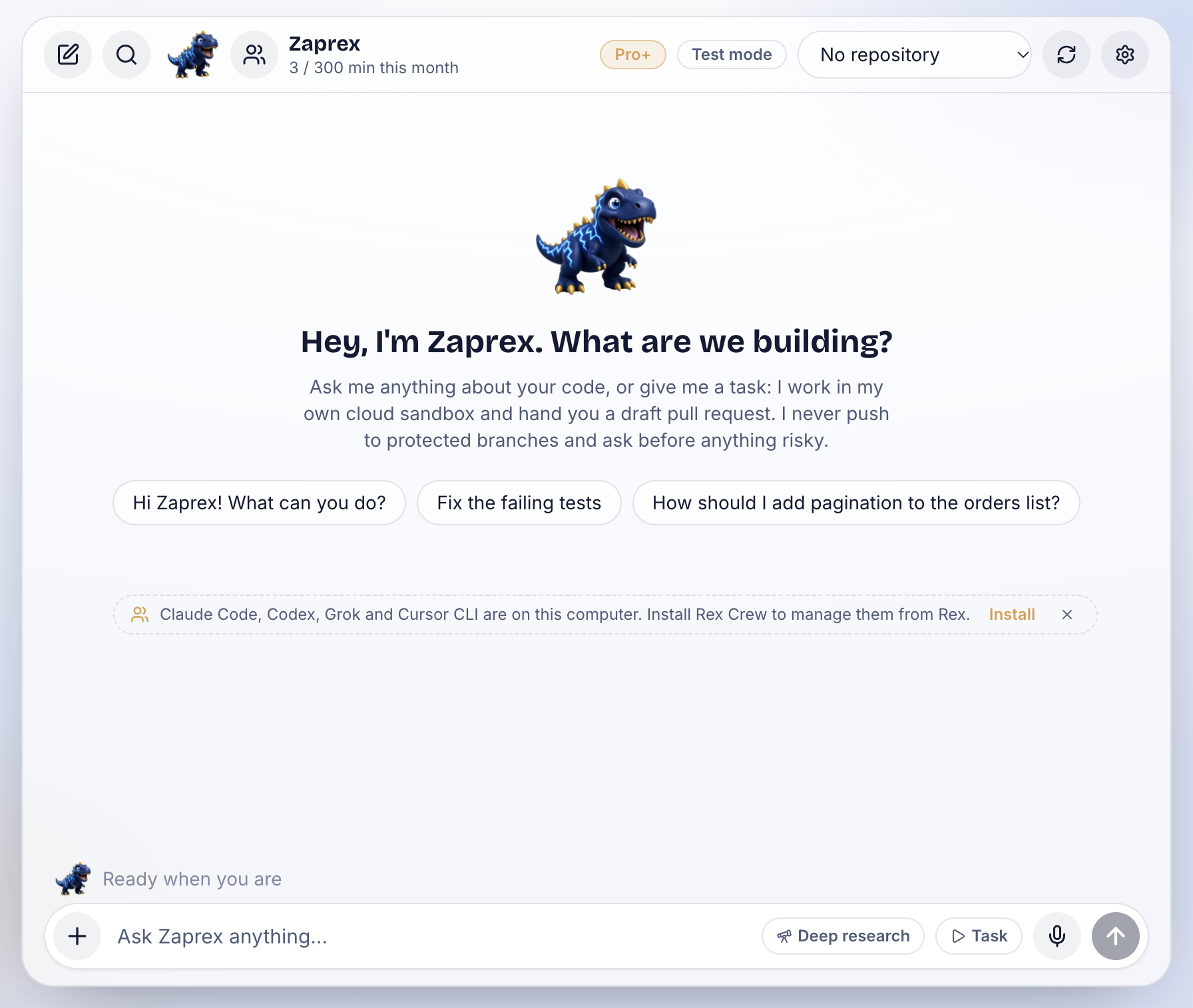
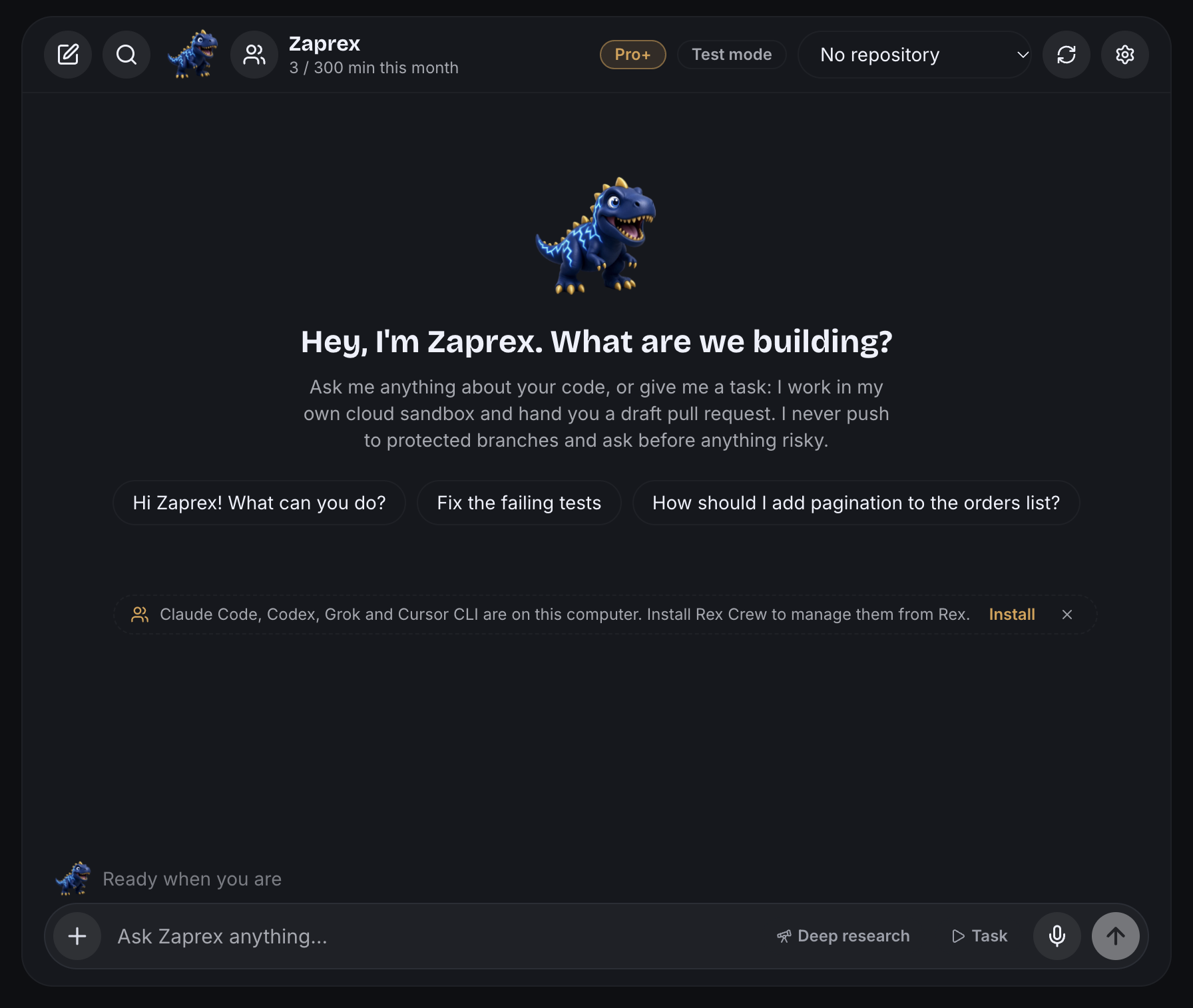
Rex Crew is listed in the marketplace under Zaprex › Rex extensions. Install opens Zaprex (zaprex://open?path=/app?extension=rex-crew) and turns it on. You can also install it from Zaprex itself:
- In the chat: when you mention Claude Code, Codex, Grok or
cursor-agent, ask Rex to manage or show your agents, or Zaprex finds those CLIs on your computer, a small line appears under the chat with Install and ×. × hides it for good. - Toolbar: the crew icon next to Rex's avatar. While Rex Crew is off, one click turns it on and opens it.
- Settings › Extensions › Rex Crew in Zaprex. Suggest extensions in chat in the same place turns off every suggestion.
- Command palette: ⌘K (Ctrl+K), then Install Rex Crew.
Rex Crew is free: its listing says price: 0 and tier: free, and nothing is ever charged for it. Uninstalling stops the agent runs it started and deletes its data.
The live crew matrix
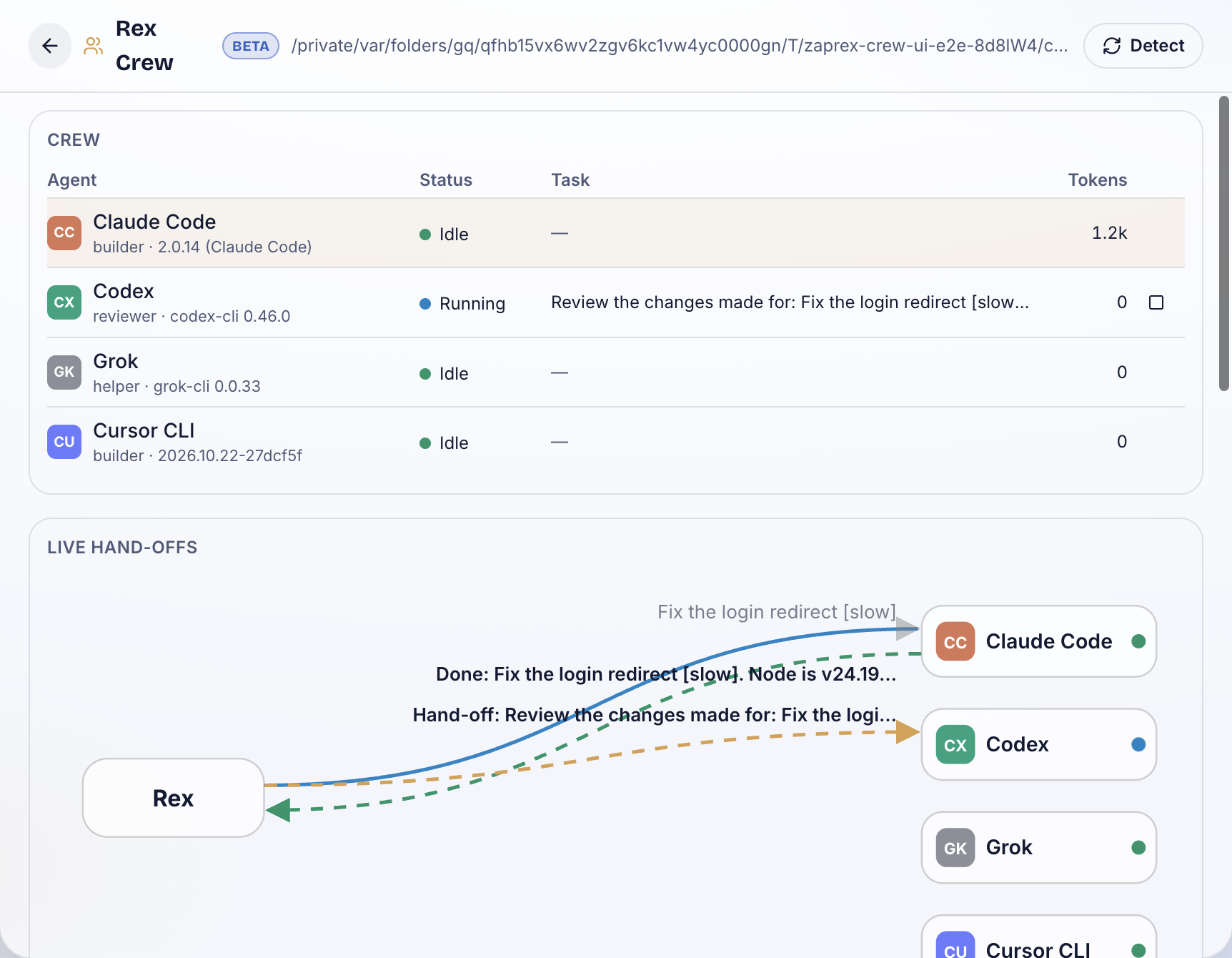
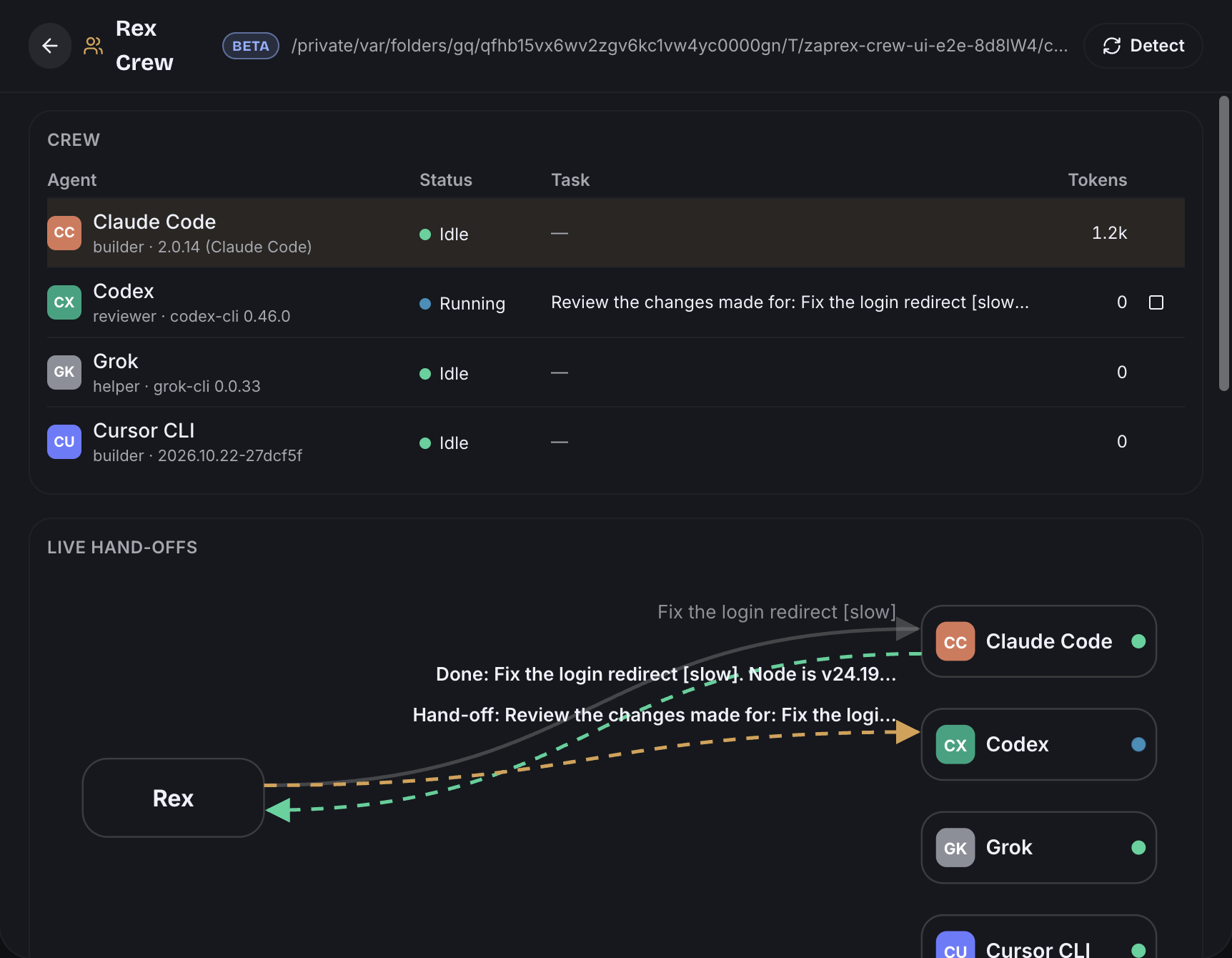
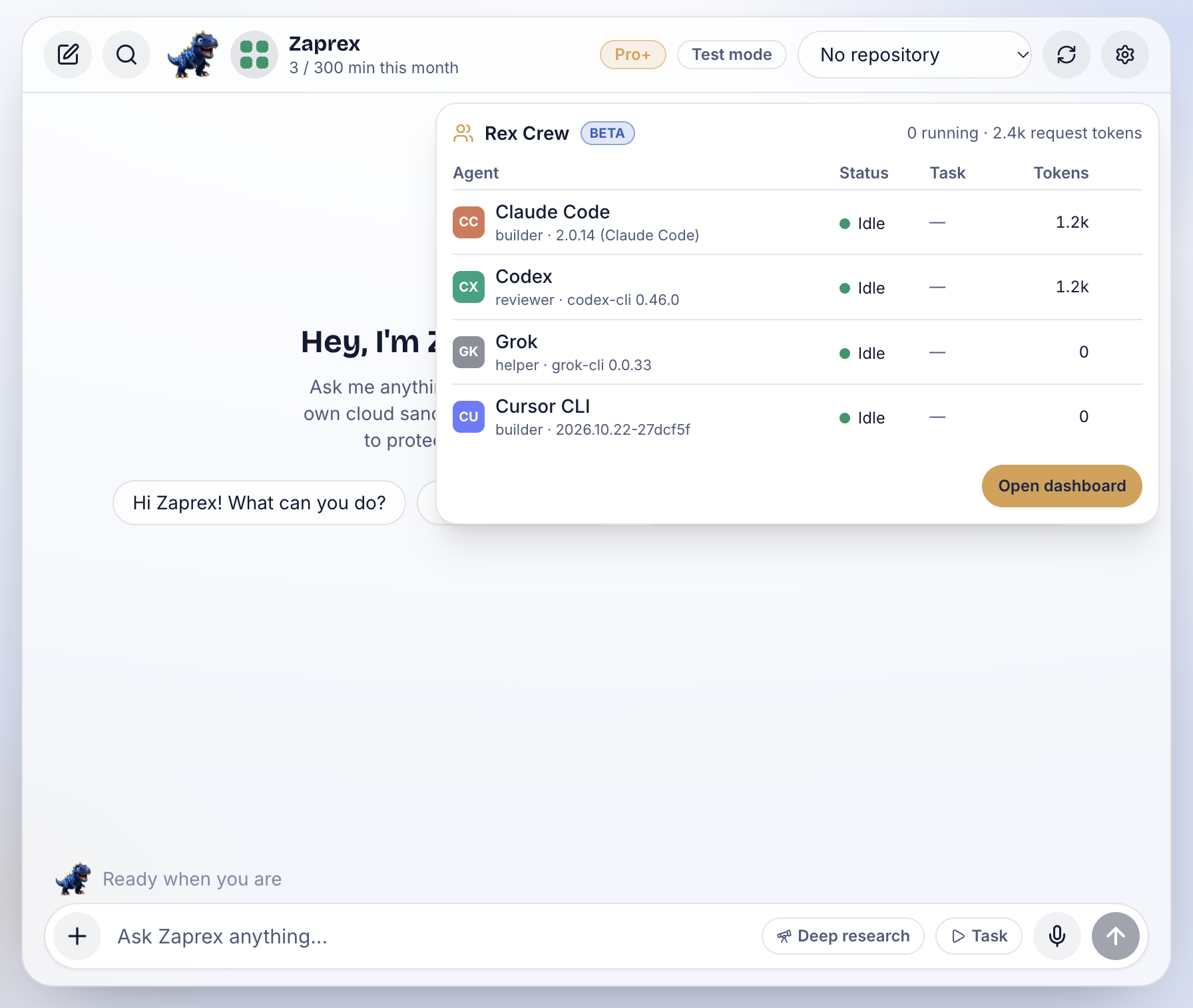
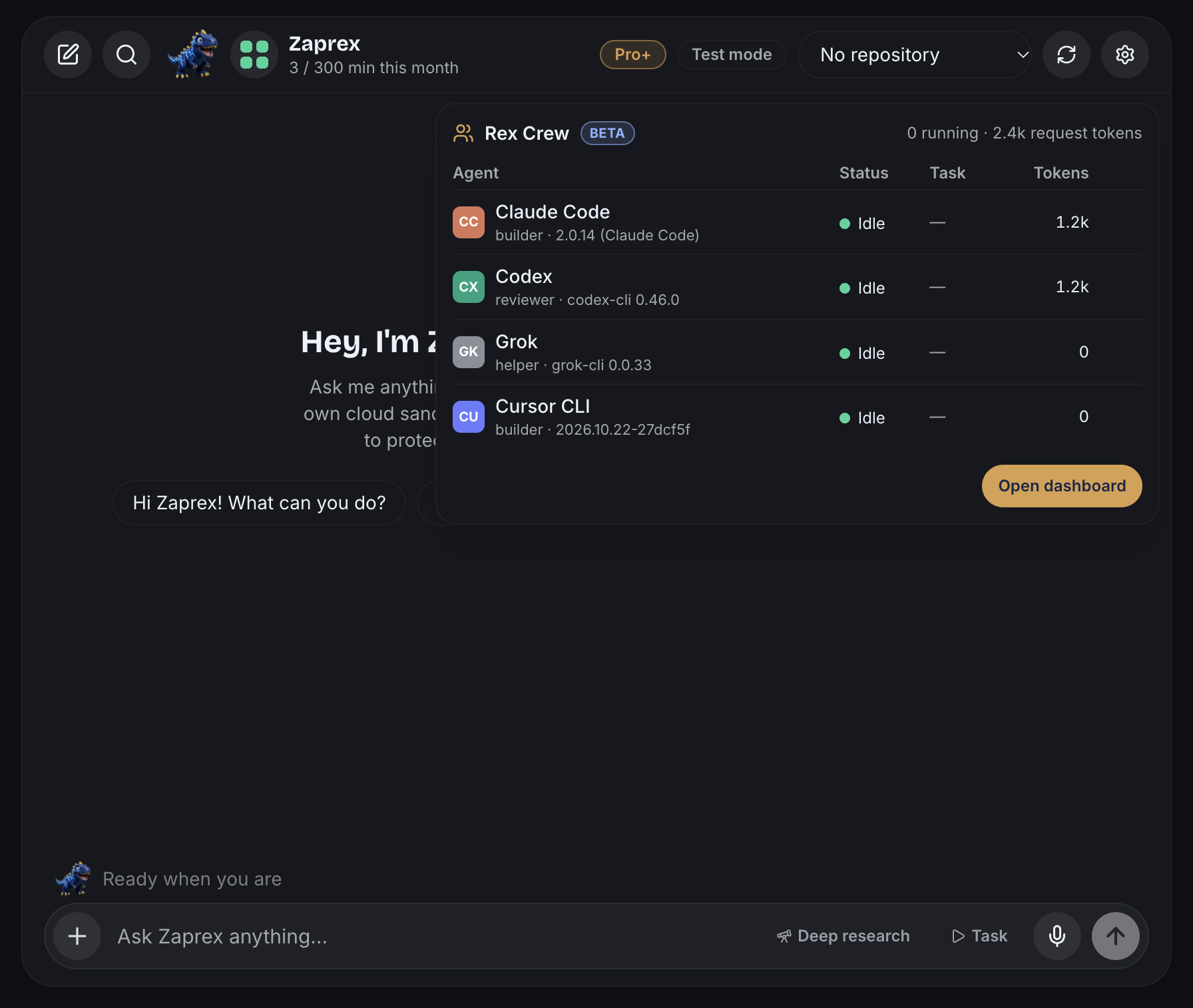
The crew icon next to Rex's avatar is a small grid with one cell per agent: blue while it is running, green when idle, red when blocked (it needs a sign-in, a permission or hit a limit) and grey when the CLI is not installed. Click it to see every agent with its status, current task and tokens. Agents you started yourself in a terminal show up too, marked outside Rex.
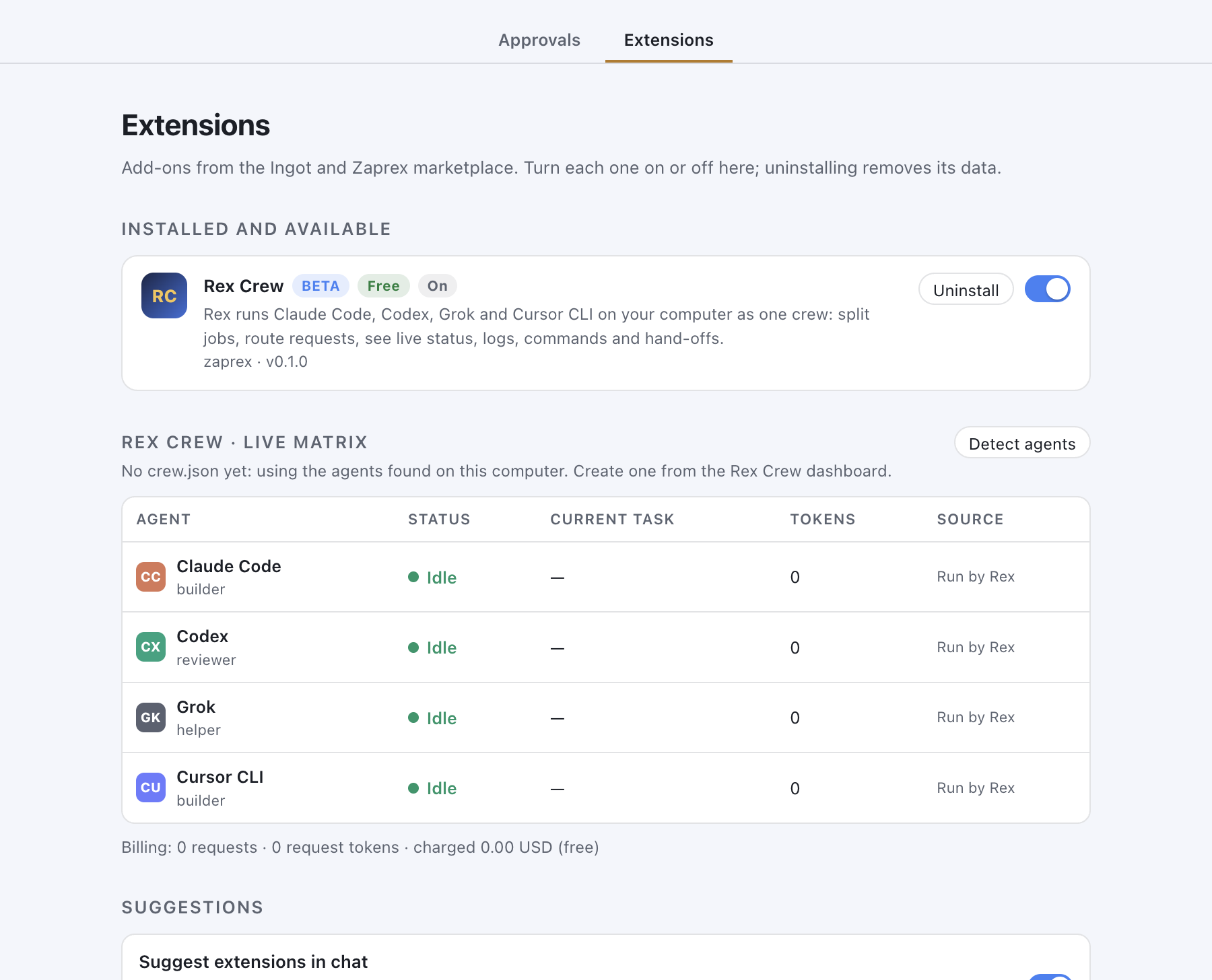
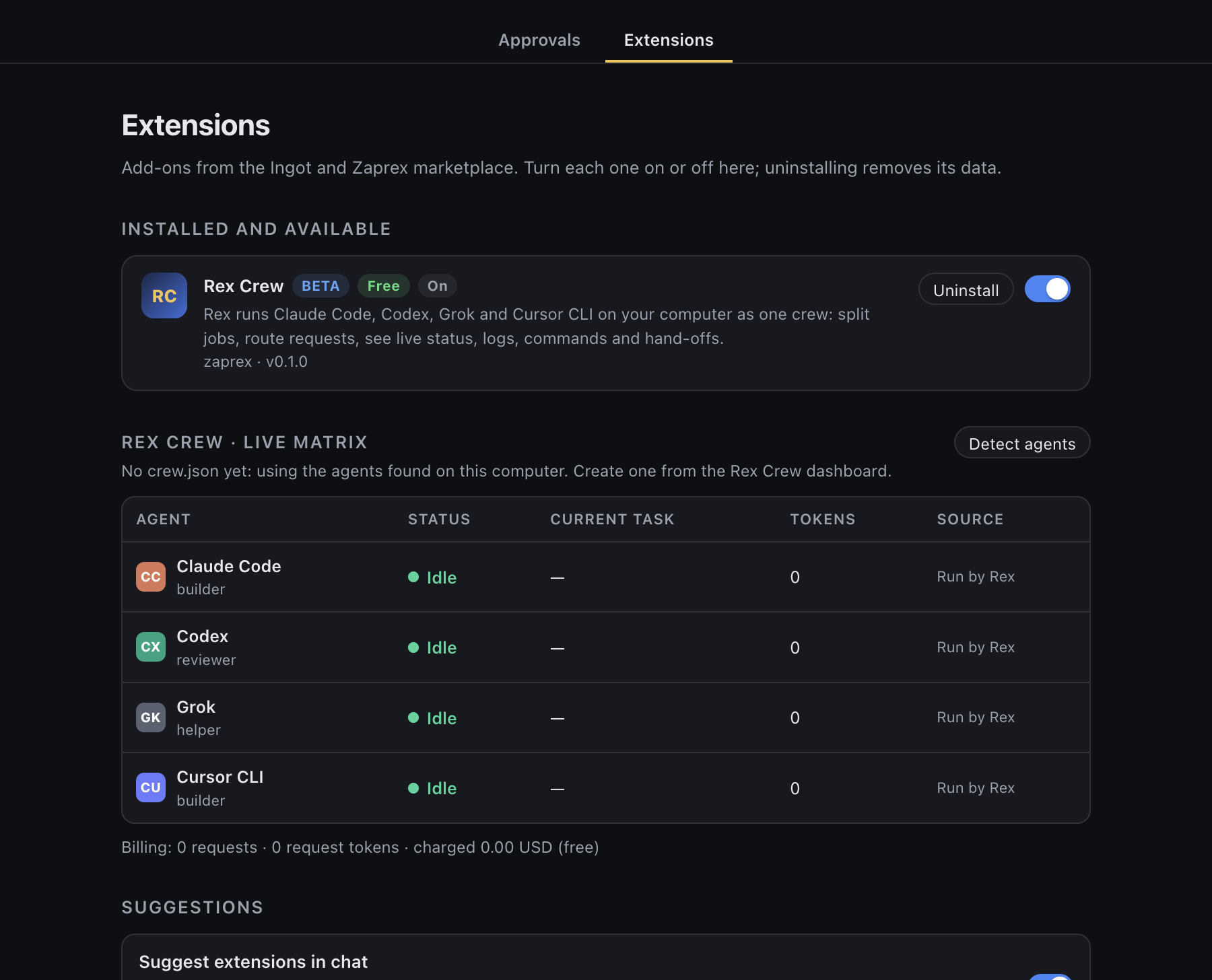
The same matrix is in Settings › Extensions, with a Detect agents button and the billing line.
Live hand-offs
The dashboard draws Rex and each agent with arrows between them, labeled with the task:
| Arrow | When |
|---|---|
| Rex → agent | Rex delegates a request or a step of a job |
| Agent → agent | A hand-off: the next agent gets the previous agent's result |
| Agent → Rex | The agent reports back (Done: …, or why it stopped) |
Arrows move while the work is active and stay still once it is done.
Jobs and routing
Describe a job in the dashboard, or type /crew <job> in the chat:
- A plain request goes to one agent, picked by role words (review, test, docs), your routes, or whoever is least busy.
- A list (one line or bullet per part) is split across the crew, one step per item.
@claude,@codex,@grokor@cursor-agentsends the request to that agent.- With steps in the config, every job runs those steps in order; a step can wait for another one and gets its result.
Stop stops one agent and Stop all stops the whole job. When an agent goes over a limit, Rex stops it and marks it blocked with the reason.
The config file
Each project can have .zaprex/crew.json. Create crew.json in the dashboard writes a starter:
{
  "name": "checkout",
  "agents": [
    { "id": "builder", "agent": "claude", "role": "builder", "maxTokens": 200000, "maxMinutes": 20 },
    { "id": "reviewer", "agent": "codex", "role": "reviewer", "sandbox": "read-only" }
  ],
  "limits": { "maxParallel": 2, "maxTokens": 400000, "maxMinutes": 30, "stallSeconds": 180 },
  "routes": [{ "match": "test|spec", "to": "reviewer" }],
  "steps": [
    { "task": "{task}", "agent": "builder" },
    { "task": "Review the changes made for: {task}\n\nWhat the builder reported:\n{previous}", "agent": "reviewer", "after": 0 }
  ],
  "sources": [{ "type": "file", "path": "logs/agent.log", "agent": "builder" }]
}
| Key | What it sets |
|---|---|
agents | agent is claude, codex, grok or cursor-agent; role is builder, reviewer, tester, docs, researcher or helper. model, permissionMode (Claude Code), sandbox (Codex) and extra args go to the CLI. |
limits | Agents at once, tokens and minutes per job, and how long an agent may stay silent before Rex stops it |
routes | A regular expression on the request and the agent id it goes to |
steps | {task} is the job and {previous} the result of the step in after |
sources | Extra logs to follow (see below) |
Without a config, the crew is every CLI Rex finds: Claude Code builds and Codex reviews.
Connect logs and commands
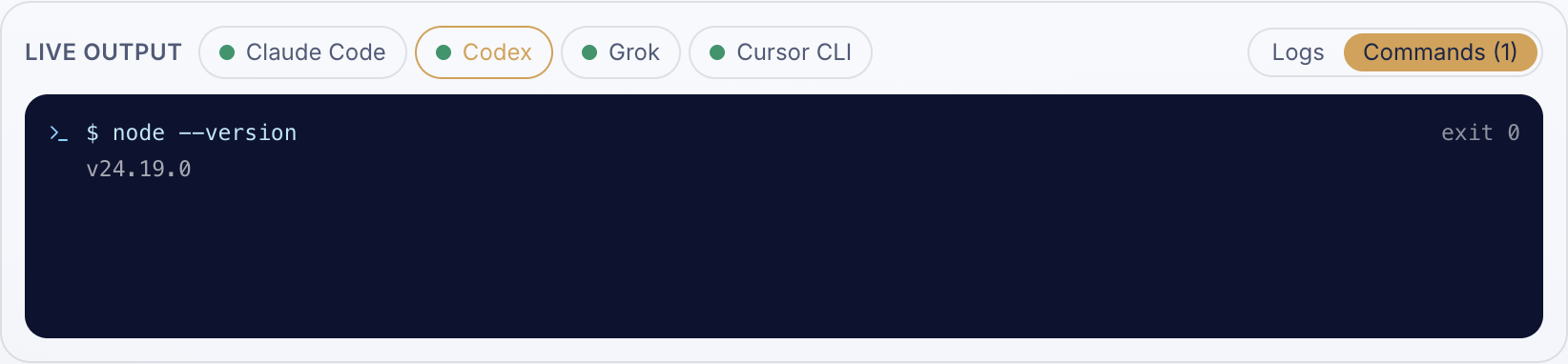
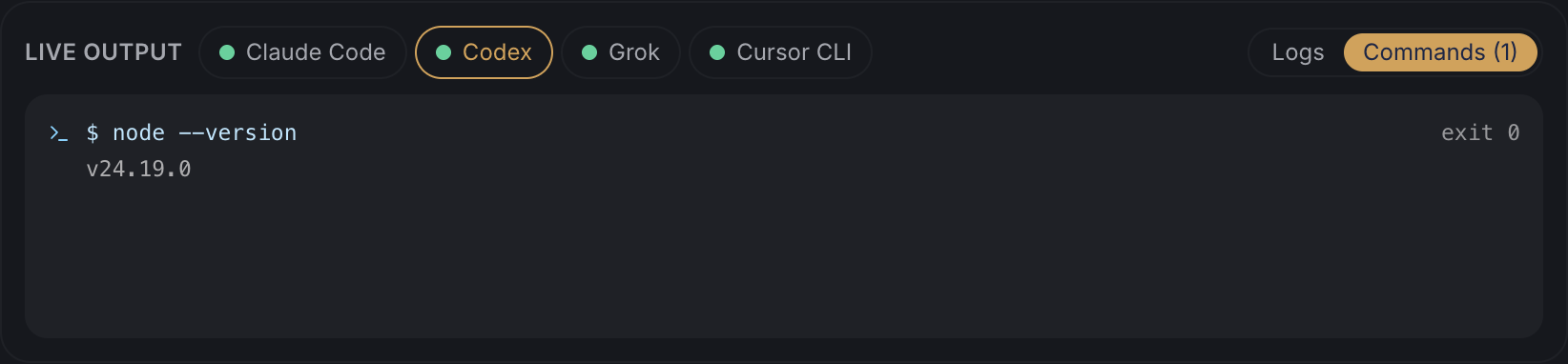
Rex shows each agent's real output and the real shell commands it ran. Choose an agent under Live output, then Logs or Commands.
| Source | How Rex reads it |
|---|---|
| Runs Rex starts | The CLI's own JSON stream: claude -p --output-format stream-json, codex exec --json, cursor-agent -p --output-format stream-json, grok -p |
| Agents you start yourself | Rex finds the process and follows its session file: Claude Code in ~/.claude/projects/, Codex in ~/.codex/sessions/ |
| Terminal windows | Record the terminal you run the agent in (below); Rex follows the recording |
| Log files | Any file you add under Log sources, or sources in the config |
| macOS unified log | A process name you add; Rex runs log stream --style ndjson --predicate 'process == "claude"' |
Name terminal recordings after the agent (claude, codex, grok or cursor-agent) so Rex knows whose output it is. Log sources in the dashboard shows the command for your system with a copy button.
macOS
mkdir -p ~/.zaprex/crew/terminals && script -q -F ~/.zaprex/crew/terminals/claude-1.log claude
Linux
mkdir -p ~/.zaprex/crew/terminals && script -q -f -c codex ~/.zaprex/crew/terminals/codex-1.log
Windows (PowerShell)
New-Item -ItemType Directory -Force "$HOME\.zaprex\crew\terminals" | Out-Null; Start-Transcript -Path "$HOME\.zaprex\crew\terminals\codex-1.log" -Append; codex
Billing
Rex Crew counts request tokens: the tokens each agent reports for a request, or an estimate when it reports none. The dashboard shows them per request and per agent, for example 2 requests · 2.4k request tokens · charged $0.00 (free). Rex Crew charges nothing. Each agent's own plan still bills its model use.
Privacy
Everything runs on your computer. Logs, commands and the token ledger stay in the Zaprex desktop app's data folder. Rex never reads or stores your agents' keys.
Troubleshooting
- Not installed in the matrix: install the CLI, then Detect agents. Rex looks on your PATH and in the usual places (Homebrew, npm,
~/.local/bin,~/.claude/local). - Blocked: sign in: run the CLI once in a terminal and sign in (
claude,codex login,cursor-agent login, or setGROK_API_KEY). - Open a project folder first: jobs run in the desktop app's current project (File › Open Project Folder…).
- No suggestion in the chat: it shows once per visit, never after ×, and not when Suggest extensions in chat is off.
See also Rex Crew in the Zaprex docs and the store.