Knowledge
Knowledge is the third part of the .ingot engineering OS: rules say what must be, habits learn how we work, knowledge remembers. It keeps verified facts about your project apart from habits. Each fact has a source, a confidence, a version and an expiry, and agents get the facts that match the task.
Where it lives
.ingot/knowledge/ has one folder per kind, and each entry is one markdown file:
| Kind | For |
|---|---|
project | what the project is, who uses it, how it is built and run |
architecture | layers, boundaries and where things live |
decision | a choice that was made, and why (folder decisions/) |
dependency | a library or service, its version and its quirks (folder dependencies/) |
history | what was tried and what happened: "we tried X, it broke the architecture, here's why" |
Decisions and dependencies live in the plural folders decisions/ and dependencies/. Entries in the older decision/ and dependency/ folders are still read, and are updated where they are.
---
kind: history
title: Tried a global store for the cart
source: PR 812
confidence: high
version: 2
created: 2026-11-19
updated: 2026-11-20
expires: never
paths: src/cart
---
It broke server rendering because state leaked between requests. Use one store per request.
Commit the folder to share it with your team.
Source, confidence, version and expiry
- Source: where the fact came from, such as a doc, a pull request,
.ingot/decisions.md, a chat oryou. - Confidence: low, medium or high.
- Version: saving an entry with the same kind and title updates it. The version goes up, and the previous version is kept in
.ingot/knowledge/.history/<id>/v<n>.md. - Expiry: dependency entries expire after 180 days, and project and architecture entries after a year. Decisions and history never expire. An expired entry is not given to agents until you renew it with
/knowledge renew <name>in the agent chat.
Never a secret
Every entry is scanned before it is saved, whether it comes from the chat, a command or an agent. The scan looks for token shapes, private keys, connection strings with a password and password = … style values. If it finds one, the entry is not saved, and the message names only the kind of secret.
Agents use it
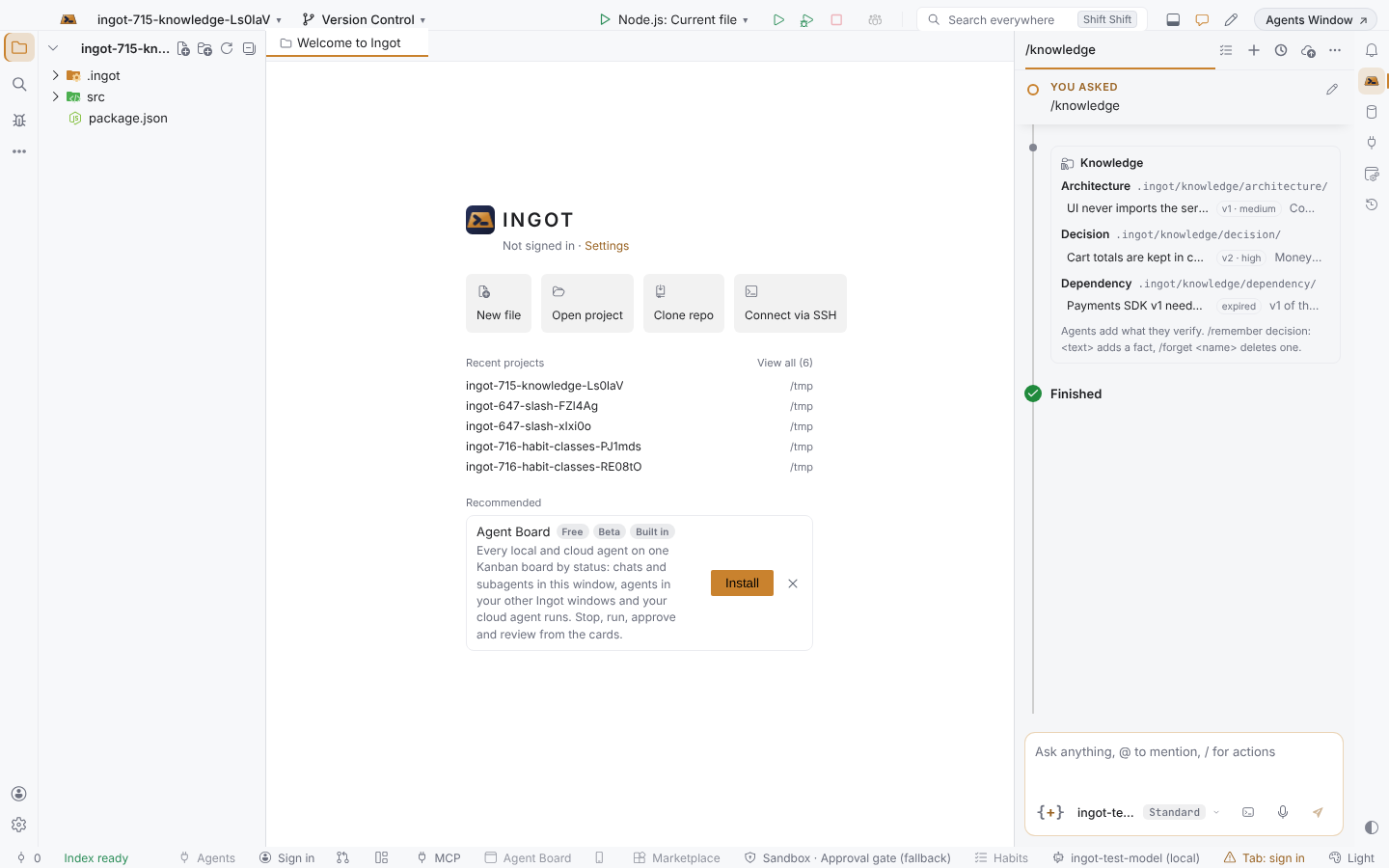
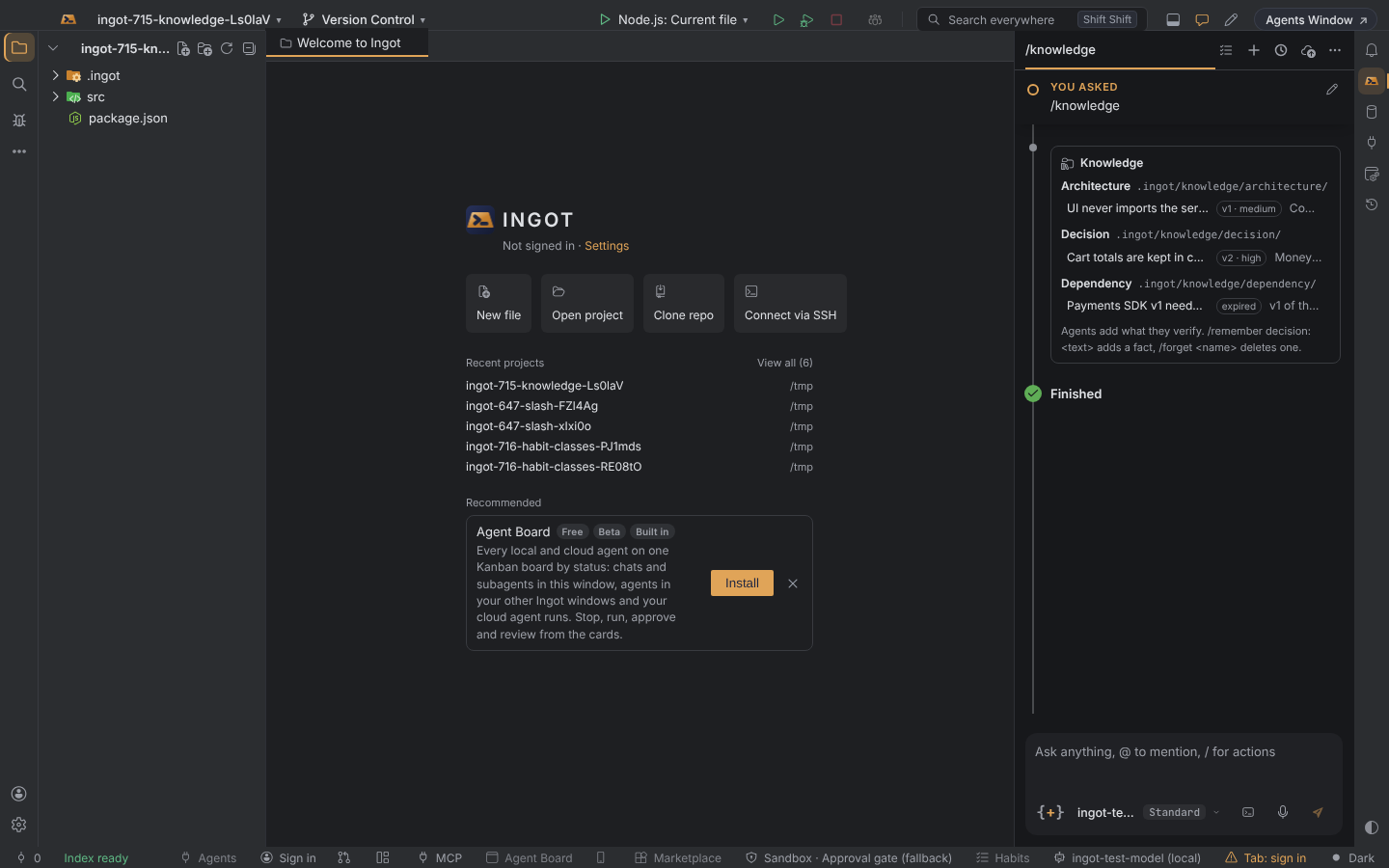
- Context Engine: each turn, up to 6 entries go to the agent with their kind, source, confidence and version. They are the entries about the files in play or the words of your message, and never expired ones. They also appear as Knowledge in the Task context under your message.
- Agents add what they verify: a reply line such as
KNOWLEDGE(history): Tried floats for totals | Floats broke rounding, so totals stay in centsis saved with the chat as its source. The chat then shows Saved to Knowledge with Undo and Open. Undo deletes a new entry, or puts back the previous version of an updated one. If the line looks like a secret, the chat shows Not saved to Knowledge: it looks like a secret.
Manage it
/knowledge in the agent chat lists every entry by kind, with its version and confidence, and marks expired ones. /knowledge <words> searches the title, text, tags, paths and source. Click an entry to open its file. /remember decision: <title> | <text> (or project:, dependency:, history:) adds an entry, /forget <name> deletes one with Undo, and /knowledge renew <name> renews an expired one. /knowledge import adds your locked decisions and shared-context learnings as entries; importing again updates them. Find Action has Show Knowledge (shows the folder), Add Knowledge Entry… and Import Decisions and Learnings into Knowledge. Settings › Knowledge keeps only the on/off switch and Open .ingot Folder.
Turn it off
| Setting | Default | Where |
|---|---|---|
ingot.knowledge.enabled | on | Settings › Knowledge, Settings › Features › Knowledge |
Off: agents get no knowledge and save none. The files stay.
See also Context Engine, Decision ledger, Shared context and Habits.