Workspaces with several folders
A workspace can hold several top-level folders, each shown as its own root in the Project tree. This page covers removing and deleting folders in the tree, deleting several items at once, and how the agent works in every folder.
Remove a folder from the workspace
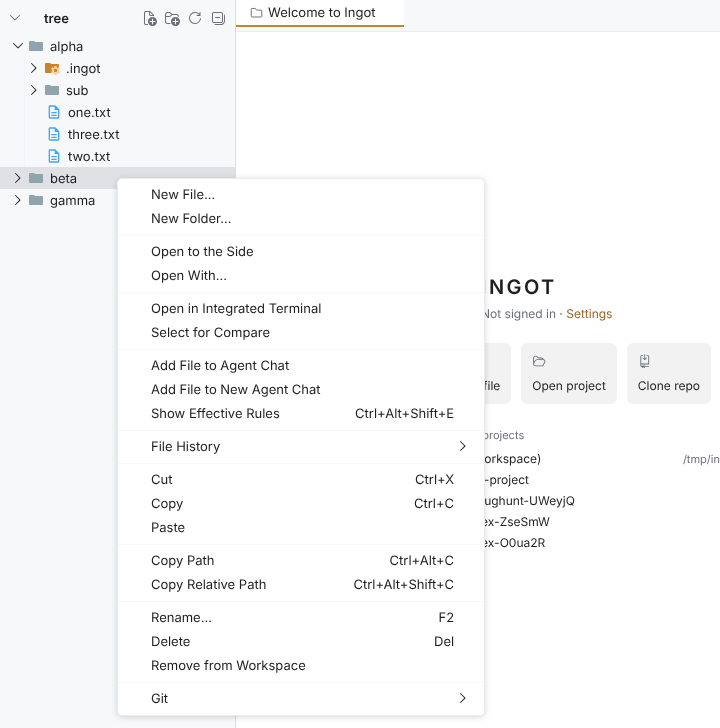
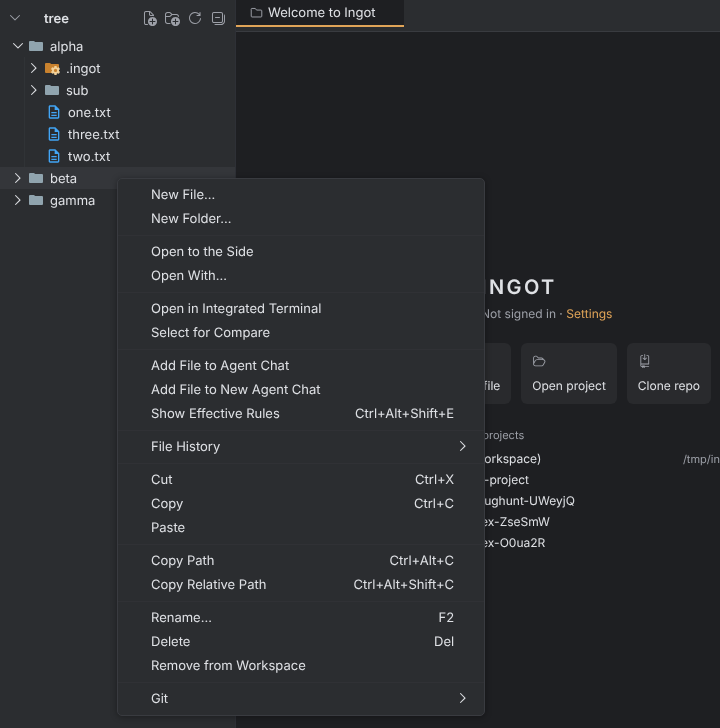
Right-click a top-level folder in the Project tree and choose Remove from Workspace. It is in the menu when the workspace has more than one folder, and it works on several selected folders at once.
Remove from Workspace only detaches the folder: Ingot updates the workspace file and deletes nothing on disk.
Delete in the Project tree
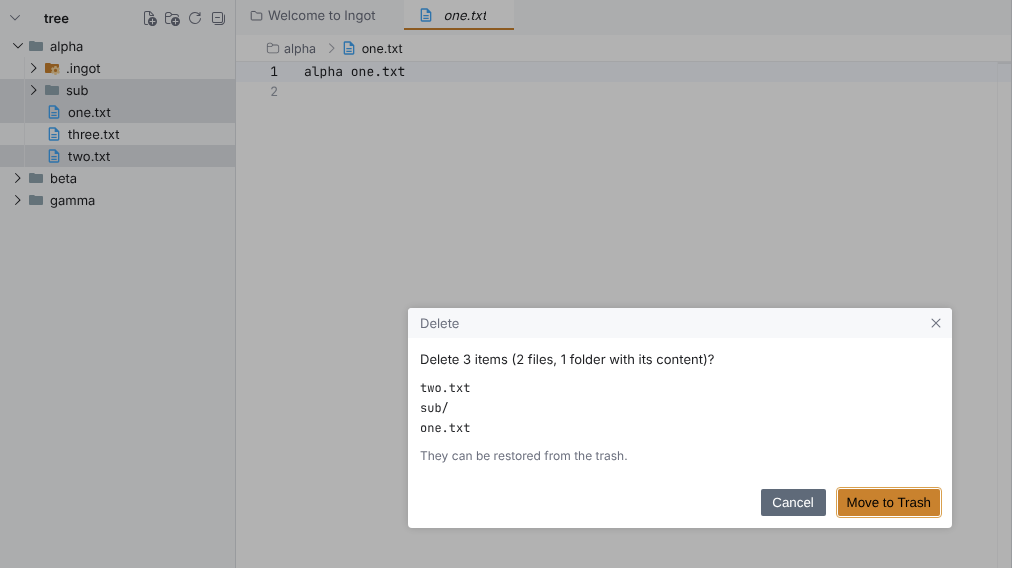
Delete (Del) acts on everything you selected, in any project:
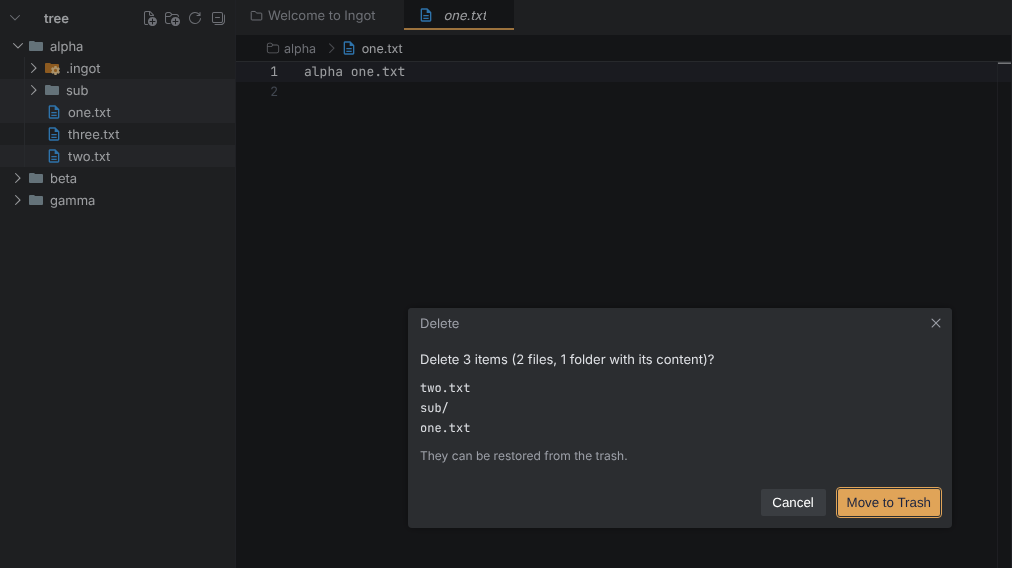
- One confirmation names the count, files and folders apart, for example Delete 3 items (2 files, 1 folder with its content)?, lists the items and says they go to the trash. When the trash is off, it says they can't be restored.
- A folder goes with its content.
- Unsaved changes that would be lost are named in the confirmation.
- Delete in an editor tab's menu always acts on that tab's file, not on the tree selection.
Delete a workspace folder
Delete on a top-level folder of a workspace asks first what you mean:
- Remove from Workspace is the default (Enter). It keeps everything on disk.
- Delete from Disk… is the other choice. It asks once more, by the folder's name, before the folder goes to the trash and leaves the workspace.
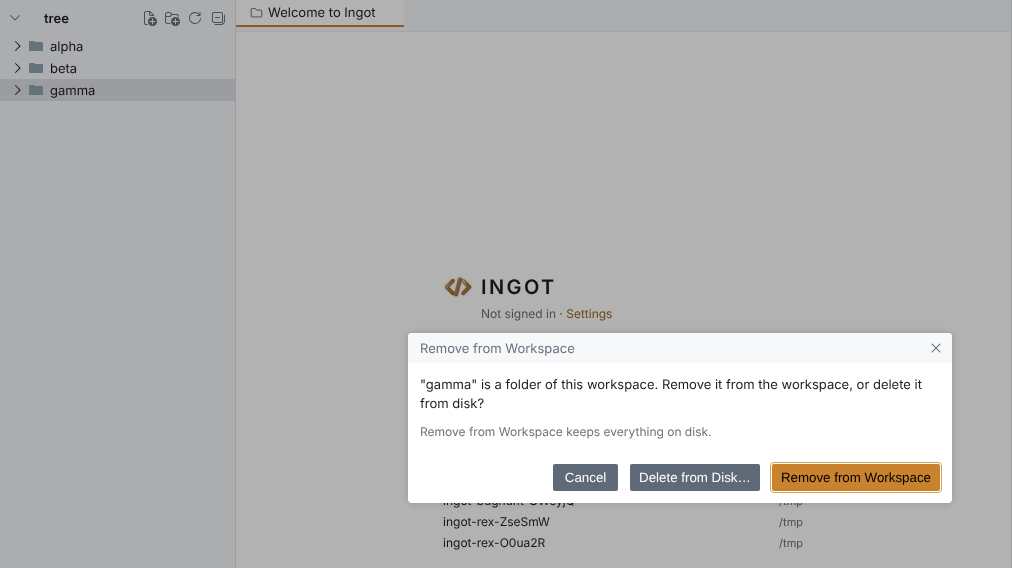
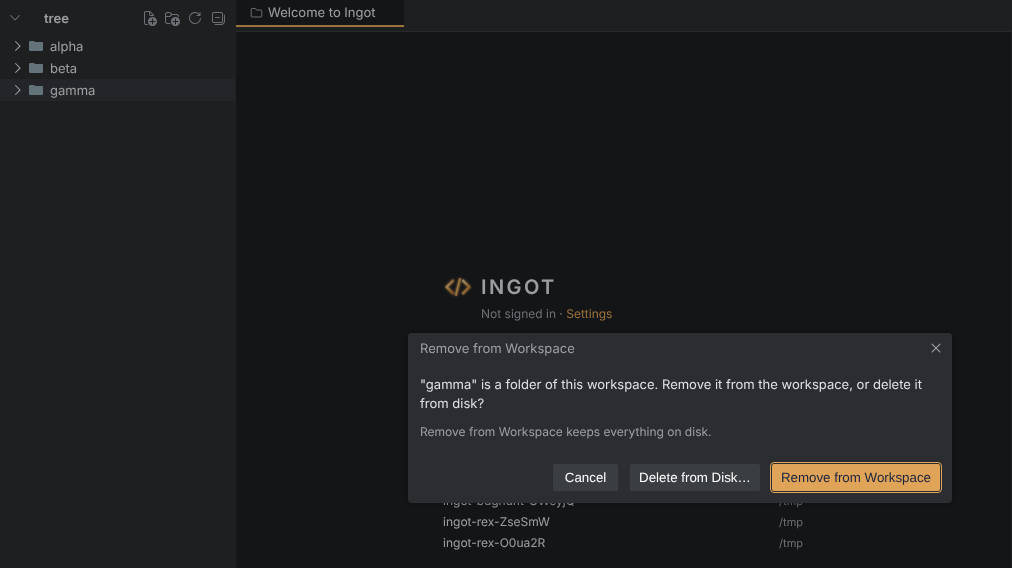
Two cases are refused, and Delete says why:
- the only folder of a single-folder project, which can't be removed or deleted from the tree
- a selection that mixes workspace folders with items inside them
The agent in every folder
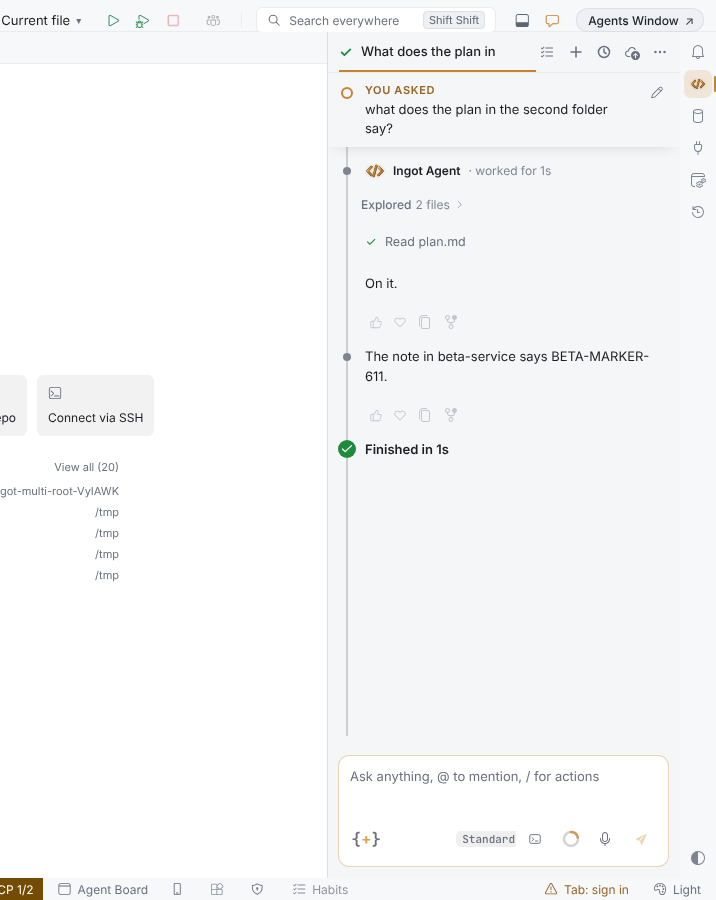
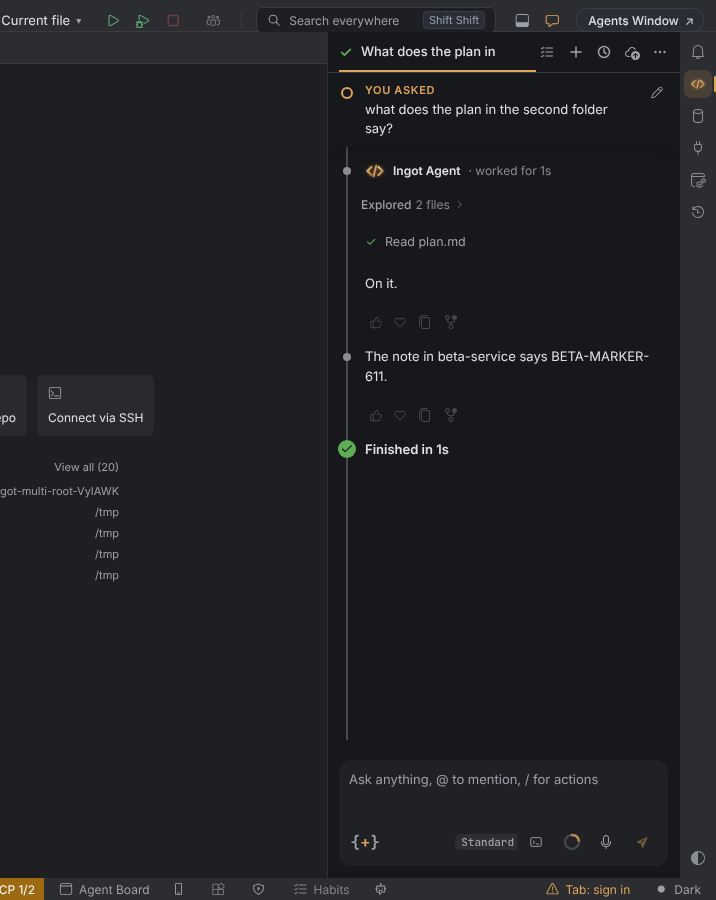
The agent reads, searches, runs commands, edits and deletes in every folder of the workspace, not only the first one.
- Paths start with the folder name. A path such as
beta-service/notes/plan.mdreaches the folderbeta-service. An absolute path inside any folder works too. A path without a folder name is in the first (primary) folder, as before. - Search covers every folder. A search without a path looks in all folders, and the results of each folder come under a line with its name.
- Commands run where you say. A command can run in any folder: by its name (
beta-service), a path inside it, or an absolute path. Without one it runs in the primary folder. - The agent knows the folders. Its instructions list every folder by name and path, mark the primary one and say how to reach the others.
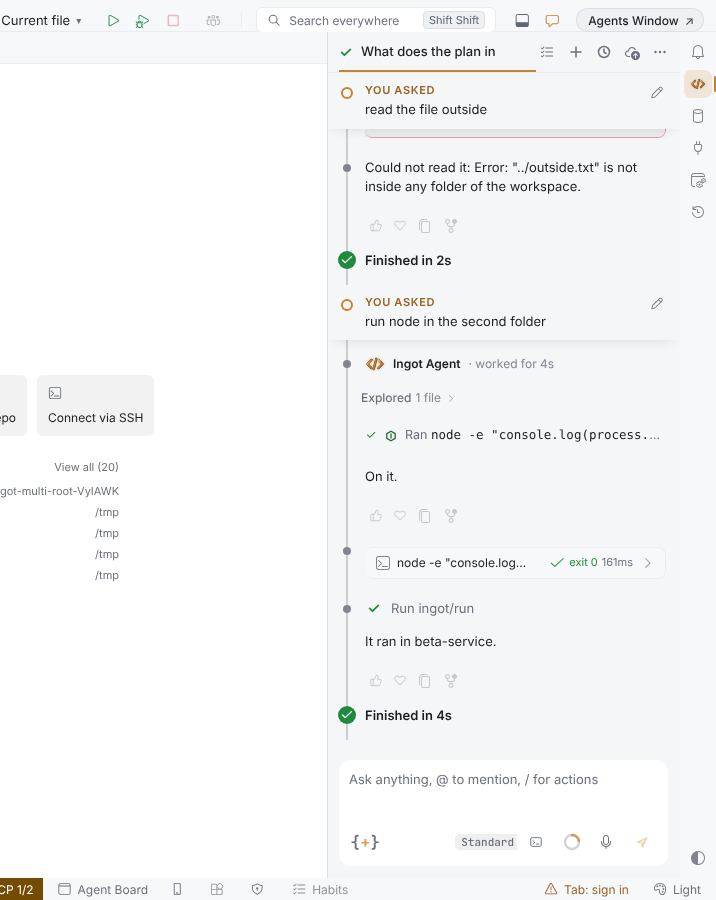
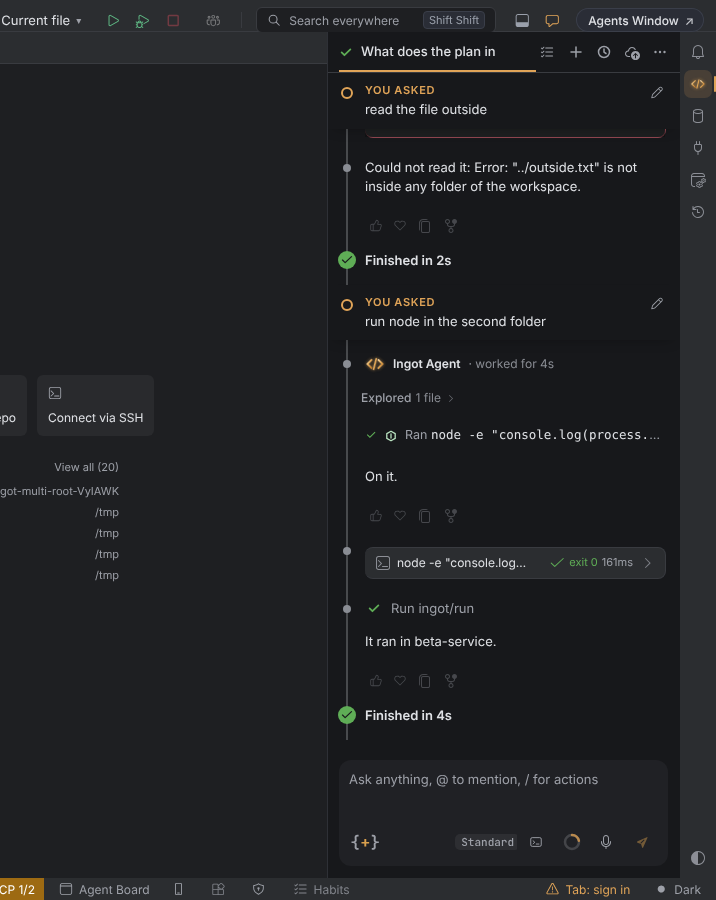
- Nothing outside. A path outside every folder, such as
../outside.txt, is refused, and a whole workspace folder is never edited or deleted.
Edits and deletes in any folder
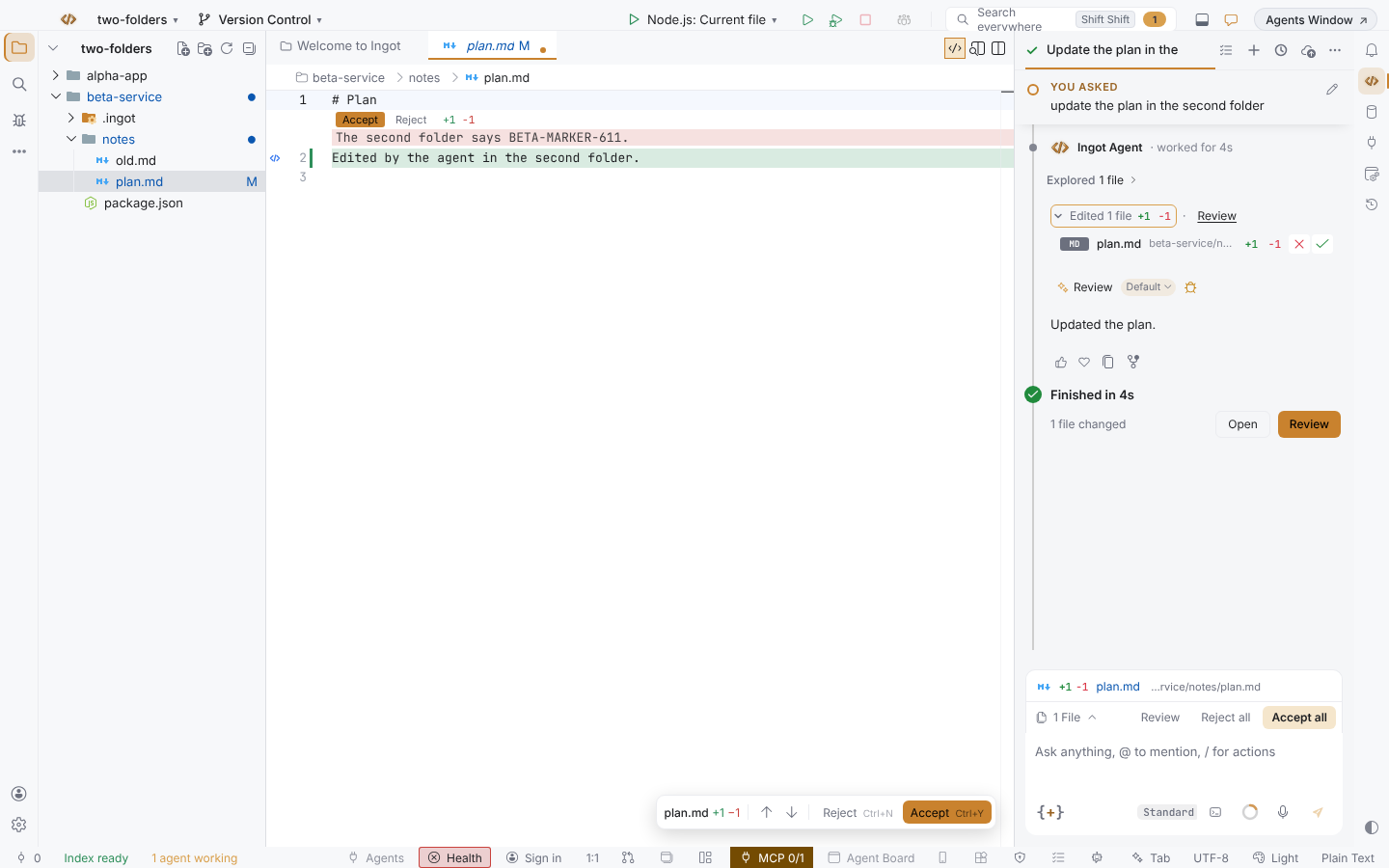
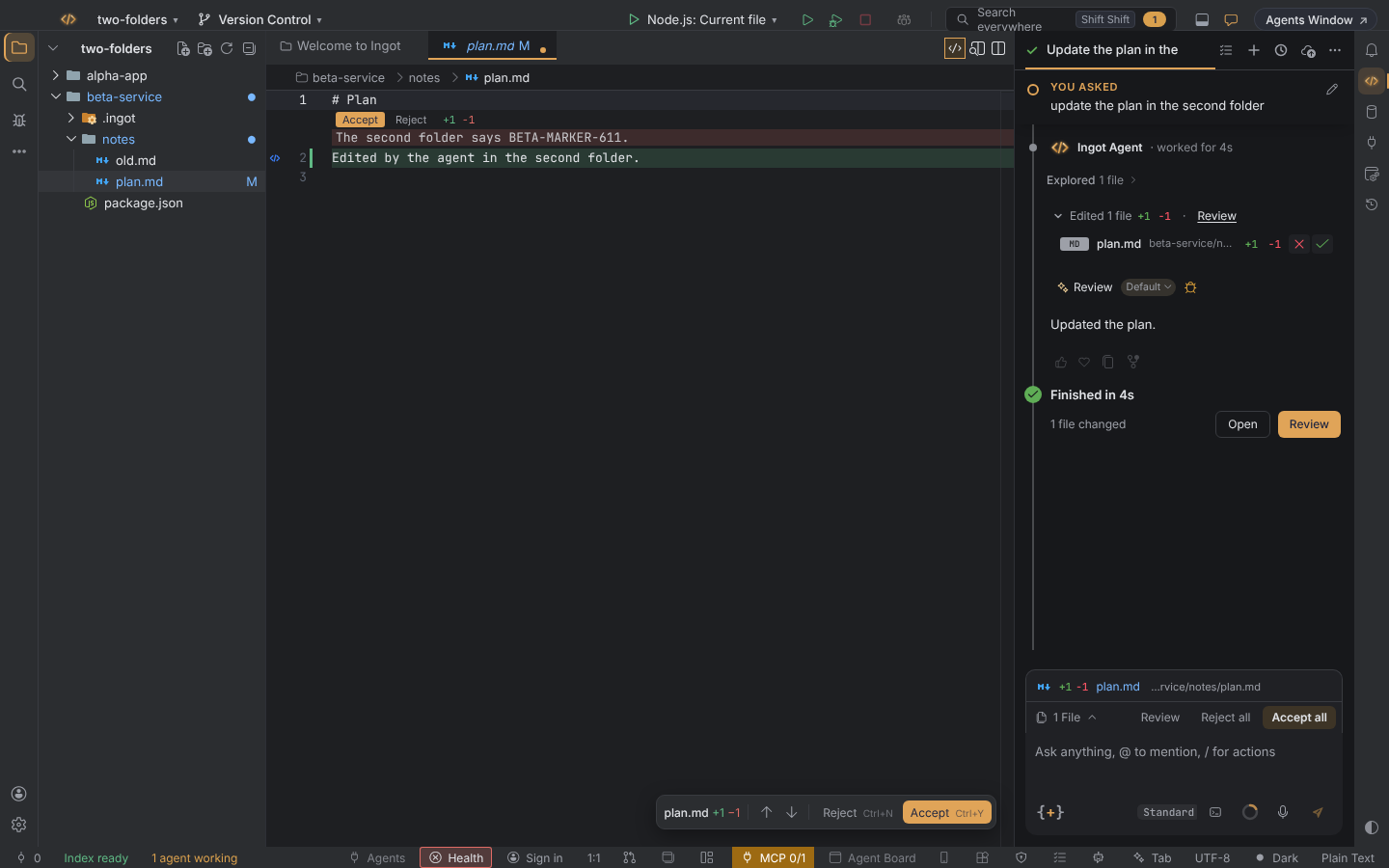
Edits, edit_file and deletes work in every folder, and each change is written to the real file in its folder.
- One name per change. A change in the primary folder shows its plain path; a change in another folder shows as
<folder>/<path>, for examplebeta-service/notes/plan.md. The changed-files list, Review, Accept / Reject, N files changed and Revert to here all use that name. - Each folder's own rules apply to the edits made in it: its sandbox preset (with the approval card when it asks), its
.ingot/policy.jsonwritable and read-only paths, and its.ingot/ignore. - Deletes ask first, and a delete in another folder is checked against that folder's sandbox.
Still read from the primary folder only: decisions and frozen zones.
A single-folder project, a worktree chat and a group project work exactly as before.
Want each folder as a tab, or several folders in one tab? See Project tabs.
Related
- Changes from every repository: Local Changes and commits across the repositories of a workspace.
- Drag, paste & @ files: the
@picker lists files from every folder.