MCP flows and workflows
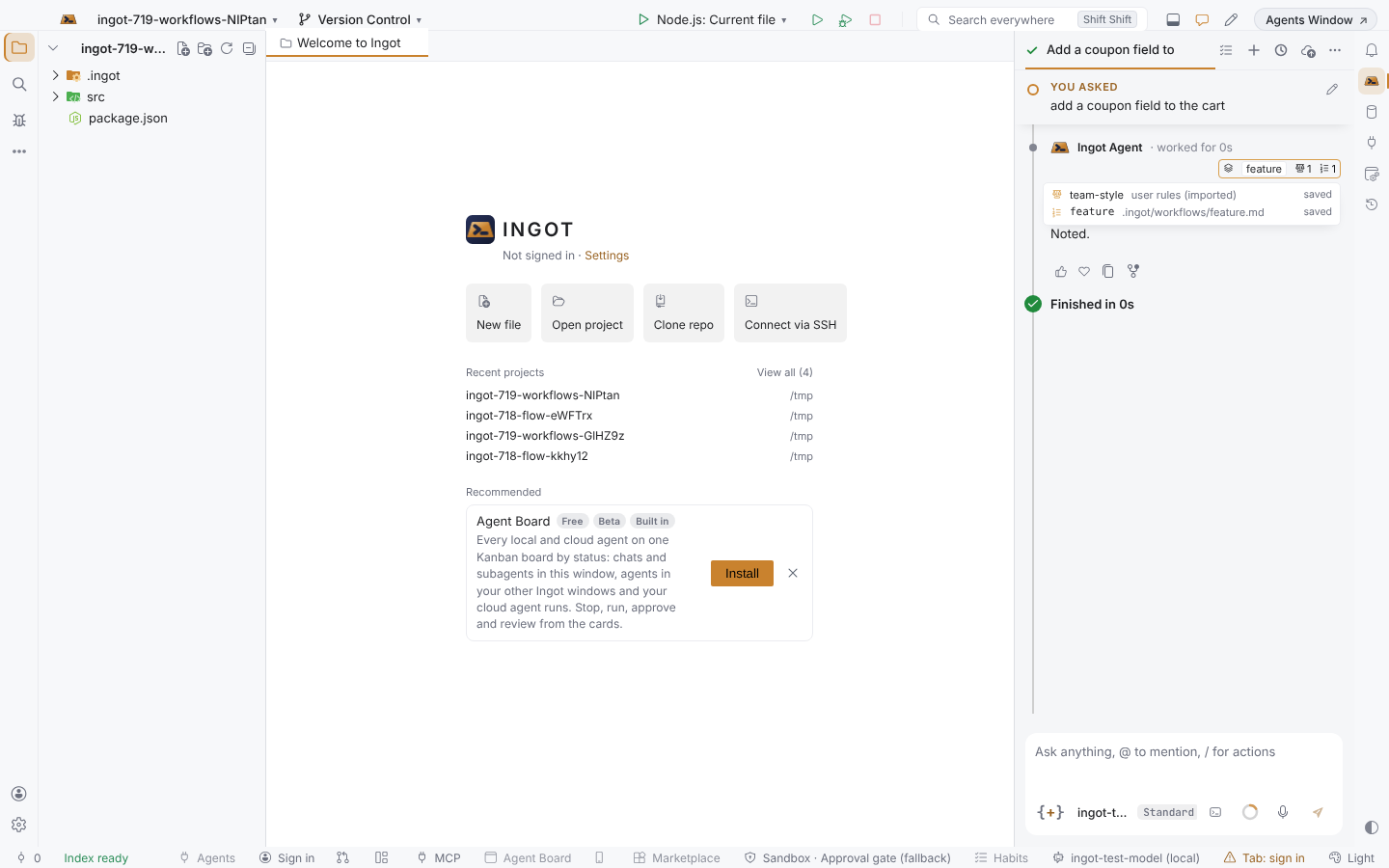
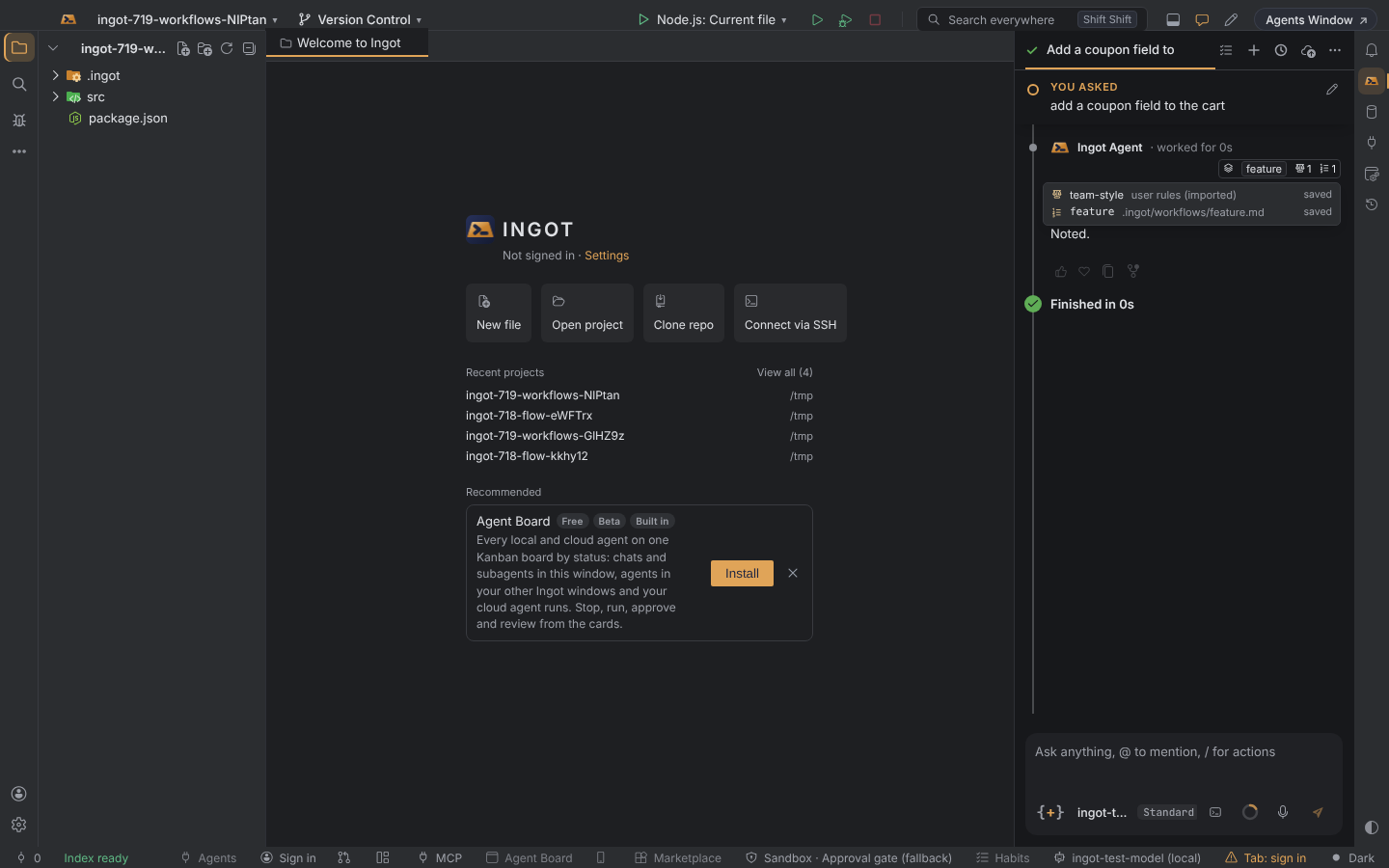
How your team handles a bug, a feature or a review lives in plain files under .ingot, and every agent run follows them. On each turn Ingot picks the flow and the workflow that match the task, gives them to the agent, blocks the MCP tools your policy denies and asks before the tools behind an approval gate. Task context under the prompt lists each file it used.
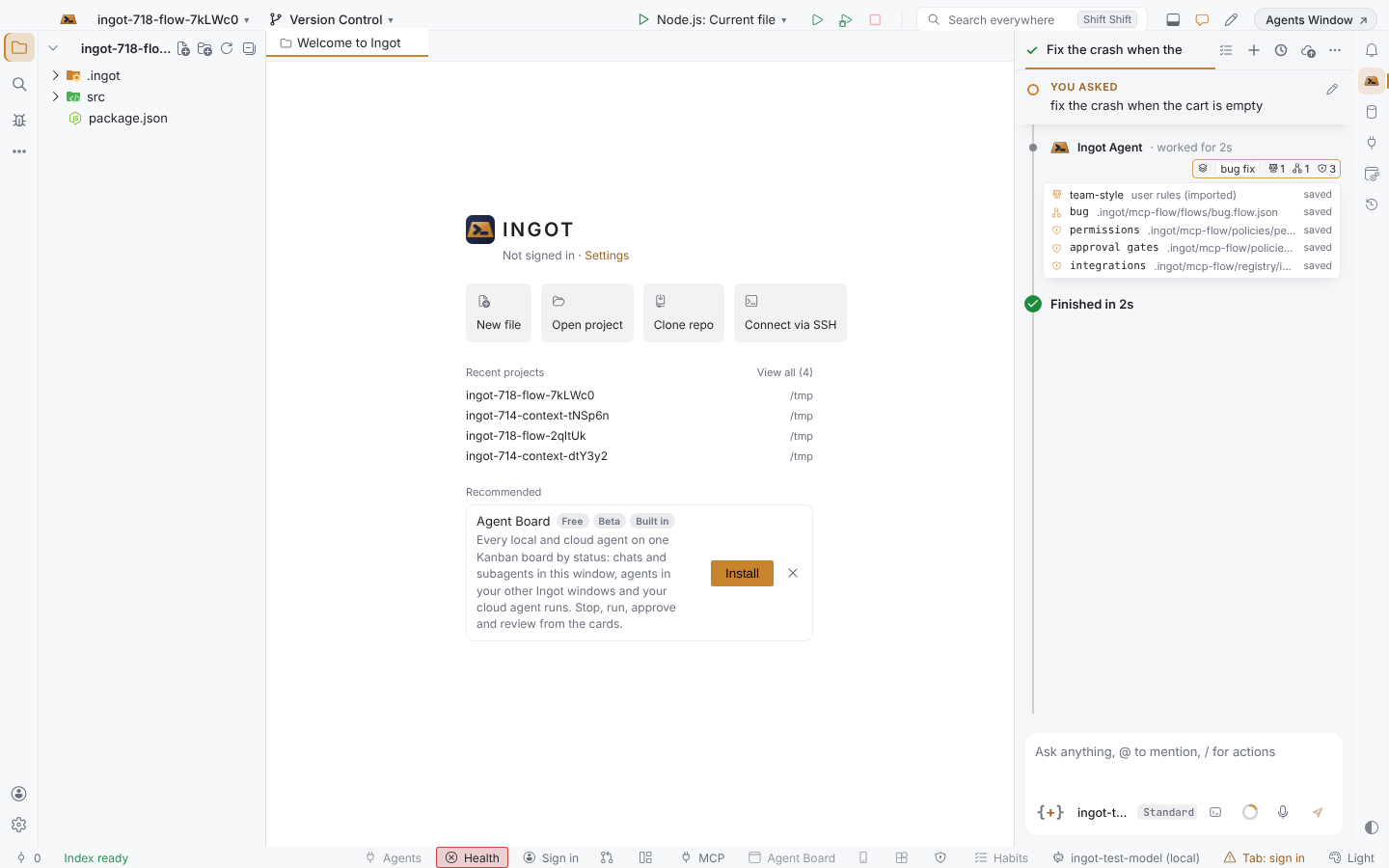
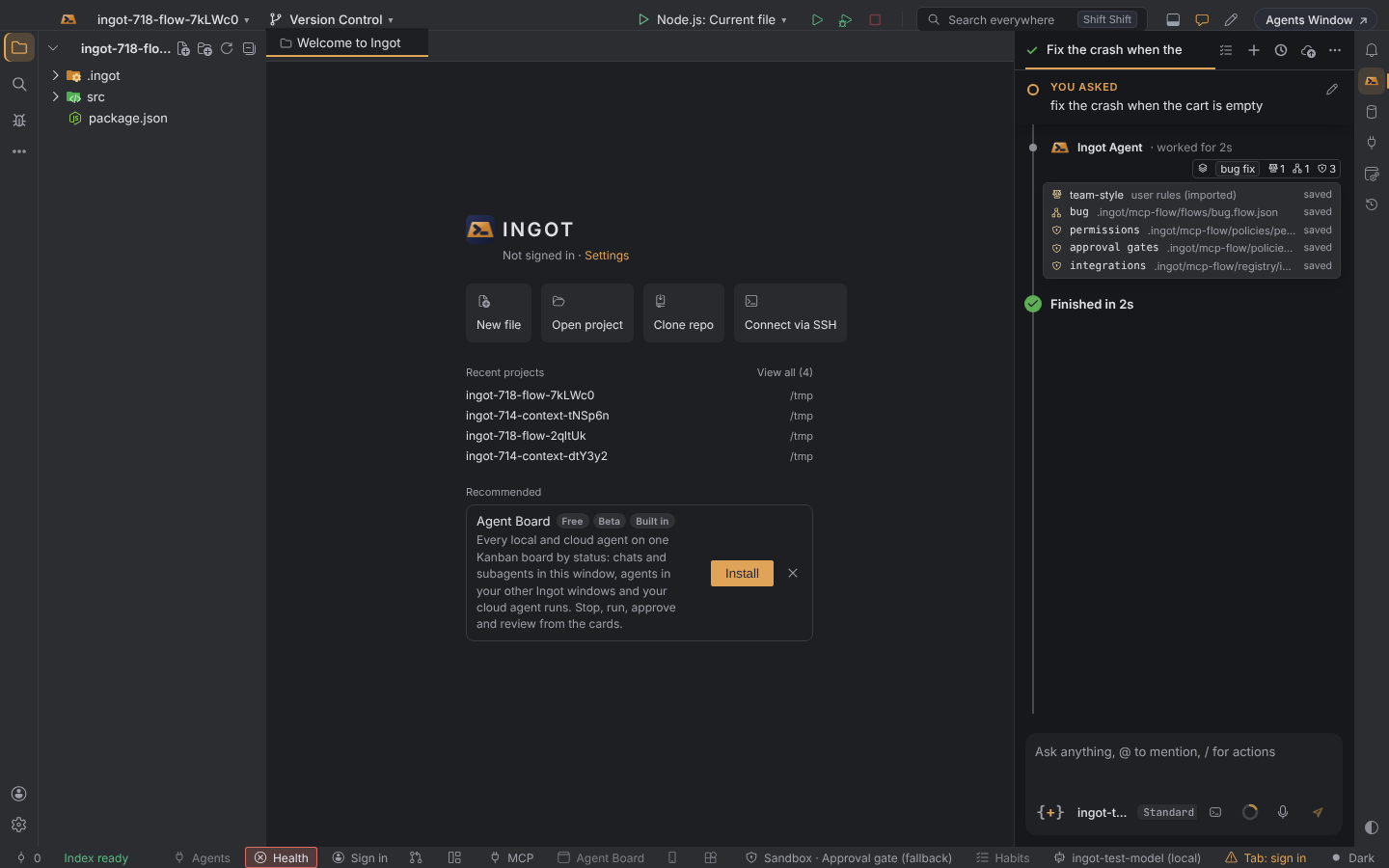
What is read
| Folder | Files | What the agent gets |
|---|---|---|
.ingot/mcp-flow/flows/ | <name>.flow.json | the one flow that matches the task: its steps in order, with the agent role and MCP tools of each step |
.ingot/mcp-flow/policies/ | permissions.json, approval-gates.json | which MCP tools may run, and which ask first |
.ingot/mcp-flow/registry/ | integrations.json | short names for your MCP servers (jira for the atlassian server). Each one shows ready when its server is in .ingot/mcp.json, or not configured when it is not. Credentials stay in your keychain, never in these files |
.ingot/workflows/ | <name>.md | the one workflow that matches the task: its steps as written |
How the flow and workflow are picked
Each turn, for flows and workflows alike:
- A keyword from
triggers.keywords(flows) orkeywords(workflows) found in your message wins. - Otherwise the task type decides: feature, bug, review, refactor, test or docs, the same types as Core rules by task type.
- Ties go to the higher
priority, then to the name.
The files are read again on every turn, so an edit reaches the very next turn.
A flow
{
  "name": "bug",
  "description": "Fix a reported bug from its ticket",
  "triggers": { "tasks": ["bug"], "keywords": ["crash"] },
  "tools": ["jira/get_issue"],
  "steps": [
    { "id": "understand", "title": "Read the ticket", "agent": "debugger", "tools": ["jira/get_issue"] },
    { "id": "deliver", "title": "Open the PR", "tools": ["github/create_pull_request"], "approval": true }
  ],
  "priority": 0
}
A step with "approval": true asks before its tools run.
Policies
// policies/permissions.json
{ "default": "allow", "allow": [], "deny": ["github/delete_*", "slack/post_message"] }

// policies/approval-gates.json
{ "gates": [ { "tools": ["jira/transition_issue"], "reason": "Moving a ticket" }, { "step": "deliver", "tools": ["github/*"] } ] }
denyalways wins. With"default": "deny", only the tools inallowmay run.- A blocked call never reaches the agent's tools. The agent is told which file blocked it.
- A gated tool shows the usual approval card, and an approval covers that one call.
- Tool patterns are
server/toolwith*wildcards. A server name alone means all of its tools. An integrationidfromintegrations.jsonworks in place of its server name. - A file that isn't valid JSON is skipped, and the others still apply. Unknown keys are ignored.
A workflow
---
name: feature
description: Ticket to reviewed PR
tasks: [feature]
keywords: [ticket, story]
flow: feature
agent: developer
priority: 0
---
1. Understand the ticket
2. Plan
3. Build and test
4. Open the PR
The body goes to the agent as the steps to follow. flow and agent name the flow and the agent role it goes with.
Files first
Nothing here is managed in Settings: you write the files, or the agent does. Files from an existing editor folder are synced into .ingot with the rest of the tree, and your own edits always win (Import an existing setup).
Turn it off
| Setting | Default | Where |
|---|---|---|
ingot.mcpFlow.enabled | on | Settings › MCP flows and policies, Settings › Features |
ingot.workflows.enabled | on | Settings › Workflows, Settings › Features |
Off: those files are not read during a run. The files stay.
See also Context Engine, .ingot folder and Habit classes.
Steps that branch
A step can name the step after it with next (end finishes the flow), name a recovery step with onError, and be re-run with retries (up to 3) before that. The agent is told after each MCP result whether the step is done, which try is next, which recovery step runs, or that the flow stopped and why. A flow that loops past 50 steps stops. Steps that name a step that is not in the flow are listed as problems. See Workers for the local commands a role can run.