Inline edit
Select some code, press ⌘K (Ctrl+K on Windows and Linux), and say what to change. The model rewrites just those lines, and you review the result right in the editor.
Start an inline edit
- Select the lines you want to change.
- Press ⌘K (Ctrl+K), or right-click and choose Edit Selection with Agent…, or run Agents: Edit Selection with Agent….
- Type the change in the prompt above the selection, for example
handle an empty listorconvert to async/await. - Press Enter to generate, or Esc to close.
With no selection, ⌘K still opens Commit… as usual (Git workflow).
The selection always covers whole lines. The model also sees 30 lines above and below, so the rewrite fits the code around it.
Review the result
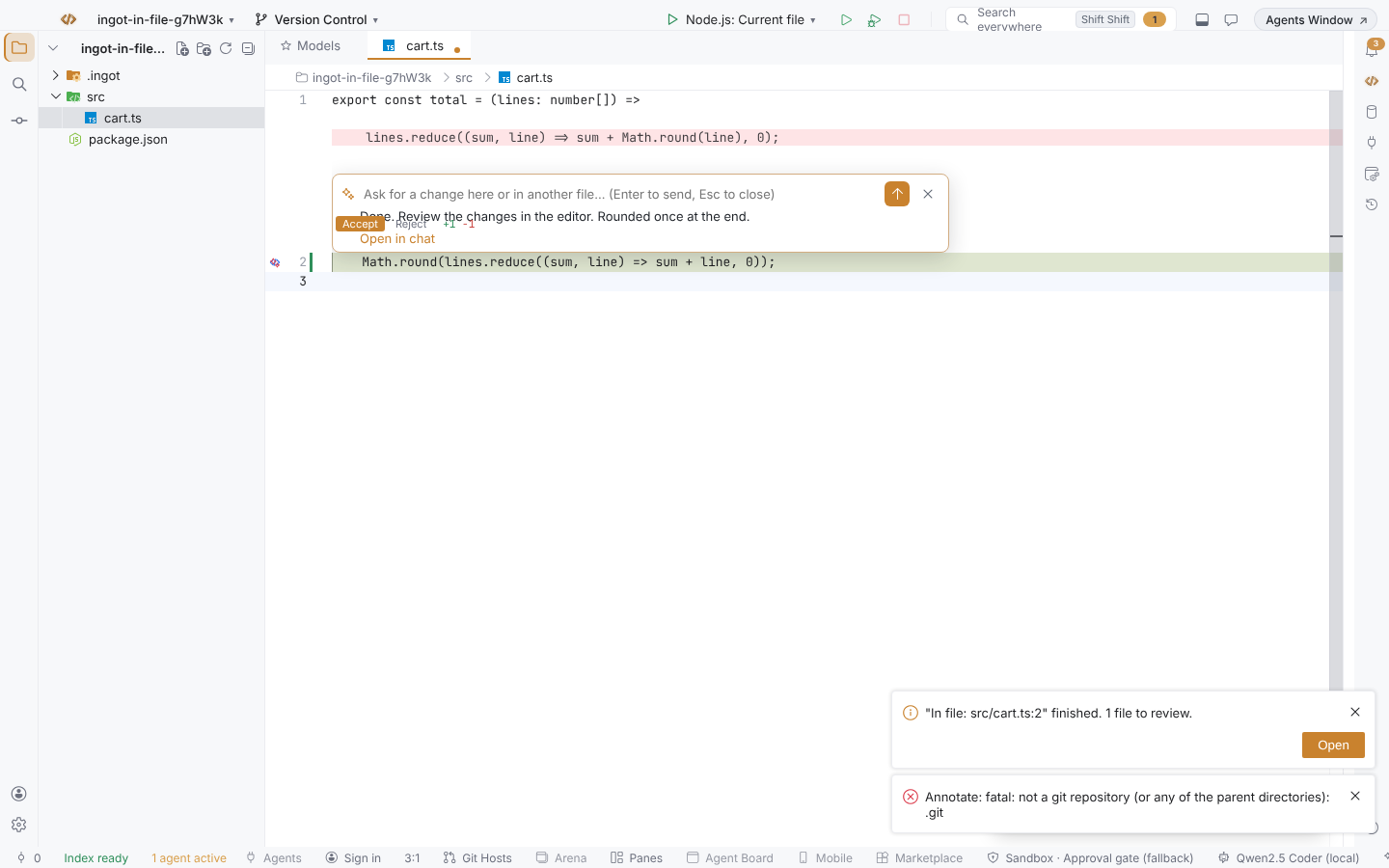
While the model works the prompt shows Generating edit…. The change then appears as an inline diff: removed lines in red above the new ones, with Accept and Reject on each change.
| Action | Shortcut |
|---|---|
| Accept | Ctrl+Y |
| Reject | Ctrl+N |
| Previous / next change | ⌥↑ / ⌥↓ |
Ctrl+Y and Ctrl+N use the Control key on macOS too. The bar at the bottom right of the editor shows the file, the + / − counts and the same buttons.
Which model
Inline edit uses the model selected in your current agent chat. With Auto, Ingot picks its default model.
| Message | Meaning |
|---|---|
No model connected. Sign in or connect a model in Models, then try again. | there's no model to call |
The model proposed no changes. | the reply matched your code |
In-file agent mode
Prefer to stay in the code? Agents: Toggle In-File Agent Mode (⇧⌘; / Ctrl+Shift+;) hides the chat panel and lets you ask the agent right where you are:
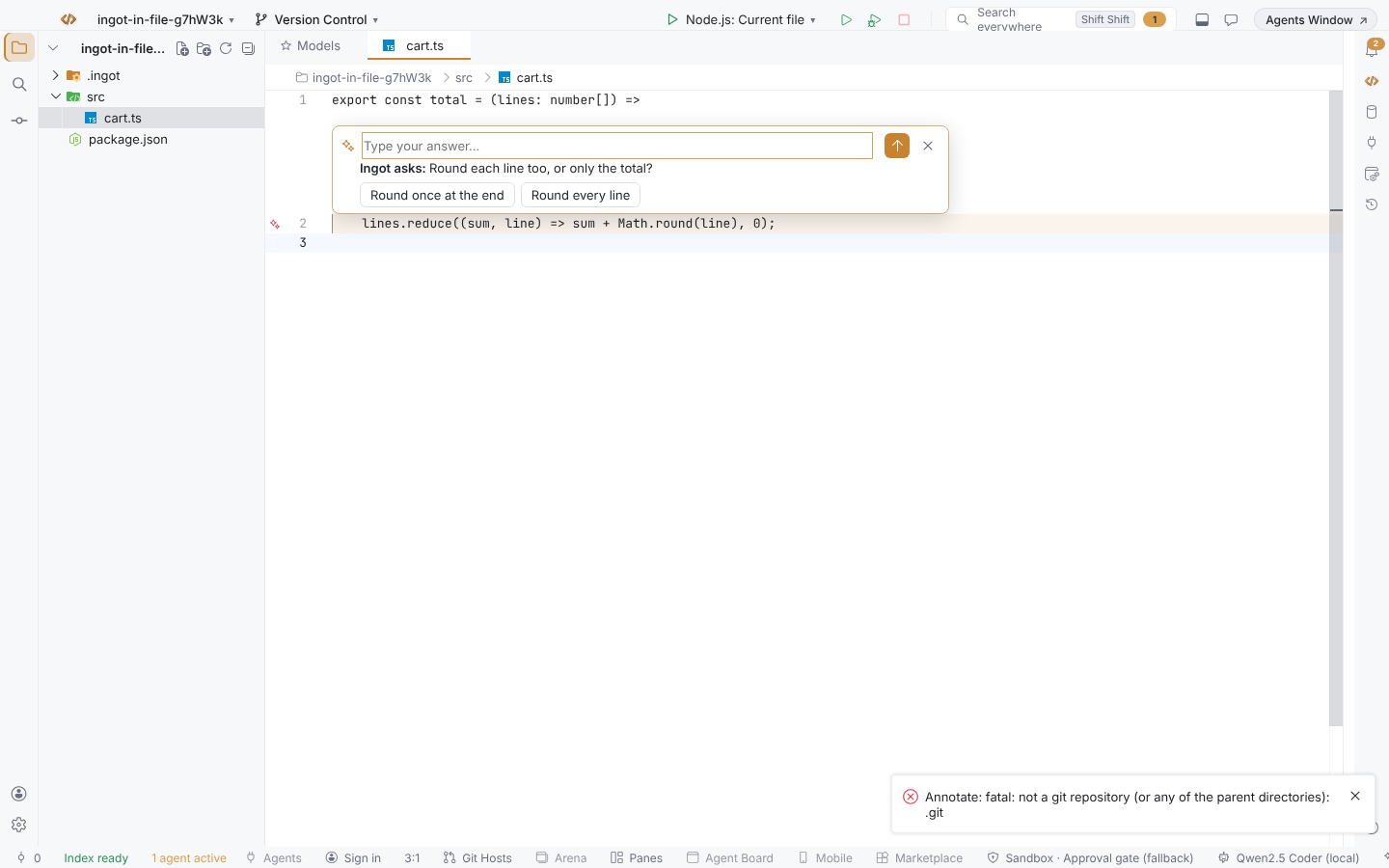
- Click a line number. An Ingot ✦ icon appears in the gutter on that line.
- Click the icon. A card opens above the line.
- Type what you want, for example
round once at the endoradd a test for this in cart.test.ts, and press Enter.
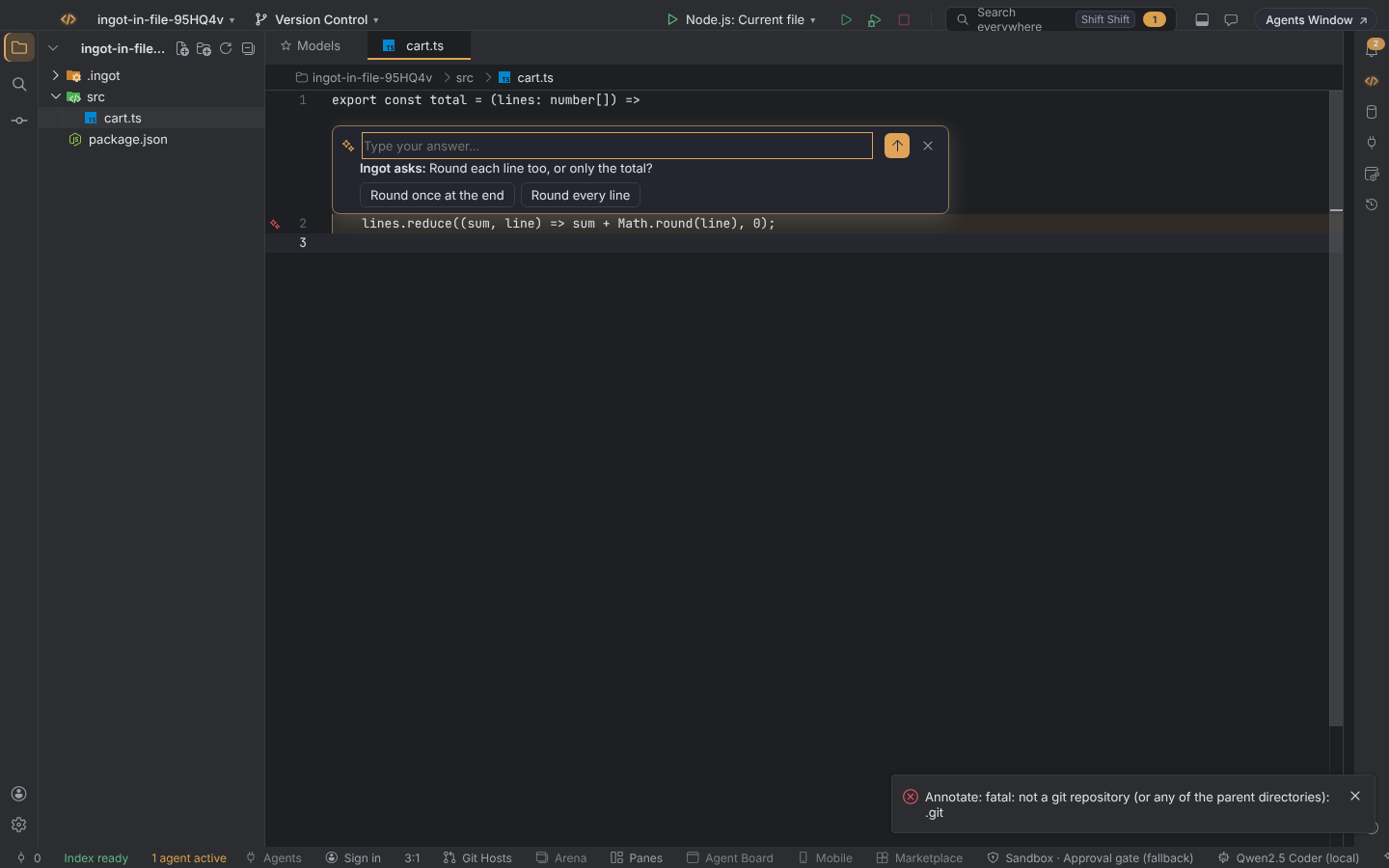
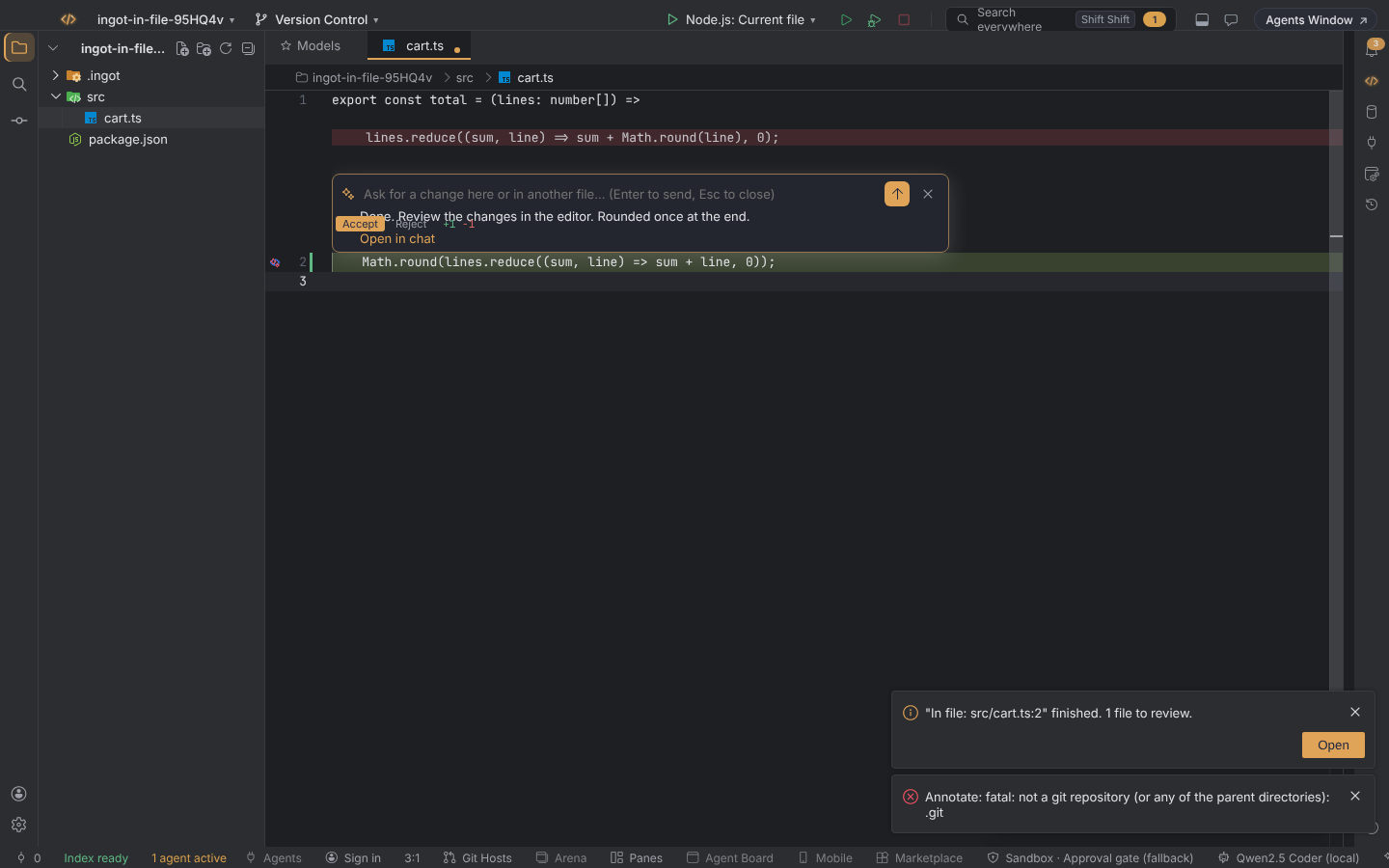
Unlike an inline edit, this is a full agent run: it can read and search the project and change this file or any other. The card shows Working…, Investigating… or Editing cart.ts… while it runs, with Stop. When the agent asks a question, the card shows it with its options as buttons, or you can type an answer. When it finishes, the edits are waiting for review in the editor, and Open in chat shows the whole conversation. Esc closes the card.
Ask Agent at This Line (⌥⌘' / Ctrl+Alt+') opens the card at the caret without the mouse. When a selection covers the line, the selection goes with the request; otherwise 20 lines either side do. Turn the mode off with the same command, and the chat comes back.